


Everything you need to run a busy restaurant
Take bookings, cut no-shows, and keep guests coming back – without the complexity or the commission fees.
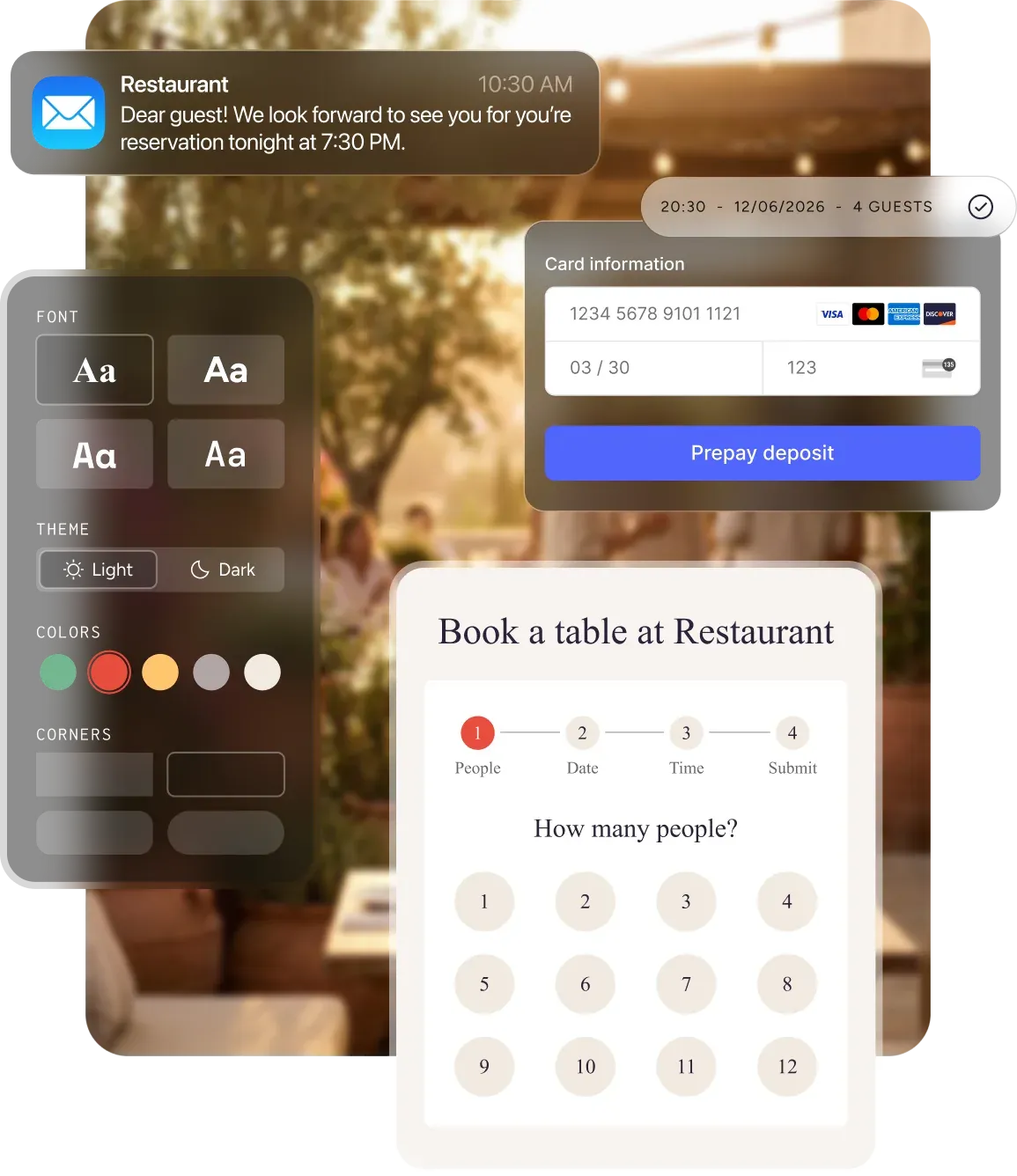
The right solution for every challenge
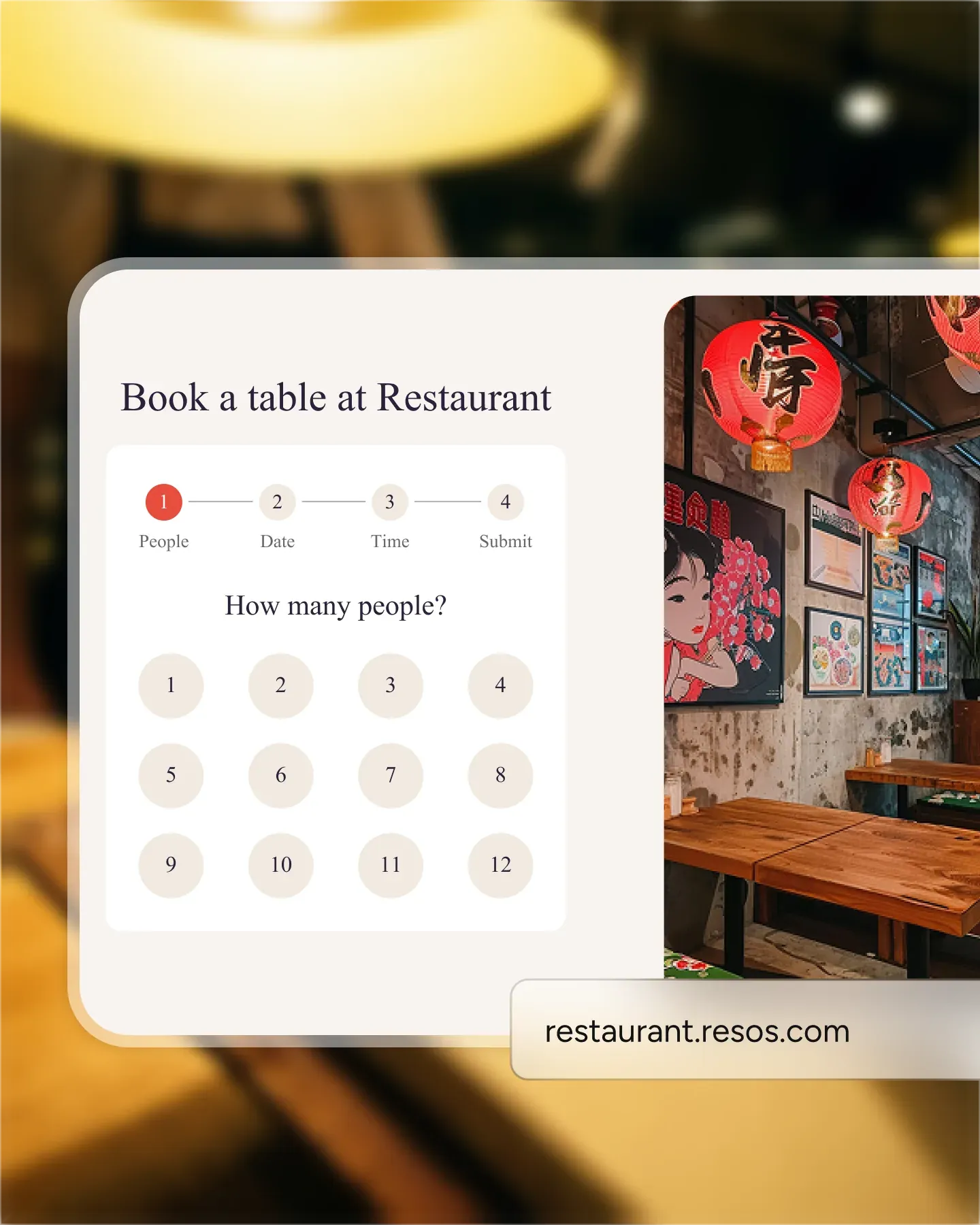
Let guests book anytime, anywhere
Stop playing phone tag. Add your booking link to your website, social media, or Google – and let guests reserve a table in seconds.
Add a booking widget to your website
Drop a small code snippet into any website builder – WordPress, Squarespace, Wix, or custom. Guests book without leaving your page.
Share your booking link on social media
One link works everywhere – Instagram bio, Facebook page, or WhatsApp messages. Guests tap and book.
Mobile-optimized for every device
Your booking page looks great on phones, tablets, and desktops. Guests never need to pinch or zoom.
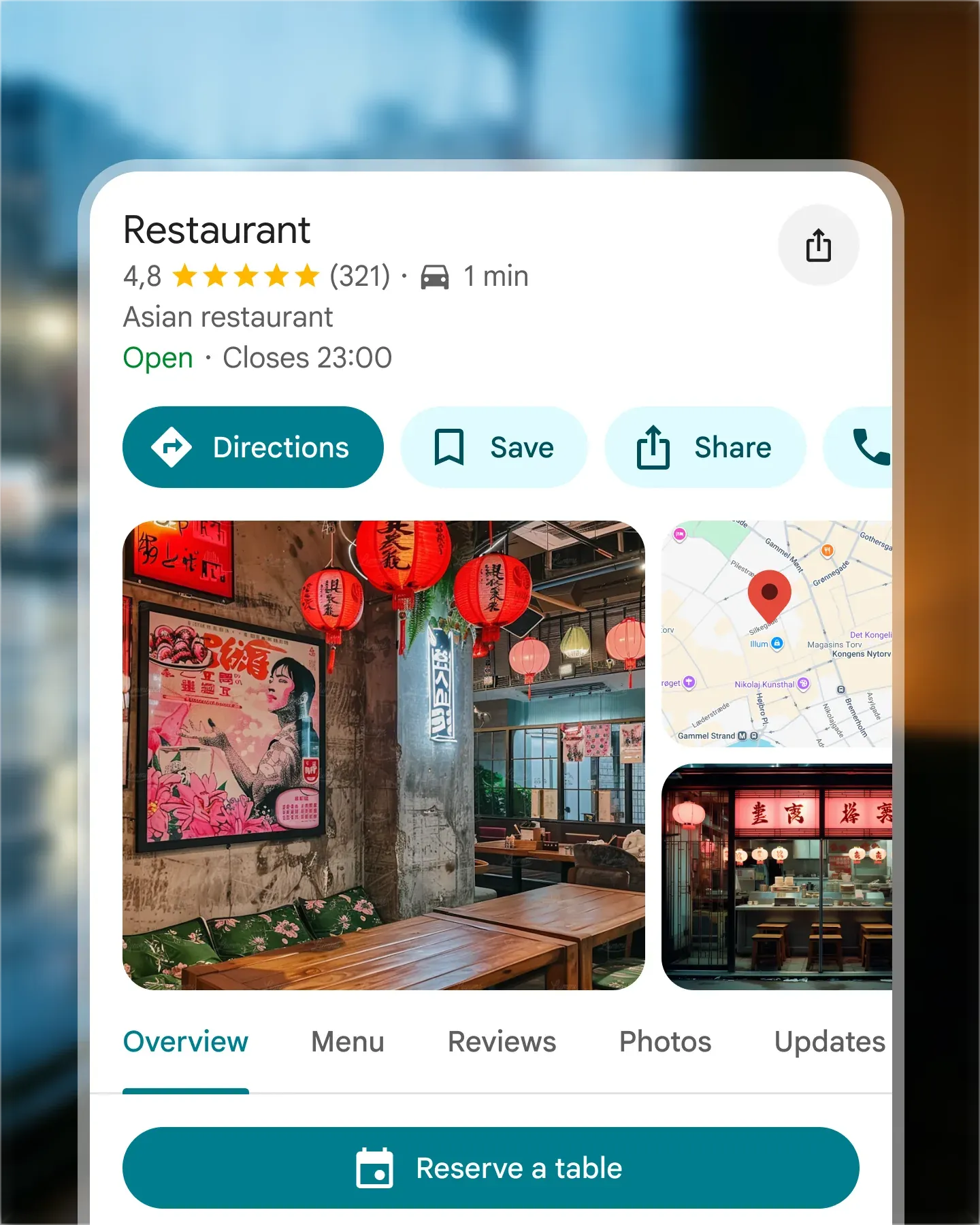
Get bookings straight from Google
Guests search for restaurants and book right from Google Search, Maps, or Assistant – without ever visiting your website. One fewer step means more reservations.
Bookings from Search and Maps
When guests find you on Google, they see a "Reserve" button right in the listing. No extra clicks, no redirects.
One-click setup
Connect your Resos account to Google in minutes. Availability syncs automatically.
Availability stays in sync
Bookings from Google update your calendar instantly. No double-bookings, no manual updates.
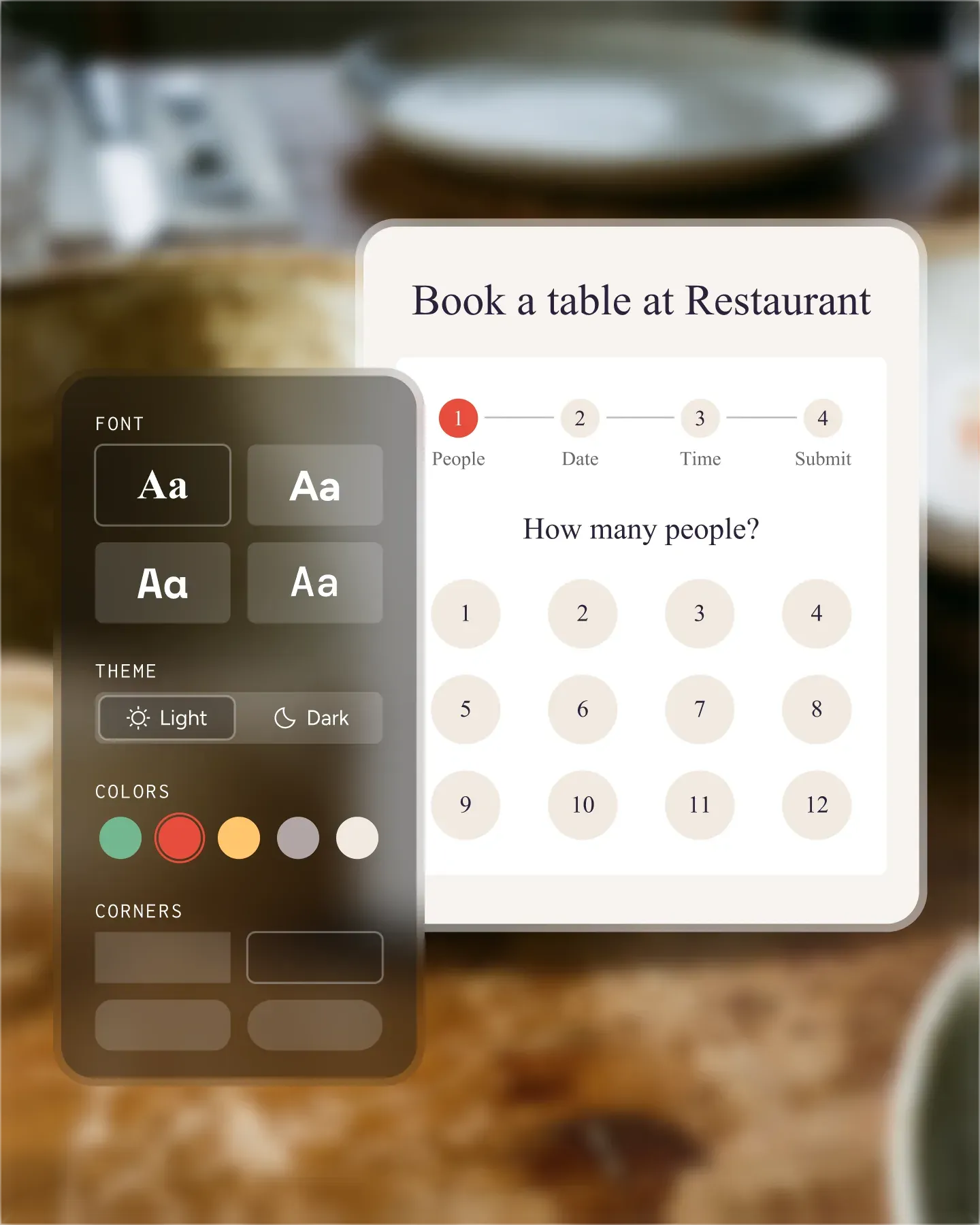
A booking page that looks like yours
Your restaurant has a personality – your booking page should too. Match your colors, fonts, and logo so every touchpoint feels on-brand.
Custom colors and fonts
Choose the palette and typography that match your brand. Your booking page won't look like a generic form.
Add your logo and branding
Upload your logo and set a header image so guests recognize your restaurant the moment they land.
Reflect your restaurant's identity
From fine dining to casual bistro – your booking page sets the right tone before guests walk in.
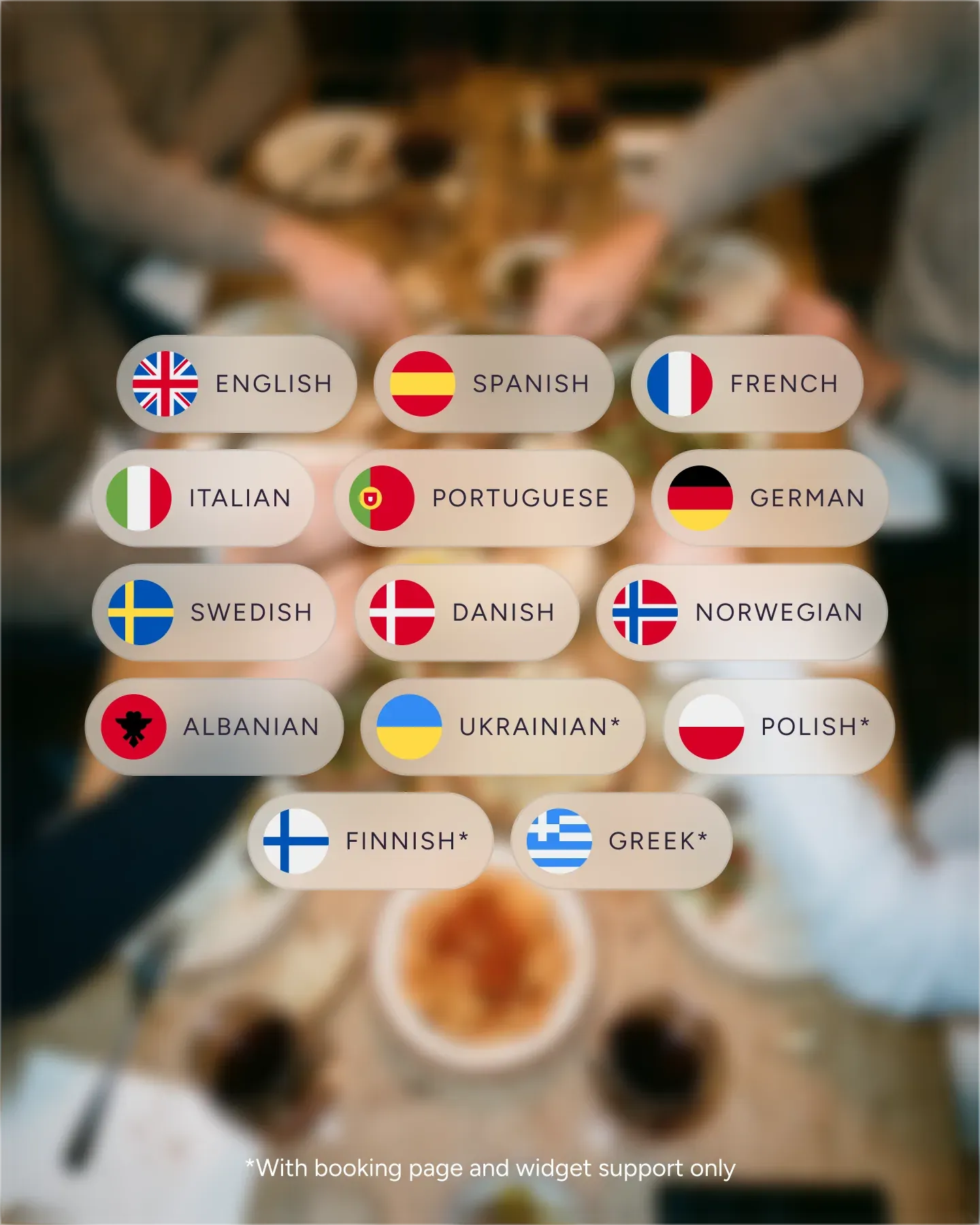
Speak every guest's language
Tourists shouldn't have to guess their way through a booking form. Your page automatically shows in your guests' language – 14 and counting.
14 languages and counting
Danish, English, German, French, Spanish, and more. Your booking page adapts to who's visiting.
Automatic language detection
The page shows in your guest's browser language by default. No manual switching needed.
Welcoming to international guests
Tourists and expats book with confidence when they can read every detail in their own language.
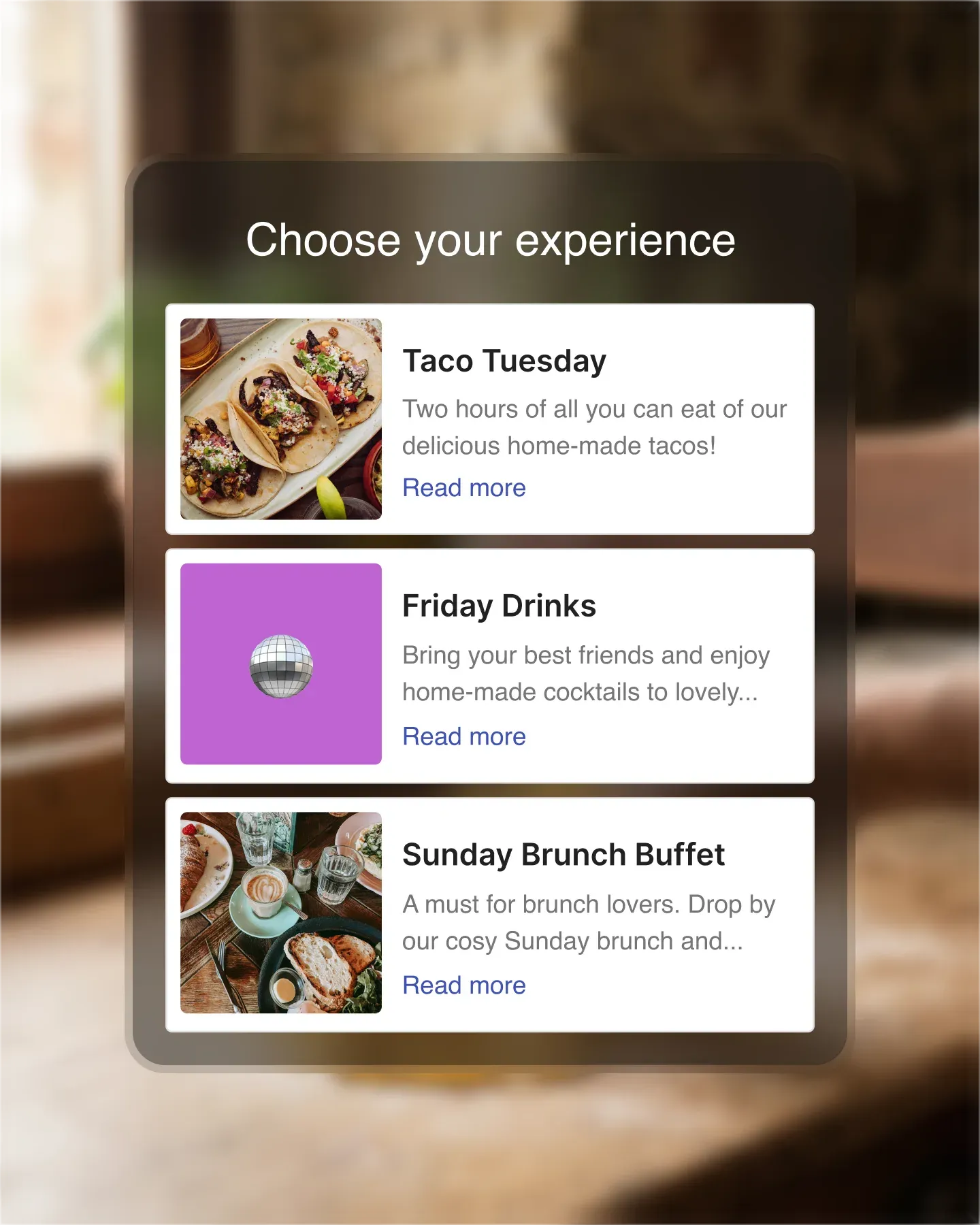
Sell out events, not just tables
Wine tastings, brunches, supper clubs, private dinners – run events that go beyond the regular reservation. Set the price, the seats, and the dates, and let guests book and pay up front.
One-off, seasonal, or recurring events
Set up a single Valentine's dinner, a summer-long terrace series, or a weekly tasting menu. Resos handles the schedule, the seats, and the bookings.
Public or private events
Open events to the public on your booking page, or keep them private with a shareable link for invited guests only.
Take payment up front
Charge per ticket at the time of booking. Lock in revenue before the event and cut last-minute drop-offs.
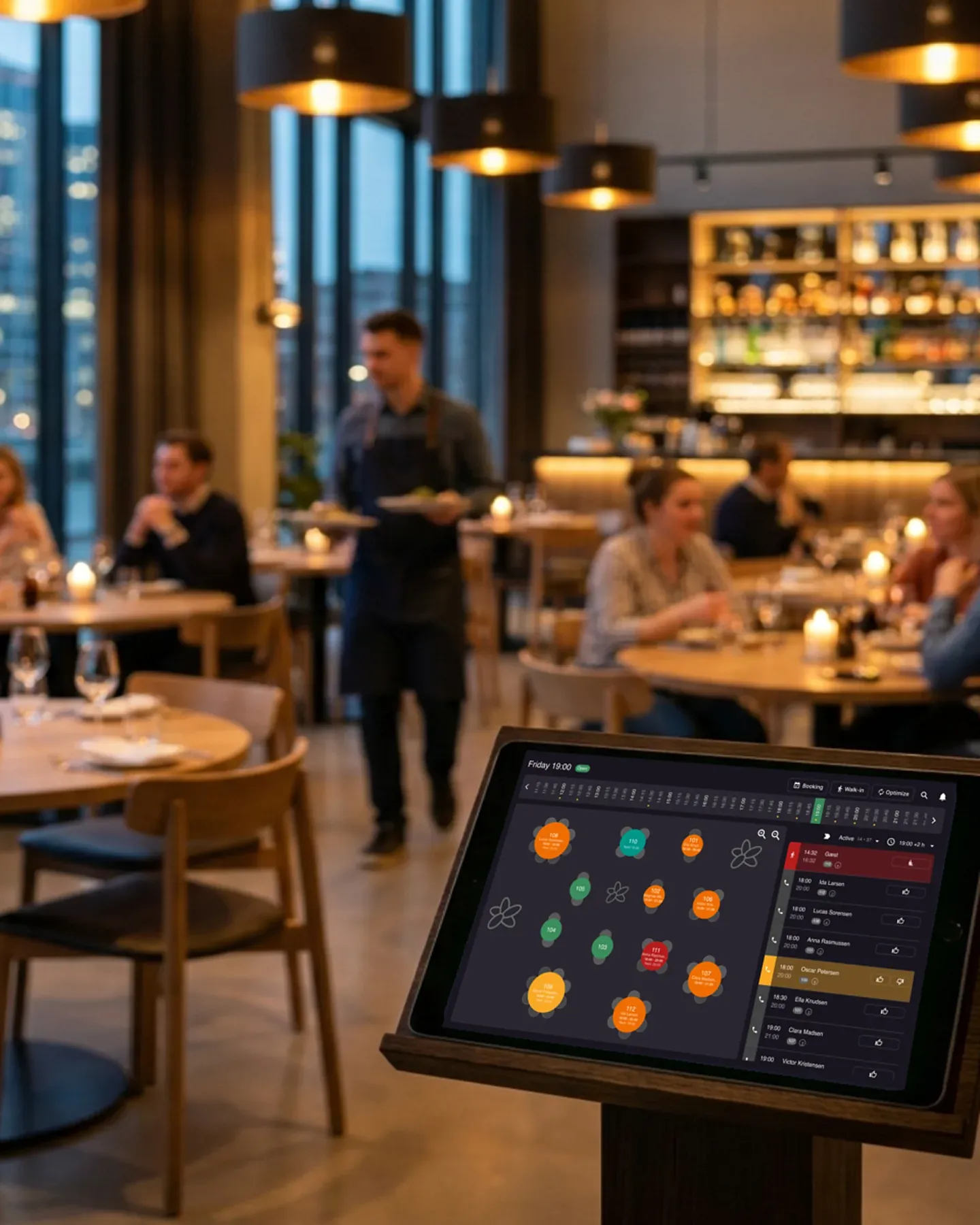
See every table at a glance
Forget paper floor plans and whiteboard grids. See which tables are booked, which are turning, and where to seat the next walk-in – all on one screen.
Visual floor plans with drag-and-drop
Build your floor plan once, then drag bookings between tables as the night unfolds.
Multiple areas and rooms
Manage your terrace, dining room, and private room separately – each with its own capacity and rules.
Turn tables faster
See at a glance which tables are finishing up so you can seat the next party without delays.
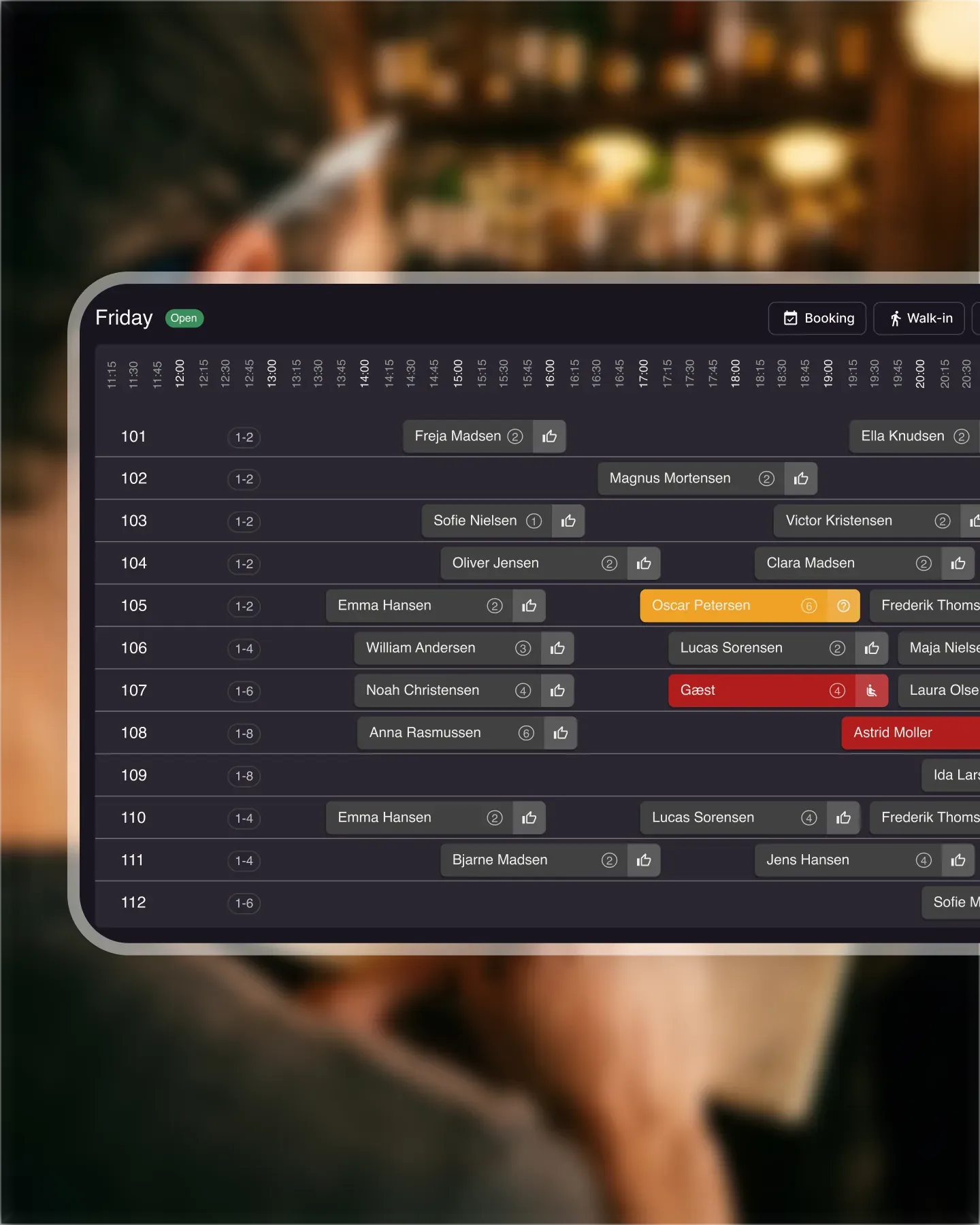
Find any booking in seconds
Forget flipping through notebooks. Search by name, date, or booking number and get the full picture instantly. Switch between calendar, list, and floor plan views.
Calendar, list, and floor plan views
Switch between views with one click. See tonight's bookings on the floor plan, tomorrow's on the calendar, or filter the full list.
Search by name, date, or number
Type any detail and find the booking. Rebook, edit, or cancel – right there.
Print and share daily reports
Hand your team a printed rundown before service starts. Everyone knows what's coming.
Rebook or edit with a few clicks
Need to change a table, add guests, or shift the time? Updates take seconds and the guest gets notified automatically.
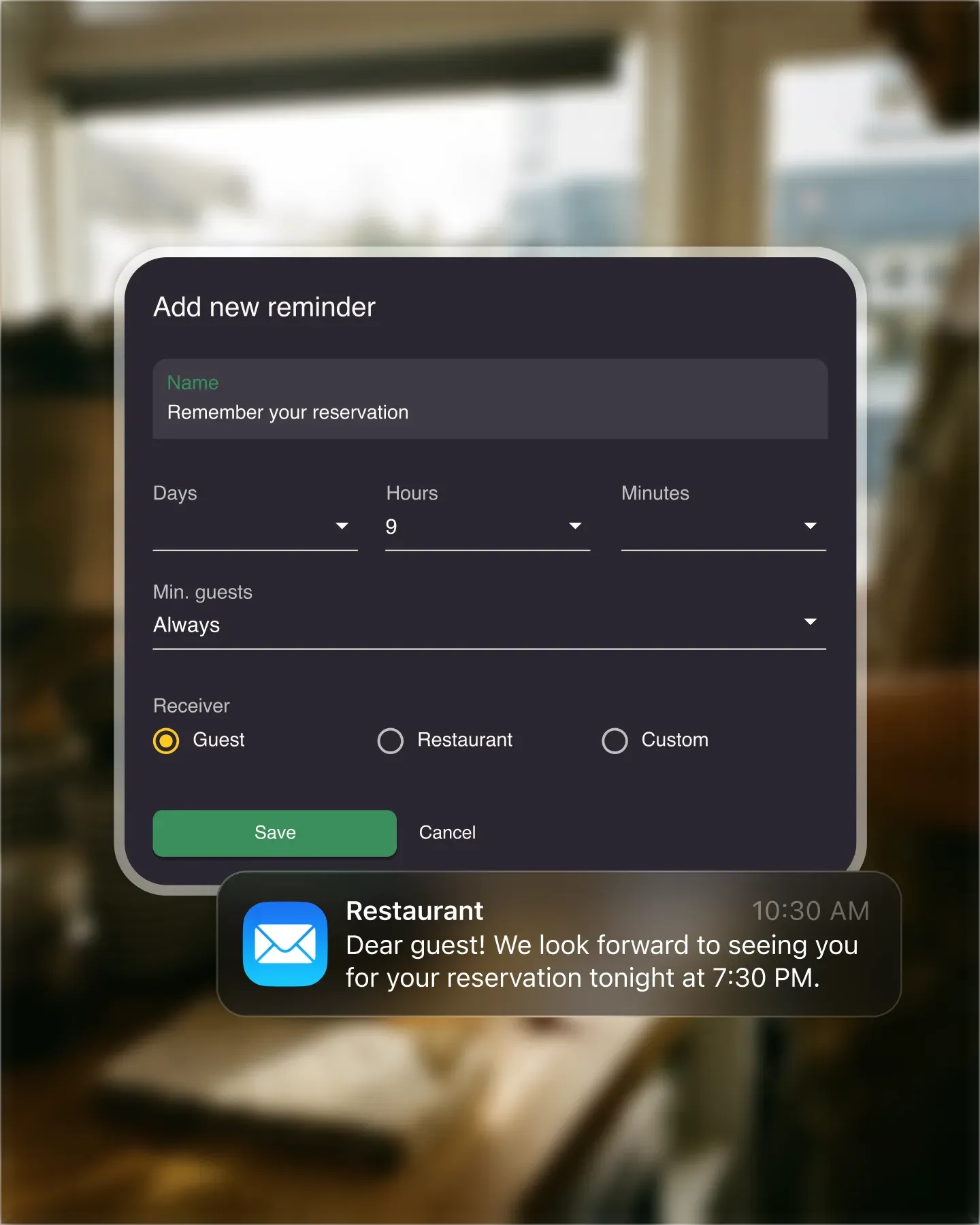
Let the system handle the busywork
Every booking triggers a confirmation. Every upcoming reservation gets a reminder. Set the rules once – Resos handles the rest, so your phone stays quiet.
Automatic booking confirmations
Guests get an instant confirmation with all the details – no manual emails or calls from your side.
Scheduled reminders that reduce no-shows
Reminders go out before the reservation. Guests confirm, cancel, or reschedule – before it's too late.
Auto or manual accept
Accept every booking automatically, or review each one before confirming. Your call.
Overbooking warnings
Resos flags potential overbookings before they happen. No more apologizing to guests at the door.














Connect the tools you already use
Resos fits into your existing workflow. Track bookings in Google Analytics, sync guests to Mailchimp, automate with Zapier, or build something custom with the API.
Connect to 2,000+ apps
Connect Resos to your POS, CRM, or any tool your team already uses – no code required.
Mailchimp newsletter sync
New guests automatically join your mailing list. Stay in touch without lifting a finger.
Google Analytics event tracking
See exactly where your bookings come from. Know which channels drive real reservations.
Full Developer API
Build your own integration or connect to internal tools. Full REST API with clear documentation.

Keep your profit
Most booking platforms take a cut of every cover. Resos charges zero commission and zero per-booking fees – so a full house means a full take.
No per-booking fees, ever
Whether you take 10 bookings or 10,000, you'll never pay per reservation.
No cover charges
Other platforms charge per seated guest. Resos doesn't. Your profit margin stays yours.
No hidden costs
What you see on the pricing page is what you pay. No setup fees, no contract traps.
Free plan available
Take up to 25 bookings a month with all core features included – free, forever.
One account for all your locations
Running more than one spot? Manage bookings, guests, and settings for every location from a single login – no extra accounts, no extra cost per venue.
Centralized management
See bookings across all locations in one dashboard. Switch between restaurants in a click.
Per-location settings
Each restaurant keeps its own hours, tables, and booking rules. Nothing bleeds between venues.
Scale without extra fees
Add locations without multiplying your subscription. Grow your business, not your software bill.
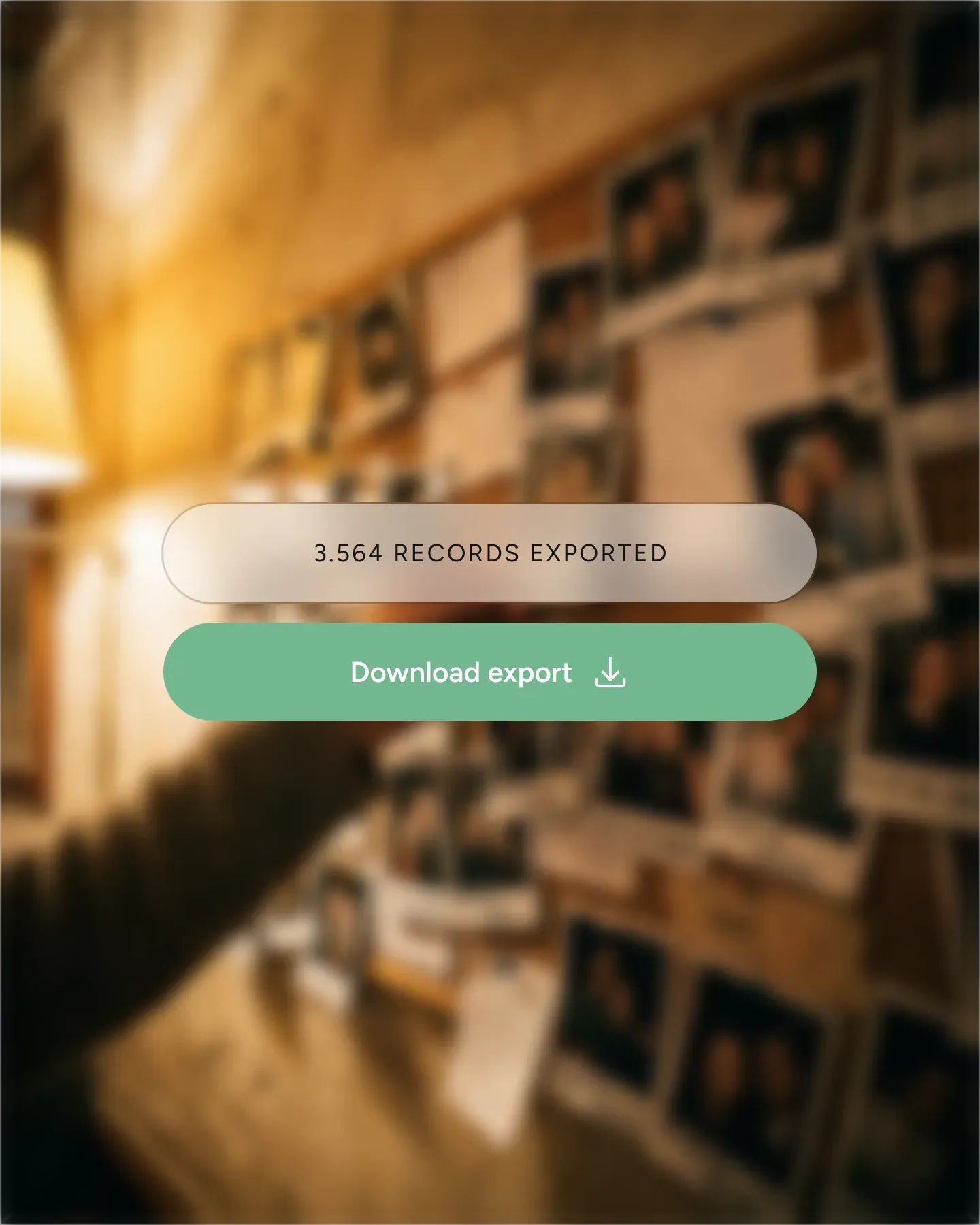
Your data stays yours
Export your guest list, booking history, and reports anytime – in standard formats, with no restrictions. If you ever want to leave, your data comes with you.
Export anytime, no restrictions
Download your data as CSV whenever you want. No approval process, no waiting period.
Import from your previous system
Switching to Resos? Bring your existing guest data and bookings with you. Our team helps with the migration.
No vendor lock-in
Your data is yours. We make it easy to leave – because we'd rather earn your stay.
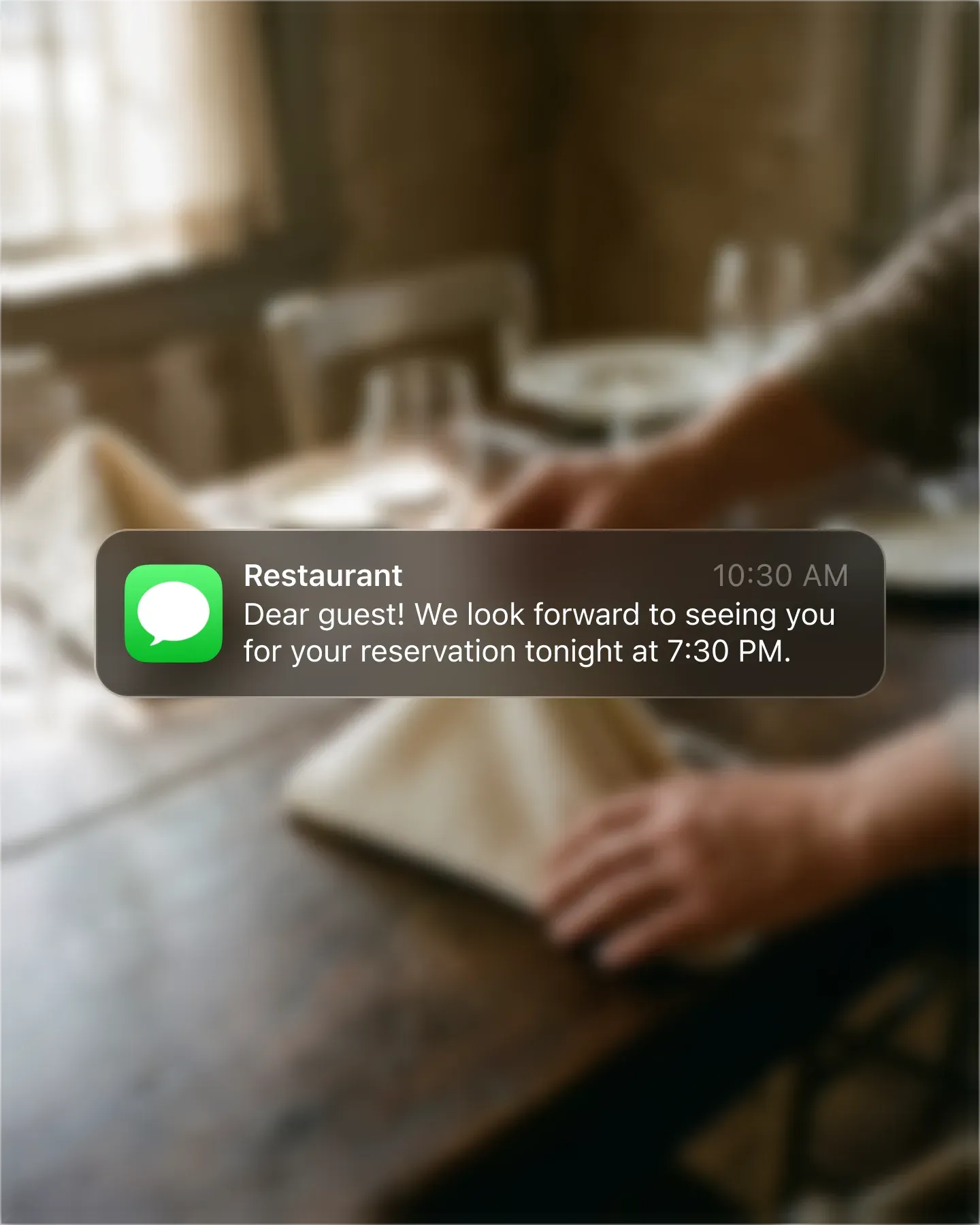
Remind guests before they forget
Most no-shows aren't malicious – people just forget. Automated email and SMS reminders prompt guests to confirm, reschedule, or cancel ahead of time.
Automatic email confirmations
Every booking triggers an instant email with the date, time, and restaurant details. No manual follow-up.
SMS reminders straight to their phone
Send a text message the day before. Guests confirm or cancel with one tap.
Ask guests to re-confirm
Reminders include a confirmation link. Guests who click confirm their spot – those who don't free it up for the waitlist.
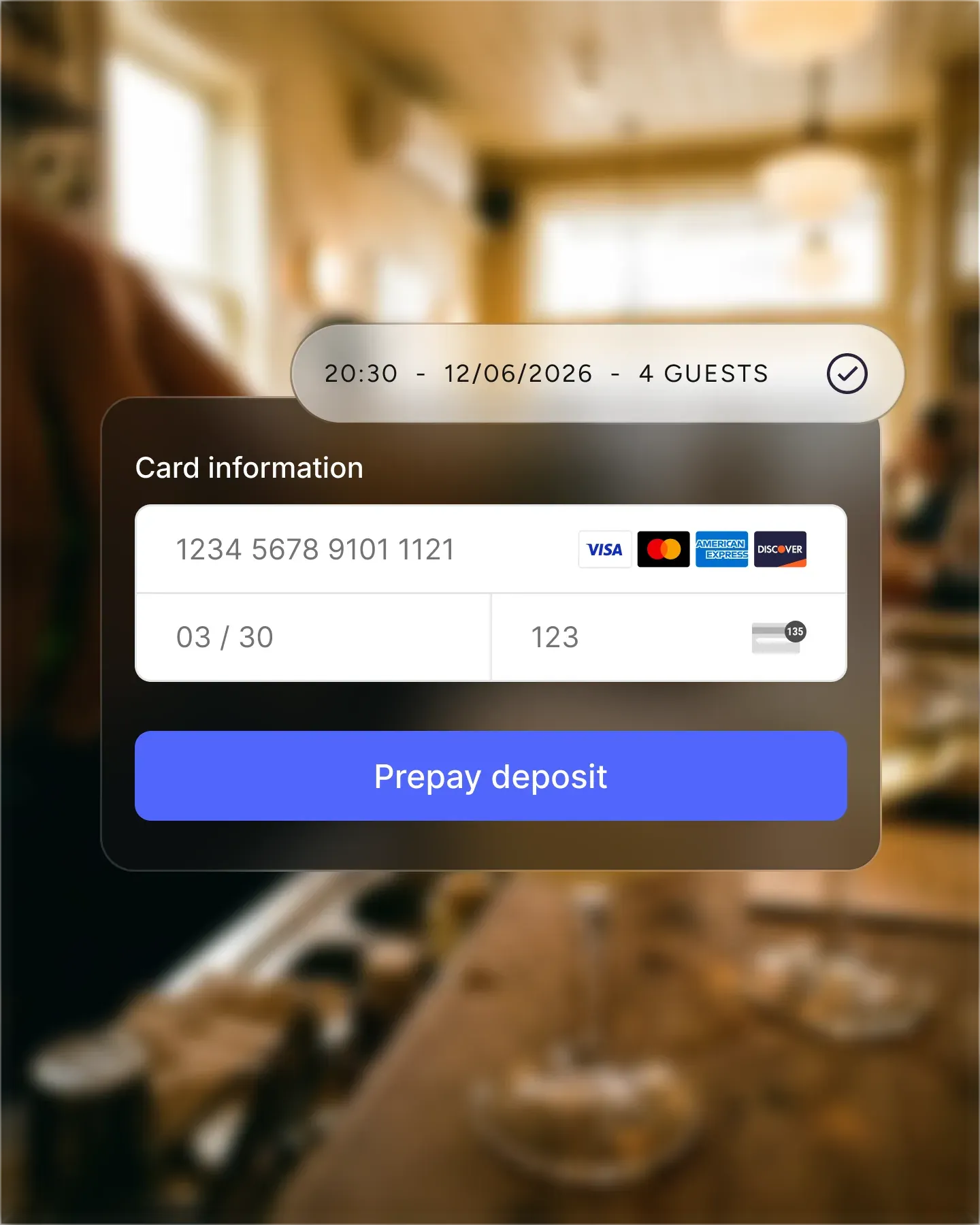
Secure revenue before they arrive
Collect a deposit when guests book – for special events, large parties, or any reservation you choose. When money's on the line, people show up.
Collect deposits at booking
Set a fixed amount or percentage per guest. Payment happens during the booking flow – no awkward follow-up.
Flexible payment rules
Require deposits only for large groups, weekends, or special events. Your rules, your threshold.
Reduce last-minute cancellations
Collect a prepayment (deposit) when guests book.
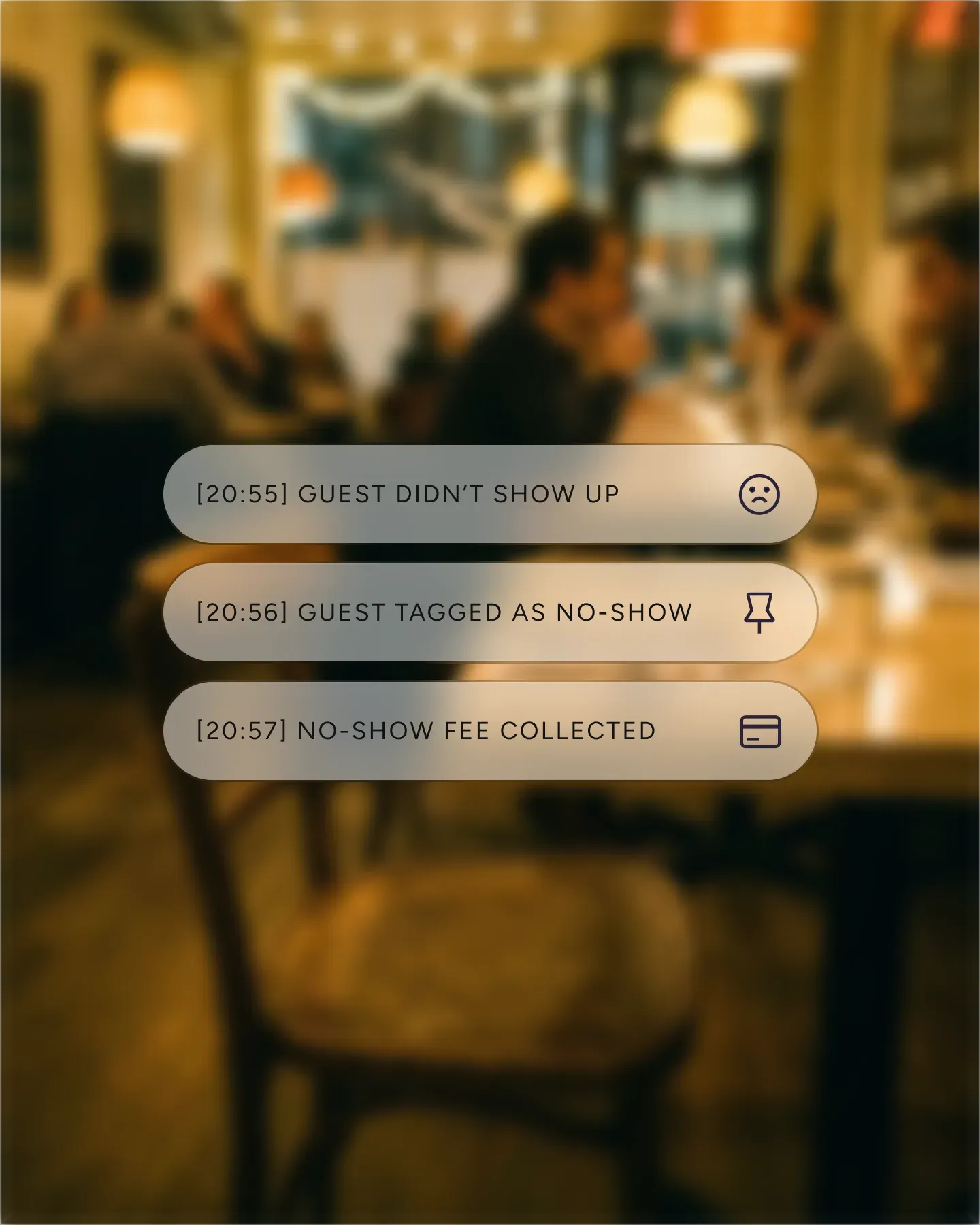
Make empty tables cost less
Charge a fee when guests don't show – automatically. The policy is shown during booking so expectations are clear from the start.
Automatic no-show charges
When a guest doesn't show, the fee is charged to the card on file. No phone calls, no chasing.
Customizable fee amounts
Set the fee per person or per booking. Adjust by day, time, or event to match your policy.
Card authorisation
Guests enter their card details during booking. The charge only applies if they don't show.
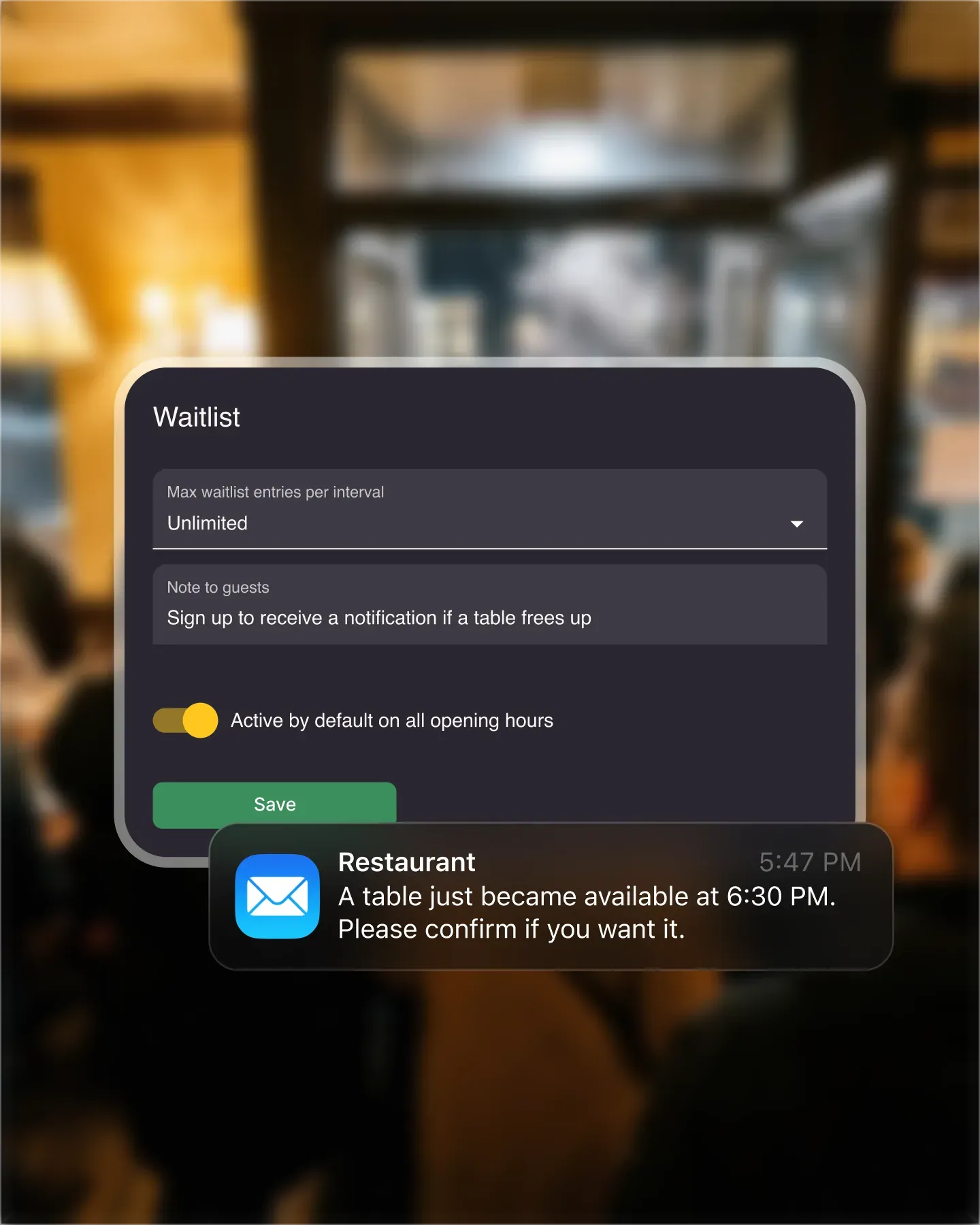
Fill cancelled slots without losing control
When a guest cancels, you choose which waitlisted party gets the opening. Convert that entry, and Resos sends the booking confirmation automatically.
You choose who gets the table
Select the party that fits the opening and convert their waitlist entry into a booking.
Fill cancellations quickly
Instead of an empty table, you get a new booking. The waitlist turns cancellations into covers.
Guests join with one tap
When your restaurant is fully booked, guests can join the waitlist from your booking page or widget. Staff can also add them manually.
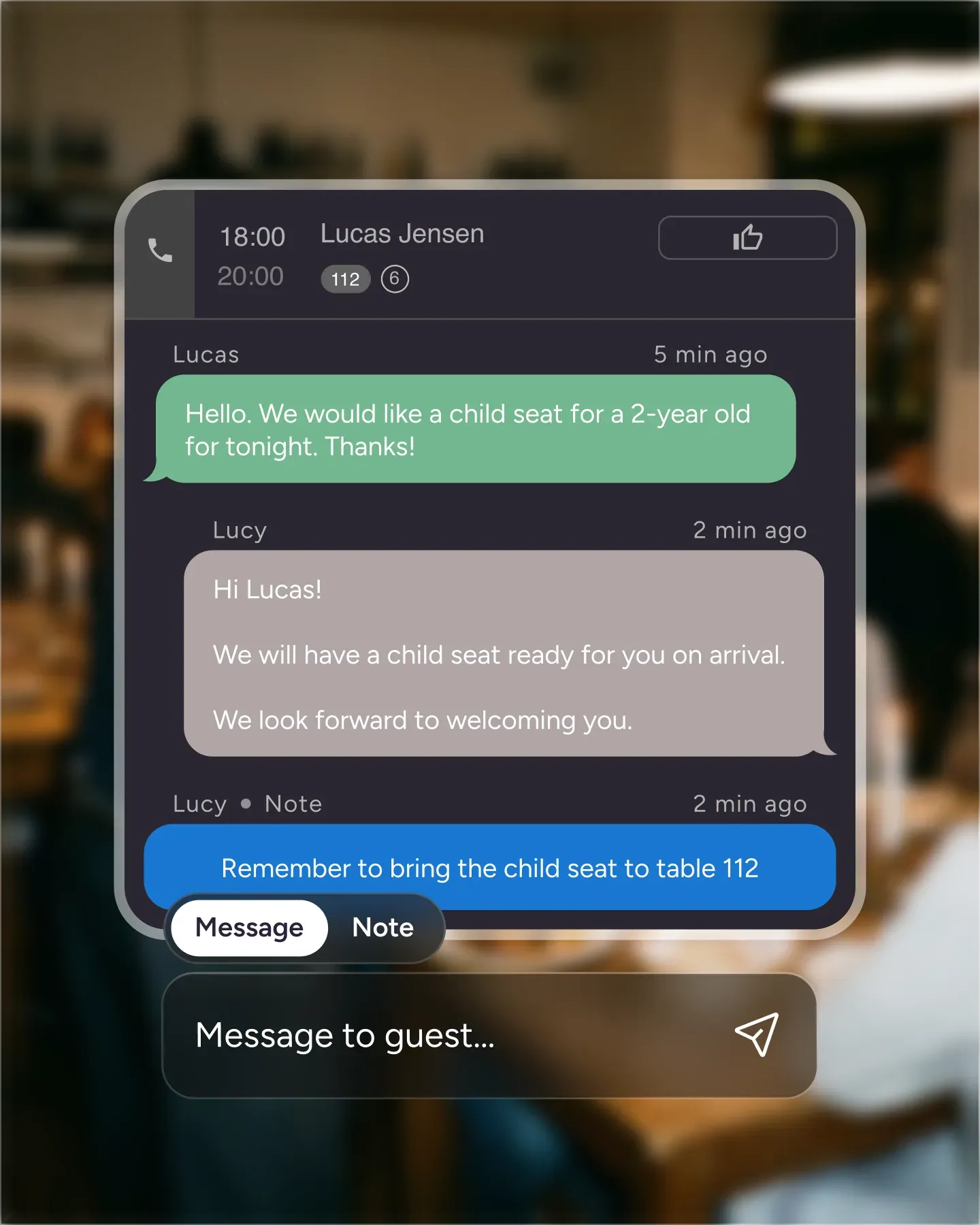
One place for every guest message
No more digging through emails, DMs, and voicemails. Chat with guests directly through their booking – special requests, changes, and confirmations all in one thread.
Direct chat through bookings
Every booking has its own message thread. Guests reply from their confirmation email – you reply from the dashboard.
Handle special requests in one place
Birthday cake? High chair? Window seat? Requests stay attached to the booking so your team sees them at service time.
No more lost emails or voicemails
Everything lives in one thread, tied to the booking. Nothing falls through the cracks.
Turn happy diners into five-star reviews
After every visit, guests get a follow-up asking about their experience. Happy diners are guided to leave a public review. Unhappy ones reach you first – before they reach Google.
Automated post-visit follow-up
A message goes out after every booking. Guests rate their experience while it's fresh – no manual reminders.
Build your online reputation
Positive feedback gets channeled to Google and TripAdvisor. More reviews mean more visibility and more bookings.
Catch issues before they go public
Low ratings reach your inbox, not your review page. Fix the problem and turn a complaint into a return visit.
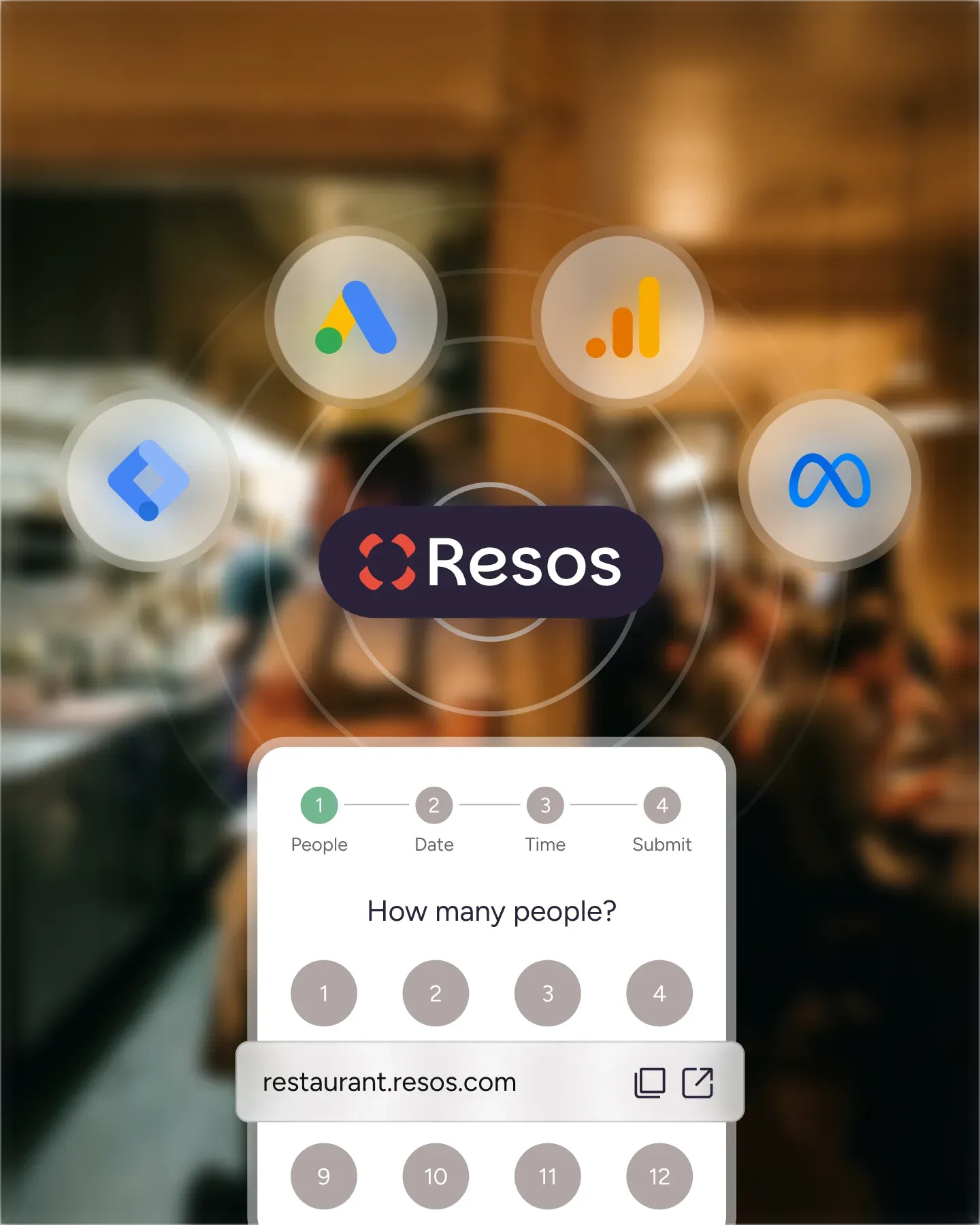
Know what's working and what's not
See which nights fill up, which channels drive bookings, and where the gaps are.
Peak hour and day insights
Know exactly when demand is highest. Adjust staffing, specials, or seating to match.
Booking channel tracking
See whether reservations come from your website, Google, social media, or walk-ins. Then spend your marketing time where the bookings come from.
Table turnover data
Spot which tables turn fastest and which sit idle. Optimize your floor plan with real data.
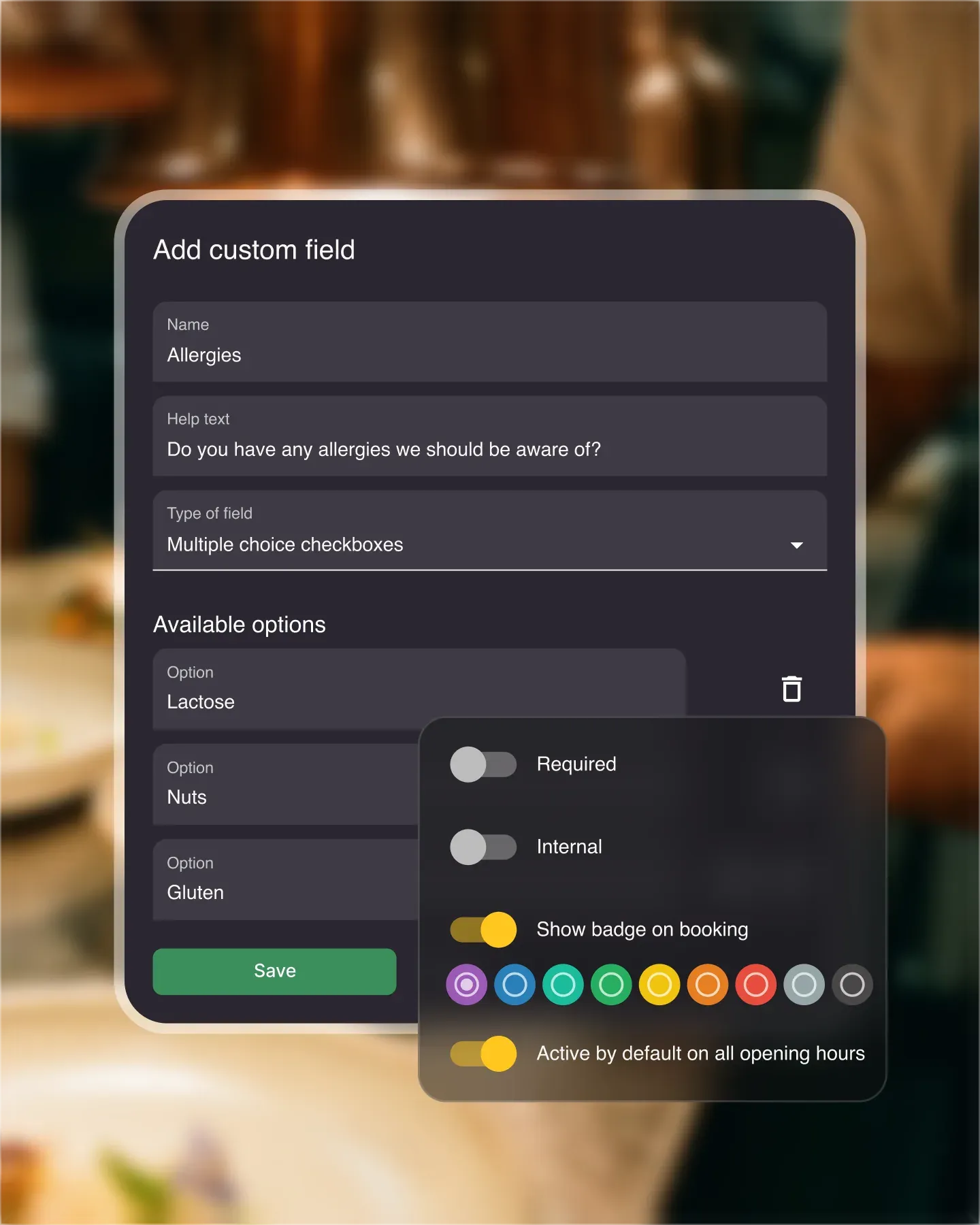
Ask the right questions upfront
Collect the details you need before guests arrive – allergies, occasions, seating preferences, or anything else. Your team walks into service prepared.
Dietary needs and allergies
Guests flag restrictions during booking. Your kitchen knows before they sit down.
Special occasions
Birthday? Anniversary? Know ahead of time and surprise them with a personal touch.
Seating preferences
Inside, outside, quiet corner – guests choose when they book. Fewer adjustments at the host stand.
Start simple, add more power when you need it
Activate paid add-ons when you need them. Every plan includes all core features.
Experiences
Run paid events – tastings, supper clubs, private dinners.
Online payments
Secure cards, take prepayments and deposits, and charge no-show fees.
Reserve with Google
Let guests book from your Google Business profile.
Customisable design
Match the platforms & booking widget to your brand.
Custom booking form fields
Add your own questions to the booking form.
Marketing & Analytics
Track booking conversions in Google Analytics, Meta Pixel and Google Ads.
Multiple locations
Manage locations & let guests choose where to book.
Full API access
Sync Resos with your own tools and systems.
SMS confirmations
Guests confirm they're coming – free by email, or by SMS.
Reserve with Facebook & Instagram
Add "Book now" to social profiles.
Custom reminders
Personalised booking reminders – free by email, or by SMS.
Find the right tool for every part of service
Explore every active Resos feature, grouped by the restaurant job it helps you handle.
Read the restaurant table management software guideBookings and availability
Tables and service
Guest communication
Guests and insights
Online payments
Growth and connections
Start taking online bookings today

Sign up for free
Create your account in seconds. No credit card required.

Set up your restaurant
Add your opening hours, areas, and floor plan using our easy drag-and-drop editor.

Take your first booking
Add your booking link to your website and social media. No coding required.
What restaurants ask about Resos
Do I get all features on the free plan?
Yes – every core feature is included on the free plan, with up to 25 bookings per month. Table management, booking confirmations, guest communication, reports, and more are available from day one. Paid add-ons such as the waitlist, Reserve with Google, prepayments, and custom design require a paid plan and can be tried free for 30 days.
Can I try add-ons before buying?
Yes. After you choose a paid plan, you can try each add-on free for 30 days before its add-on charge begins.
How does Resos integrate with my website?
You can add a booking widget directly to your website with a small code snippet, or simply link to your hosted Resos booking page. Both options work with any website builder – WordPress, Squarespace, Wix, or custom-built sites. No developer needed.
Can I import my existing booking data?
Yes. You can import guest data and bookings from your previous system via CSV upload. Our support team is happy to help you through the process – just reach out at hi@resos.com.