Since we started using Resos, we have found the flexibility of the product and customer support incredible. It's very user friendly and easy to manage in-house which is a huge plus!

A Reserve button on your Facebook and Instagram profiles turns a scroll into a confirmed table. Guests book in the same app they used to find you, with no detour through a website and no phone call. Bookings sync straight into Resos, tagged by source so you can see how much of your night Instagram is filling.













Add a Reserve button to your Facebook and Instagram business pages from the Resos dashboard. Guests browsing your feed see availability, pick a time, and confirm without leaving the platform. The booking flow is the same one on your website, with your hours, your tables, and your deposit rules.
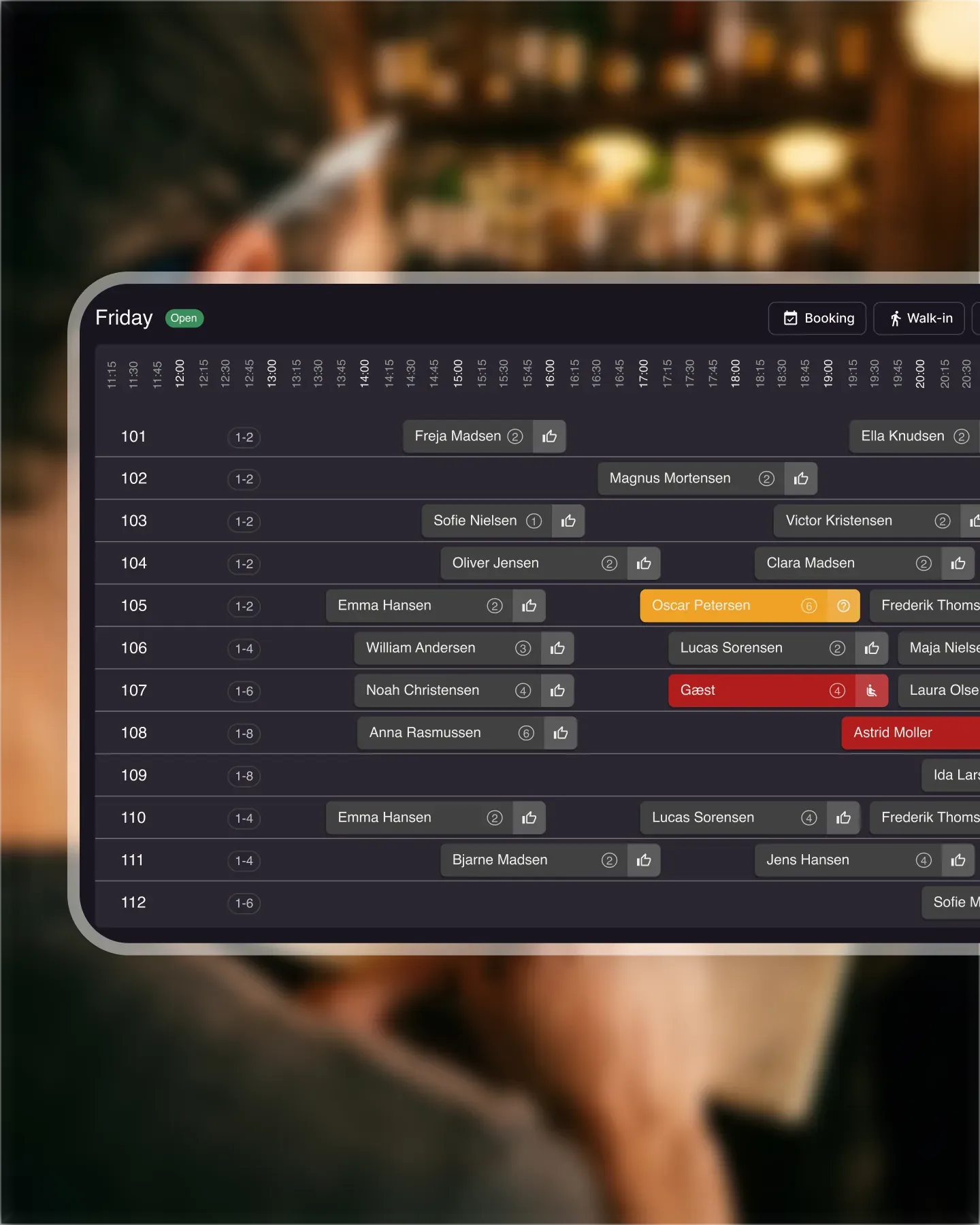
Reservations from Facebook and Instagram land in the same Resos overview as your website bookings, walk-ins, and Reserve with Google traffic. Your host stand sees one list, one calendar, one set of tables. No double bookings, no separate inbox to monitor on busy nights.
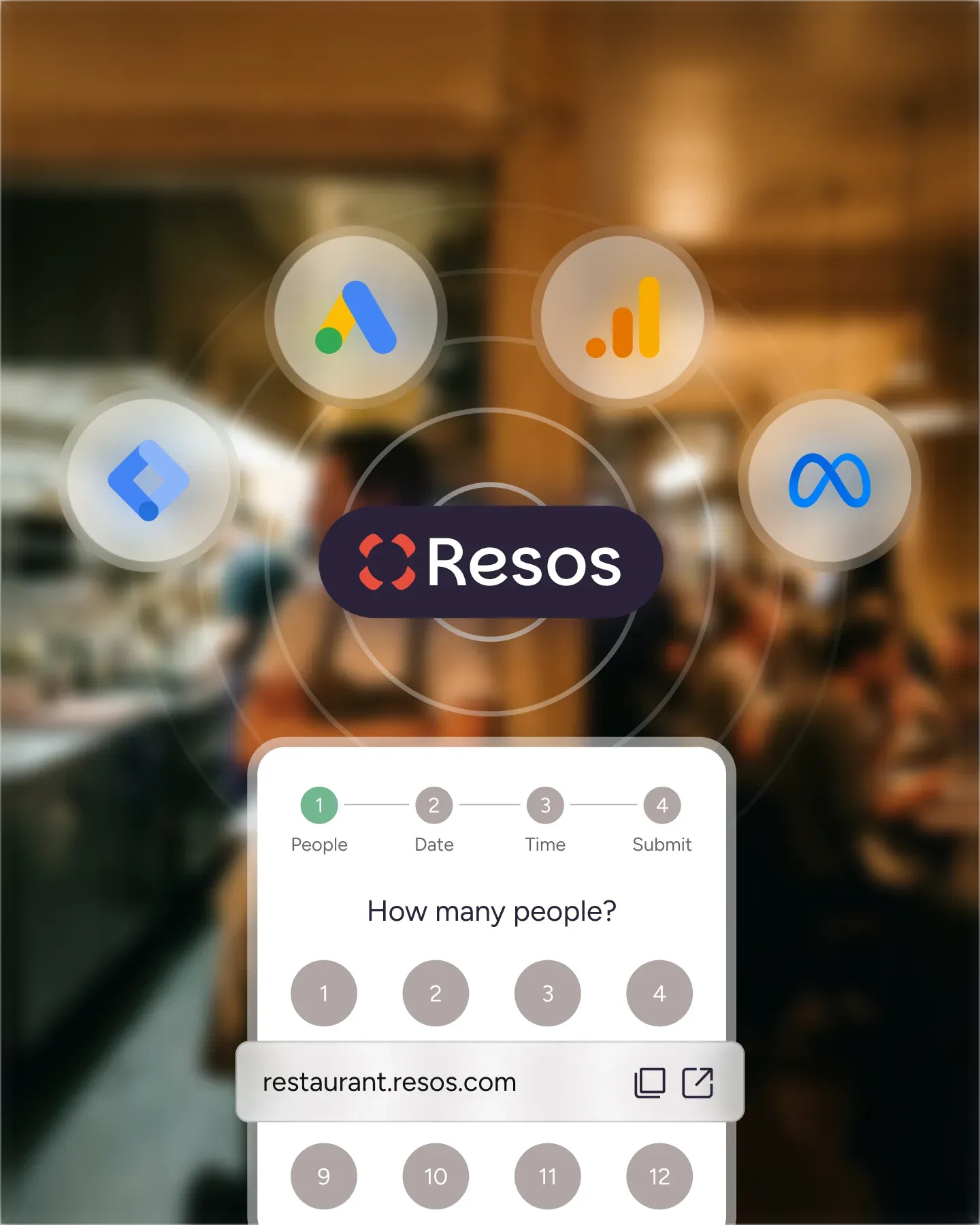
Every booking is tagged with its source, so reports show exactly how many covers came from Instagram, Facebook, your own site, or Reserve with Google. Marketing decisions get easier when you can match a campaign to the bookings it produced and shift spend toward the channel that actually pays back.
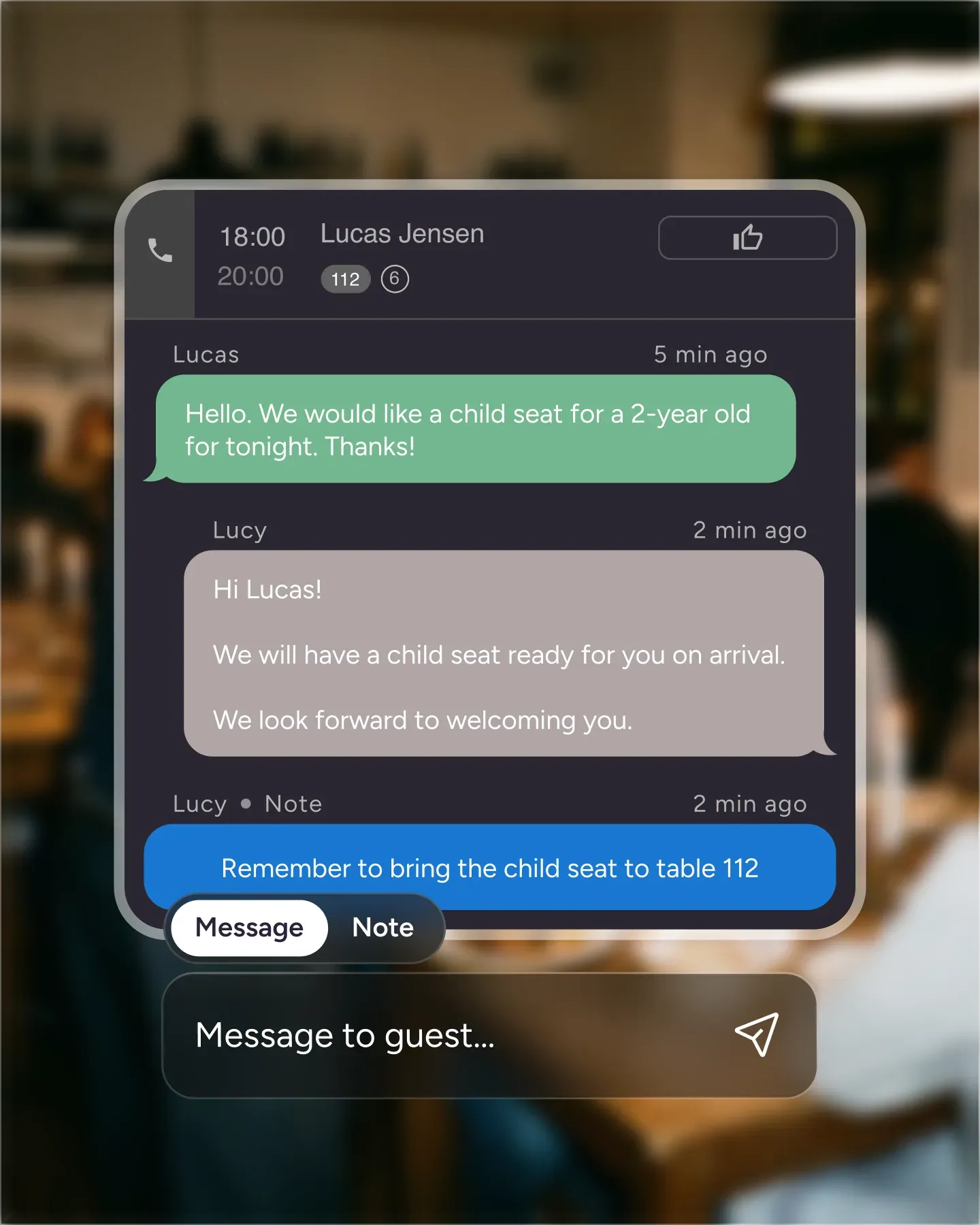
A post about the new menu, the weekend brunch, or a special event becomes a direct path to a booking. The journey from "I want to try that" to "I have a table" is one tap, not a website visit followed by a phone call the guest never makes. More of your social effort turns into seated guests.

Create your account in seconds. No credit card required.

Add your opening hours, areas, and floor plan using our easy drag-and-drop editor.

Add your booking link to your website and social media. No coding required.
A lot of guests find your restaurant on Facebook or Instagram before they ever land on your website. The Resos integration adds a Reserve button straight to your social profiles so the booking happens where the discovery happens - one tap, no detour through a website, no phone call.
The Reserve button opens the same Resos booking flow guests would see on your website - your real availability, your opening hours, your table allocation rules, your deposit policy. Bookings made from Facebook or Instagram sync instantly with the rest of Resos, so the host stand sees them next to bookings from every other channel.
Turn the integration on from the Resos dashboard, connect your Facebook and Instagram business pages, and the Reserve button appears on your profiles. The same booking page handles guests arriving from Facebook, Instagram, Google, your own site, or anywhere else you’ve embedded the widget - one calendar, one set of rules, no double bookings.
A booking taken from a social post is one fewer guest your team has to chase down by phone or DM. Posts about the new menu, the weekend brunch, or the live music night convert directly into reservations because the path from “I want to try that” to “I have a table booked” is one tap long.
 For Restaurants
  For Cafés
  For Bars
  For Pubs
 Since we started using Resos, we have found the flexibility of the product and customer support incredible. It's very user friendly and easy to manage in-house which is a huge plus!
We have been using Resos as the booking platform for our cheese & wine bar in Helsinki, Finland, for over six months, and we are really impressed by it!
Once set up properly, Resos will run the whole booking seamlessly. Been trying many softwares and none has reached the level of customization and speed as Resos. And great support too!

The floor view is working very nicely, you can see everything at the same time. Also, it was a very huge upgrade for us, that the guests can easily cancel their booking – it saved us from a lot of no-shows.

Easy integration into our website and Google page.

Resos makes reservations so much easier. It's straightforward, flexible, and perfect for small businesses like ours. We're so happy with it!

What sets Resos.com apart is not just its ease of use, but also the proactive approach of the Resos team. They continuously work hard to introduce new features and add value to their product.

Simplicity when booking for the customer and easily accessible through our website, Facebook and Google.

When we started our search for a booking system, Resos was the obvious choice. Not only is it affordable for us as a small business, but also offers so many features that make our jobs easier.

Being able to make a reservation without too much hassle goes a long way! Resos keeps the process intuitive and simple.

We take pride in offering industry leading fast, free and friendly customer service that takes the time needed to understand and help you.