Since we started using Resos, we have found the flexibility of the product and customer support incredible. It's very user friendly and easy to manage in-house which is a huge plus!

Pin a note to any date so every server, host, and chef opens the schedule with the same context. VIP arriving at eight, kitchen short a line cook, owner's birthday dinner at the back – it all sits on top of the day, exactly where the team is already looking.
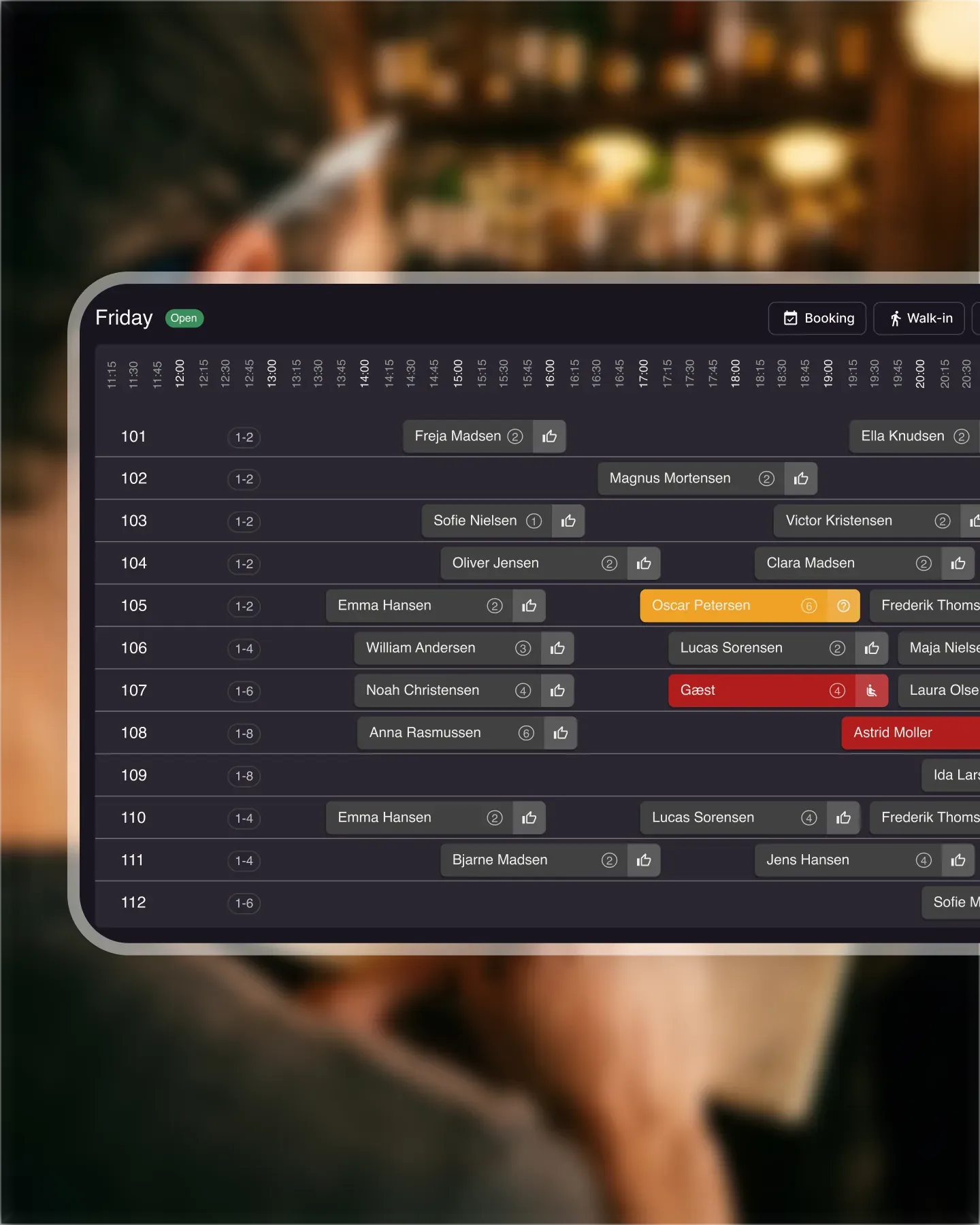












Open the day and the note is the first thing you see, sitting above the bookings. No second tab, no separate app, no Post-it on the pass. The host stand and the kitchen are reading from the same screen, so the message lands before the first guest walks in.
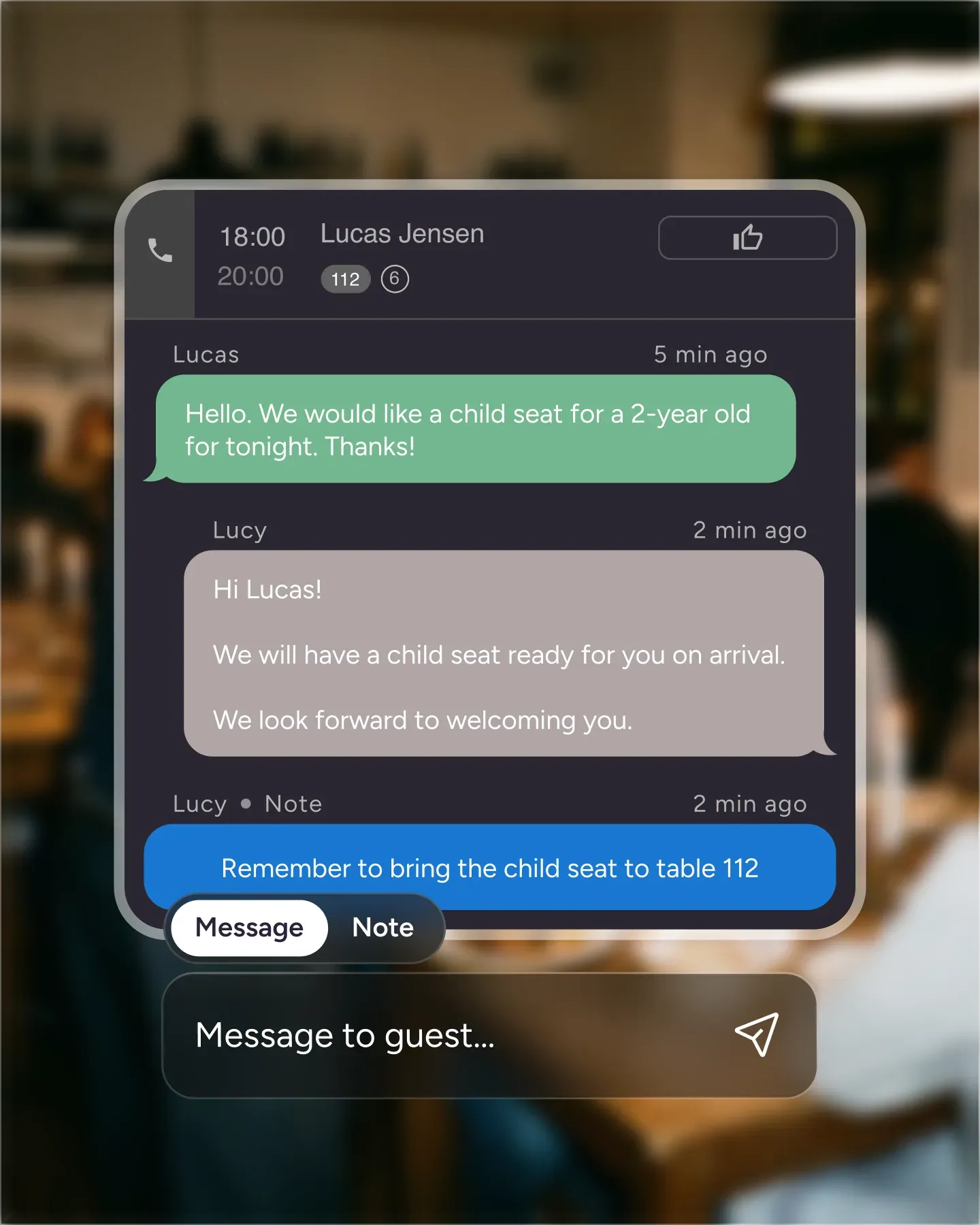
Add a note in seconds from the date you are looking at. No menu spelunking, no forms, no formatting rules. Useful for VIP arrivals, allergy alerts that span the whole service, last-minute menu changes, or anything else the team needs to know before doors open.
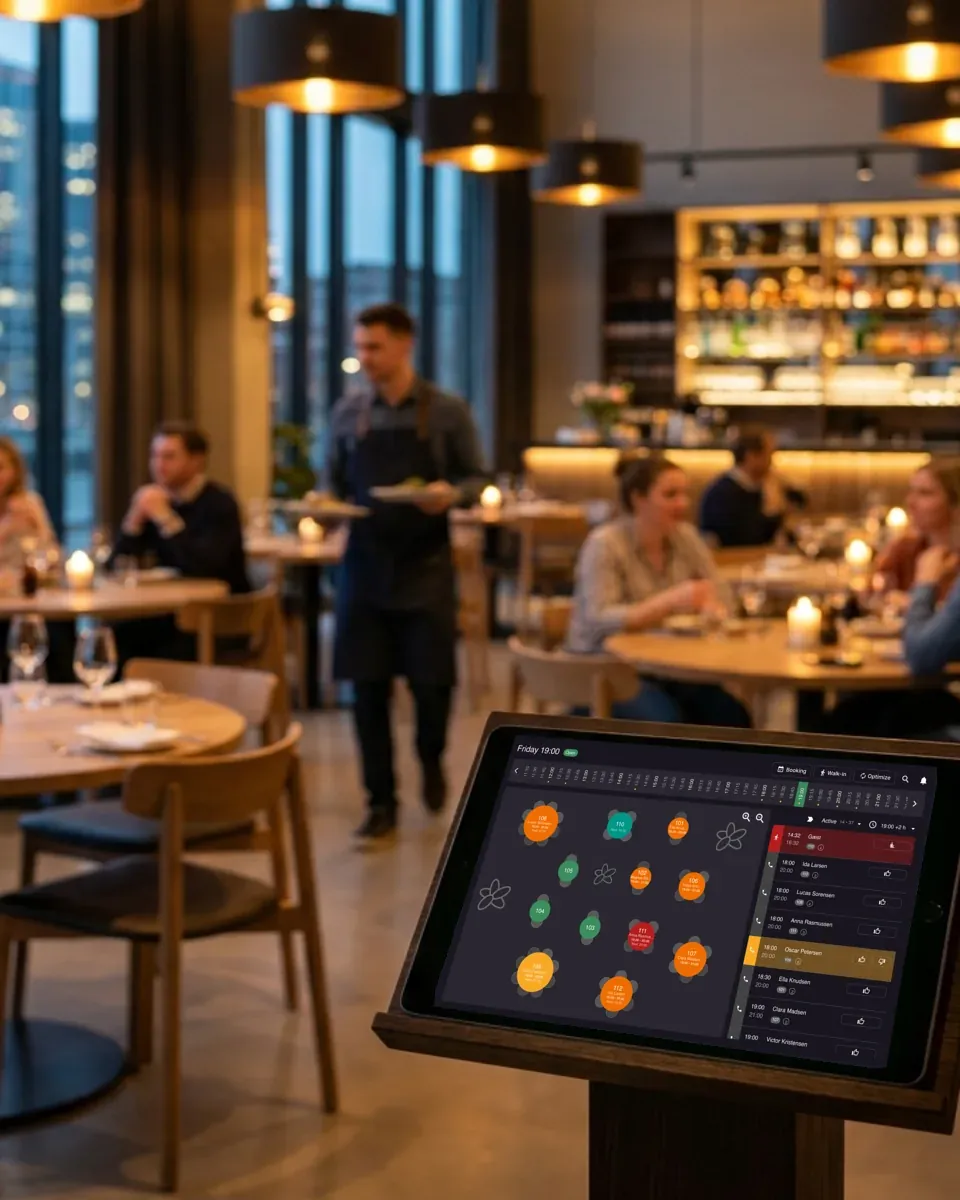
A great service falls apart on small misalignments. Date notes keep front and back coordinated on the things that change shift to shift – staff out, equipment down, a tasting menu that swaps in for the regular card – without firing off a Slack thread no one reads.
A wine dinner three Fridays out, a holiday menu launch, a private event taking the whole back room. Add the note now and forget about it. The team that opens the schedule that morning will see it, even if you are on holiday or off the floor that day.

Create your account in seconds. No credit card required.

Add your opening hours, areas, and floor plan using our easy drag-and-drop editor.

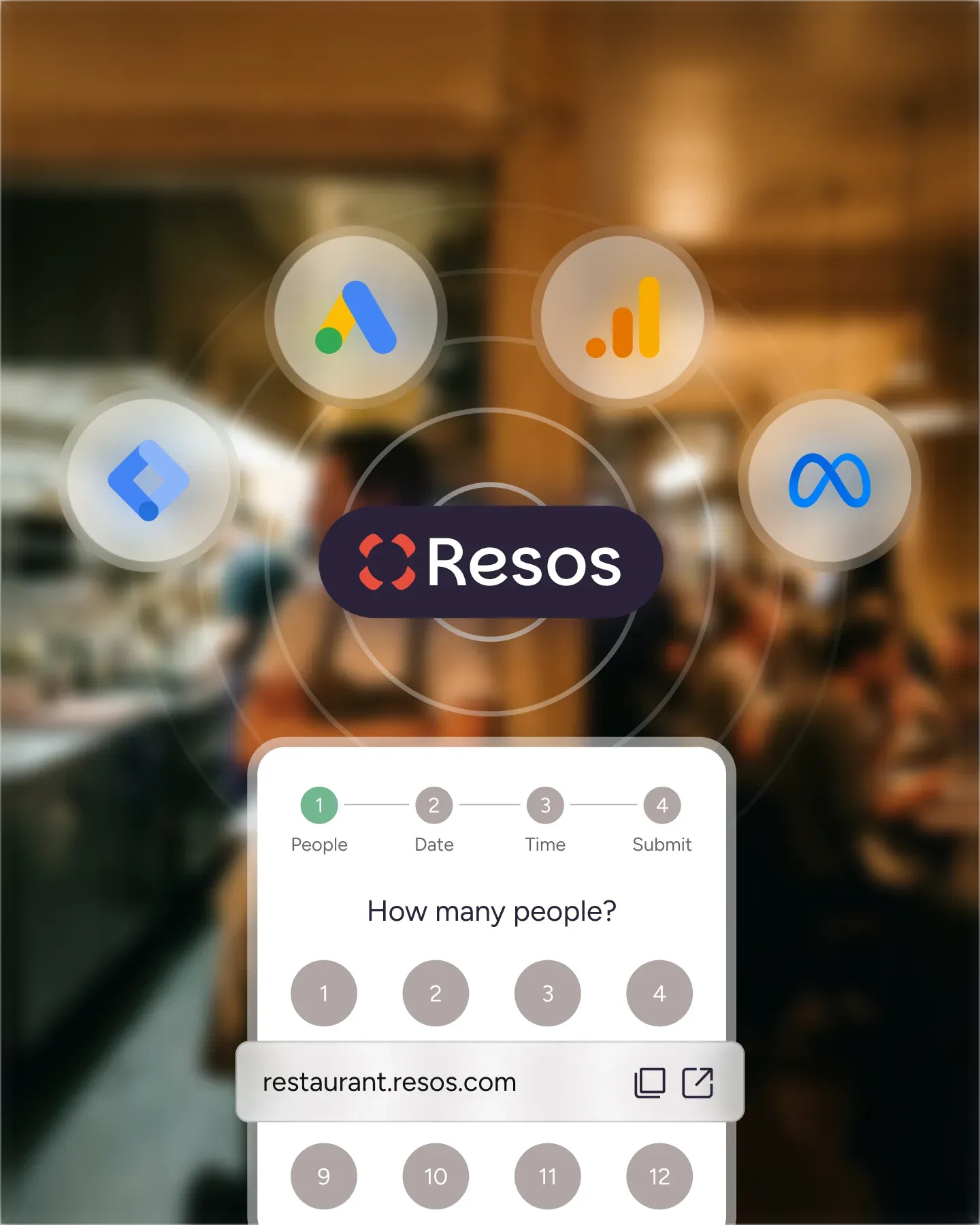
Add your booking link to your website and social media. No coding required.
In the bustling environment of a restaurant, communication is key. This feature is a tool designed to enhance this communication by allowing restaurants to add specific notes for any given day.
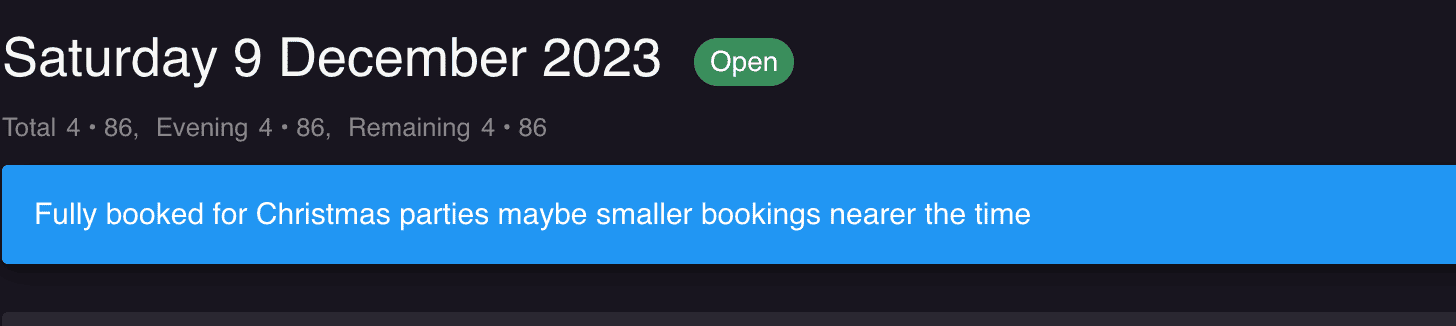
Whether it’s a special event, a VIP guest, or any other noteworthy detail, this feature ensures that all staff members are informed and prepared.
Read more about 👉 how it works and how to use it here.
Efficient communication: In the restaurant industry, being informed can make all the difference. This feature ensures that all staff members are aware of any special instructions or events for the day, leading to smoother operations and enhanced guest experiences.
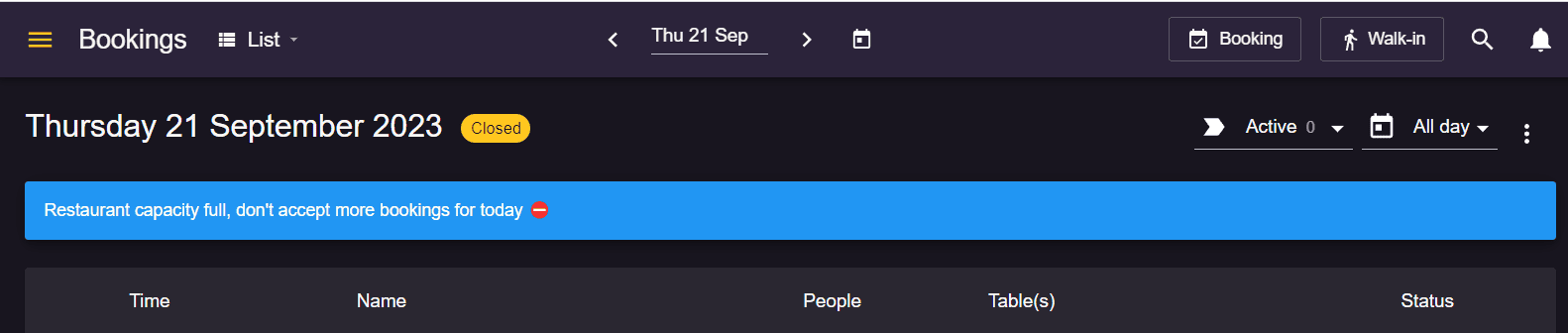
Adaptable to your needs: Whether you’re running a small café or a large dining establishment, this feature is versatile enough to cater to your specific requirements.
✅ Stay organized: Keep track of special events, guest preferences, or any other significant details for any given day.
✅ Enhance team collaboration: Ensure that you inform and align every team member, from the front-of-house to the kitchen.
✅ Improve guest experience: Your team can provide an even better dining experience for your customers by preparing and staying informed.
 For Restaurants
  For Cafés
  For Bars
  For Pubs
 Since we started using Resos, we have found the flexibility of the product and customer support incredible. It's very user friendly and easy to manage in-house which is a huge plus!
We have been using Resos as the booking platform for our cheese & wine bar in Helsinki, Finland, for over six months, and we are really impressed by it!
Once set up properly, Resos will run the whole booking seamlessly. Been trying many softwares and none has reached the level of customization and speed as Resos. And great support too!

The floor view is working very nicely, you can see everything at the same time. Also, it was a very huge upgrade for us, that the guests can easily cancel their booking – it saved us from a lot of no-shows.

Easy integration into our website and Google page.

Resos makes reservations so much easier. It's straightforward, flexible, and perfect for small businesses like ours. We're so happy with it!

What sets Resos.com apart is not just its ease of use, but also the proactive approach of the Resos team. They continuously work hard to introduce new features and add value to their product.

Simplicity when booking for the customer and easily accessible through our website, Facebook and Google.

When we started our search for a booking system, Resos was the obvious choice. Not only is it affordable for us as a small business, but also offers so many features that make our jobs easier.

Being able to make a reservation without too much hassle goes a long way! Resos keeps the process intuitive and simple.

Fast, free and friendly support from real people who take the time to understand your restaurant.