Since we started using Resos, we have found the flexibility of the product and customer support incredible. It's very user friendly and easy to manage in-house which is a huge plus!

A well-timed reminder catches the guest who forgot and frees the seat from the guest who cannot make it. Resos sends SMS and email automatically – the night before, the morning of, two hours out – each carrying a link guests can tap once to confirm or cancel. The slot goes back on the booking page the same second, and Saturday at 8pm stops looking empty when somebody else would have grabbed it.
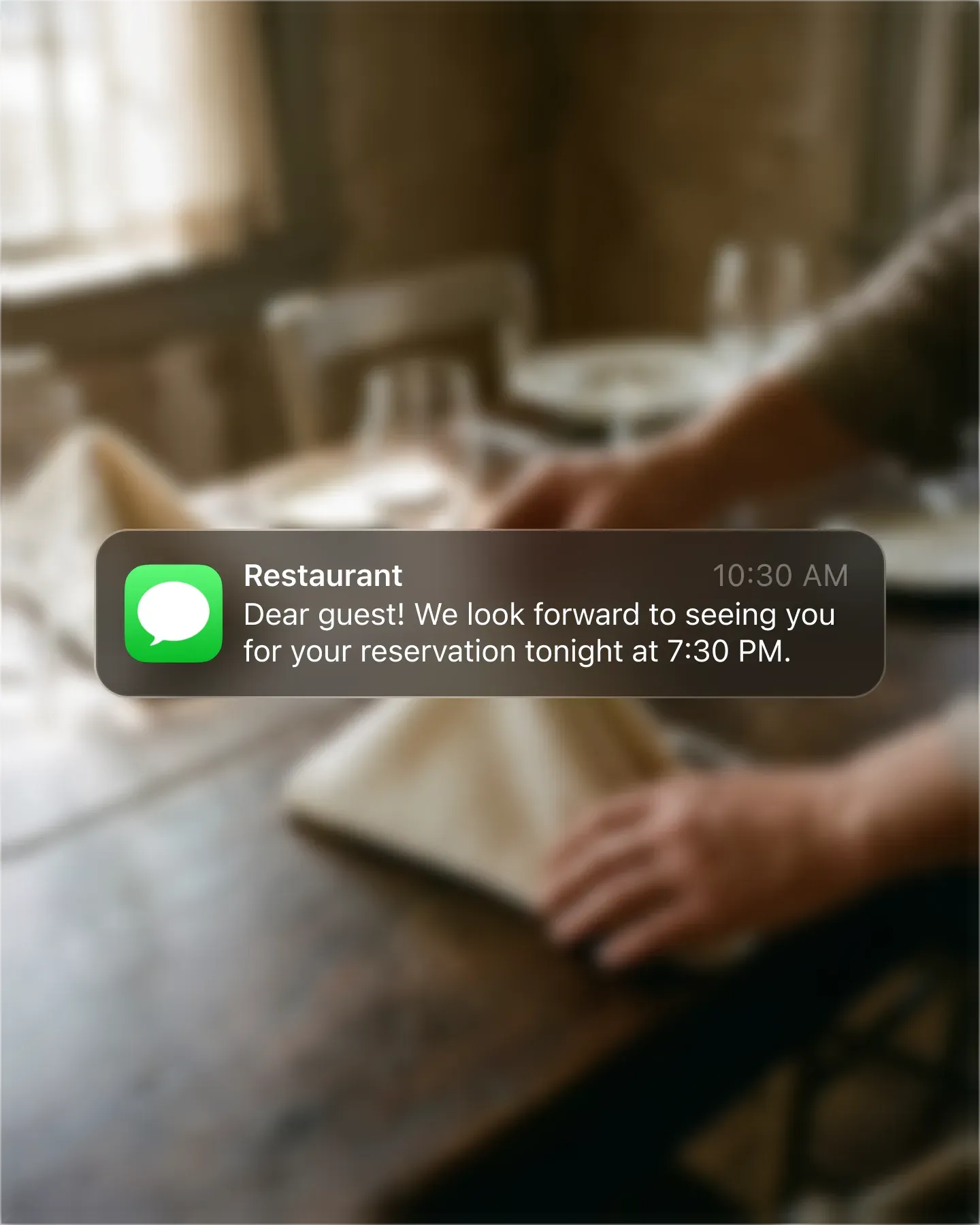












Some guests check email, some only read texts. Resos sends one, the other, or both, in the language the guest booked in, with the full details email-side and a quick nudge SMS-side. Day-of reminders land where they get opened, never lost in a promo folder.
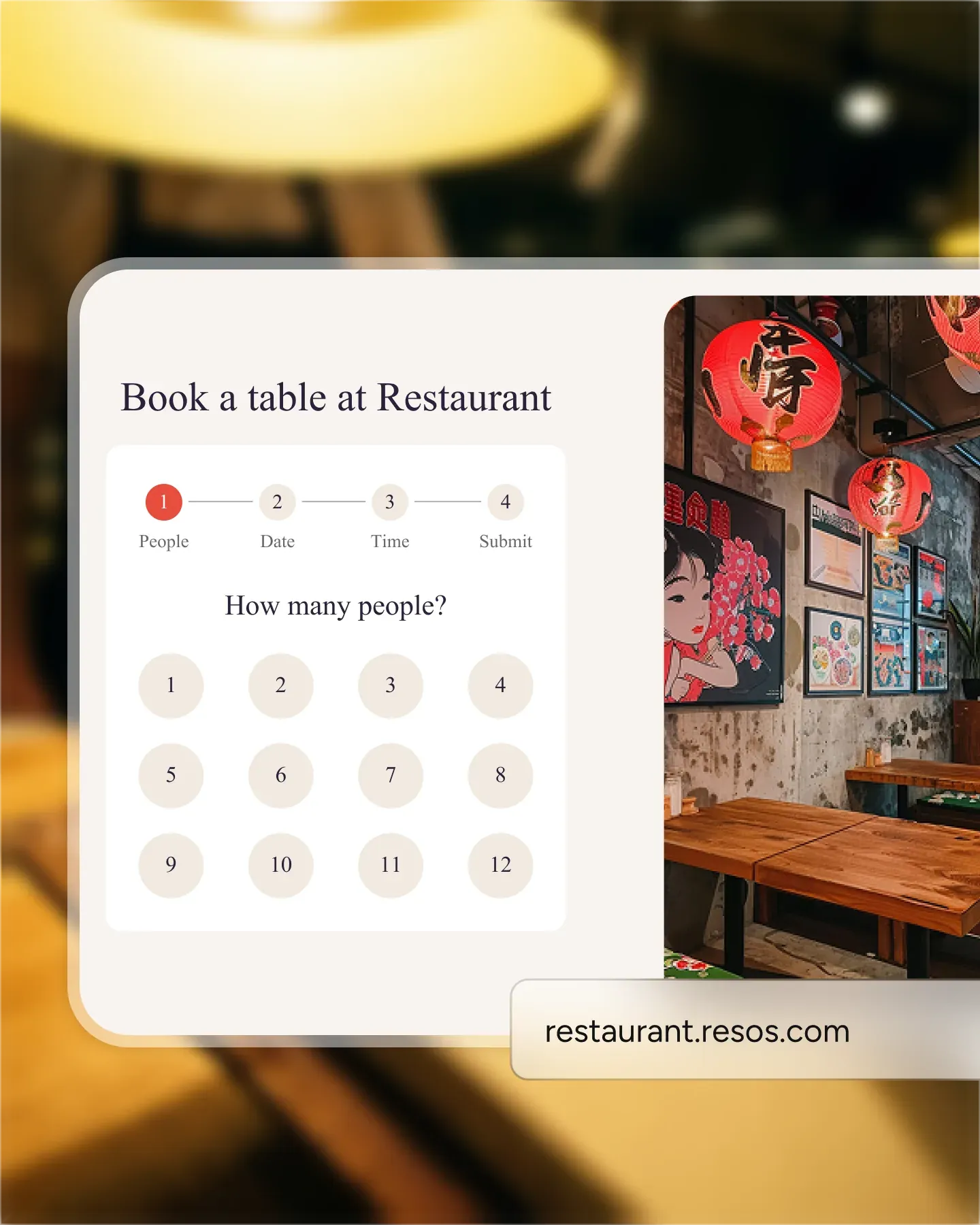
Every reminder links to the guest's booking page. Tap and the reservation opens, ready to confirm, cancel, or message the team via chat. No phone tag at 3pm, no voicemail backlog, no guests apologizing on Monday for not showing.
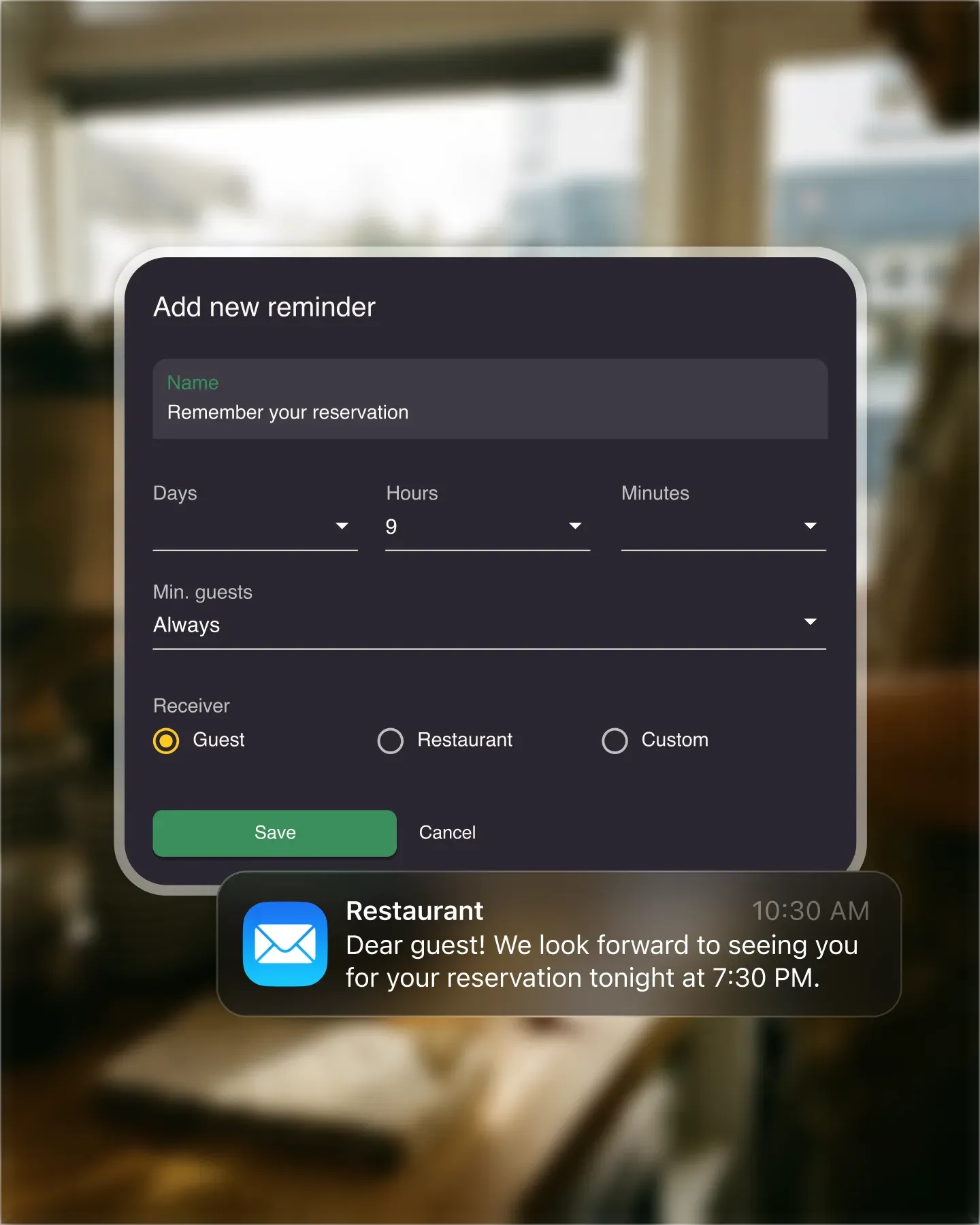
Tasting menus get a 48-hour heads-up so guests can plan, weeknight covers get a two-hour reminder so they remember to leave. Set the schedule per opening hour once and Resos sends every reminder, every service, automatically from then on.
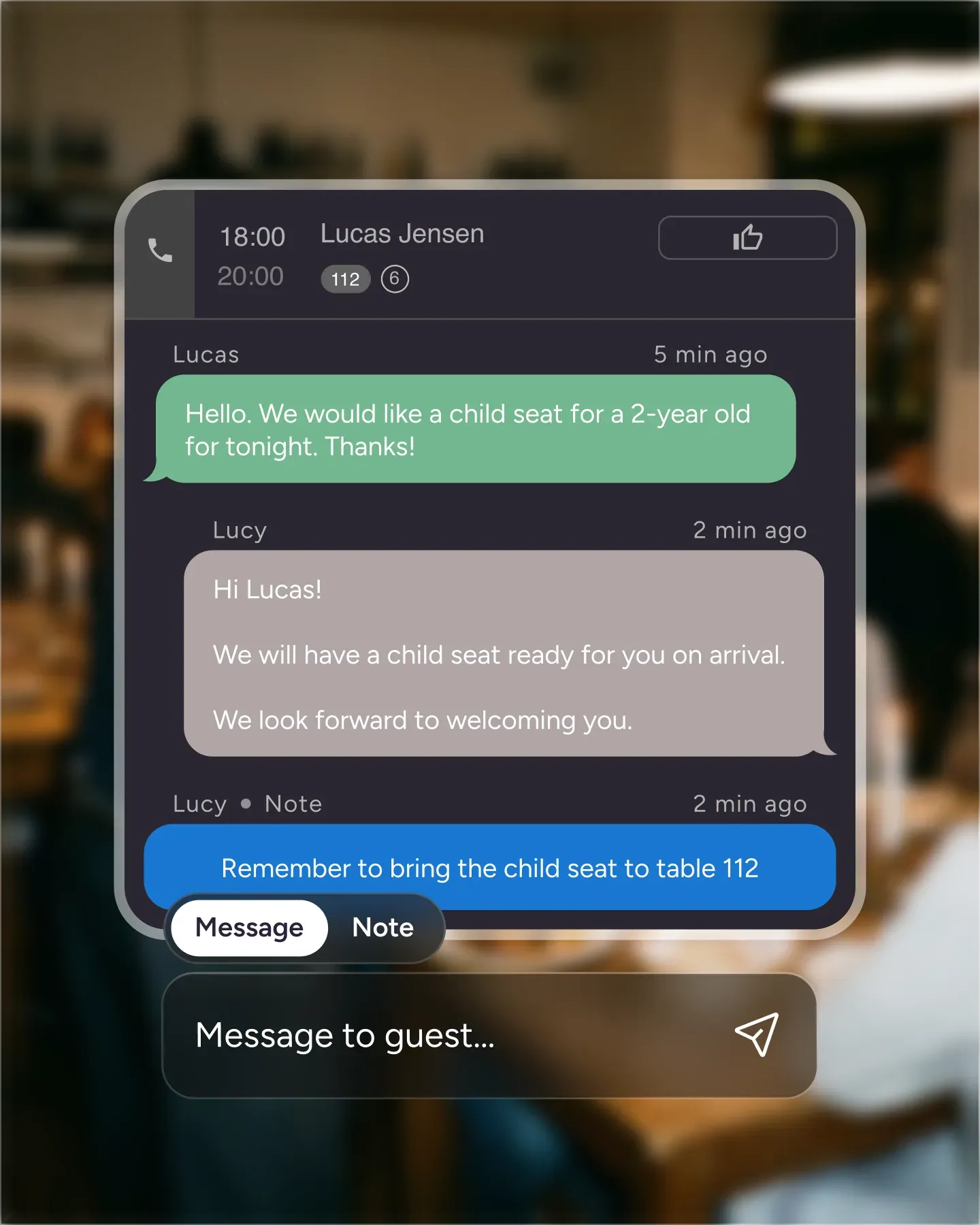
Edit the copy to match your brand – formal for the tasting menu, warmer for the neighborhood bistro. Drop in the guest's name, table, party size, and any pre-order. The reminder stops feeling like a system notification and starts feeling like the host reaching out personally.

Create your account in seconds. No credit card required.

Add your opening hours, areas, and floor plan using our easy drag-and-drop editor.

Add your booking link to your website and social media. No coding required.
A well-timed reminder - the night before, the morning of, or two hours out - reaches the guest who had forgotten and gives the guest who can’t make it a chance to cancel in time. The slot goes back on the market instead of sitting empty on a Saturday at 8pm.
Our own booking data points the same way. In the Resos No-Show Index, reservations with a delivered SMS reminder showed a 16% lower recorded no-show rate than reservations at the same restaurants without one. That is an observed association across 46,884 exposed reservations at 257 restaurants, not a controlled experiment, so treat it as a signal rather than a guaranteed result for your venue.
The Reminders add-on controls timing, rules, and recipients. Enable the separate SMS messages add-on when those reminders should also be delivered by text.
Not every guest reads email. Not every guest wants a text. Resos lets you send one, the other, or both - per booking type, per opening hour, per language.
Every reminder carries a link to the guest’s booking page. Tap it once and the page opens with the booking on screen - the guest can confirm the reservation, cancel it, or send your team a message via the chat. No phone tag, no missed voicemails.
When a guest cancels via the link, the slot becomes available again on your booking channels: your booking page and Reserve with Facebook and Instagram right away, and Google is notified of a cancelled Google booking the moment it happens. A new guest can grab it without your team lifting a finger. The waitlist is yours to convert manually - your floor manager picks who fits.
Pick when the reminders fire - 48 hours out, the night before, morning of, two hours before seating - and Resos handles the rest. Every booking, every night, automatically. Timing is set per opening hour, so the tasting menu can get a 48-hour heads-up while the weeknight covers get a two-hour nudge.
A reminder is still a touchpoint. Edit the copy to match your voice - formal for the tasting menu, warmer for the neighborhood bistro, a bit cheeky for the wine bar. Drop in the guest’s name, table, party size, and any pre-order details. Reminders stop feeling like a system notification and start feeling like the restaurant reaching out.
Need help with the wording? Use our booking confirmation and reminder templates, then add the relevant text to your guest notifications.
 For Restaurants
  For Cafés
  For Bars
  For Pubs
 Since we started using Resos, we have found the flexibility of the product and customer support incredible. It's very user friendly and easy to manage in-house which is a huge plus!
We have been using Resos as the booking platform for our cheese & wine bar in Helsinki, Finland, for over six months, and we are really impressed by it!
Once set up properly, Resos will run the whole booking seamlessly. Been trying many softwares and none has reached the level of customization and speed as Resos. And great support too!
The floor view is working very nicely, you can see everything at the same time. Also, it was a very huge upgrade for us, that the guests can easily cancel their booking – it saved us from a lot of no-shows.

Easy integration into our website and Google page.
Resos makes reservations so much easier. It's straightforward, flexible, and perfect for small businesses like ours. We're so happy with it!

What sets Resos.com apart is not just its ease of use, but also the proactive approach of the Resos team. They continuously work hard to introduce new features and add value to their product.
Simplicity when booking for the customer and easily accessible through our website, Facebook and Google.

When we started our search for a booking system, Resos was the obvious choice. Not only is it affordable for us as a small business, but also offers so many features that make our jobs easier.

Being able to make a reservation without too much hassle goes a long way! Resos keeps the process intuitive and simple.

Fast, free and friendly support from real people who take the time to understand your restaurant.