Since we started using Resos, we have found the flexibility of the product and customer support incredible. It's very user friendly and easy to manage in-house which is a huge plus!
Ask guests to re-confirm their reservation before they arrive and watch no-shows drop. Resos automatically flips bookings to "Pending Confirmation" as the date approaches, then either follows up for you or cancels the unconfirmed ones so the seat goes back on the market.
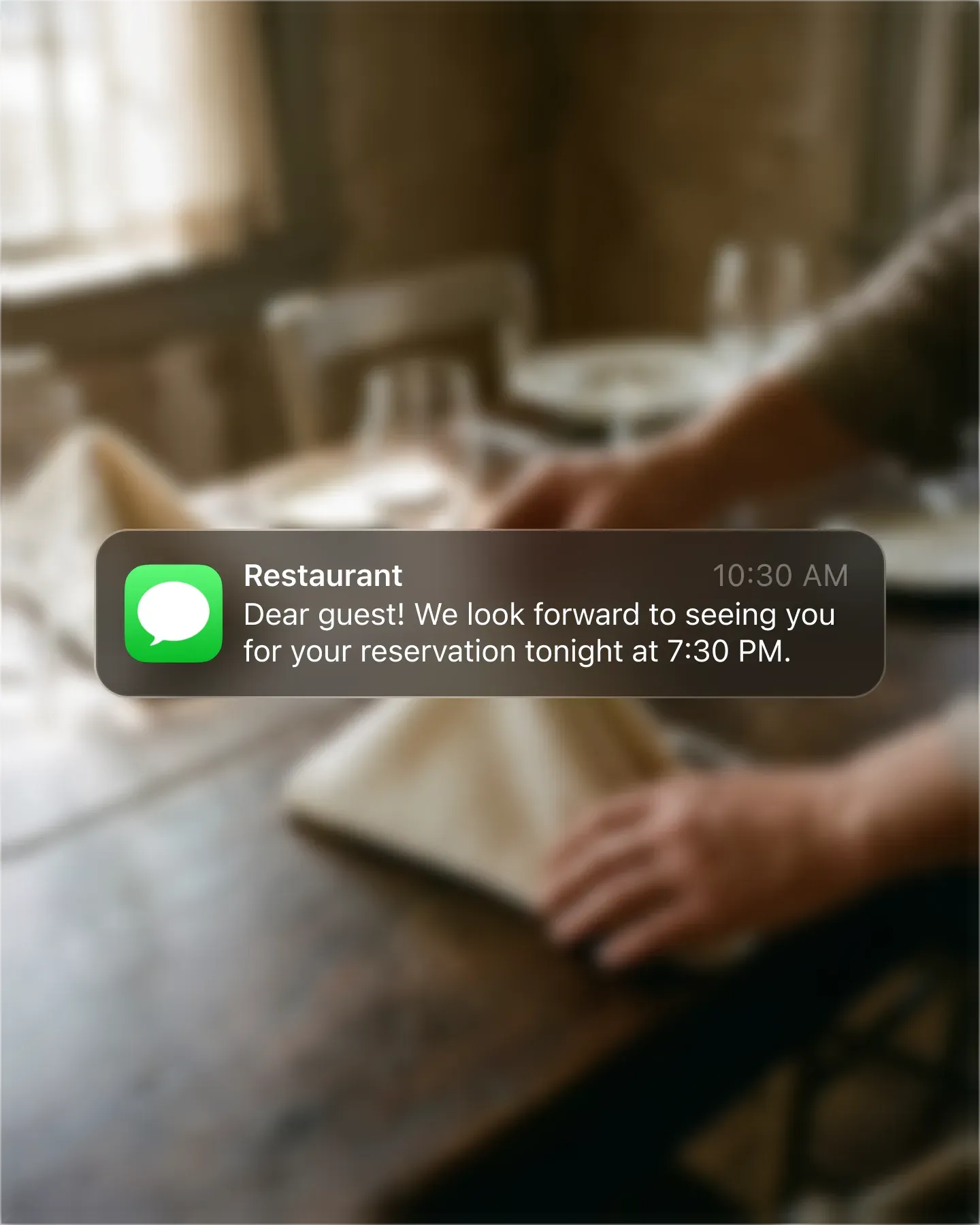












Pick when the prompt fires – 24 hours before, 48 hours, the morning of – and Resos handles the rest. Guests get a clean message and one-tap confirm, so the bookings that are still alive stay on the schedule and the dead ones drop off.
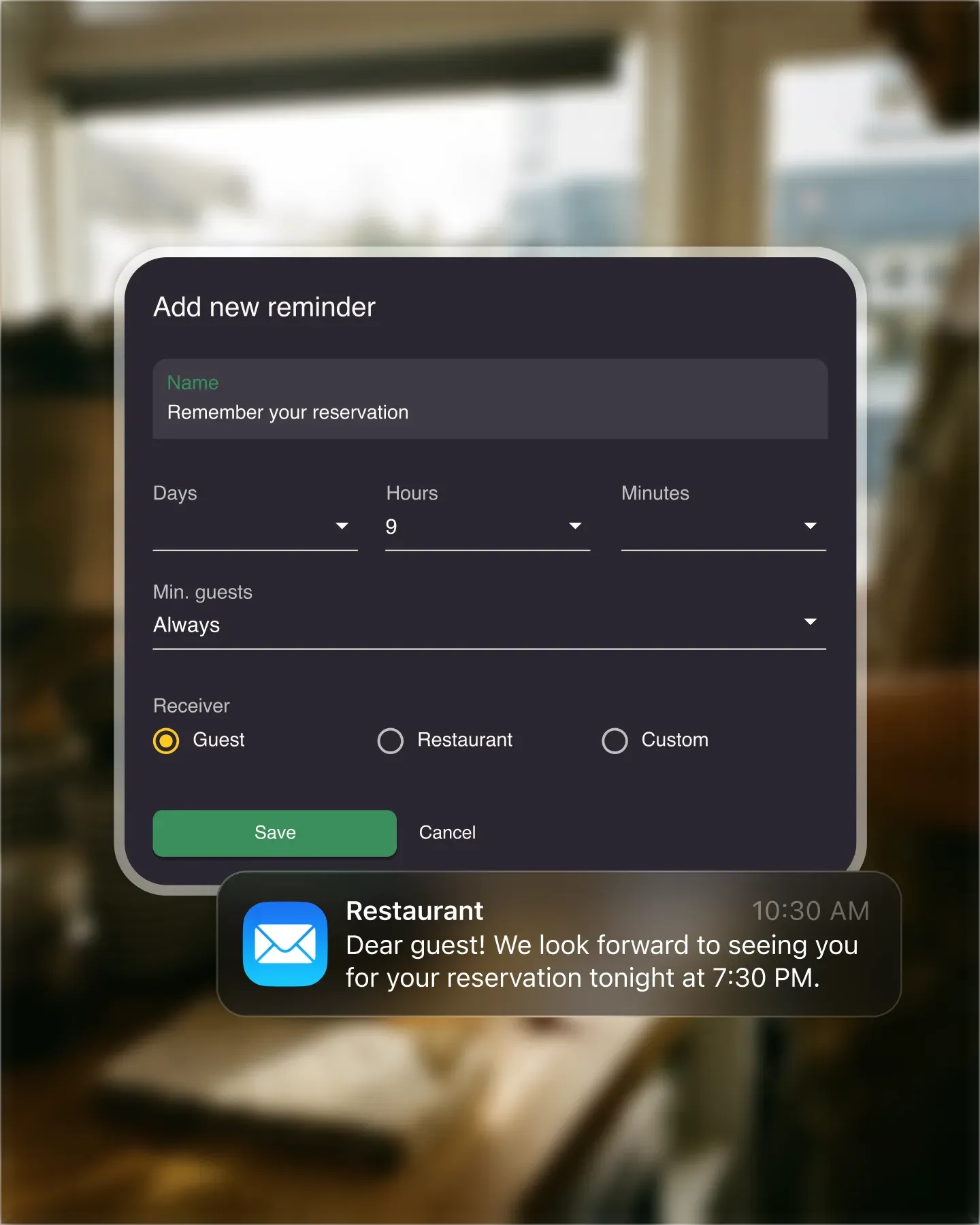
Some restaurants want a host to call the unconfirmed bookings personally. Others want the seat back the moment the deadline passes. Switch between manual follow-up and automatic cancellation per location, and change the window whenever your service rhythm shifts.
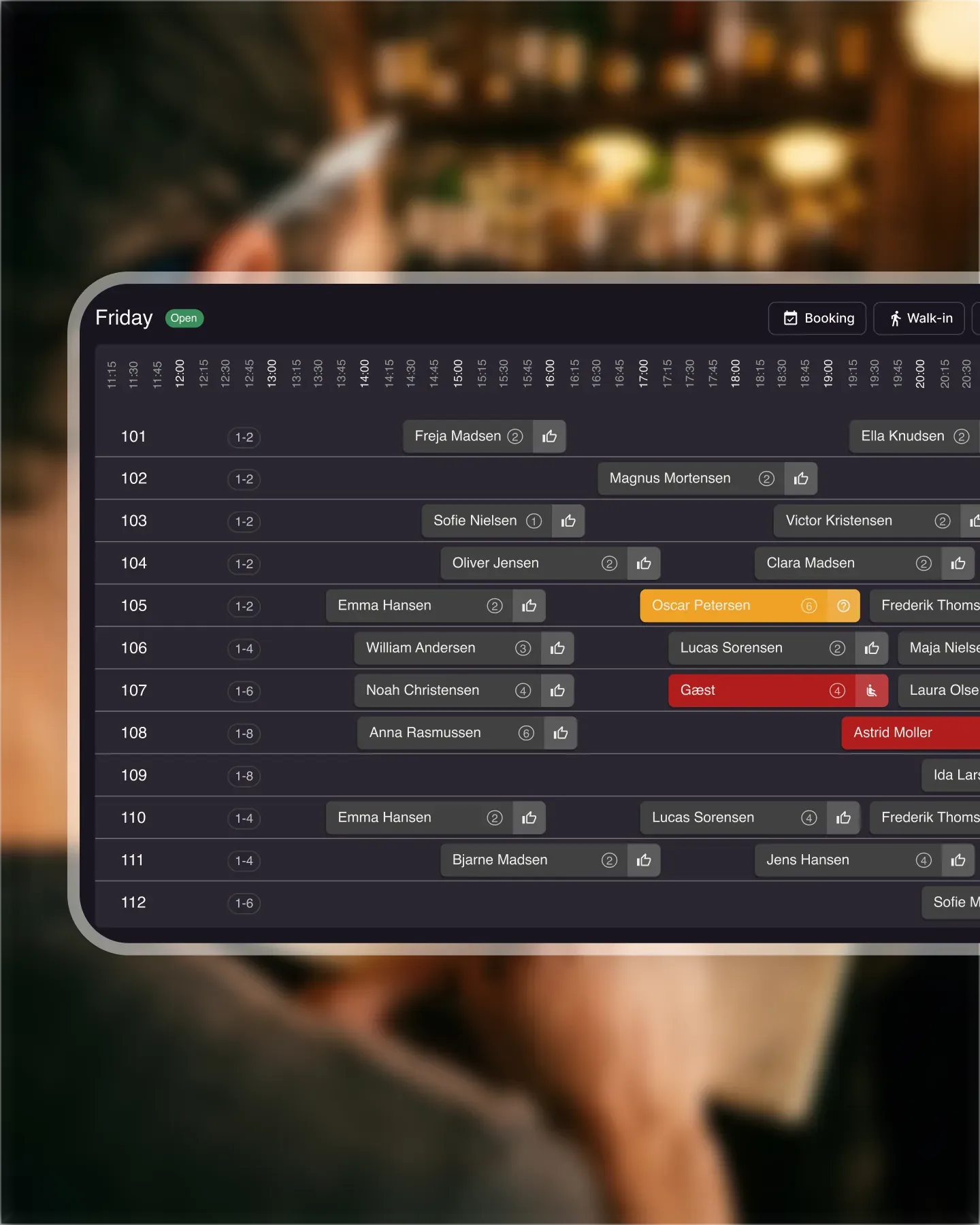
Filter the booking list to "Pending Confirmation" and the host has a clean call sheet for the day. No scrolling, no second-guessing. Cancelled bookings stay visible too, so you can reach out and offer a re-book before they go to a competitor.
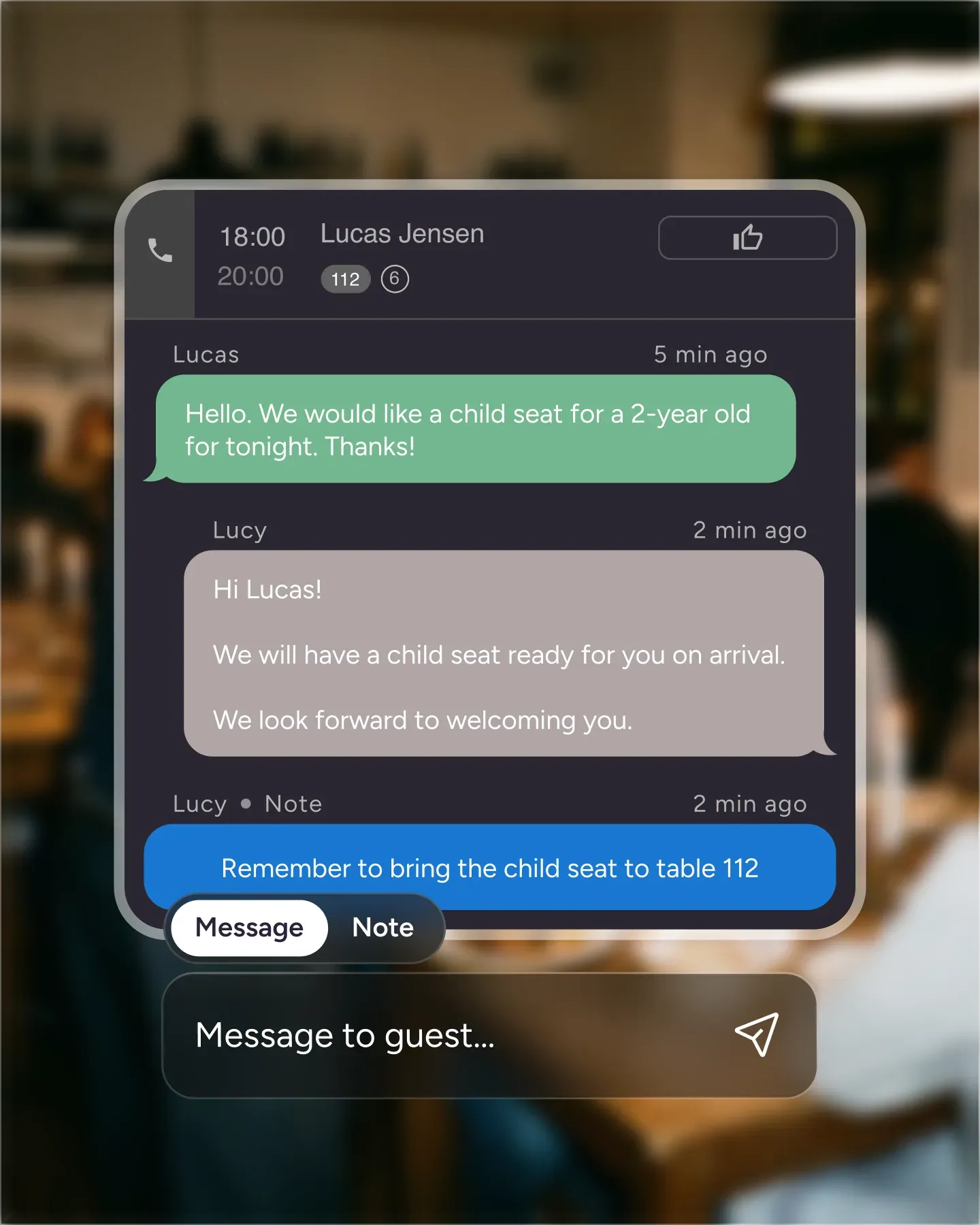
Confirmation links are branded with your logo, colors, and tone. Guests do not have to log in, call, or hunt for an email. One tap and the seat is locked, with the same details flowing back into the booking and the customer profile.

Create your account in seconds. No credit card required.

Add your opening hours, areas, and floor plan using our easy drag-and-drop editor.

Add your booking link to your website and social media. No coding required.
The Booking Confirmation feature asks guests to re-confirm before service, so a booking nobody intends to keep comes back to you instead of becoming an empty table. As the reservation date approaches, the system will automatically change the status of bookings from “Accepted” to “Pending Confirmation” allowing you to follow up manually or let the system cancel unconfirmed reservations automatically. That keeps your booking schedule accurate and gives you a decision point before service instead of a surprise at the door.
The point is timing. In the Resos No-Show Index, 56% of cancellations arrive within 24 hours of the booking or after it has already started, which leaves almost no room to resell the table. A re-confirmation step moves that decision forward, so an unwanted booking comes back to you while the slot is still sellable.
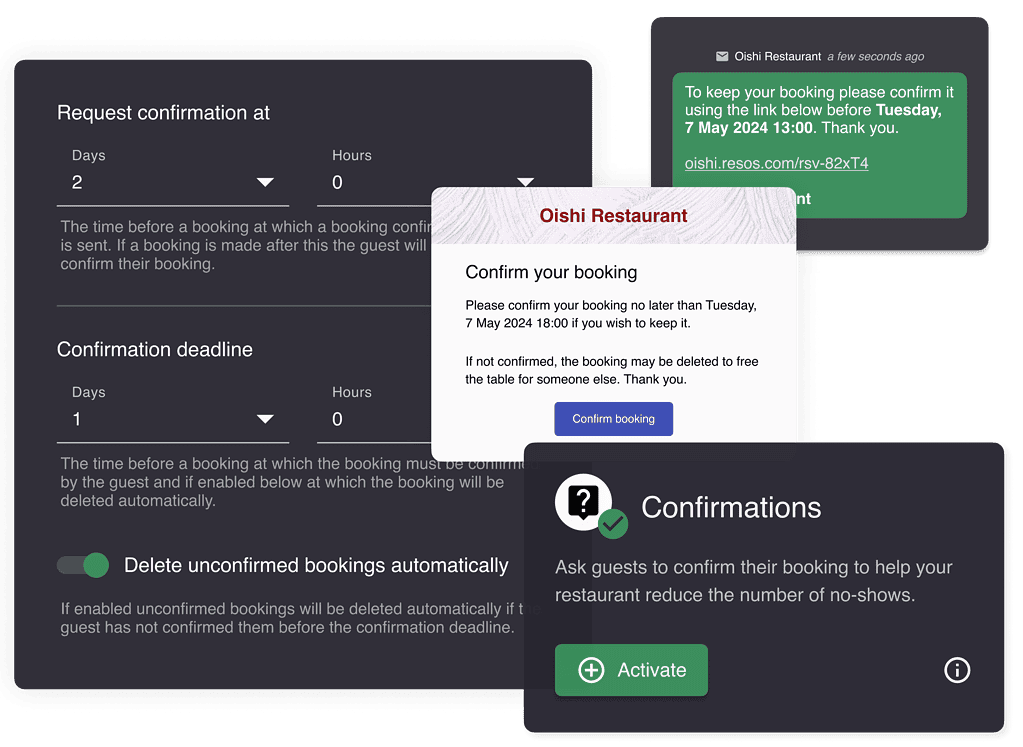
You have complete control over how to handle booking confirmations:
Manual handling: Follow up directly with guests who have not confirmed, offering them the personal touch.
Automatic cancellation: Automatically cancel reservations that are not re-confirmed within a specific timeframe.
👉 Read our support guide How to set up booking confirmation in the Resos app
The feature allows you to specify when guests receive their re-confirmation message. Choose a suitable timeframe, like 1 day before their booking date, to give them plenty of time to respond and ensure your tables remain booked.
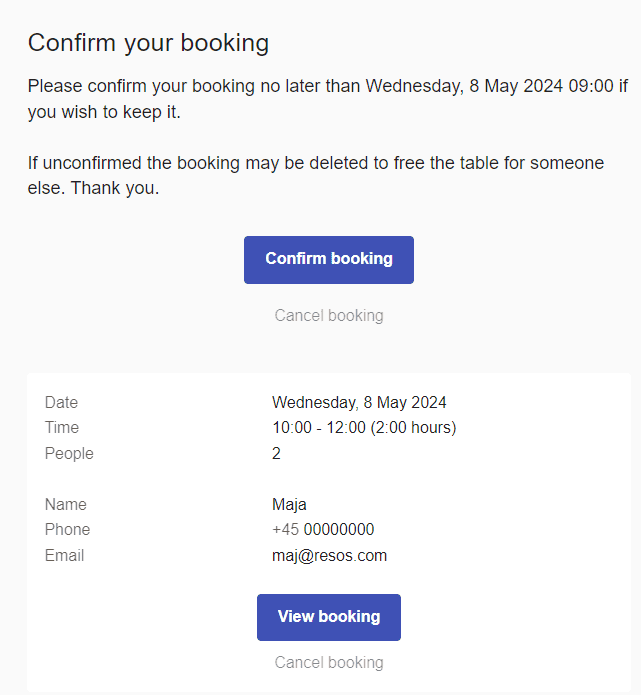
View pending confirmations: Filter your bookings by “Pending Confirmation” to focus your follow-ups and maintain a well-managed schedule.
Manage cancelled bookings: Quickly identify which reservations were automatically cancelled due to non-confirmation, giving you a chance to reach out and offer re-booking options.
To ensure guests receive confirmation prompts, keep contact details up-to-date and use automated reminders and push notifications for maximum visibility. Enable restaurant SMS messages when re-confirmation prompts should be delivered by text as well as email.
The Booking Confirmation feature optimizes your guests’ experience, providing them with a simple way to confirm their reservation. This guarantees that your tables are filled by guests eager to enjoy their dining experience, reducing no-shows and improving your operational efficiency.
Ready to improve your booking process with the Booking Confirmation feature? Reach out to our team through the app or contact us at hi@resos.com to get started today.
 For Restaurants
  For Cafés
  For Bars
 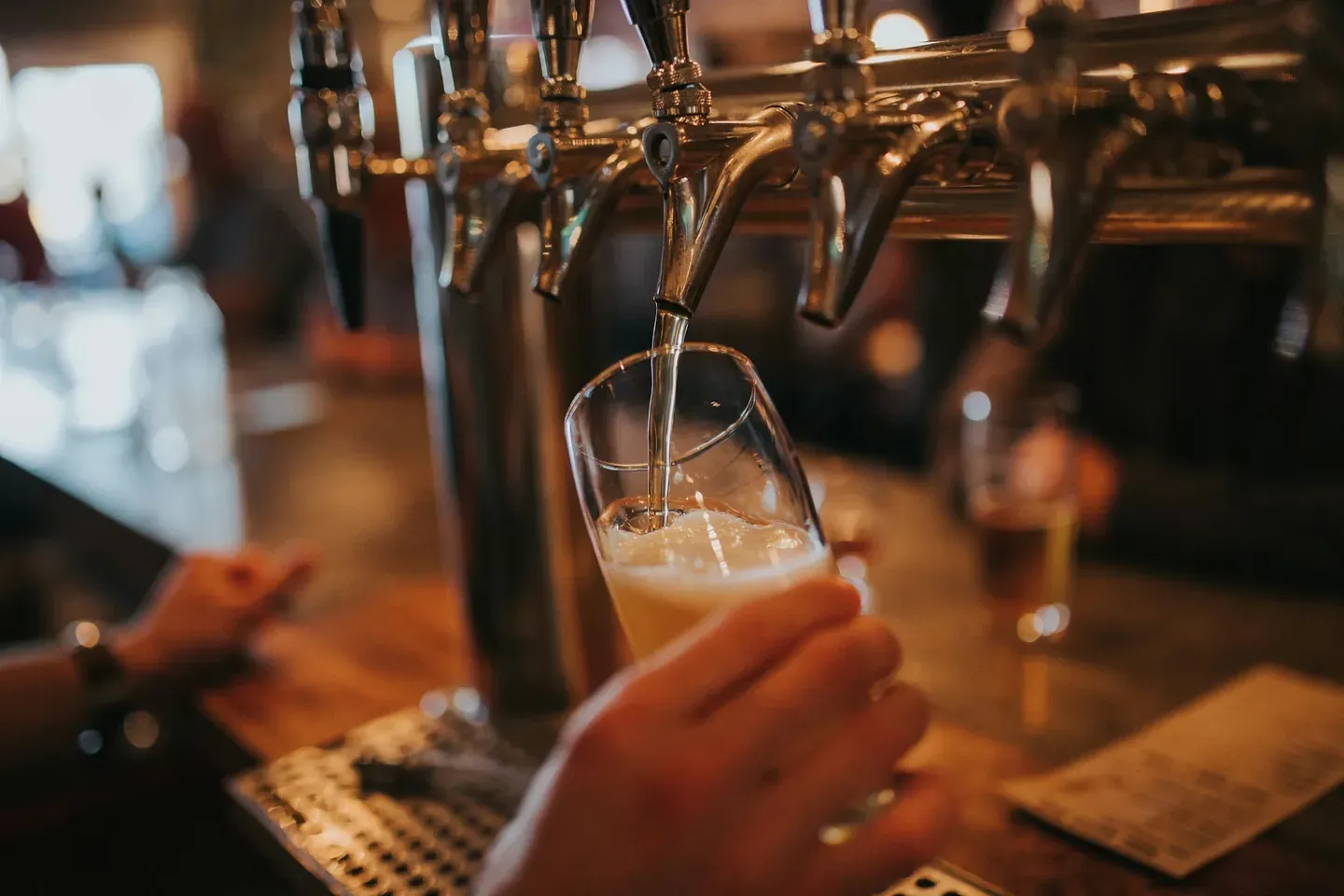 For Pubs
 Since we started using Resos, we have found the flexibility of the product and customer support incredible. It's very user friendly and easy to manage in-house which is a huge plus!
We have been using Resos as the booking platform for our cheese & wine bar in Helsinki, Finland, for over six months, and we are really impressed by it!
Once set up properly, Resos will run the whole booking seamlessly. Been trying many softwares and none has reached the level of customization and speed as Resos. And great support too!
The floor view is working very nicely, you can see everything at the same time. Also, it was a very huge upgrade for us, that the guests can easily cancel their booking – it saved us from a lot of no-shows.

Easy integration into our website and Google page.

Resos makes reservations so much easier. It's straightforward, flexible, and perfect for small businesses like ours. We're so happy with it!
What sets Resos.com apart is not just its ease of use, but also the proactive approach of the Resos team. They continuously work hard to introduce new features and add value to their product.
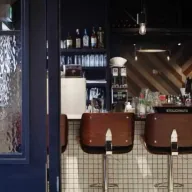
Simplicity when booking for the customer and easily accessible through our website, Facebook and Google.
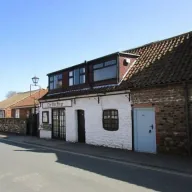
When we started our search for a booking system, Resos was the obvious choice. Not only is it affordable for us as a small business, but also offers so many features that make our jobs easier.

Being able to make a reservation without too much hassle goes a long way! Resos keeps the process intuitive and simple.

We take pride in offering industry leading fast, free and friendly customer service that takes the time needed to understand and help you.