


Since we started using Resos, we have found the flexibility of the product and customer support incredible. It's very user friendly and easy to manage in-house which is a huge plus!

Add SMS to the booking communication Resos already sends by email. Guests can receive confirmations, changes, and reminders on their phones, while your team controls the sender, recipients, and timing from the same restaurant booking system.












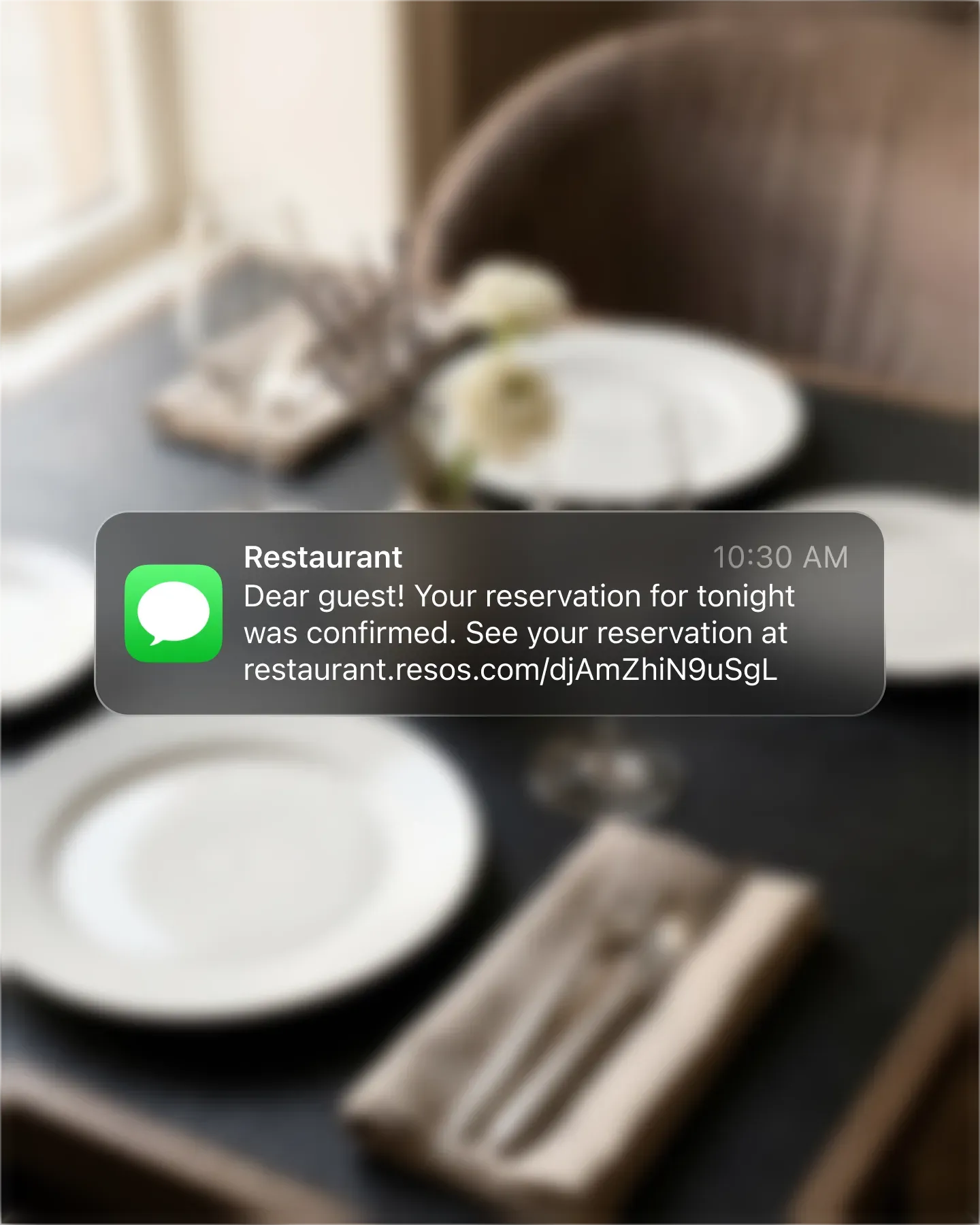
Send an SMS when a booking is created and when its status changes. The guest gets the useful details and a link back to the booking, so an accepted, changed, or canceled reservation does not depend on someone checking an inbox.
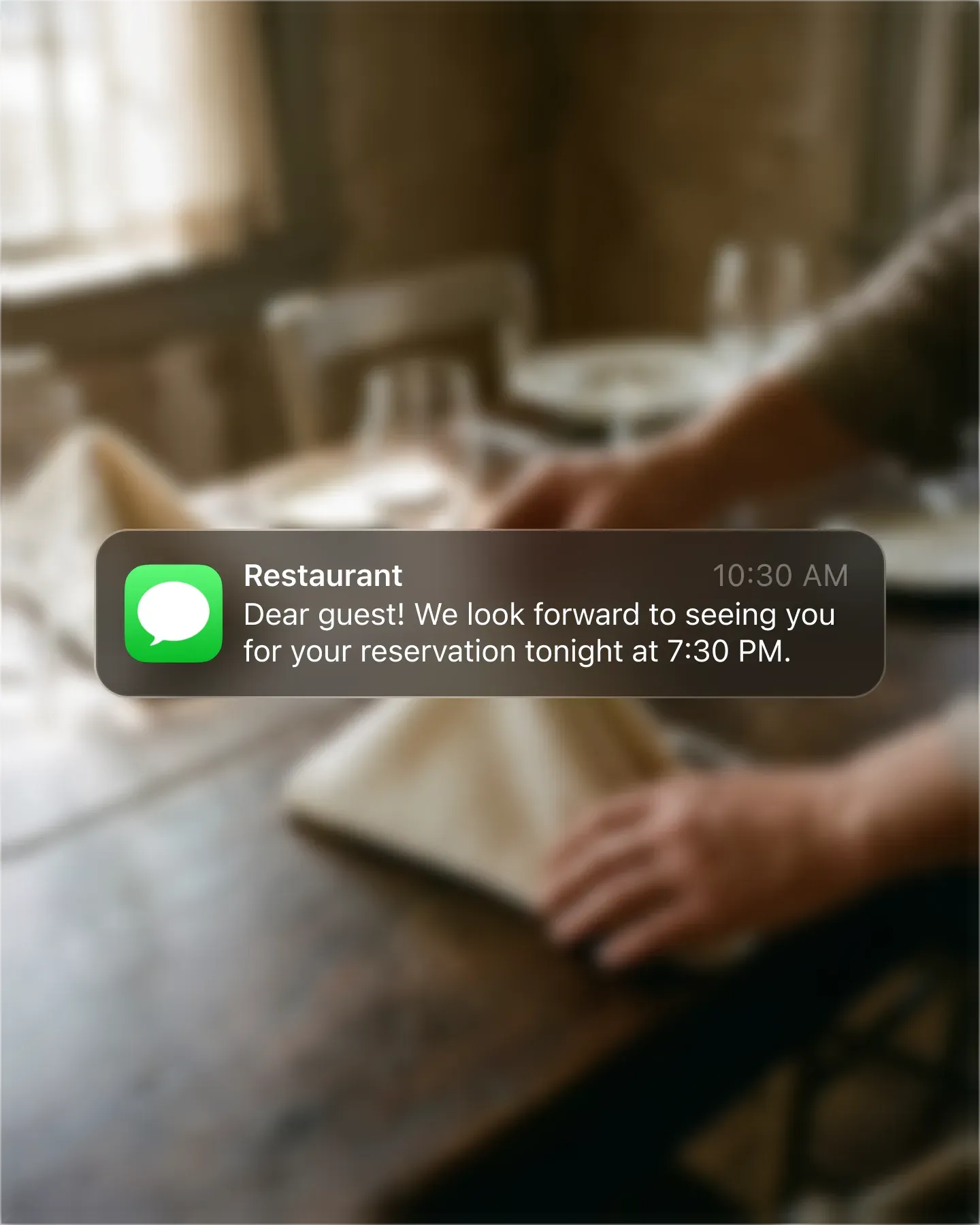
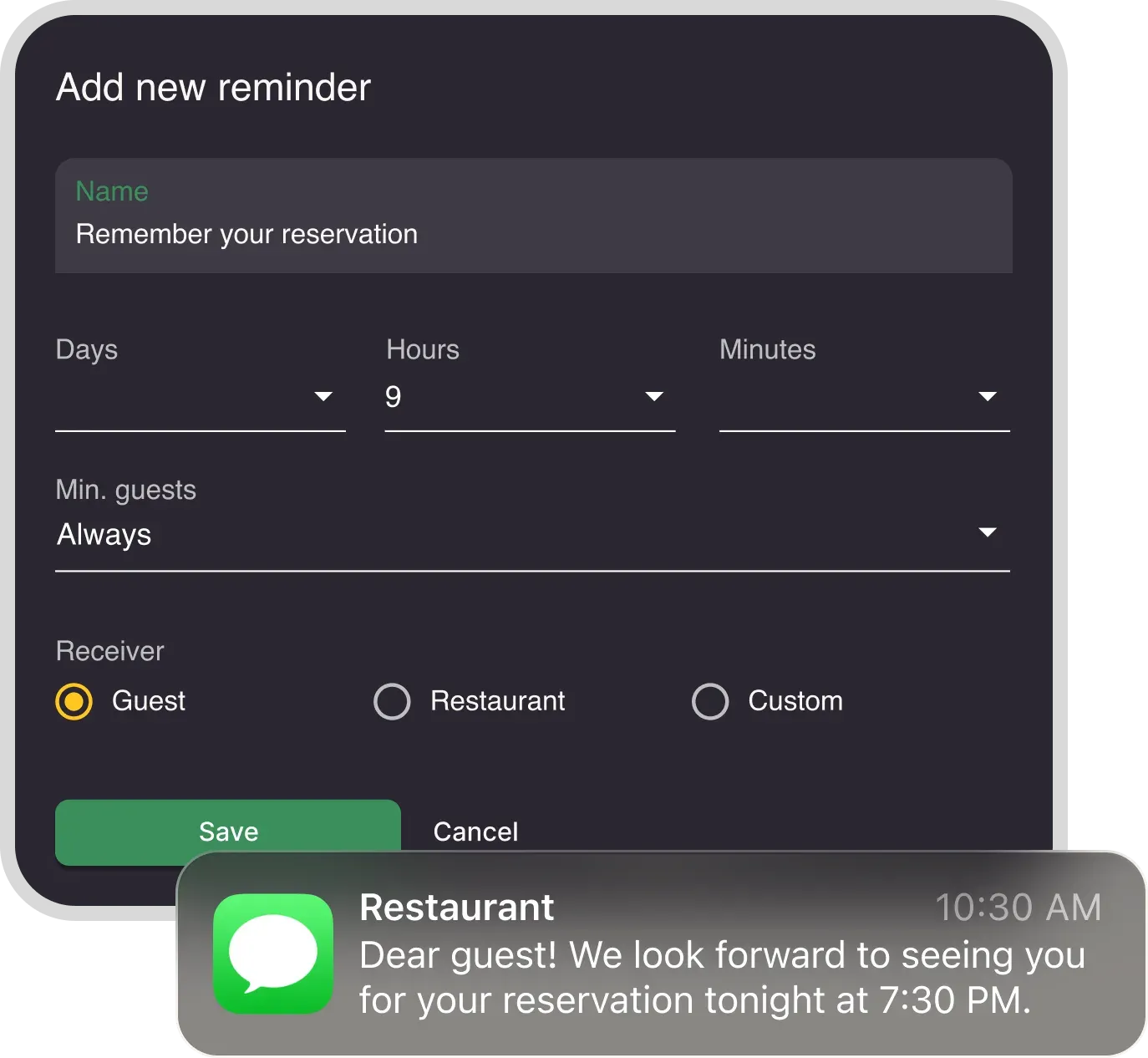
Add SMS delivery to the reminders you schedule in Resos. Choose when each reminder is sent and whether it goes to the guest, the restaurant, or a custom recipient. The reminder schedule stays separate, so it can match each service.
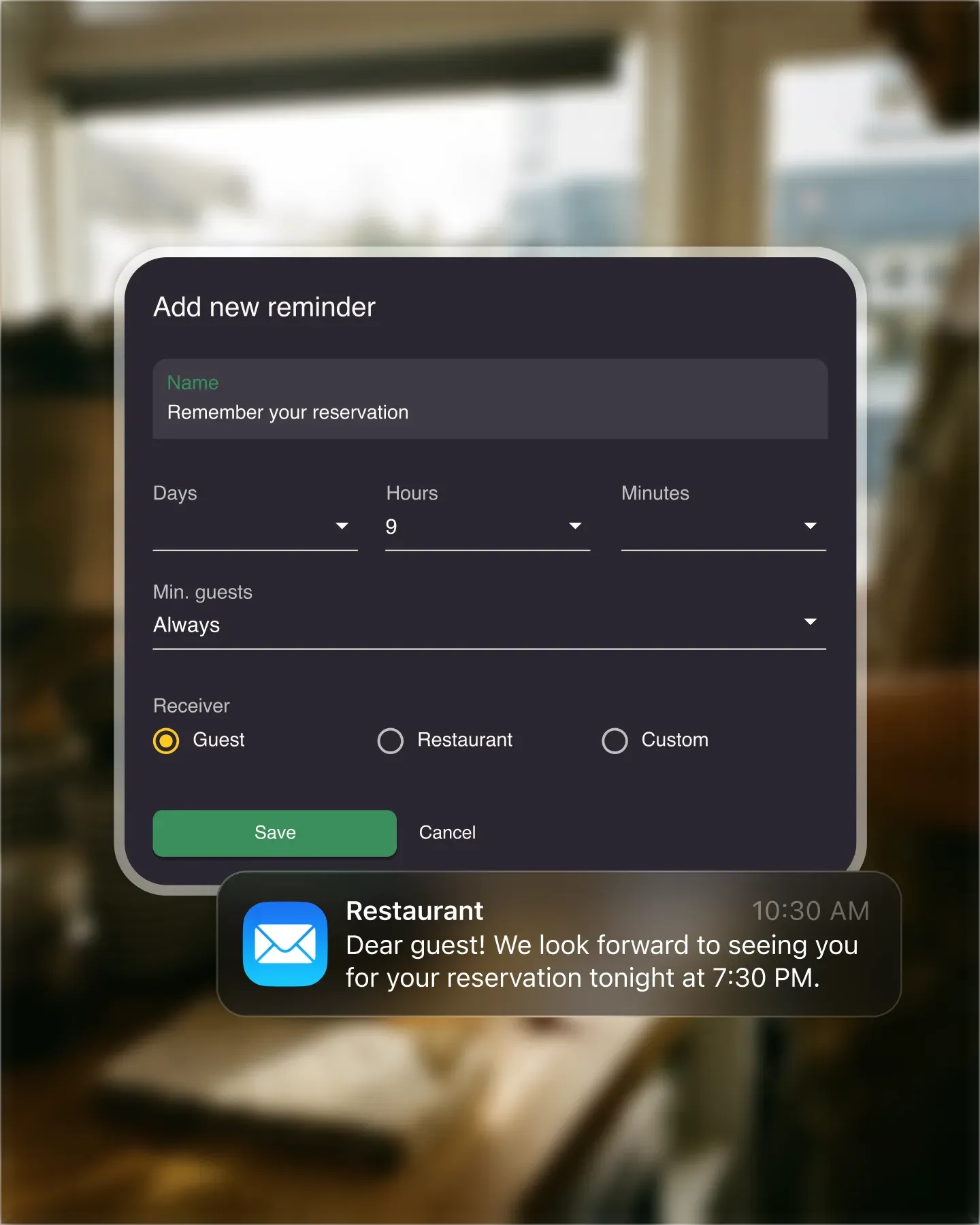
Guest messages keep reservations clear. Restaurant alerts help the team prepare. Custom reminder recipients let you notify a specific phone number when a booking matches the timing and party-size rules you set.
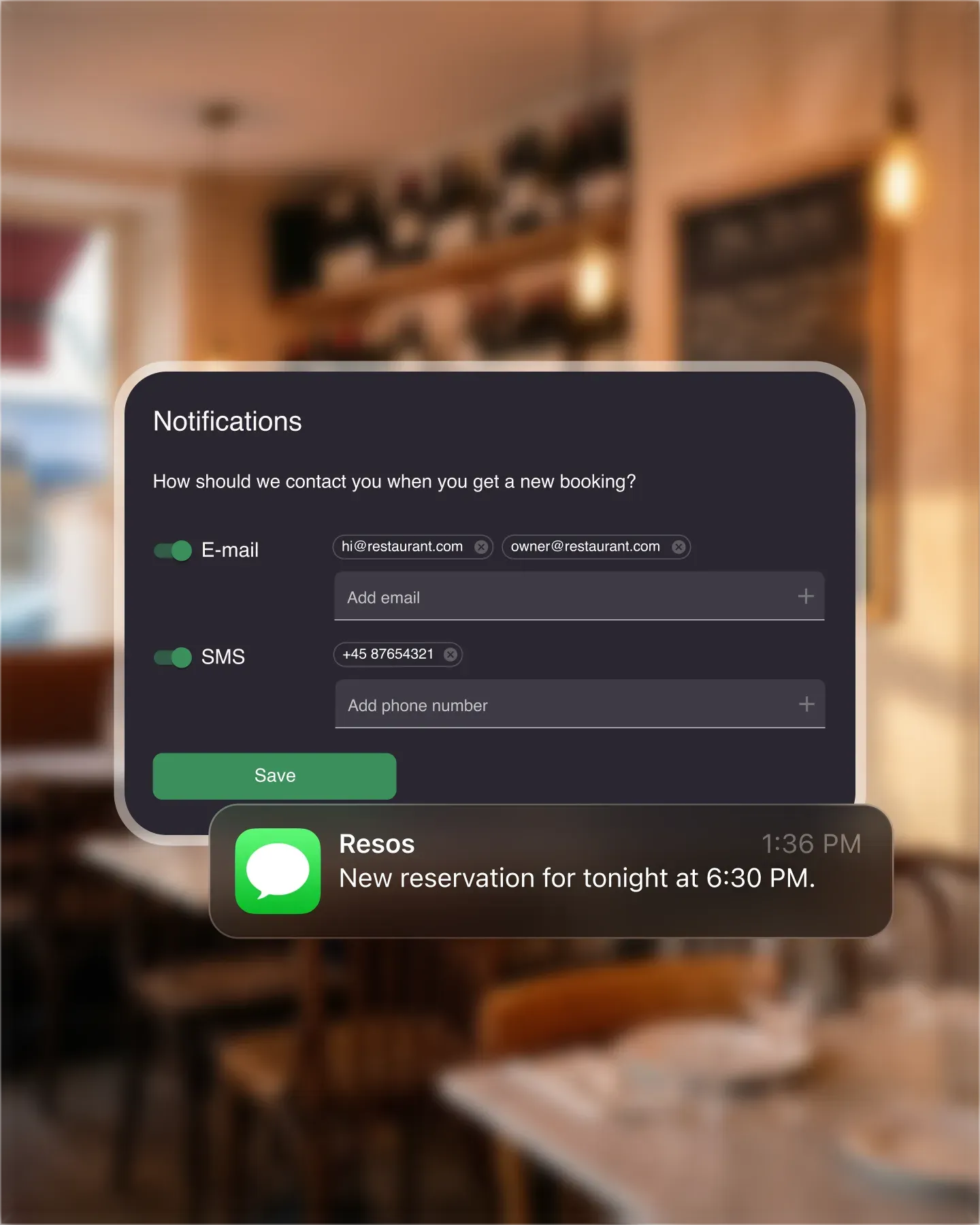
Email notifications continue to carry the full booking information. Enable SMS when a shorter message on the lock screen is useful, and choose email, SMS, or both for the restaurant alerts your team receives.
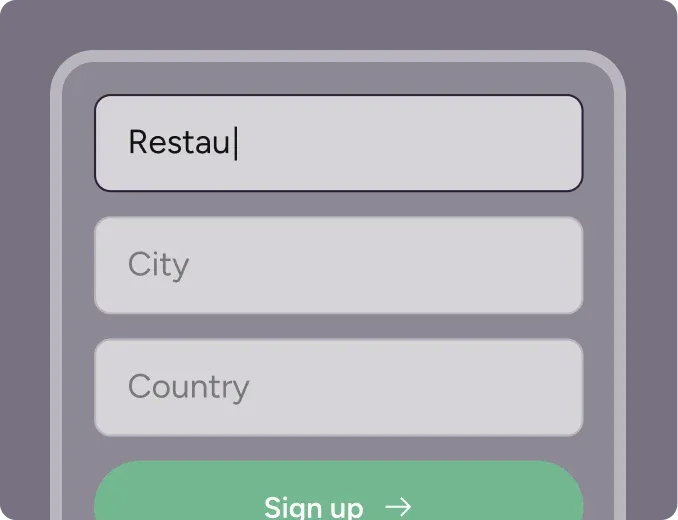
Create your account in seconds. No credit card required.
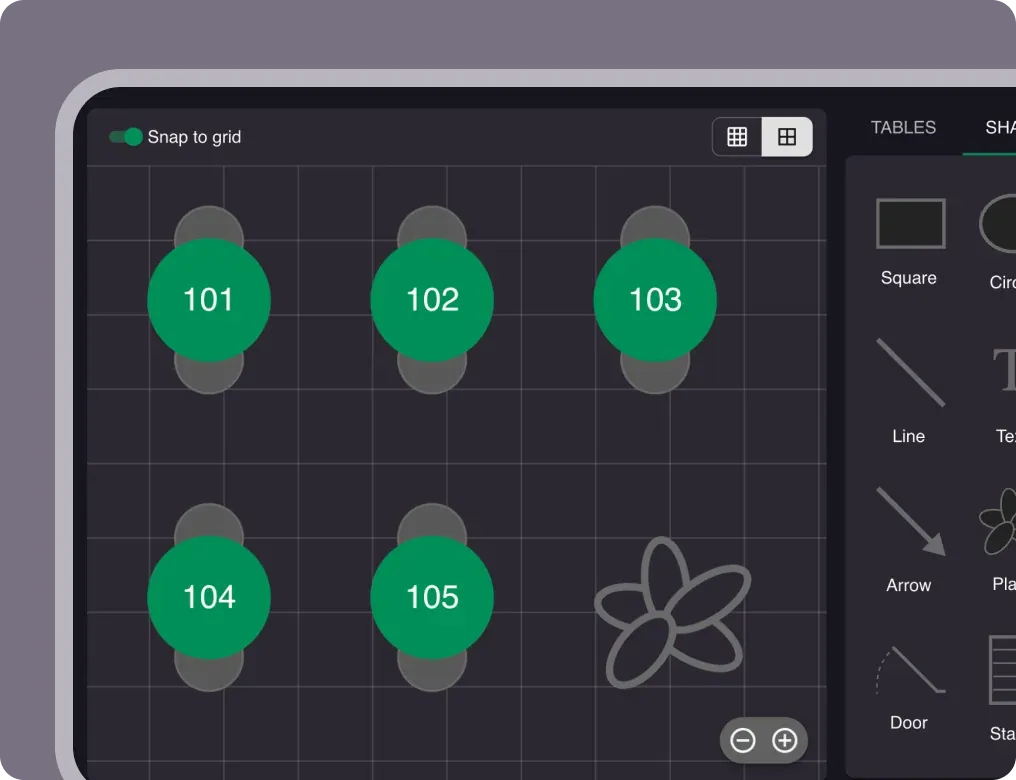
Add your opening hours, areas, and floor plan using our easy drag-and-drop editor.
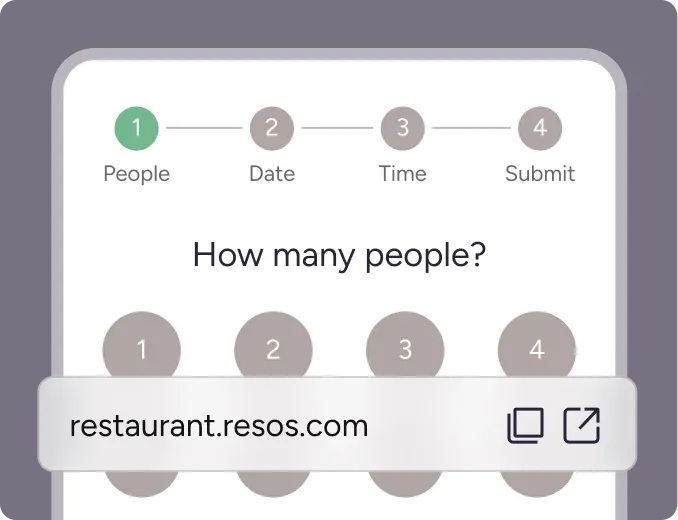
Add your booking link to your website and social media. No coding required.
Restaurant communication is most useful when it arrives before a guest or team member needs to ask what happened. The SMS messages add-on lets Resos send booking information by text as part of the same workflow that already handles online reservations, email notifications, reminders, and changes.
SMS is an additional delivery channel, not a separate marketing inbox. You keep managing the booking in Resos. The system sends the relevant message when the booking event occurs, and the recipient gets the update on their phone.
When a guest provides a phone number and you have enabled SMS messages, Resos can send a text when the booking is created. This gives the guest a record of the restaurant, date, time, and party size without requiring an app or a Resos account.
SMS can also follow important booking events. If the restaurant accepts, changes, or cancels a reservation, the guest can receive the corresponding status update. A link in the message takes them back to the guest-facing booking page when an action or more context is available.
This is different from the Booking Confirmation feature. SMS messages control whether booking communication can be delivered by text. Booking Confirmation controls the later re-confirmation process that asks guests to confirm they are still coming and can automatically release an unconfirmed table.
The Booking Reminders add-on controls what reminder is sent, when it is sent, and who receives it. The SMS messages add-on makes SMS available as one of the delivery channels.
The channel choice shows up in the data. In the Resos No-Show Index, reservations with a delivered SMS reminder showed a 16% lower recorded no-show rate than reservations at the same restaurants without one, based on 46,884 exposed reservations at 257 restaurants that had reservations both with and without a delivered reminder. That is an observed association in operational data, not a controlled experiment, so it does not show that the reminder caused the difference.
That separation gives you practical control. You might send an email confirmation when the booking is made, then add a short SMS reminder on the day of service. A tasting menu could use an earlier reminder, while a casual weeknight service could send one closer to the booking time.
Reminders can be sent to:
Each reminder can also use a minimum party-size rule. For example, you can alert a manager about a large group without sending the same internal message for every table of two.
Guest SMS messages and restaurant SMS alerts use the same paid SMS capability, but they solve different jobs.
Guest messages explain what has happened to a reservation and help the guest prepare or respond. Staff alerts tell the restaurant about a new booking so someone can review it quickly. If you need new-booking alerts on your own phone, see SMS and email booking notifications for restaurant staff.
Keeping those settings separate also prevents unnecessary messages. The guest does not receive an internal alert, and a staff member only receives the restaurant notifications or reminders assigned to the relevant number.
You can set the SMS sender name under Menu → Settings & add-ons → Communication → SMS messages. A recognizable sender helps the guest understand which reservation the message belongs to.
Resos supplies the essential booking information in the standard notification. Under Communication → Texts, you can add extra text before or after the default content for booking confirmations, status changes, new booking messages, and reminders. You can create a shorter SMS version when the longer email wording does not fit a text message well.
SMS billing is based on message segments. A longer message or certain characters can split one visible text into multiple billable segments. The exact behavior depends on the length and character set, so review the guide to SMS length and message segments before adding long custom copy or emoji.
Email remains useful when a message needs more space. SMS is useful for concise, time-sensitive information that a guest or staff member should see on a phone. Resos lets the two channels work together rather than forcing every booking message into one format.
The contact details collected with a booking determine which channels are available. A guest needs to provide a phone number for SMS and an email address for email. You can configure the required contact information for online bookings and collect the appropriate details when staff create a manual booking.
For instructions on guest and staff delivery preferences, follow the guide to receiving and sending booking notifications. To change the guest-facing wording, use the guide to customizing booking notification texts.
SMS messages are a usage-based add-on charged separately from your Resos subscription. Rates vary by destination and billing currency, and longer messages can count as more than one segment. We keep those values in the live pricing source instead of hardcoding a rate on this page.
Check the current SMS prices by country and currency to estimate your usage. The pricing page also explains when SMS is sent and how message segments appear on your invoice.
You need a paid Resos plan to use the SMS messages add-on. Go to Menu → Settings & add-ons → Communication → SMS messages, enable the add-on, and choose the sender name.
After SMS is enabled, review the individual communication features you want to use:
Start with the messages that remove a real point of confusion for guests or staff. You can add other SMS events later without changing how bookings are managed in Resos.
 For Restaurants
  For Cafés
  For Bars
  For Pubs
 Since we started using Resos, we have found the flexibility of the product and customer support incredible. It's very user friendly and easy to manage in-house which is a huge plus!
We have been using Resos as the booking platform for our cheese & wine bar in Helsinki, Finland, for over six months, and we are really impressed by it!
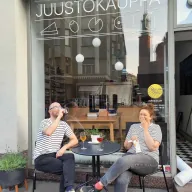
Once set up properly, Resos will run the whole booking seamlessly. Been trying many softwares and none has reached the level of customization and speed as Resos. And great support too!
The floor view is working very nicely, you can see everything at the same time. Also, it was a very huge upgrade for us, that the guests can easily cancel their booking – it saved us from a lot of no-shows.

Easy integration into our website and Google page.

Resos makes reservations so much easier. It's straightforward, flexible, and perfect for small businesses like ours. We're so happy with it!

What sets Resos.com apart is not just its ease of use, but also the proactive approach of the Resos team. They continuously work hard to introduce new features and add value to their product.

Simplicity when booking for the customer and easily accessible through our website, Facebook and Google.

When we started our search for a booking system, Resos was the obvious choice. Not only is it affordable for us as a small business, but also offers so many features that make our jobs easier.

Being able to make a reservation without too much hassle goes a long way! Resos keeps the process intuitive and simple.

Fast, free and friendly support from real people who take the time to understand your restaurant.


