Since we started using Resos, we have found the flexibility of the product and customer support incredible. It's very user friendly and easy to manage in-house which is a huge plus!

The second a guest taps Book a Table, an SMS or email lands on your phone with the details and a link straight into Resos. Review it, change the table, message the guest, all without sitting down at a computer. Online bookings stop feeling like a feed to monitor and start feeling like the room your team already runs.
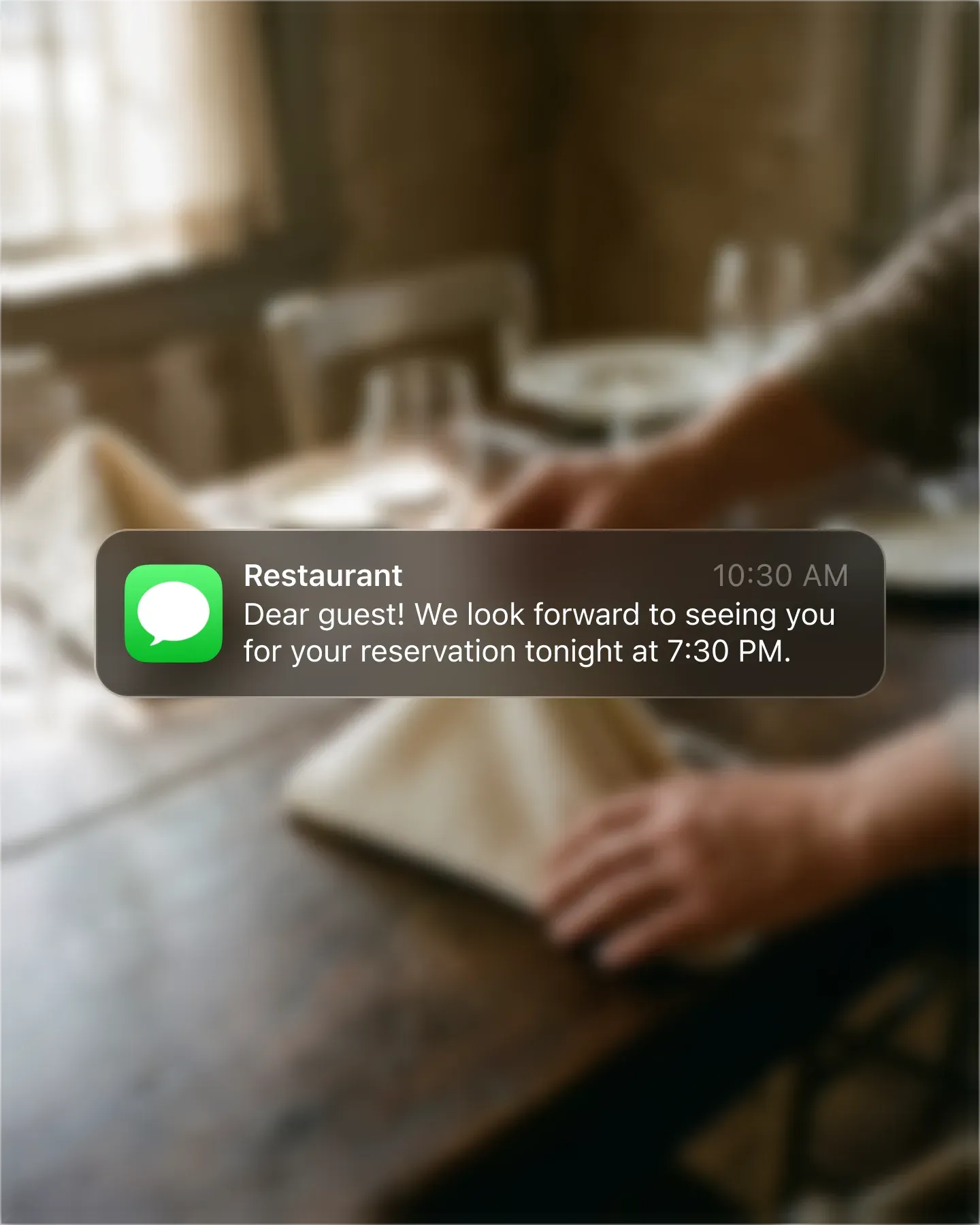












A guest hits confirm and you know about it. SMS lands on the lock screen, email lands in the inbox, both carry the date, time, party size, and any notes the guest left. No refreshing a dashboard, no missed Saturday nights because nobody was watching.
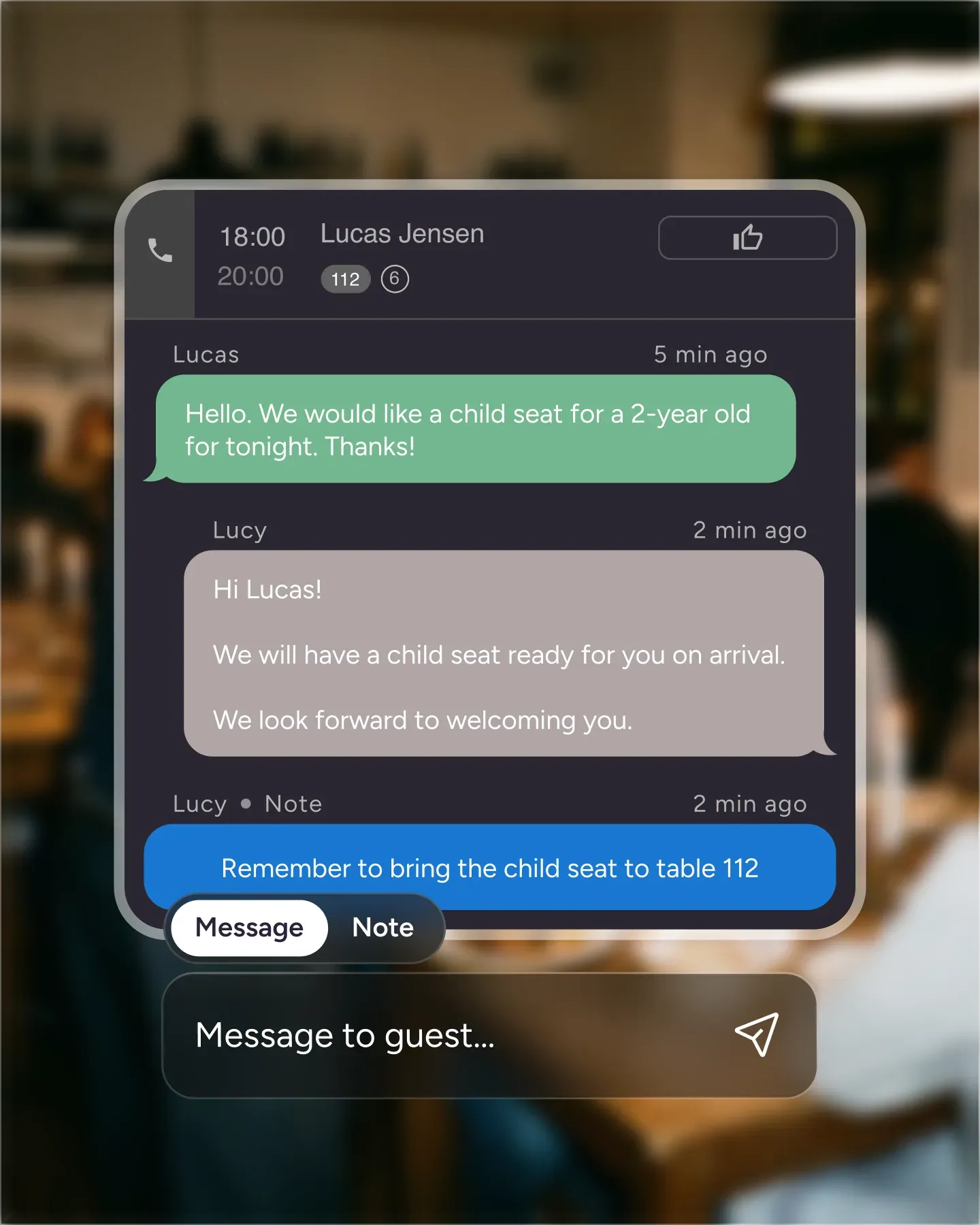
Every notification carries a link. Tap it and the booking opens inside Resos, ready to edit, message, or move to another table. The shortcut works the same from your phone, your tablet, or the laptop at the pass.
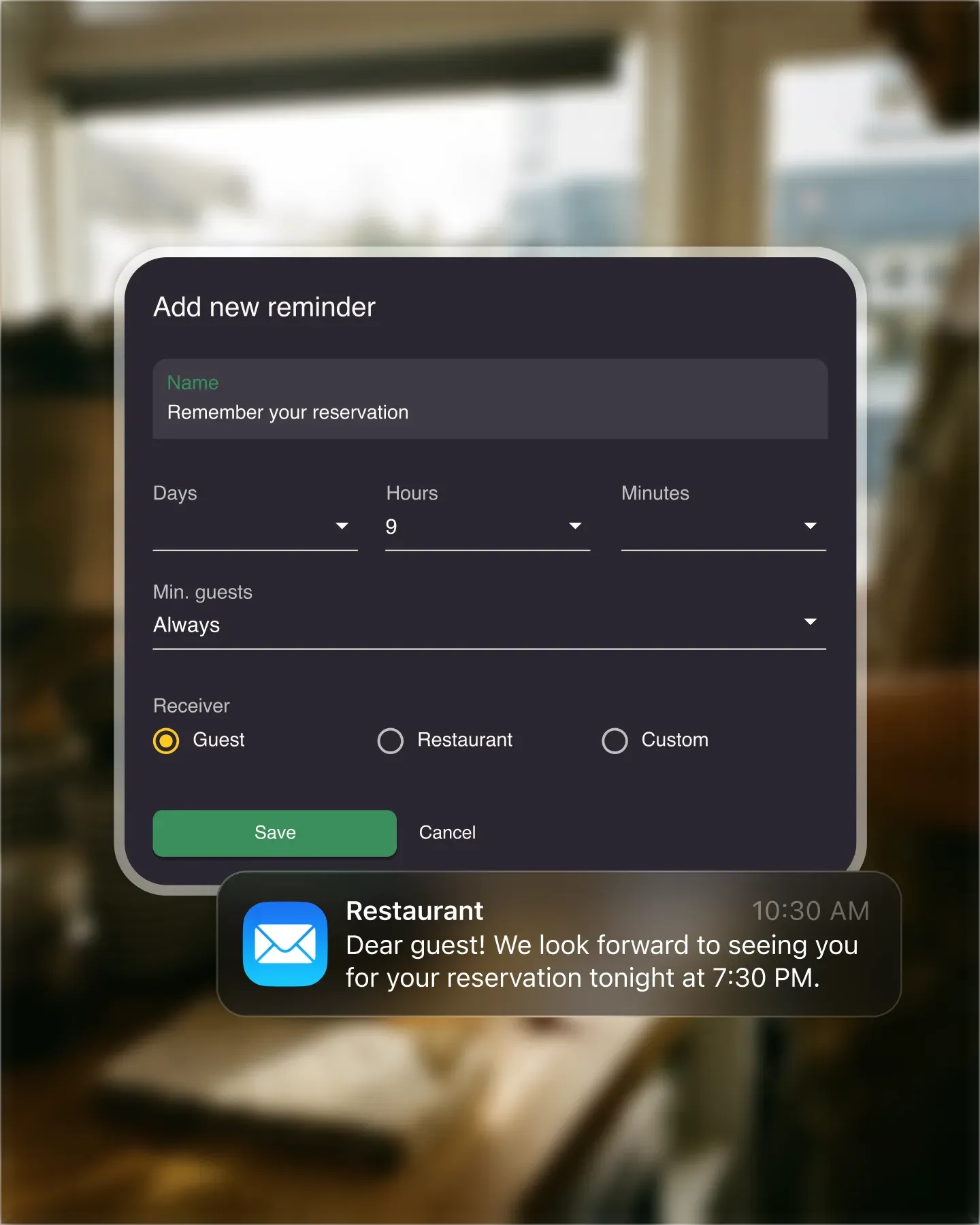
Choose what you want pinging and where. Some owners want SMS for night shifts and email for the back office. Some want both. Set it once per user, change it as roles shift, and stop fighting over whose phone is ringing.
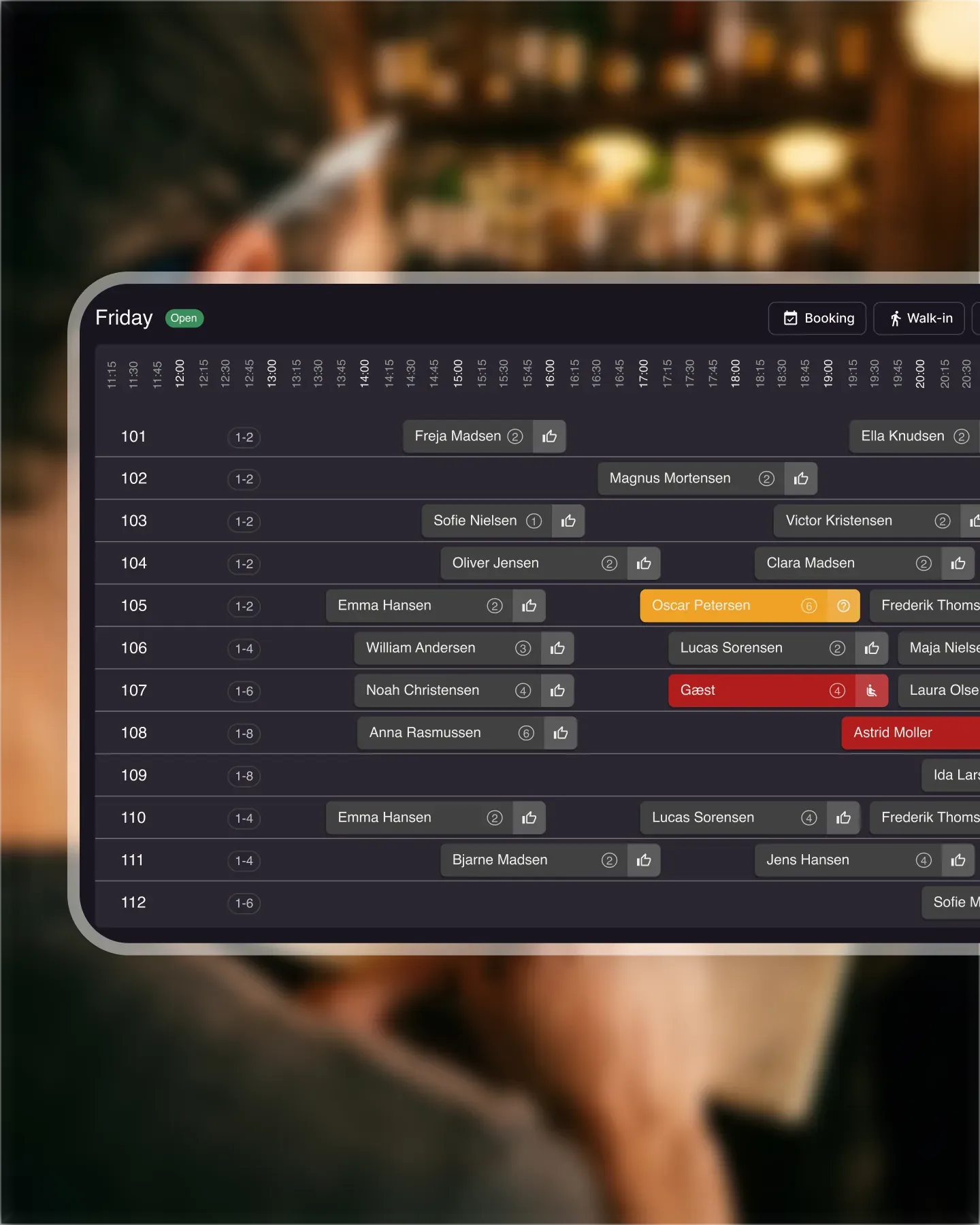
The notification points at the same booking your team is looking at on the host stand. Move a table from your phone and the floor sees the change. There is no parallel inbox to keep tidy, no copy-paste between systems.

Create your account in seconds. No credit card required.

Add your opening hours, areas, and floor plan using our easy drag-and-drop editor.

Add your booking link to your website and social media. No coding required.
Get notified by SMS and email every time a guest books a table. The notification carries a link straight into the booking in Resos, so you can review it, change it, or message the guest from there.
This page covers alerts sent to your restaurant team. To send confirmations, booking changes, and other updates to guests, see the restaurant SMS messages add-on.
You don’t have to change how you work to start taking online bookings. Just enable SMS and email notifications, and every new reservation lands on your phone the moment it comes in - the rest is the same Resos workflow you already use.

Ready to start taking bookings online? Register for free at Resos - no credit card needed. We’ll help you set up Resos on your website, Facebook page, or Google profile. Follow our simple guides and you’re ready.
Read also about how to send guests booking reminders by SMS and email.
If you have any questions, contact us at hi@resos.com. Our support team is always ready to help.
 For Restaurants
  For Cafés
  For Bars
  For Pubs
 Since we started using Resos, we have found the flexibility of the product and customer support incredible. It's very user friendly and easy to manage in-house which is a huge plus!
We have been using Resos as the booking platform for our cheese & wine bar in Helsinki, Finland, for over six months, and we are really impressed by it!

Once set up properly, Resos will run the whole booking seamlessly. Been trying many softwares and none has reached the level of customization and speed as Resos. And great support too!

The floor view is working very nicely, you can see everything at the same time. Also, it was a very huge upgrade for us, that the guests can easily cancel their booking – it saved us from a lot of no-shows.

Easy integration into our website and Google page.

Resos makes reservations so much easier. It's straightforward, flexible, and perfect for small businesses like ours. We're so happy with it!

What sets Resos.com apart is not just its ease of use, but also the proactive approach of the Resos team. They continuously work hard to introduce new features and add value to their product.

Simplicity when booking for the customer and easily accessible through our website, Facebook and Google.

When we started our search for a booking system, Resos was the obvious choice. Not only is it affordable for us as a small business, but also offers so many features that make our jobs easier.

Being able to make a reservation without too much hassle goes a long way! Resos keeps the process intuitive and simple.

Fast, free and friendly support from real people who take the time to understand your restaurant.