Since we started using Resos, we have found the flexibility of the product and customer support incredible. It's very user friendly and easy to manage in-house which is a huge plus!
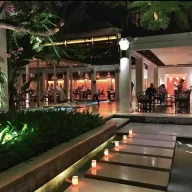
The Resos floor plan lets you draw your venue exactly as it sits in real life – tables, doors, stairs, plants, terraces, multiple floors – then ties every reservation to the table you have drawn. The team reads the room at a glance, bookings land on the right seat without anyone thinking about it, and turnovers run smoother because what the host sees and what the floor sees are finally the same picture.
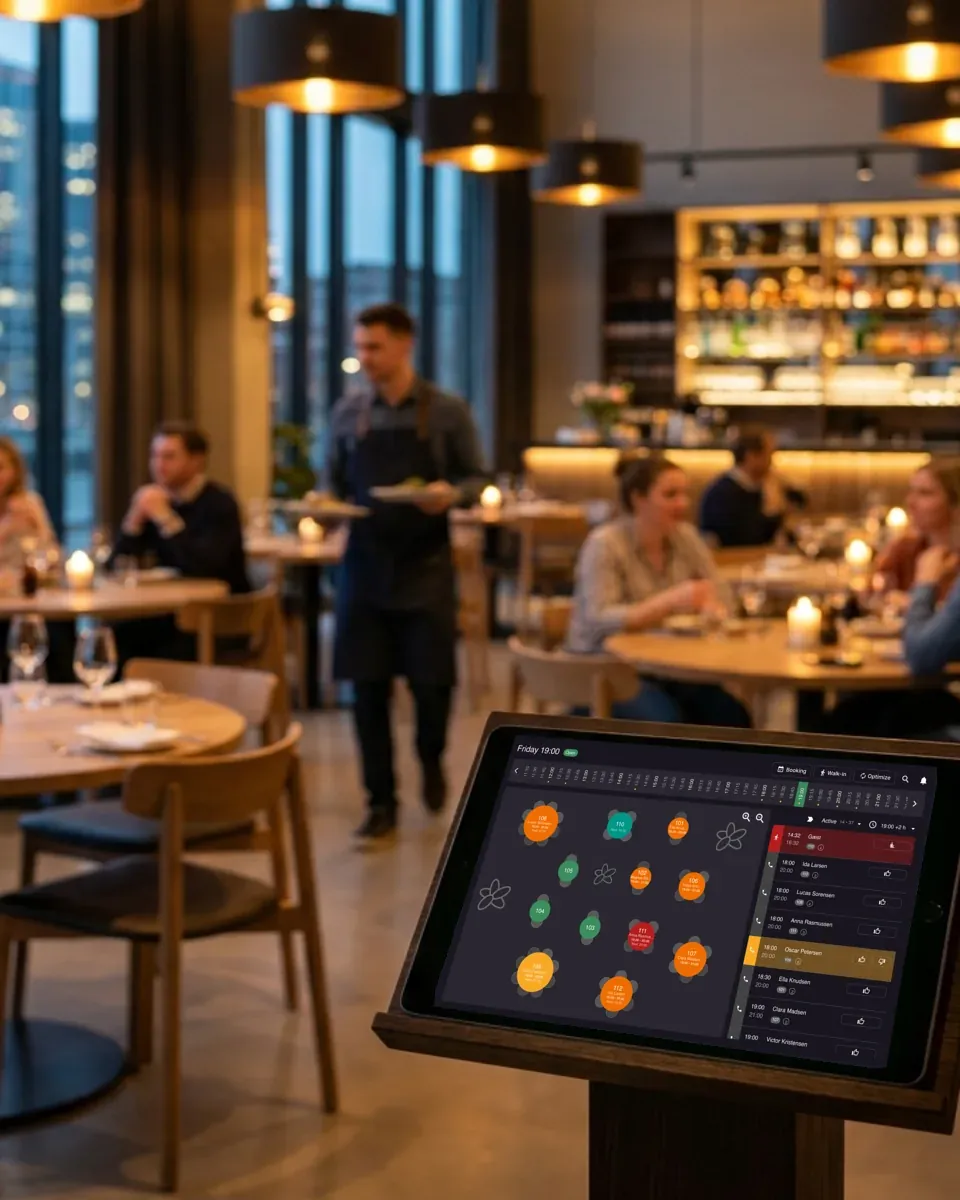












Drop tables where they sit, add doors, stairs, plants, a bar, a piano – anything that helps the team orient. Resize and shape each table to match the real thing. No CAD skills, no training day, just a picture of the room that everyone on the floor already understands.
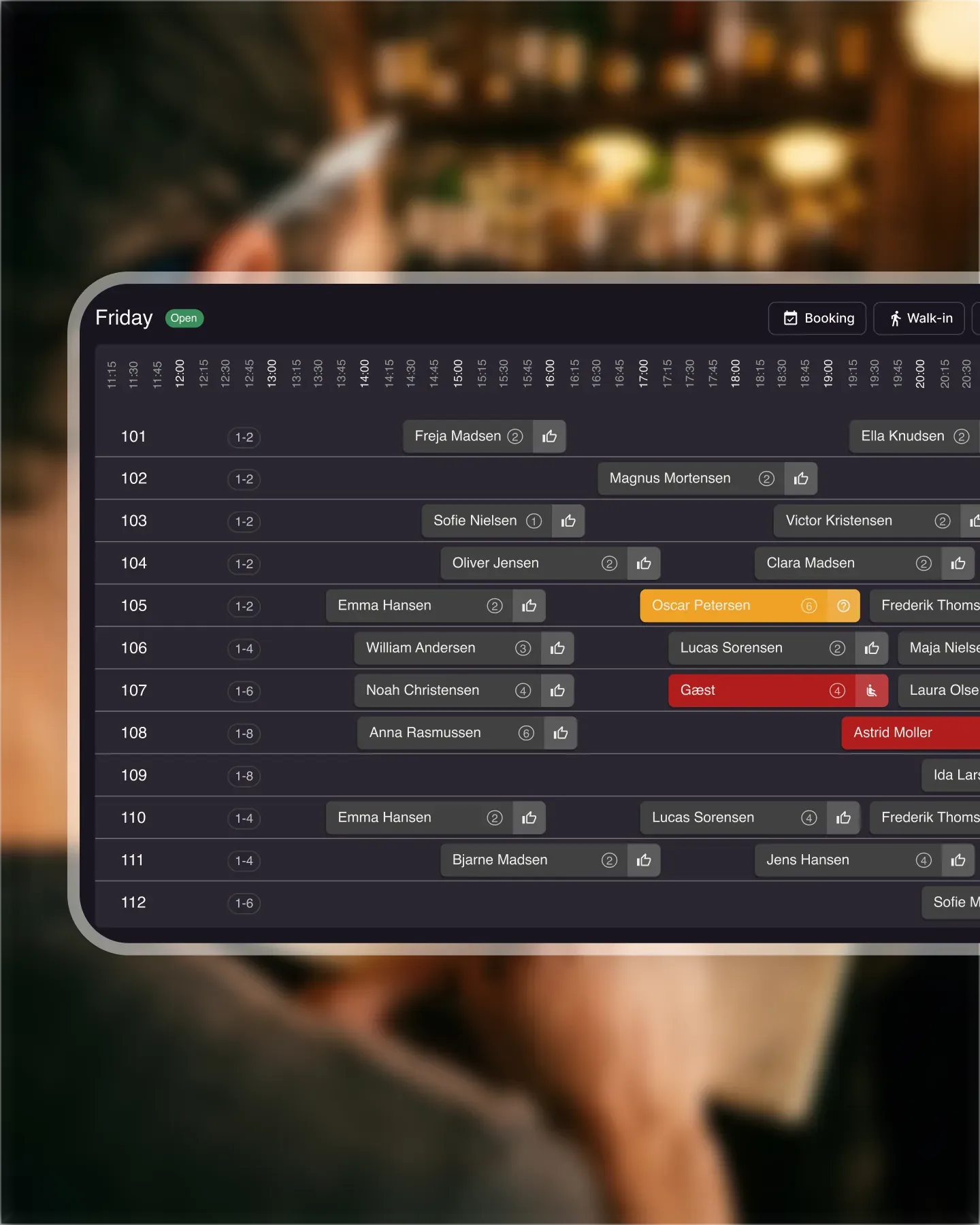
Bookings attach to the table you drew. Open the floor plan and see who is sitting where for the whole service – names, party sizes, status colors, all on the same picture the host stand uses. No mental map, no whisper-chains between server stations.
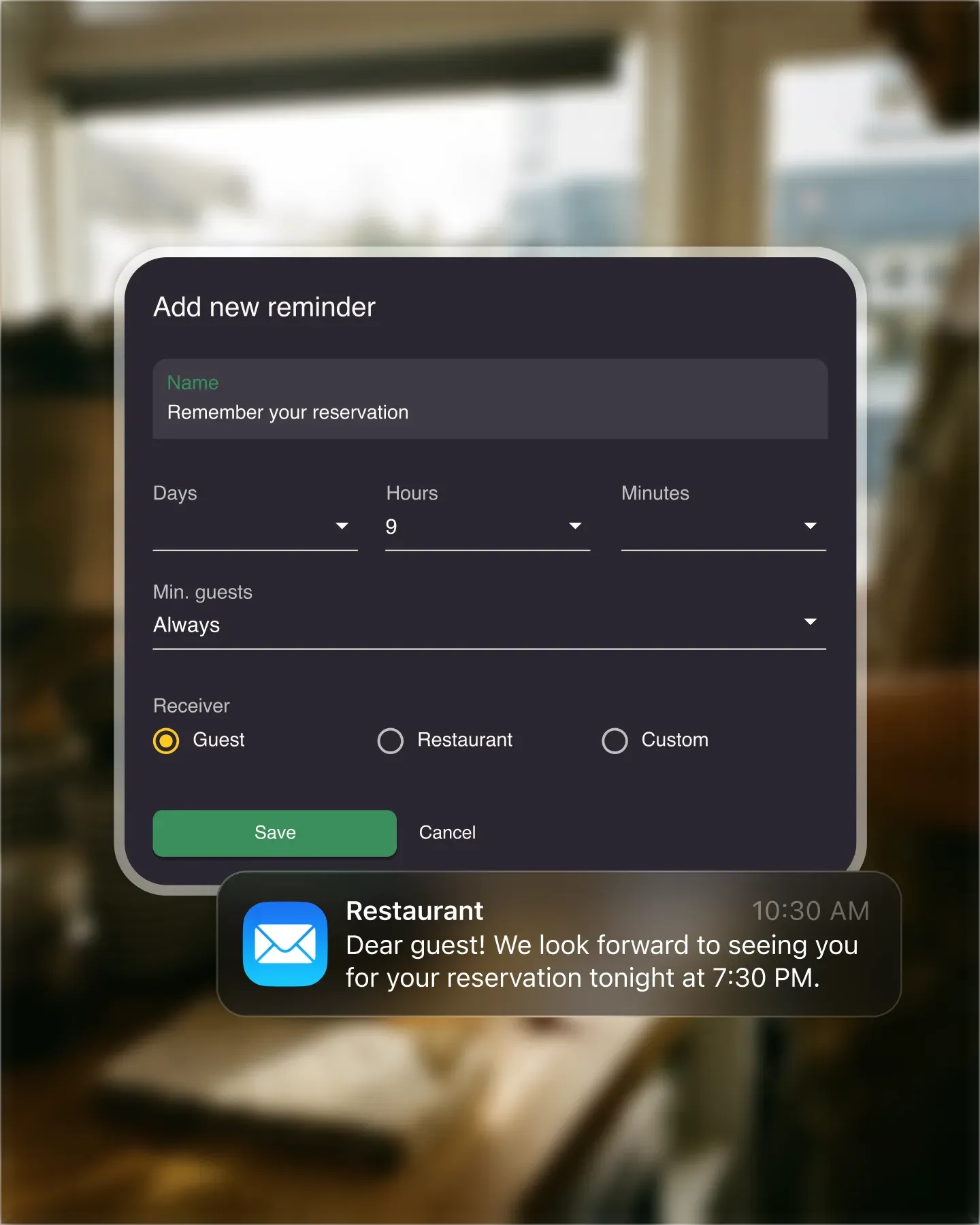
Restaurants on more than one level get a layout per floor – ground floor, mezzanine, basement, garden, private dining. Switch between them in a click, manage reservations specific to each space, and oversee the whole operation without juggling four different views.
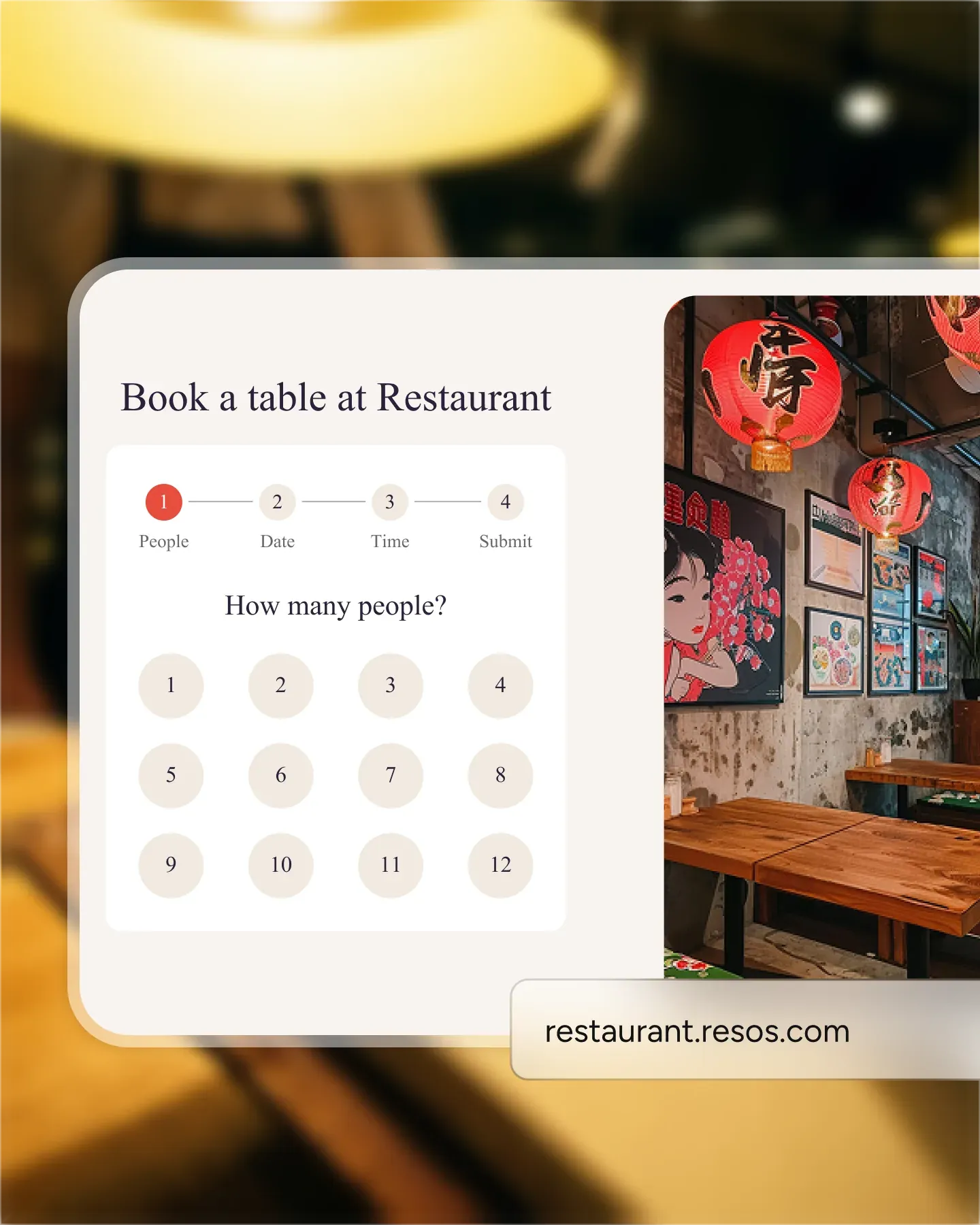
Online bookings drop onto the tables you marked as available, in the priority you set. The floor plan stops being a static drawing and starts working like a live picture of the service ahead. Turnover times shorten because every cover knows where it is going before they walk in.

Create your account in seconds. No credit card required.

Add your opening hours, areas, and floor plan using our easy drag-and-drop editor.

Add your booking link to your website and social media. No coding required.
Enhance the dining experience and optimize your restaurant’s capacity with a visual table plan. Lay out the room exactly as it sits in real life, then connect the plan to your reservations so every booking lands on the right table without anyone having to think about it. The visual floor plan is part of our complete restaurant table management software.
Create a floor plan that matches your restaurant’s space by adding features like doors, stairs, and plants, making it easier for your team to read the room at a glance.
Design and adjust your restaurant’s table layout effortlessly. The drag-and-drop interface lets you build a seating plan that fits your specific needs, so you make maximum use of space without crowding guests.
Seamlessly integrate table management with the reservation system. Bookings land on the table you’ve drawn, wait times shrink, and turnovers run more smoothly because the team sees the same picture the host stand does.
For restaurants on more than one level, design a separate layout per floor, handle reservations specific to each level, and oversee the whole operation from a single interface.
Take the first step towards a more organized and effective table-management system. See pricing or register for free - no credit card required. If you’d like a walk-through, our team is at hi@resos.com.
 For Restaurants
  For Cafés
  For Bars
  For Pubs
 Since we started using Resos, we have found the flexibility of the product and customer support incredible. It's very user friendly and easy to manage in-house which is a huge plus!
We have been using Resos as the booking platform for our cheese & wine bar in Helsinki, Finland, for over six months, and we are really impressed by it!
Once set up properly, Resos will run the whole booking seamlessly. Been trying many softwares and none has reached the level of customization and speed as Resos. And great support too!

The floor view is working very nicely, you can see everything at the same time. Also, it was a very huge upgrade for us, that the guests can easily cancel their booking – it saved us from a lot of no-shows.

Easy integration into our website and Google page.
Resos makes reservations so much easier. It's straightforward, flexible, and perfect for small businesses like ours. We're so happy with it!
What sets Resos.com apart is not just its ease of use, but also the proactive approach of the Resos team. They continuously work hard to introduce new features and add value to their product.
Simplicity when booking for the customer and easily accessible through our website, Facebook and Google.
When we started our search for a booking system, Resos was the obvious choice. Not only is it affordable for us as a small business, but also offers so many features that make our jobs easier.

Being able to make a reservation without too much hassle goes a long way! Resos keeps the process intuitive and simple.

Fast, free and friendly support from real people who take the time to understand your restaurant.