Since we started using Resos, we have found the flexibility of the product and customer support incredible. It's very user friendly and easy to manage in-house which is a huge plus!
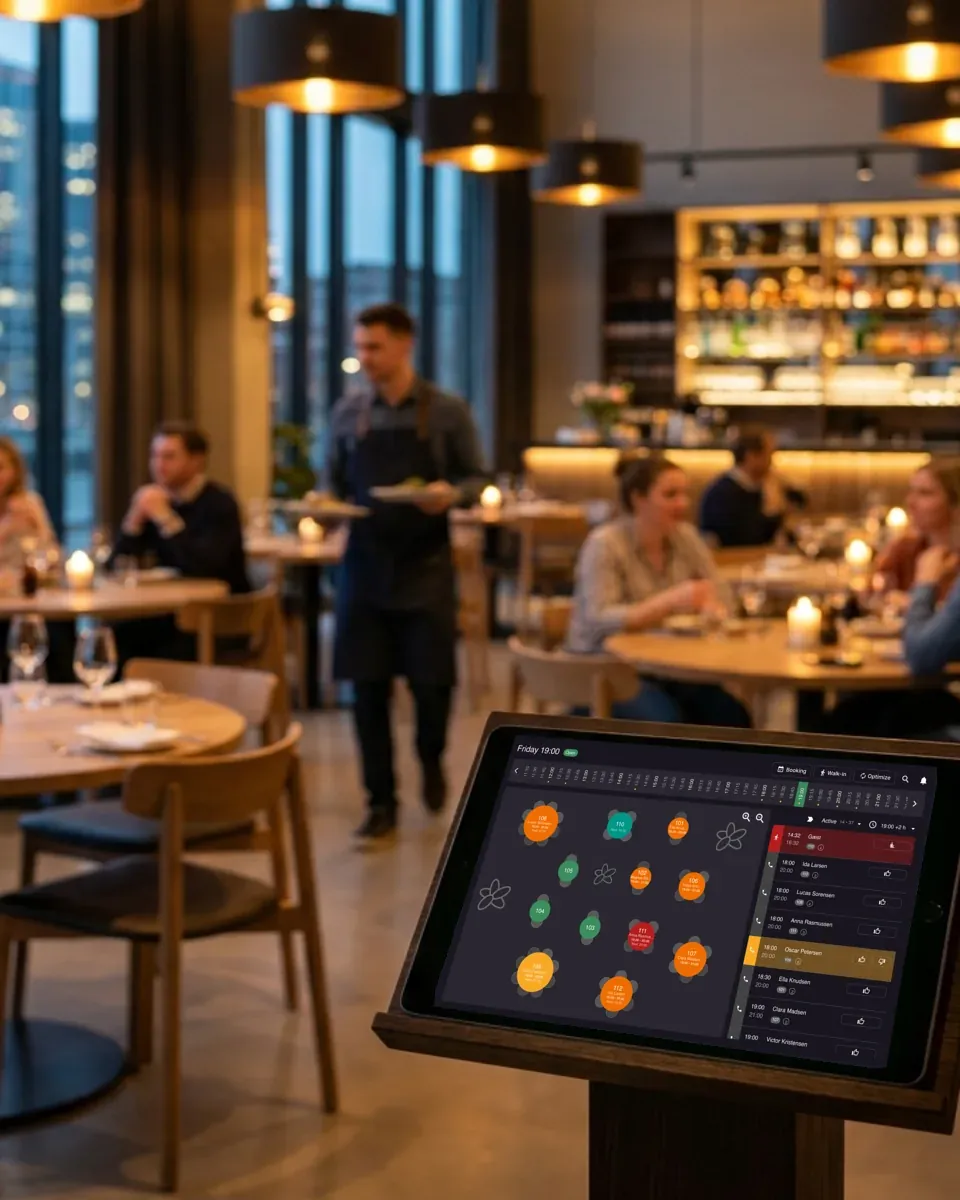
Resos is restaurant table management software that turns your floor plan into a live, bookable map. Track every table, time slot, and combination from one screen. Guests only see the tables you mark as available, two-tops combine into a four-top when the floor demands it, and your best seats get booked first. The room runs tighter, the team has less to remember, and no booking slips through because two services disagreed on what was free.












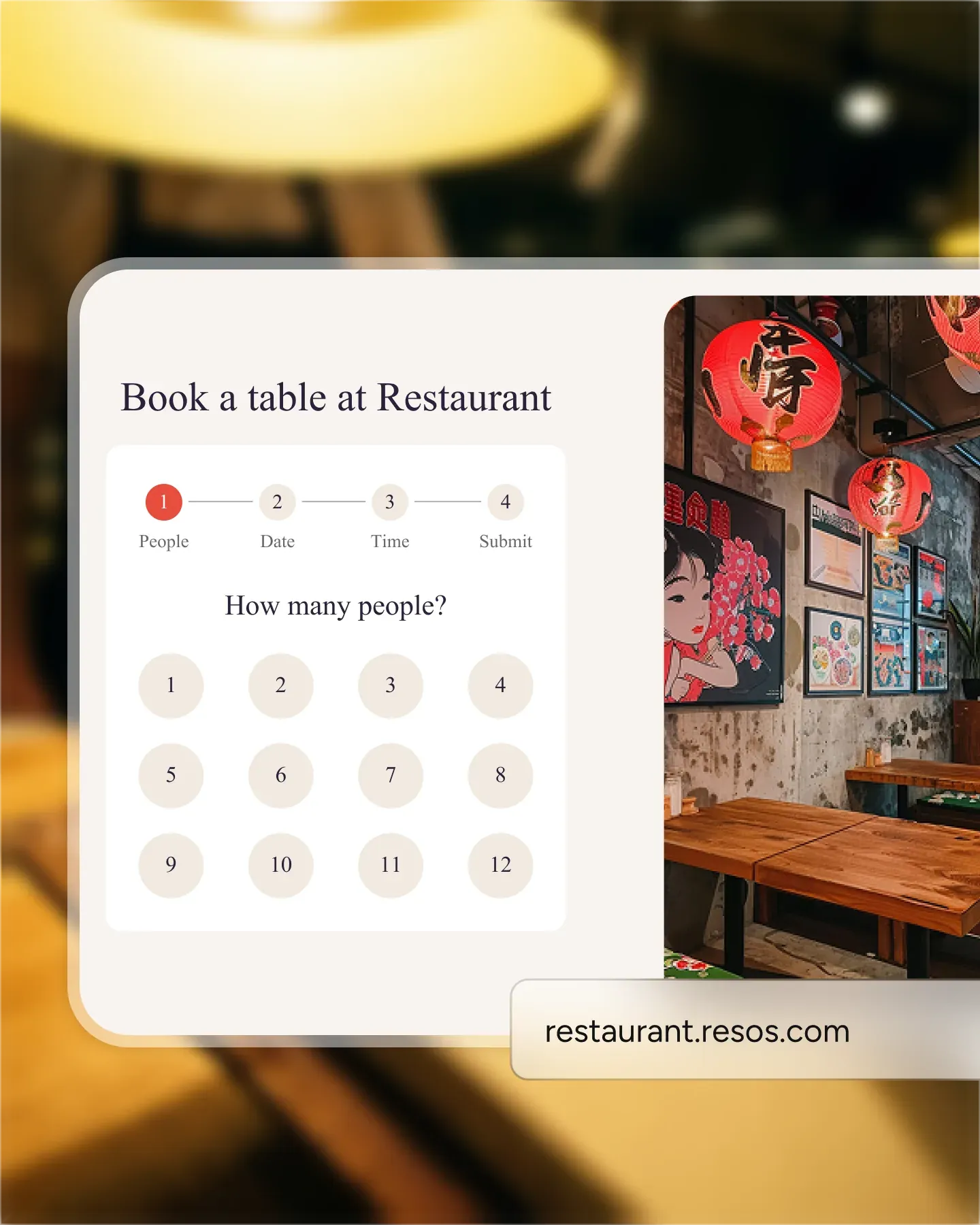
Every online booking pulls from the tables you have actually marked as available right now. Block a section for a private party, close the terrace in the rain, or shorten an interval, and the booking page updates the same minute. Nothing oversold, nothing double-booked.
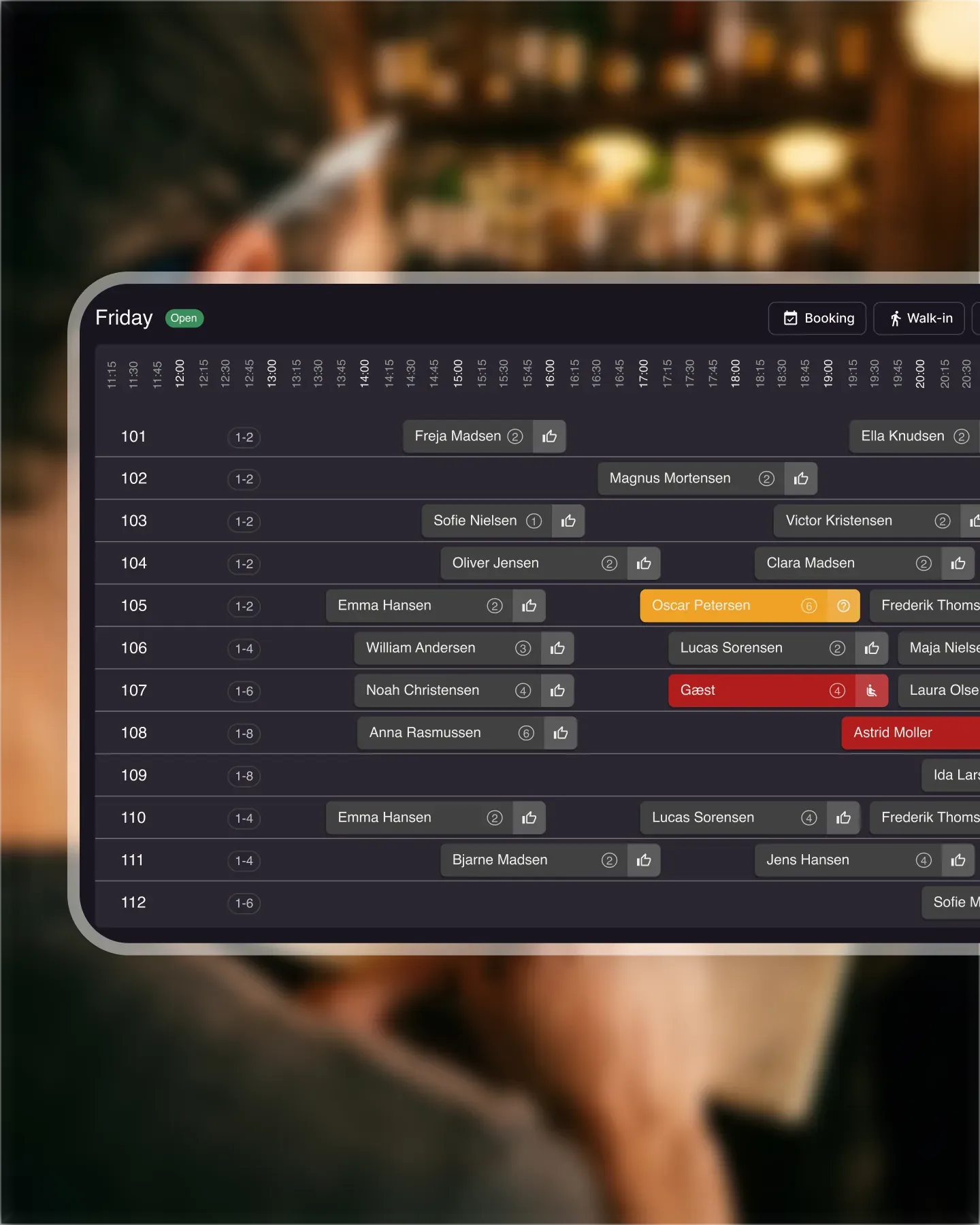
Mark which tables can be joined and Resos handles the rest. When a party of four asks for 8pm and the four-top is taken, the system pairs two two-tops you have flagged as combinable. Walk-in covers stop being lost because the math did not work on paper.
Give the window seat priority 10 and the back corner priority 3. Resos fills the high-priority tables before it touches the rest, so guests get the experience you want them remembering. The quieter corners only come into play once the room is full.
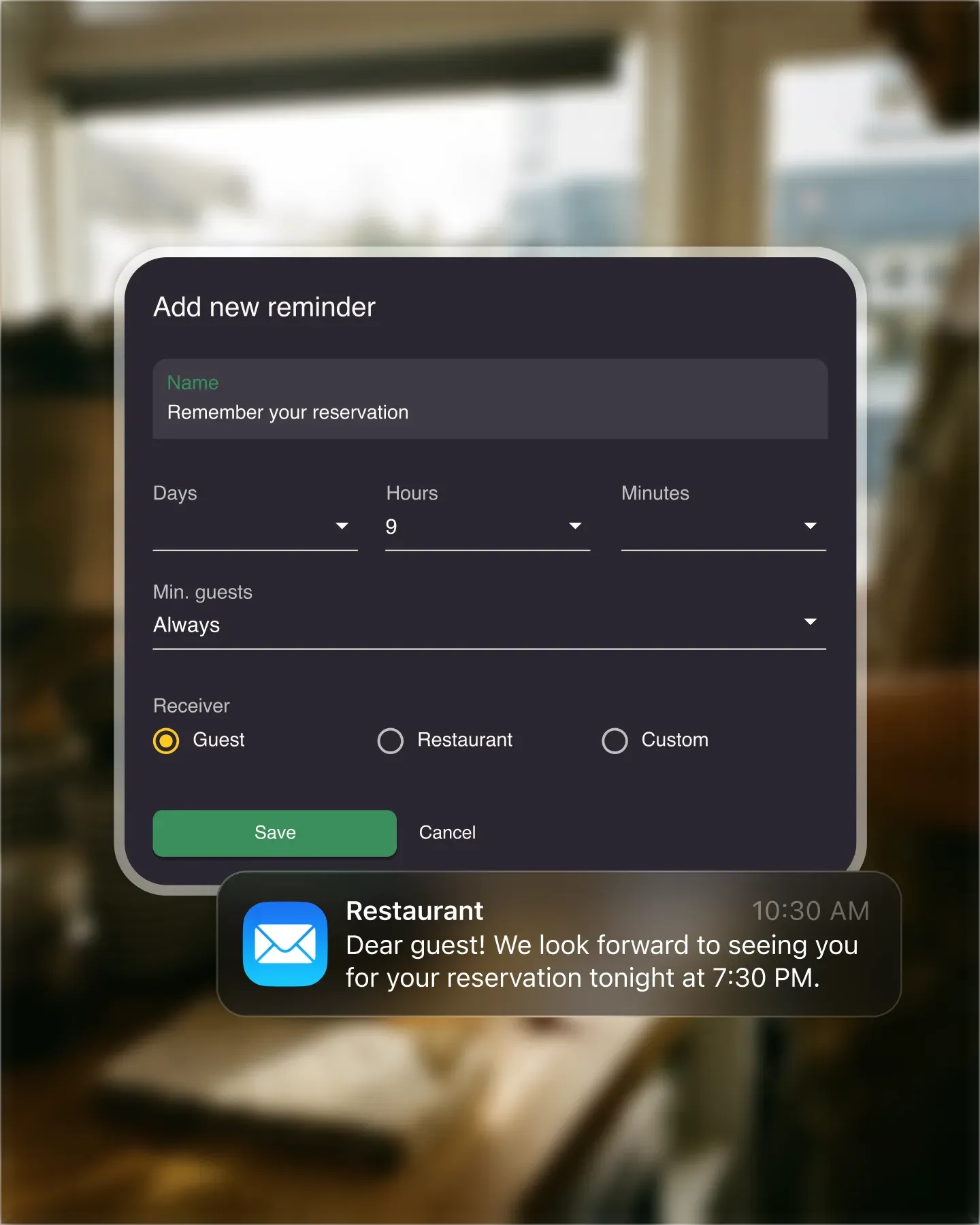
Set a 90-minute interval for lunch and two hours for the tasting menu, and Resos reopens the table the moment the booking ends. Finish a guest early and the slot is back on the booking page. More covers per service, without anyone hovering over plates.

Create your account in seconds. No credit card required.

Add your opening hours, areas, and floor plan using our easy drag-and-drop editor.

Add your booking link to your website and social media. No coding required.
Resos is restaurant table management software built to run the room, not just record bookings. Manage tables with automated and manual control, keep guests booking only the seats you have available, and turn tables faster to fit more covers into every service.
Still deciding which capabilities your restaurant needs? Use our guide to compare table-management options before you set up your floor.
Restaurant table management software lets you visualize your floor plan, assign reservations to specific tables, and see availability in real time. Instead of a flat list of reservations by time, you get a live map of the room: which tables are free, which are booked, which are about to turn, and how to seat the next party without overbooking.
For a table-service restaurant, that spatial view is the difference between recording bookings and actually running a service. It is what lets a host seat a walk-in in seconds, a manager see the whole floor from a phone, and an online booking land on the right table automatically. Counter-service venues rarely need it; any restaurant with more than a handful of tables or a complex layout does.
When you manage tables in Resos, you control exactly which tables are bookable and for how long. A guest booking online only sees the times that are genuinely free for the tables you have registered as available. You set how long each table stays held, so the moment a booking ends, the slot reopens for the next party. Finish a table early? Complete the booking and the seat is instantly back on the booking page.
That control is where the extra covers come from. Tighter, accurate turn times mean fewer empty-but-blocked tables, and the room works closer to its real capacity without anyone chasing plates.
Read also about adding seatings with custom limits to optimize the flow of guests 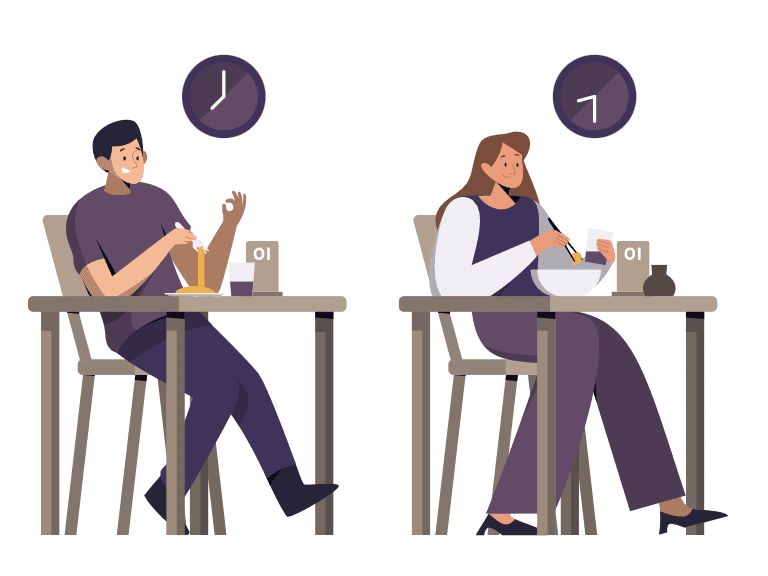
Set up your tables once and Resos mirrors your actual layout: two-tops, four-tops, booths, bar seats, and separate areas like the patio or a private room. You decide which tables can be combined, which take priority, and how long each is held. For the dedicated drag-and-drop view, see the visual restaurant table plan, which is part of this table management system.
Register your tables and flag which ones can be joined. When a four-top is taken and a party of four wants that time, Resos pairs two combinable two-tops for you. No bookings lost because the math did not work on paper, and full control over which tables are free and which are taken at any moment.
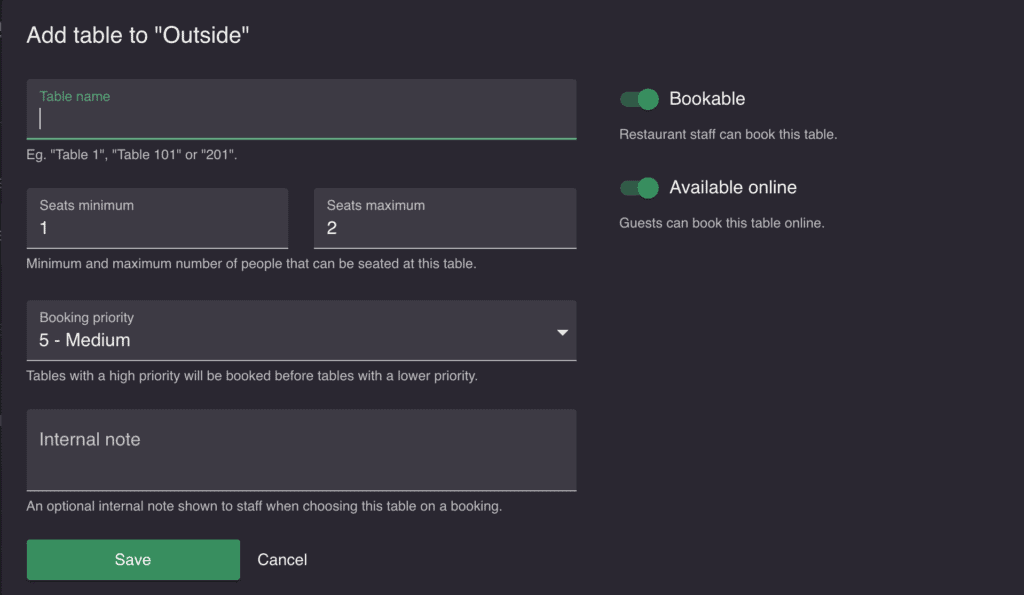
Give every table a priority. Tables with priority 10 fill before tables at 1 to 9, so your best seats book first and guests get the experience you want them remembering. The window with the water view or the quiet corner at the back: set those high, and the less desirable tables only come into play once the room fills up.
Run indoor, patio, and private rooms as separate areas in one view. Close a section when it rains, block the private room for an event, or open the terrace on a sunny evening, and the booking page reflects it the same minute. You stay in control of the whole floor without juggling a paper plan that is out of date the moment service starts.
The reason Resos table management works is that it is not bolted on to your reservations, it is your reservation system. An online booking is suggested a table automatically, a cancellation frees the seat instantly, and a no-show reopens the slot. The waitlist ties in too: when a table clears, the digital waitlist helps you seat the party you select. Everything stays in sync because it is one system, not two that have to agree.
That is also why there is nothing extra to pay per cover. Resos is a complete restaurant booking system with table management included, no commission and no cover fees on any plan. Not sure what to budget? See the booking system cost guide.
Build your floor plan, set your priorities and turn times, and test it with real reservations. Explore our other features too, and if you have any questions about table management, our fast and friendly support team is ready at hi@resos.com.
Get started on the free plan, no credit card and no commitment.
 For Restaurants
  For Cafés
  For Bars
 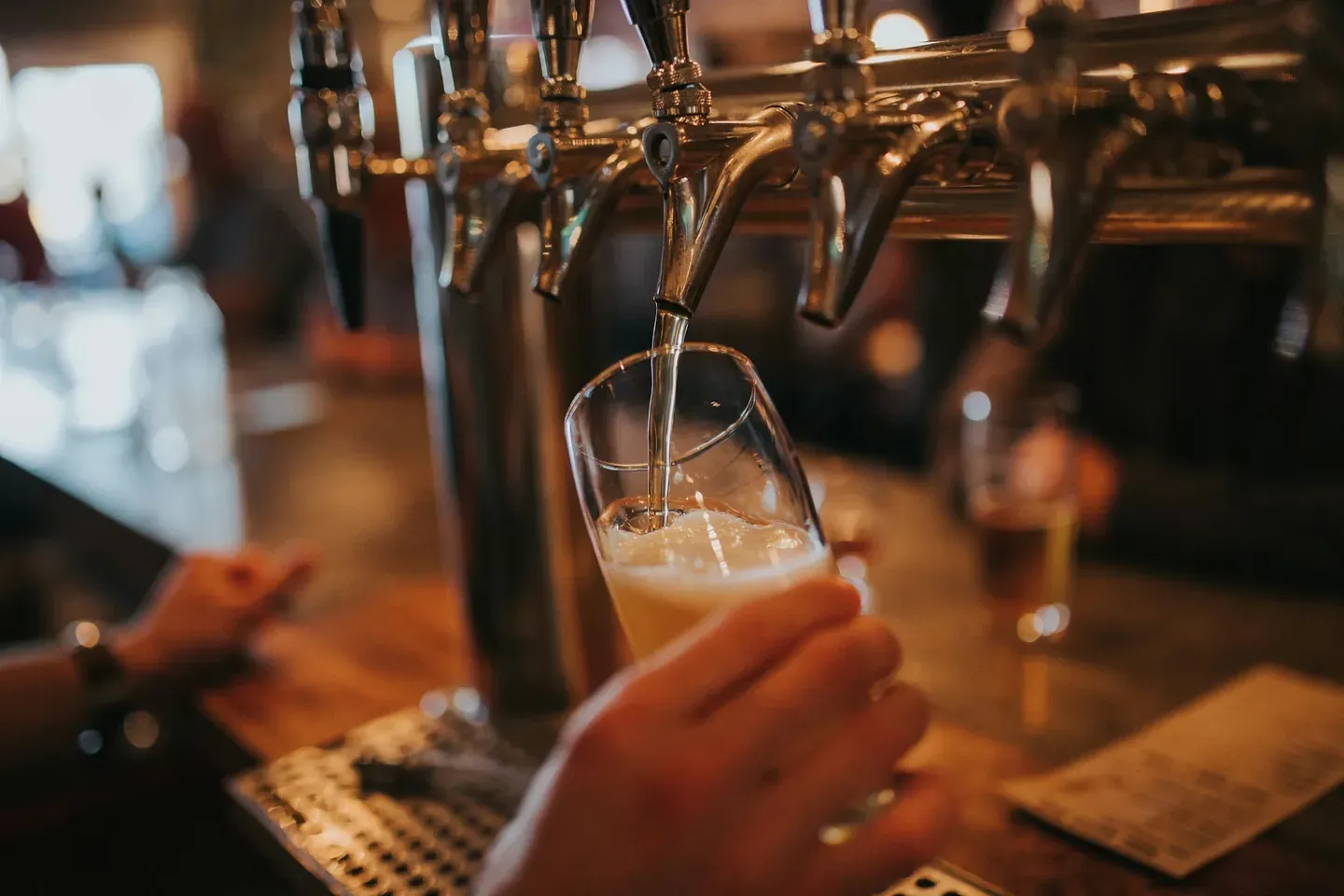 For Pubs
 Since we started using Resos, we have found the flexibility of the product and customer support incredible. It's very user friendly and easy to manage in-house which is a huge plus!
We have been using Resos as the booking platform for our cheese & wine bar in Helsinki, Finland, for over six months, and we are really impressed by it!
Once set up properly, Resos will run the whole booking seamlessly. Been trying many softwares and none has reached the level of customization and speed as Resos. And great support too!

The floor view is working very nicely, you can see everything at the same time. Also, it was a very huge upgrade for us, that the guests can easily cancel their booking – it saved us from a lot of no-shows.

Easy integration into our website and Google page.

Resos makes reservations so much easier. It's straightforward, flexible, and perfect for small businesses like ours. We're so happy with it!
What sets Resos.com apart is not just its ease of use, but also the proactive approach of the Resos team. They continuously work hard to introduce new features and add value to their product.
Simplicity when booking for the customer and easily accessible through our website, Facebook and Google.
When we started our search for a booking system, Resos was the obvious choice. Not only is it affordable for us as a small business, but also offers so many features that make our jobs easier.

Being able to make a reservation without too much hassle goes a long way! Resos keeps the process intuitive and simple.

It is software that turns your restaurant's floor plan into a live, visual map, so you can see which tables are free or booked in real time, assign reservations to specific tables, and seat parties efficiently. Unlike a plain reservation list, it shows the room spatially, which is what table-service restaurants need to run a busy service.
Yes. The Resos free plan includes the visual floor plan and core table management for up to 25 bookings a month. Paid plans (from EUR 23 / USD 24 a month) lift the booking limit as you grow, with no commission and no cover fees on any plan.
Yes. You build the floor plan to mirror your real room, adding tables of any size, marking which ones combine, setting per-table priority, and defining turn times per service. The booking page then only ever offers tables you have marked as available.
Yes. Resos is web-based and works on any tablet, phone, or computer with no app to install, so the host stand, the floor, and the manager all see the same live floor plan.
A basic booking system shows reservations as a list by time. Table management adds the spatial layer, a visual floor plan tied to every reservation, real-time availability, automatic table combinations, and turn-time control, so you actually seat the room efficiently instead of just recording bookings.
Fast, free and friendly support from real people who take the time to understand your restaurant.