
In this article
A restaurant booking confirmation should give guests the date, time, party size, restaurant address and a clear way to change or cancel. Use these restaurant booking confirmation templates as a starting point. Replace every bracketed field and use the cancellation terms the guest accepted when booking.
Choose the message you need
| Message | When to use it | Guest action |
|---|---|---|
| Confirmation email | Once a reservation is accepted | Check the booking details |
| Confirmation SMS | For a short confirmation by text | Open the booking link |
| Reminder | Before the visit, with time to act before your cancellation deadline | Keep or change the booking |
| Group reconfirmation | When you need an updated headcount | Confirm the party size |
| Cancellation reply | Once the cancellation is recorded | Check any next steps |
The placeholders below are writing prompts, not booking-system variables. Check which fields and links your system supplies automatically.
1. Restaurant reservation confirmation email
Subject: Your table at [Restaurant], [Date] at [Time]
Hi [First name],
Your table for [Party size] is confirmed for [Date] at [Time].
Find us at [Address]. Your booking reference is [Reference].
To change or cancel, use [Booking link]. Our cancellation deadline is [Date and time]; the policy you accepted is here: [Policy link].
For other questions, contact [Phone or monitored email]. We look forward to welcoming you.
[Restaurant team]
2. Short confirmation SMS
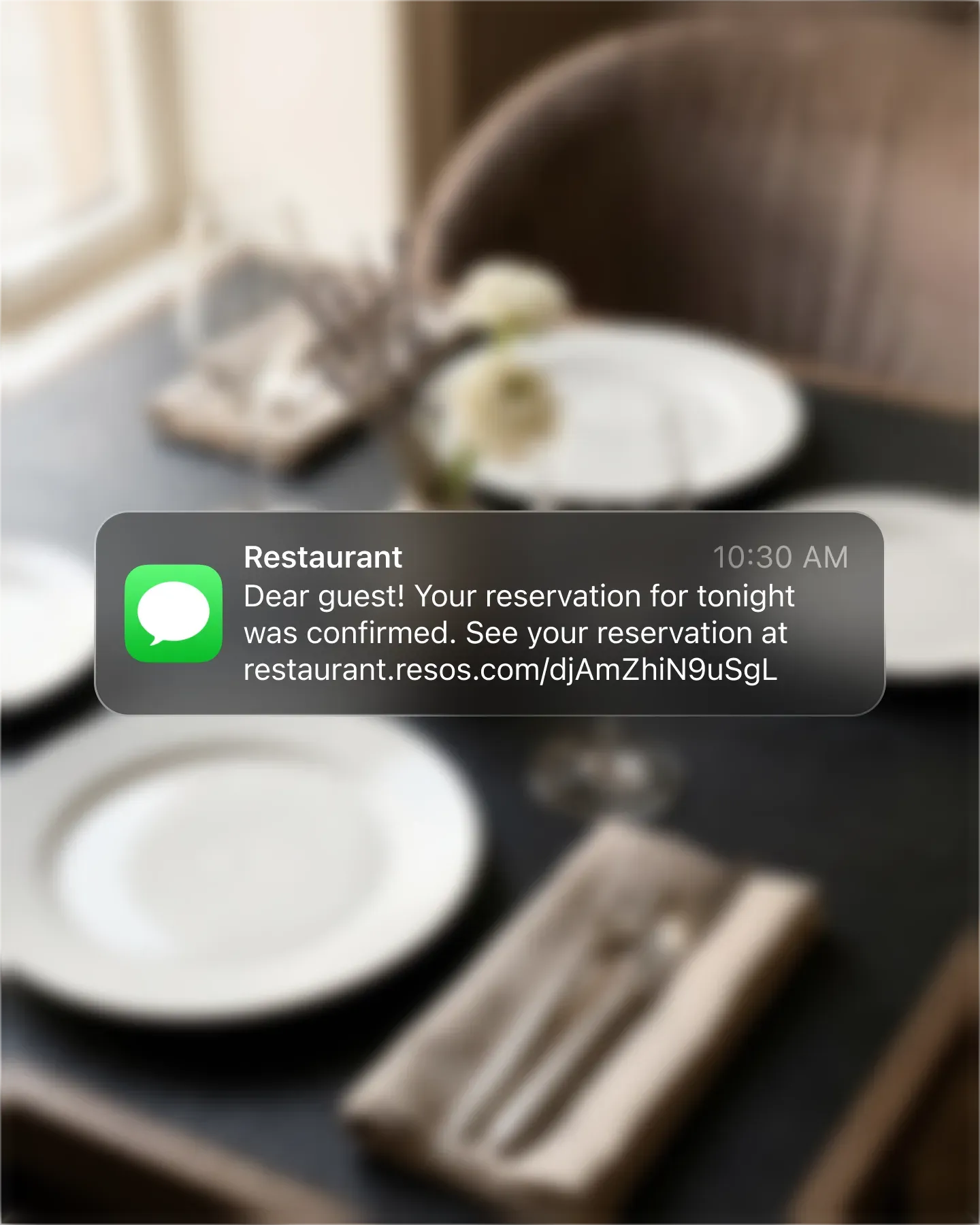
[Restaurant]: Your table for [Party size] is confirmed for [Date], [Time]. View, change or cancel: [Booking link]. Questions? [Phone].
Check the final length after inserting names and links. A long message may be billed as several SMS segments. Only invite replies if someone can receive and handle them.
3. Booking reminder
Hi [First name], we’re looking forward to seeing your party of [Party size] at [Restaurant] on [Date] at [Time]. Plans changed? Update your booking here: [Booking link]. Your cancellation deadline is [Date and time].
Send a useful reminder while the guest can still act on your policy. A reminder after the deadline cannot give them an earlier opportunity to cancel. The Resos No-Show Index separates late cancellations from no-shows; it does not establish one best reminder time for every restaurant.
4. Large-party reconfirmation
Hi [First name], please confirm the final number of guests for your booking at [Restaurant] on [Date] at [Time]. We currently have [Party size] guests. Please update us by [Deadline] using [Booking link or monitored contact]. Thank you.
Use this when staffing, seating or preparation depends on the headcount. Explain any existing party-size terms through your cancellation policy. Do not introduce a new fee in the reminder.
5. Cancellation confirmation
Hi [First name], your booking for [Party size] at [Restaurant] on [Date] at [Time] has been canceled. [If applicable: explain the actual deposit refund or charge status under the agreed policy.] Questions? Contact [Monitored contact]. We hope to welcome you another time.
Remove the optional payment sentence when it does not apply. Never confirm a refund before checking its status.
Use these messages in Resos
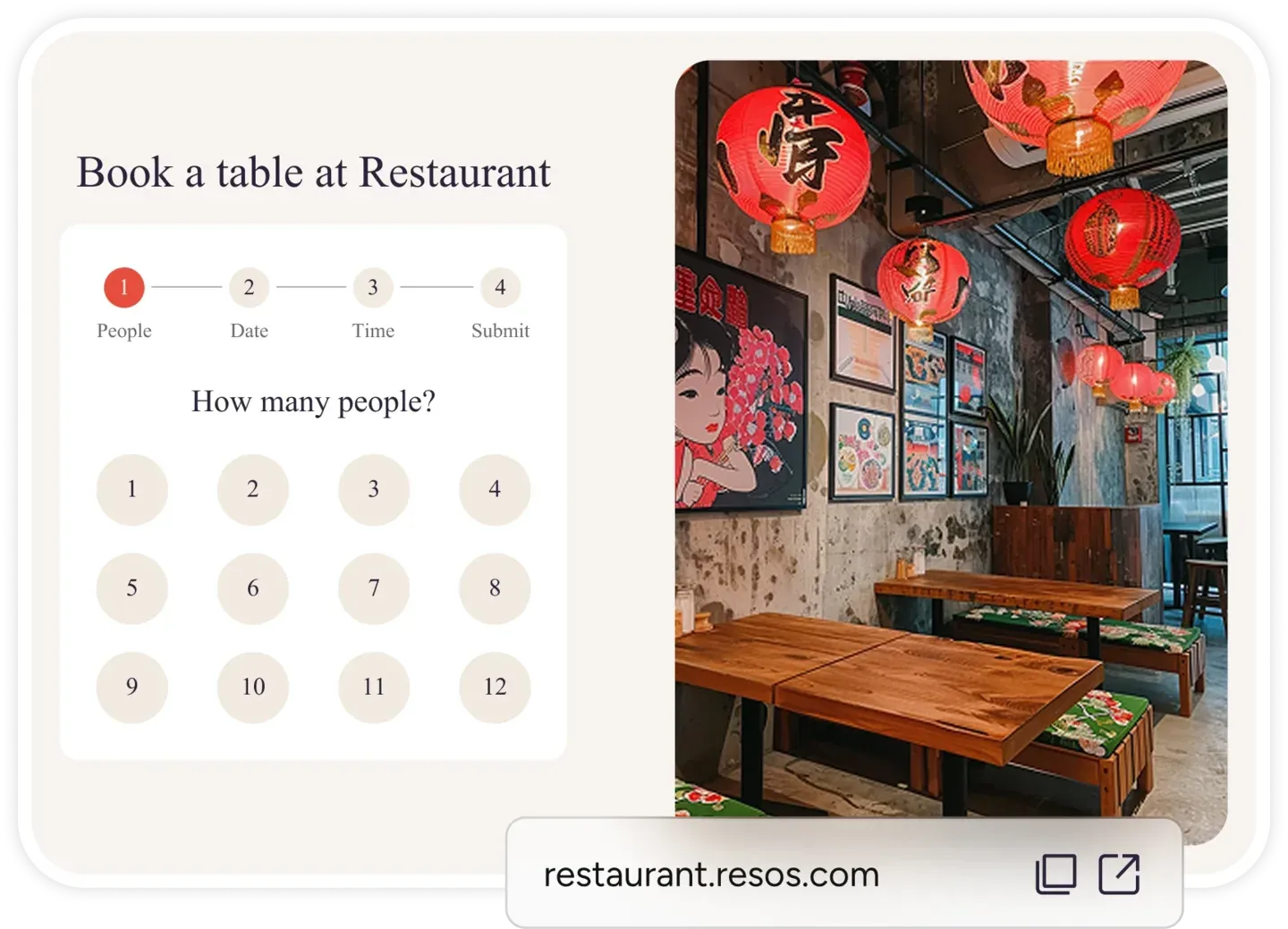
Resos lets you add text above or below its default booking notifications, with a shorter version for SMS. The default message itself is not replaceable: use the relevant extra sentences rather than pasting a second full confirmation. Follow the notification customization guide.
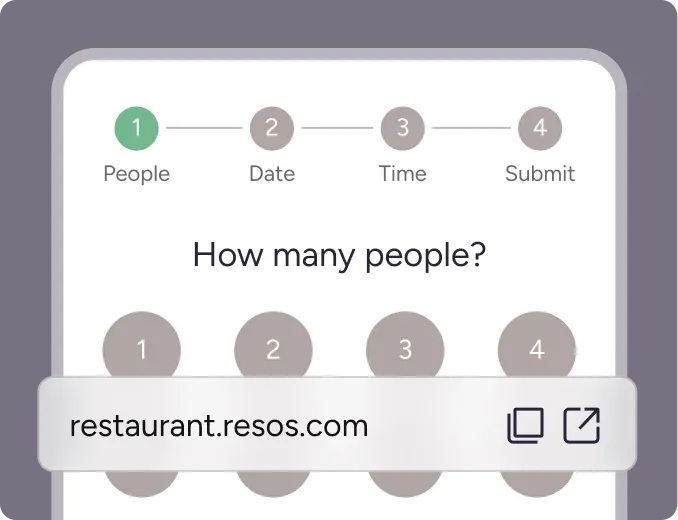
For scheduled messages, explore booking reminders. Asking a guest to reconfirm is a separate booking confirmation feature. Check current pricing for add-on availability and SMS charges.
Before enabling a message, make a test booking. Check the final date, local time, headcount, links and policy text on a phone. Confirm that staff can see the guest’s response or booking change.