
In this article
Pay at the table means the guest settles the bill at their seat instead of at a counter or a fixed till. The card stays with the guest while the payment is taken, and they confirm the total, add a tip and pay in one go (Square, checked 3 Nov 2026).
This guide covers the main ways restaurants do it, what to weigh before you switch, and where a booking system fits.
How restaurants do it
There are two common methods.
A handheld card terminal. A member of staff brings a portable device to the table, and the guest taps or inserts their card or pays with a phone. Some handheld POS devices take the order and the payment on the same device (Square, checked 3 Nov 2026).
A QR code. The guest scans a code on the table or the bill, sees the bill on their phone and pays there. Some QR solutions also let groups split the bill on their phones, by percentage or a custom amount (PepperHQ, checked 3 Nov 2026).
What to weigh before you switch
Pay at the table is not right for every restaurant. These are the main points to consider.
The end of the meal. Waiting for the bill, then for the terminal, is a common frustration at the end of a meal. Paying at the seat can shorten that wait (PepperHQ, checked 3 Nov 2026).
Table turns. A faster checkout can help tables turn sooner on a busy night (Square, checked 3 Nov 2026).
The card stays in sight. The guest does not hand the card over, which can make paying feel more secure (Square, checked 3 Nov 2026).
Hardware and fees. Handheld terminals cost money, and every payment has processing fees. QR payment needs less hardware because guests use their own phones, but it still has fees. Ask each provider for the full cost.
Your staff and your guests. A new way of paying changes how service runs. Staff need training, and some guests will prefer to pay the way they always have.
Your room and your style. A venue that relies on personal, traditional service, or one with weak Wi-Fi, may get less out of it (Square, checked 3 Nov 2026).
What to ask a POS or payment provider
- Does it work with the POS system I already use, or do I need to replace it?
- Which payment methods does it accept: cards, phones, contactless?
- Can guests split the bill, and how?
- How do tips work?
- What does the hardware cost, and what are the fees per payment?
- What happens if the internet connection drops during service?
- What support do I get during opening hours?
Where a booking system fits today
Pay at the table is about the end of the meal. A booking system works at the other end: before the guest arrives.
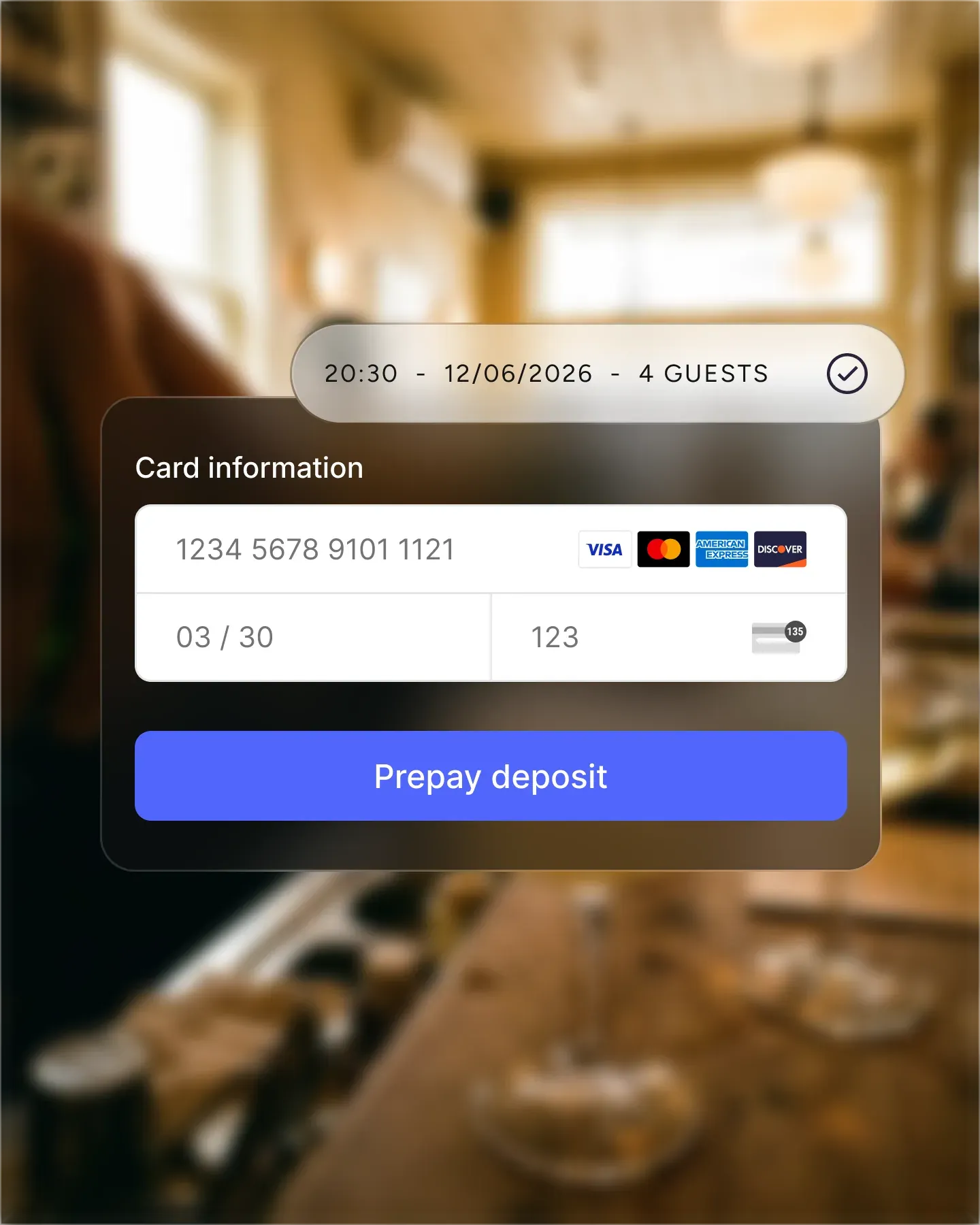
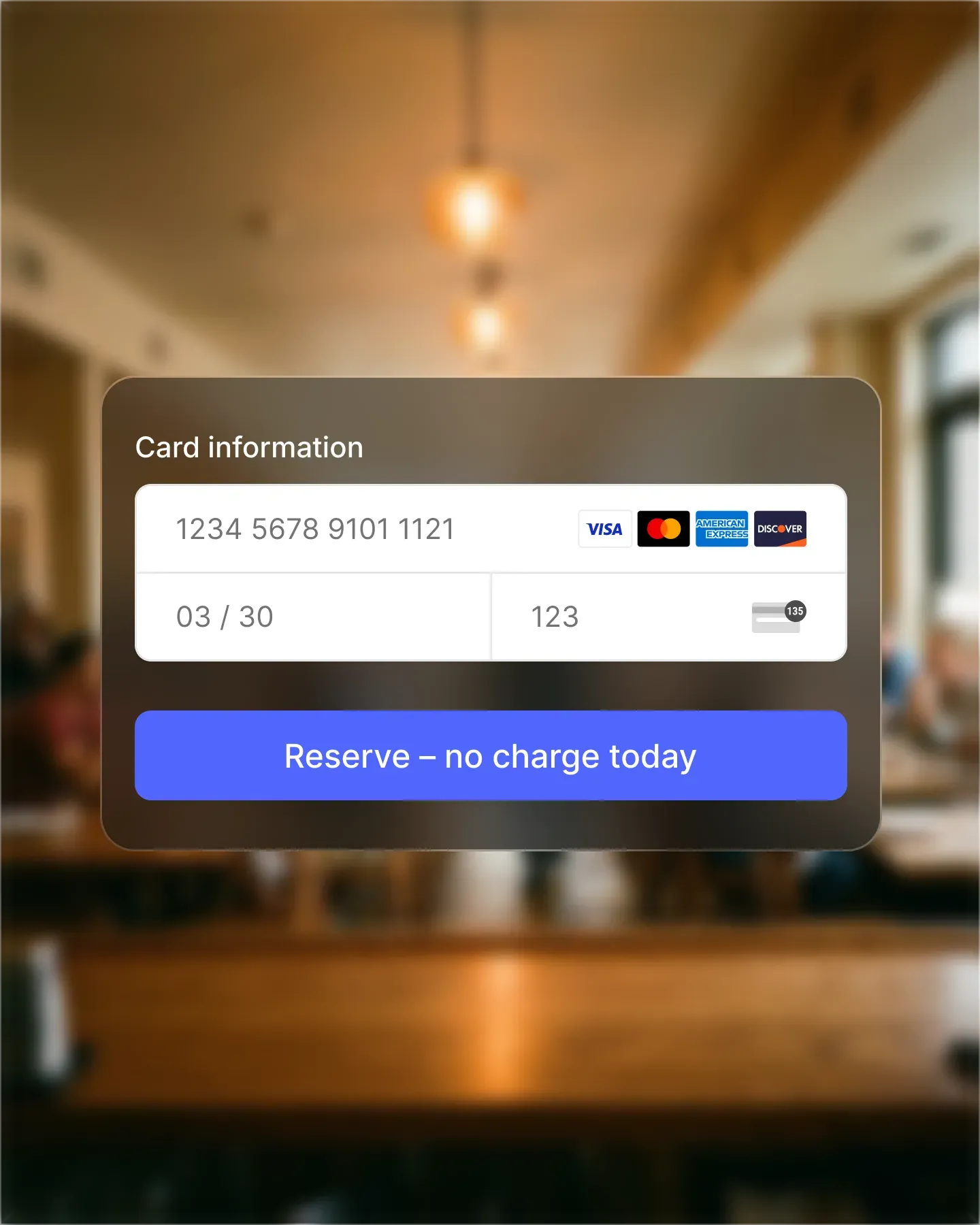
With Resos Online payments, you can take prepayments and deposits, secure a card for no-show fees, and sell paid experiences when the guest books.
Online payments is an add-on for paid plans at €11.99/month (see pricing), and Resos charges a 2% transaction fee on every payment processed through it, separate from Stripe’s processing fees. The Stripe integration page explains how it works.
The bill itself is still settled through your POS system or card terminal.
Common questions
What does pay at the table mean?
The guest pays the bill from their seat, either on a handheld terminal brought to the table or by scanning a QR code and paying on their phone.
Is pay at the table the same as ordering at the table?
No. Ordering at the table is about sending the order from the table. Pay at the table is about settling the bill there. A restaurant can do one without the other.
Do I need new hardware?
For a handheld terminal, yes. For QR payment, guests use their own phones, but you still need a provider that supports it.
Can Resos take the payment at the table?
No. Resos takes payments at booking, before the visit. The bill at the table is paid through your POS system or card terminal.