
In this article
“Restaurant management system” can mean almost anything: a booking tool, a POS, an inventory app, or a suite that claims to do all of it. A more useful way to judge the software is to follow one evening, from the moment a guest books to the moment they pay, and see which system holds what at each step.
The evening, step by step
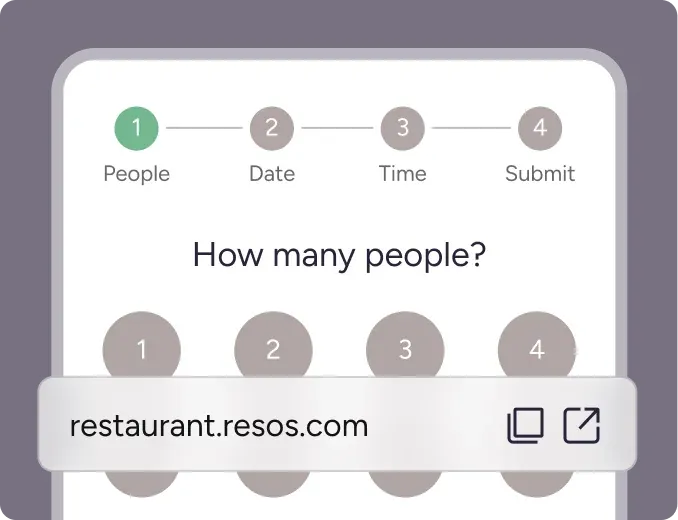
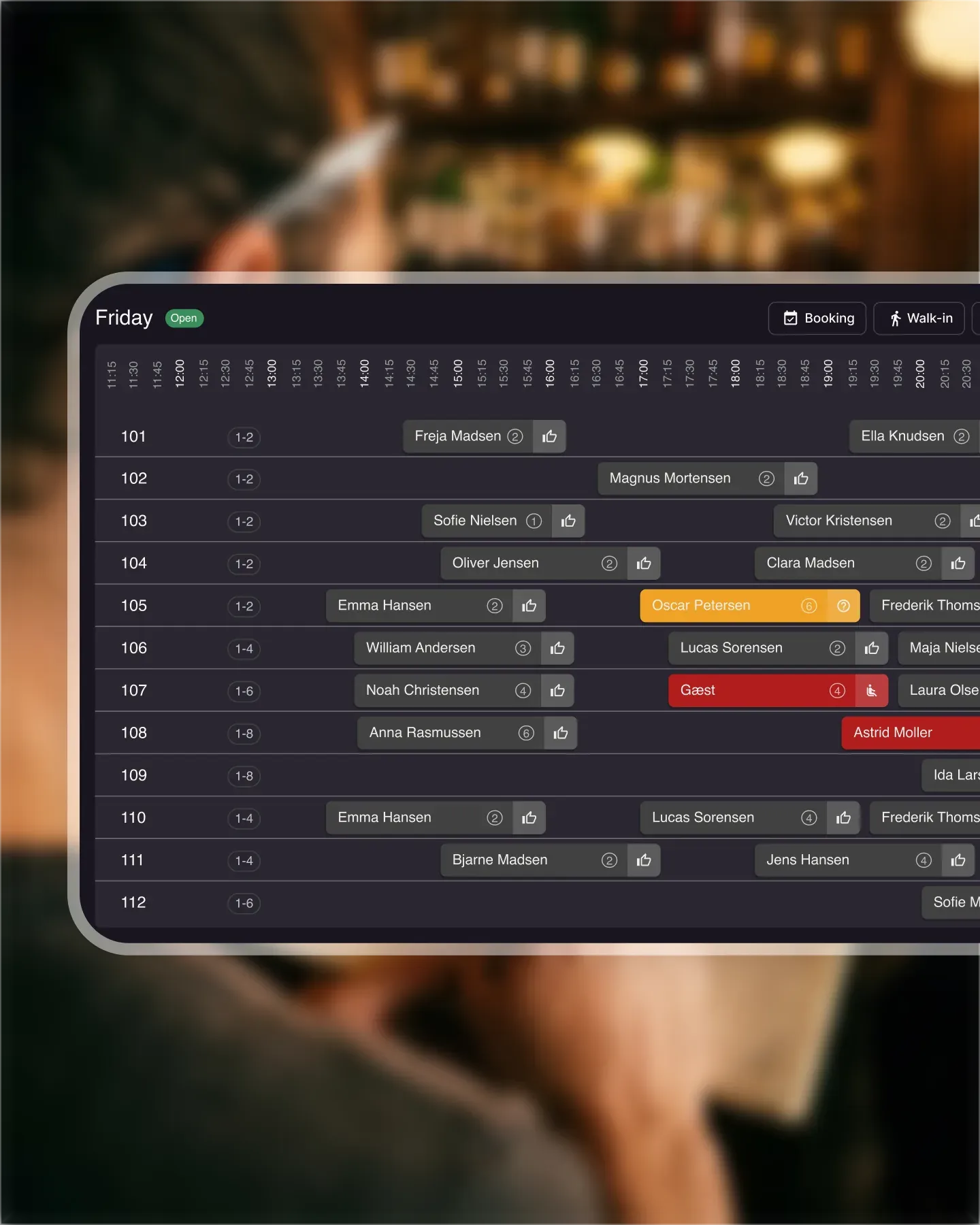
1. The booking. A guest books a table online or by phone. The booking system records the date, time, party size, contact details and any note the guest leaves.
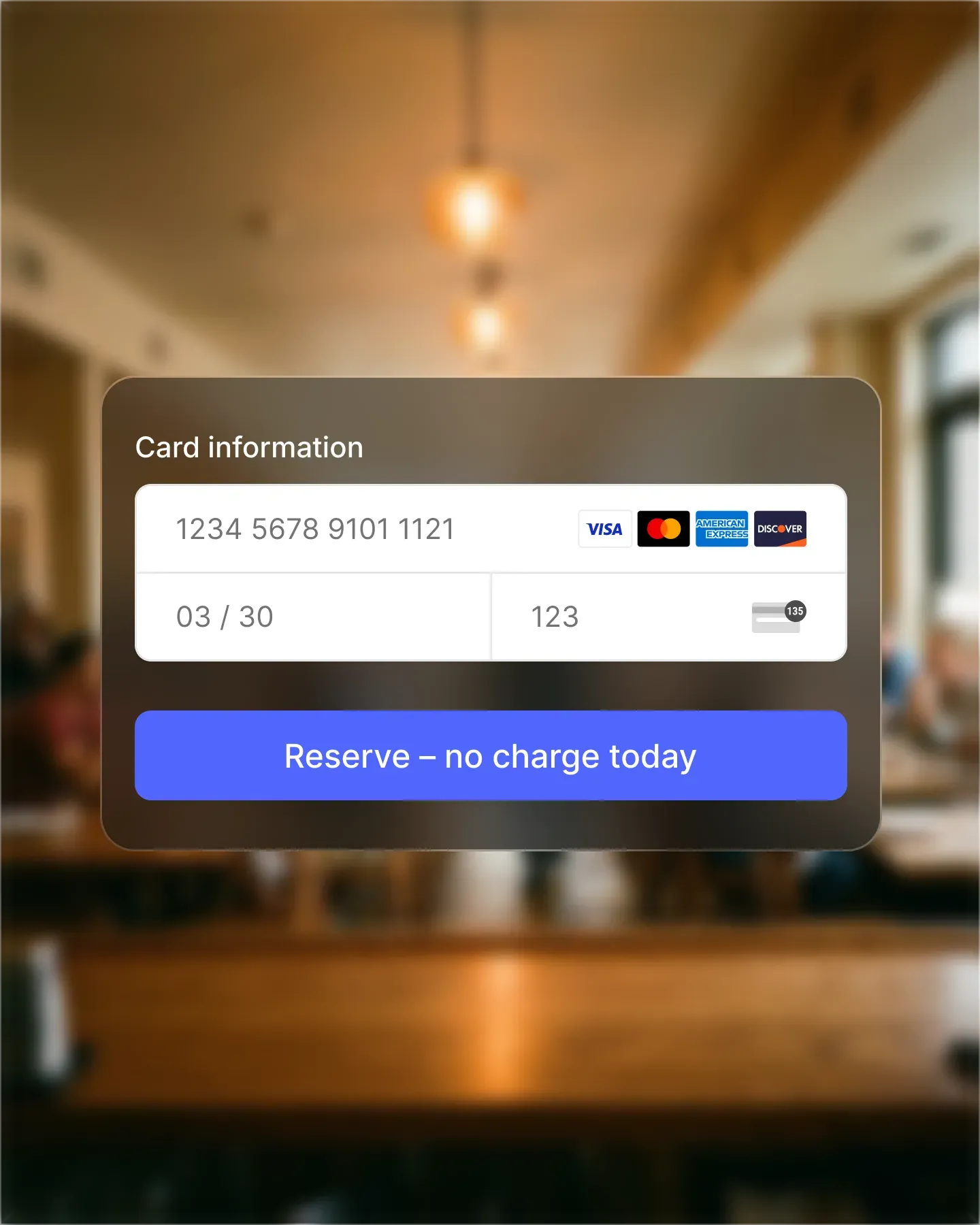
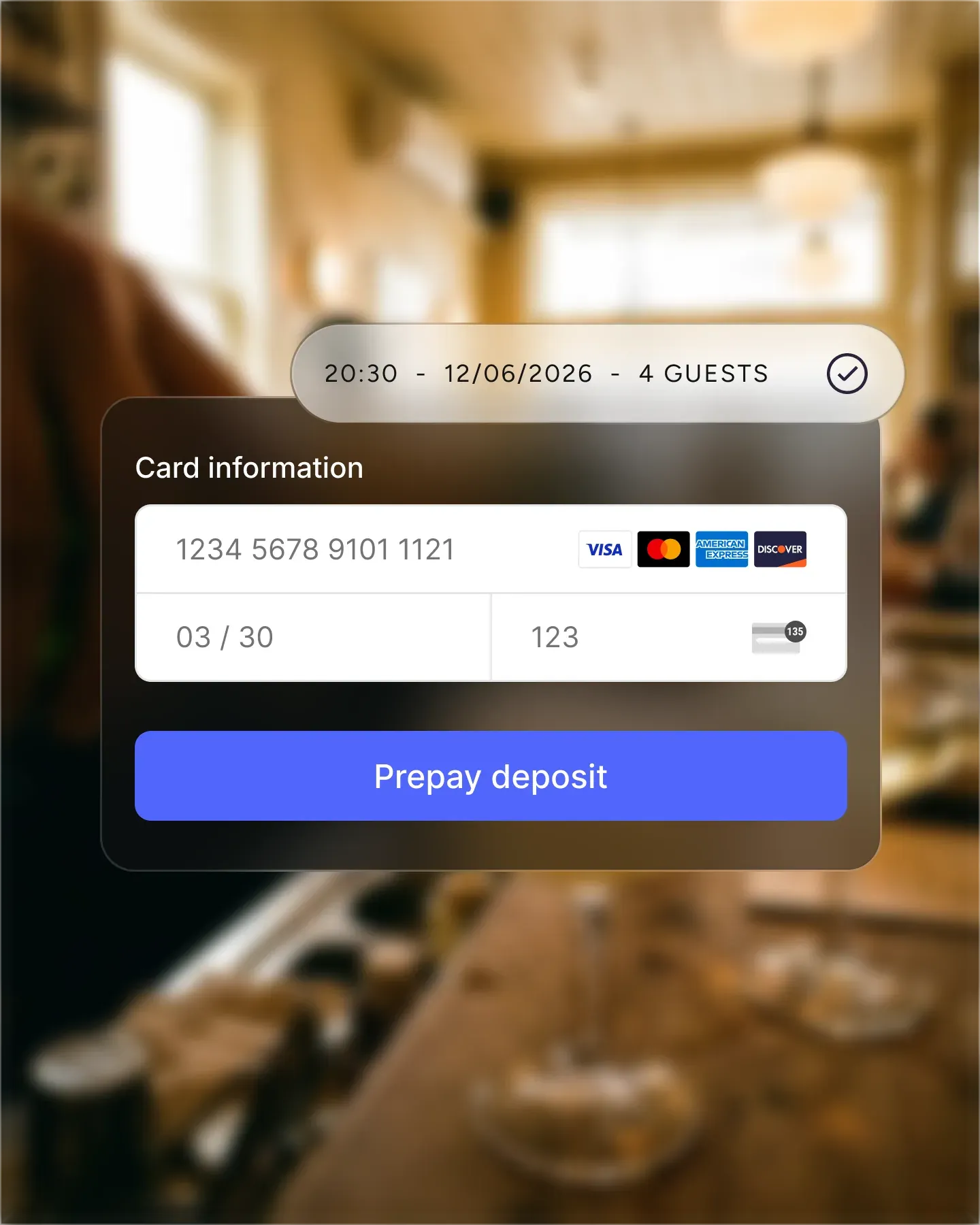
2. Before the visit. The guest gets a confirmation and reminders. If the restaurant asks for it, they pay a prepayment or leave a card for a no-show fee.
3. Arrival. The host finds the booking, checks the note and seats the party.
4. At the table. Staff take the order, the kitchen cooks it, and the bill builds up through the evening.
5. The bill. The guest pays through the restaurant’s POS system or card terminal.
6. After the visit. The restaurant may ask for feedback and hopes the guest books again.
Where the data gets split
In most restaurants, steps 1 to 3 live in the booking system and steps 4 and 5 live in the POS. They are separate products, often from separate vendors, so each holds half of the picture.
The booking system knows who the guest is and how often they have booked. The POS knows what a table ordered and spent. When the two are separate, nobody can easily answer questions like what a regular guest spends, or what a no-show on a Saturday actually costs. Staff end up checking two screens, and reports from the two systems rarely line up.
All-in-one or best-of-breed?
There are two honest ways to set up your software, and each has a cost.
All-in-one. One vendor covers bookings, the POS and more. You get one login, one set of data and one bill. The trade-off is that you depend on one vendor being good at everything, and switching later is a bigger job.
Best-of-breed. You pick the best tool for each job, such as a booking system you like and a POS that suits your bar. Each part can be strong. The trade-off is that guest history and spending sit in different places, and you have to accept that gap or work around it yourself.
Neither is right for every restaurant. A small place with one room may value simplicity. A group with complex service may value the strongest tool for each step.
What Resos covers today
Resos covers the booking, including payments taken at booking. With Online payments, you connect Resos to Stripe and take prepayments, secure a card for no-show fees, and sell paid experiences. See the restaurant booking system for the rest of what Resos does, and Resos features for managing your restaurant for devices, staff logins and access rights.
The order and the bill (steps 4 and 5) run on your own POS system today, and Resos does not connect to it.
If you are still deciding what kind of POS you need, this guide to restaurant POS systems explains what they do and what they cost.
Common questions
What is a restaurant management system?
It is a broad name for the software a restaurant runs on. It can mean a single tool, such as a booking system or a POS, or a suite that combines several of them.
What software do most restaurants use?
Most restaurants that take reservations run at least two systems: a booking system for reservations and a POS system for orders and payments at the table.
Does Resos handle orders and the final bill?
No. Resos handles bookings and payments taken at booking. Orders and the final bill run on your POS system.