Since we started using Resos, we have found the flexibility of the product and customer support incredible. It's very user friendly and easy to manage in-house which is a huge plus!

Resos runs on every device a restaurant team actually uses. Phone, tablet, laptop, desktop, on iOS, Android, macOS, Windows, or Linux. Give each team member a separate login and the access rights their role needs. Multiple users and devices work from the same live booking data without stepping on each other.
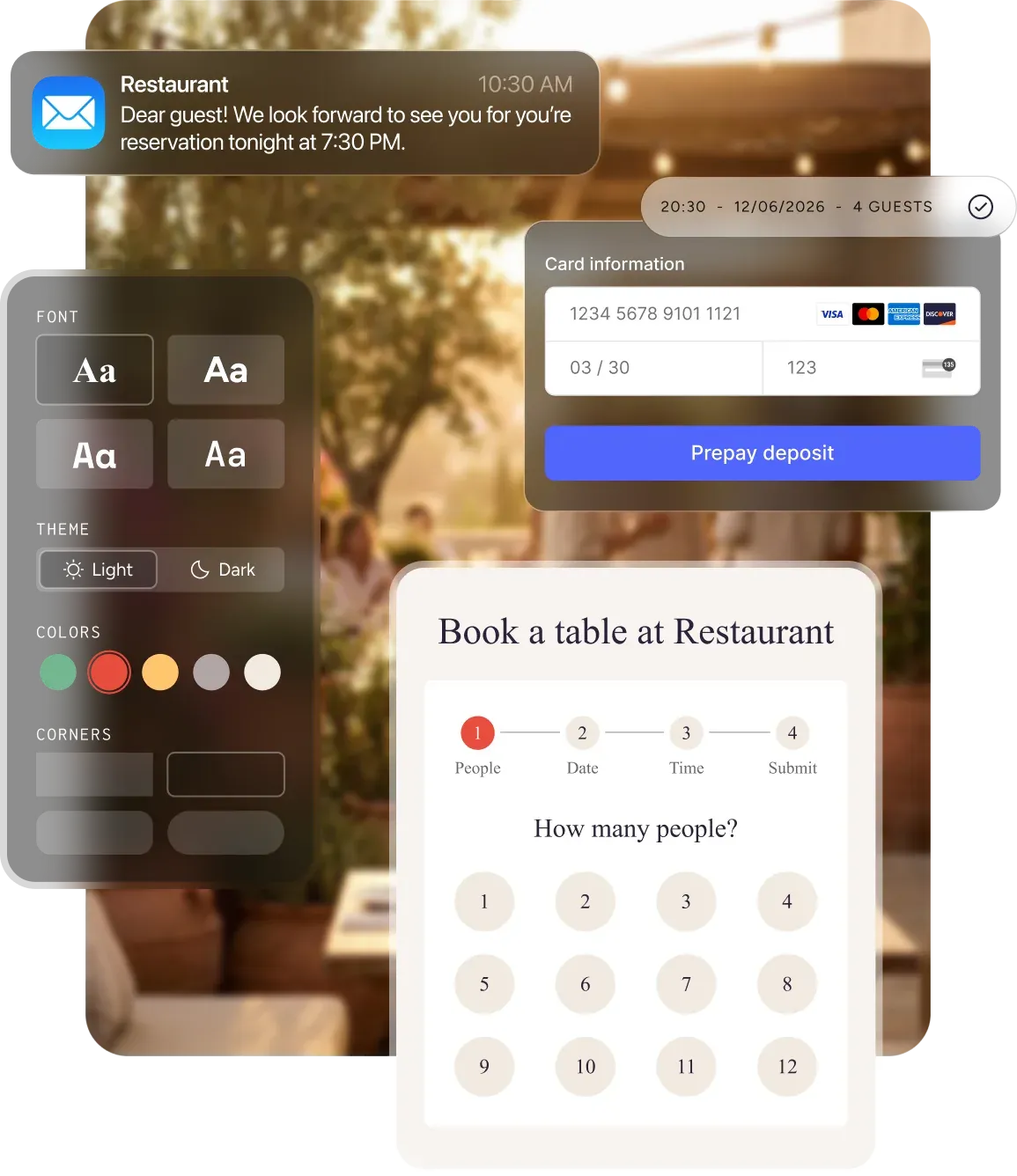












The same Resos experience runs on every platform. Free apps for iOS and Android, a fast web app for any browser. Whatever the team already owns is what they use. No new hardware investment to get the floor running on the system.
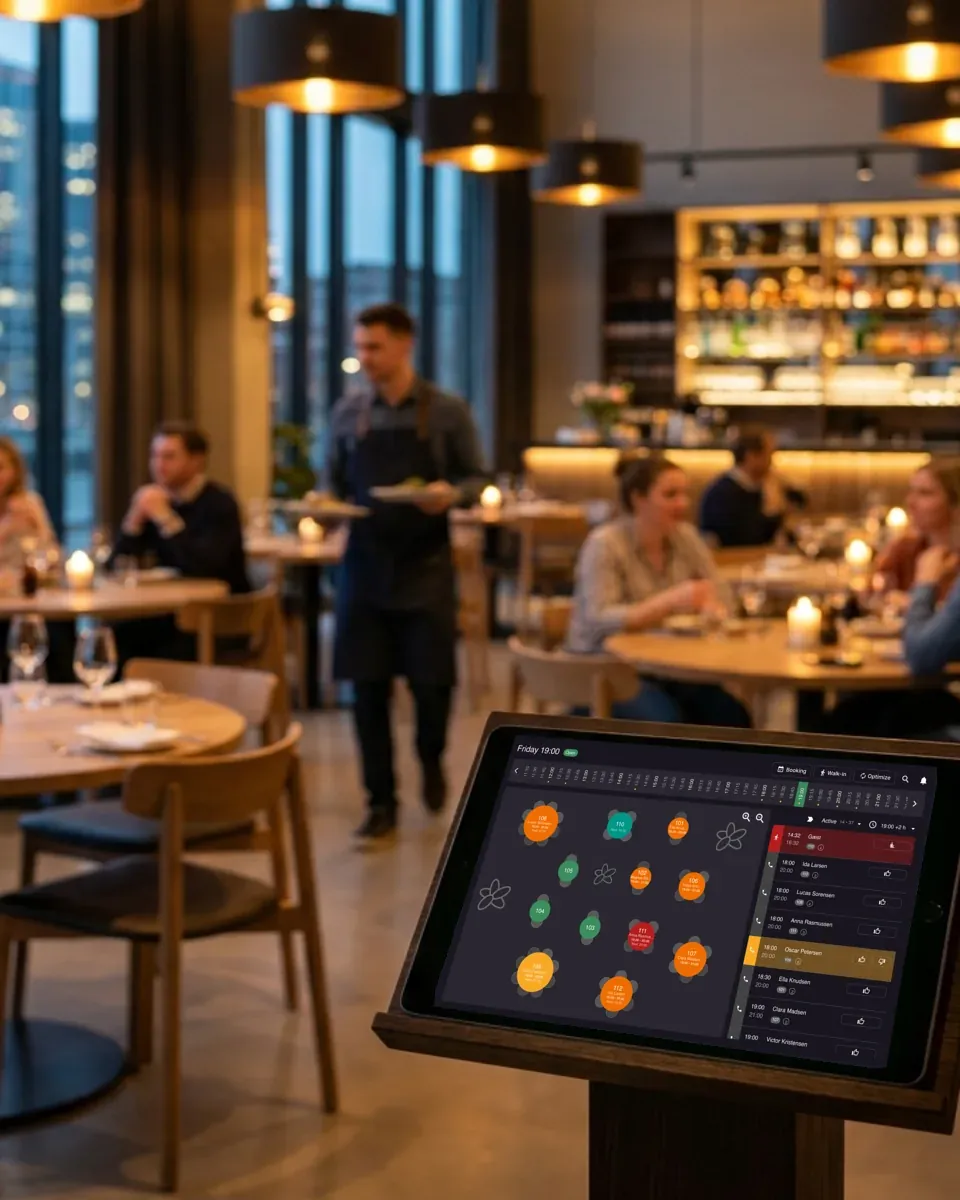
Pull up the visual floor plan on a tablet at the host stand and assign tables to walk-ins and reservations on the move. Check what is open, drag bookings to the right table, and add notes mid-service without going back to a desktop.
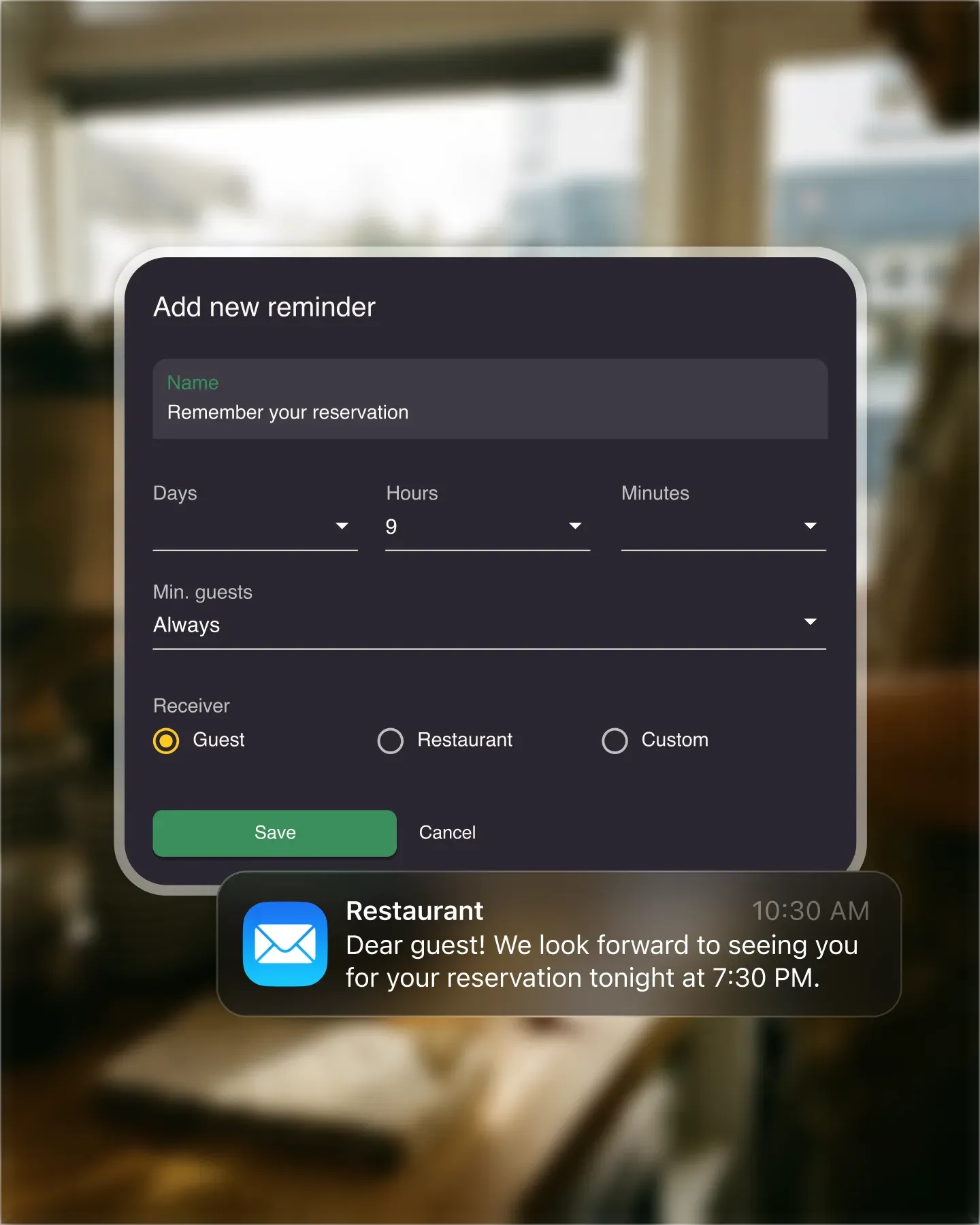
Give hosts, managers, and owners separate logins and choose which parts of the restaurant profile each person can access. Everyone can work at the same time, while sensitive guest data and account settings stay with the roles that need them.
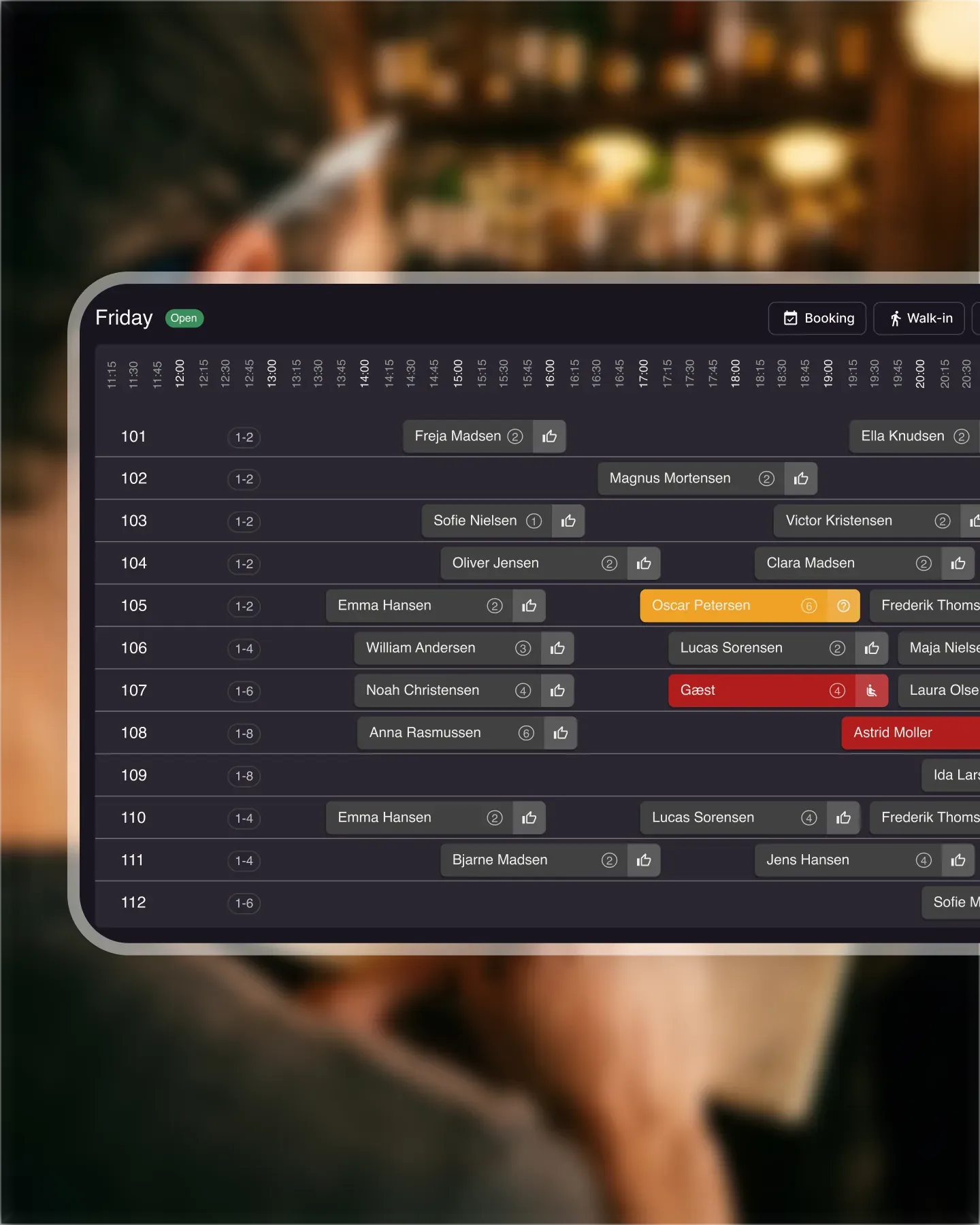
Leaving the restaurant for a few days does not mean losing visibility. Open the app on your phone and see today's, this week's, or this month's bookings, walk-ins, and revenue. The floor keeps running and the owner keeps oversight, even from the other side of the country.

Create your account in seconds. No credit card required.

Add your opening hours, areas, and floor plan using our easy drag-and-drop editor.

Add your booking link to your website and social media. No coding required.
Resos offers a restaurant management system for all devices. It doesn’t matter if your device is operated by iOS or Android. With the app, you can manage Resos’ system, your bookings, and walk-ins on all devices.
With our restaurant management system for all devices, you can access your Resos system and handle bookings wherever you are. The system is compatible with all computers, laptops, tablets, and smartphones, running on Android, iOS, macOS, iPad, Windows, and Linux.
Quick and easy access to the system allows you to more easily manage all of your bookings. Whether you run a busy restaurant or a small cafe, Resos keeps your floor running smoothly and your guests coming back.
Moreover, when using our table management feature, you can access your floor plan and see the tables available to handle both reservations and walk-ins. On top of that, you can easily check which table has been assigned to which reservation and add or change additional details about the booking after receiving a call from a guest. All of this and much more are now available on your phone or tablet with the Resos app!
Read more about the visual floor plan feature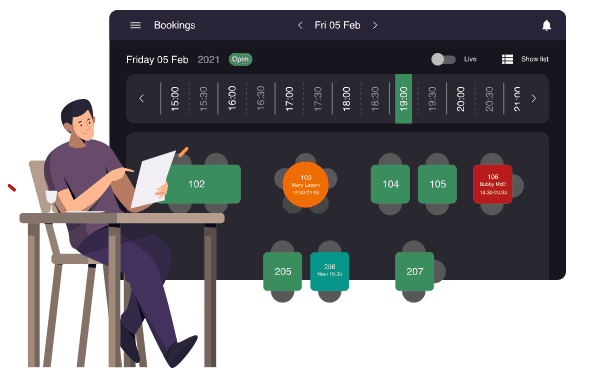
You can easily choose to receive bookings by email and SMS and handle them with the Resos app. By downloading the free app you are able to handle bookings on your phone, and accept or decline them wherever you are.
Download Resos app for iOS here.
Download the Resos app for Android here.
If you want to manage your tables and available hours every day, you can use table management. With table management, all bookings are automatically accepted because guests can only book available times, also managed in the Resos’ booking system app. Choose exactly how your restaurant wants to receive bookings and access the system from any device anywhere.
Read more about setting up seatings for better table management 

The system is not tied to your restaurant. You and your staff can have a great overview of everything in the restaurant outside of the restaurant too. With the Resos app, you can access the system and see the bookings you have for the day, week, or month. As a manager, this is a great function to have. In case you leave for a few days, this is the perfect way to make sure that you can still keep track of everything.
You can also connect your account to multiple devices and use it at the same time. Therefore, you won’t have to worry about the work stops when there are multiple people who need to use the system at the same time! Moreover, this allows you to work even faster and more efficiently!
Create a separate user for each person who works in Resos. The restaurant owner can give a user access to the whole profile or limit access to selected parts, including guest data. This helps the host, floor manager, and owner work in the same system without sharing one login or exposing settings that a role does not need.
Resos records the user behind each change to a booking, including who accepted a booking, who edited its time, its number of guests or its tables, and who sent a message to a guest. That activity history makes handovers easier when several people manage the same service. See how to add users and assign rights.
Each user can also choose their own dashboard language without changing the language used by colleagues or guests. Learn how each staff user selects a language.
Give it a try now by signing up for a free Resos account - no binding, no credit card needed. See the full pricing page for what each plan includes.
Do you have any questions? Feel free to reach out to us at hi@resos.com and our support team will help you out with any questions that you might have!
 For Restaurants
  For Cafés
  For Bars
  For Pubs
 Since we started using Resos, we have found the flexibility of the product and customer support incredible. It's very user friendly and easy to manage in-house which is a huge plus!
We have been using Resos as the booking platform for our cheese & wine bar in Helsinki, Finland, for over six months, and we are really impressed by it!

Once set up properly, Resos will run the whole booking seamlessly. Been trying many softwares and none has reached the level of customization and speed as Resos. And great support too!

The floor view is working very nicely, you can see everything at the same time. Also, it was a very huge upgrade for us, that the guests can easily cancel their booking – it saved us from a lot of no-shows.

Easy integration into our website and Google page.

Resos makes reservations so much easier. It's straightforward, flexible, and perfect for small businesses like ours. We're so happy with it!

What sets Resos.com apart is not just its ease of use, but also the proactive approach of the Resos team. They continuously work hard to introduce new features and add value to their product.

Simplicity when booking for the customer and easily accessible through our website, Facebook and Google.

When we started our search for a booking system, Resos was the obvious choice. Not only is it affordable for us as a small business, but also offers so many features that make our jobs easier.

Being able to make a reservation without too much hassle goes a long way! Resos keeps the process intuitive and simple.

We take pride in offering industry leading fast, free and friendly customer service that takes the time needed to understand and help you.