
In this article
Most guides to restaurant payment processing start at the end of the meal, when the bill arrives. For a restaurant that takes bookings, money can change hands much earlier: a deposit when the table is booked, a card secured against a no-show, or a ticket for a paid event. This guide walks through both moments and what each one costs.
How a restaurant gets paid
A restaurant takes money in two different places.
At the table or the counter, during the visit. The guest pays the bill with a card, phone or cash. This runs through your POS system or card terminal and the payment provider behind it.
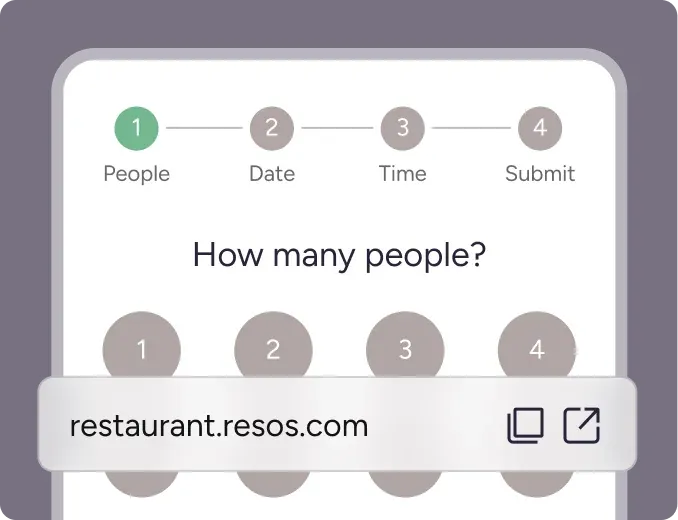
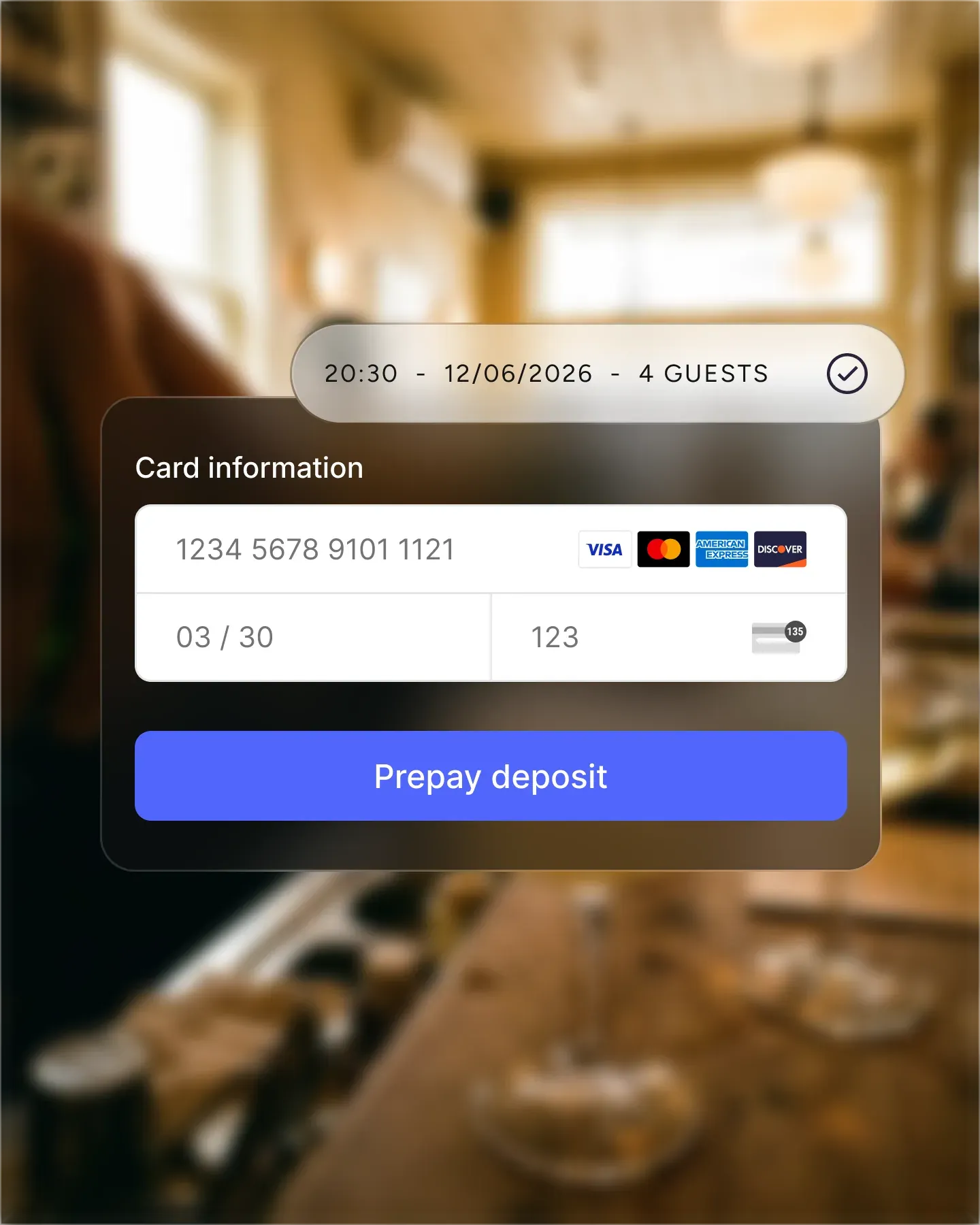
Online, before the visit. The guest pays something when they book: a prepayment, a deposit, or a ticket. Or they leave card details so you can charge a fee if they do not turn up. This runs through your booking system and an online payment provider.
The two are separate steps with separate tools. Knowing which one you are setting up makes the costs much easier to compare.
What processing fees are made of
Every card payment passes through a payment processor, which charges a fee for handling it. How that fee is calculated depends on the provider, the country, the card type and how the payment is taken, so there is no single rate to quote. Providers publish their own pricing; Stripe’s pricing page is one example of how a processor lays this out.
When you compare options, check what you pay the processor and what you pay any software on top of it. These are often two separate lines on the bill.
Taking money at booking
Money taken before the visit protects the tables that are most expensive to lose. There are three common ways to do it:
- Prepayments and deposits. The guest pays part or all of the amount when they book. It suits busy services, set menus and large parties.
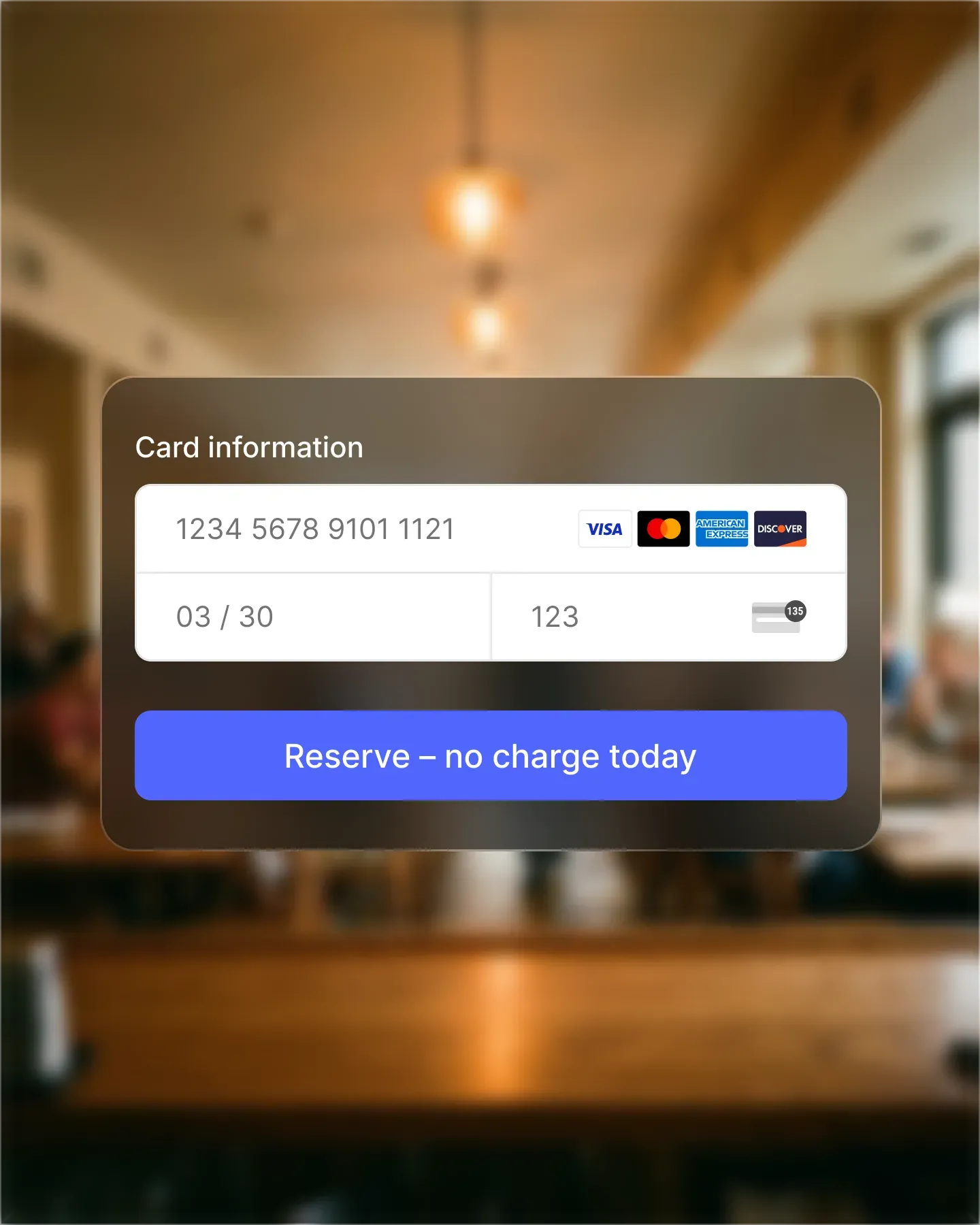
- A secured card with a no-show fee. The guest leaves card details, and you charge a fee only if they do not arrive or cancel too late.
- Paid events. The guest buys a place at a tasting menu, a wine dinner or a holiday service in advance.
Whichever you use, write the cancellation policy down and show it to the guest before they pay. A clear rule is easier to enforce and easier for guests to accept.
What Resos does here
Resos covers the “before the visit” part. With Online payments, you connect Resos to Stripe once, then take prepayments, secure a card for no-show fees, and sell paid experiences.
- You can charge a prepayment per guest or per booking, and apply the rule only to selected opening hours or party sizes.
- Online payments is an add-on for paid Resos plans at €11.99/month. See current Resos pricing.
- Resos charges a 2% transaction fee on every payment processed through Online payments. This is separate from the add-on price and from Stripe’s processing fees.
- The 2% fee applies only to money actually processed, such as a prepayment or deposit you collected. The transaction fees guide explains how it works, including refunds.
- Stripe’s own fees vary by country and card type. The Stripe integration page explains how the two systems work together.
What a booking system does not do
A booking system takes payments before the guest arrives. It does not take the payment for the final bill in the restaurant. For that, use your POS system or card terminal.
Common questions
How does payment work at a restaurant?
Most of the money is paid at the end of the visit, through the restaurant’s POS system or card terminal. Restaurants that take bookings can also take money earlier, online, as a prepayment, a deposit, a no-show fee or a ticket for a paid event.
What does it cost to take payments at booking with Resos?
The Online payments add-on costs €11.99/month on paid Resos plans. Resos also charges a 2% transaction fee on every payment processed through Online payments, and Stripe charges its own processing fees on top. See pricing and the transaction fees guide.
Is the 2% fee charged on every booking?
No. It applies only to money actually processed through Online payments, such as a prepayment or deposit you collected.
Can Resos take the payment for the final bill?
No. Resos takes payments at booking. The final bill is paid through your POS system or card terminal.