Since we started using Resos, we have found the flexibility of the product and customer support incredible. It's very user friendly and easy to manage in-house which is a huge plus!

Resos lets you require a card at booking, set the fee, and charge it when a guest does not turn up. Guests know the policy before confirming, and your team can manage the payment from the same booking.












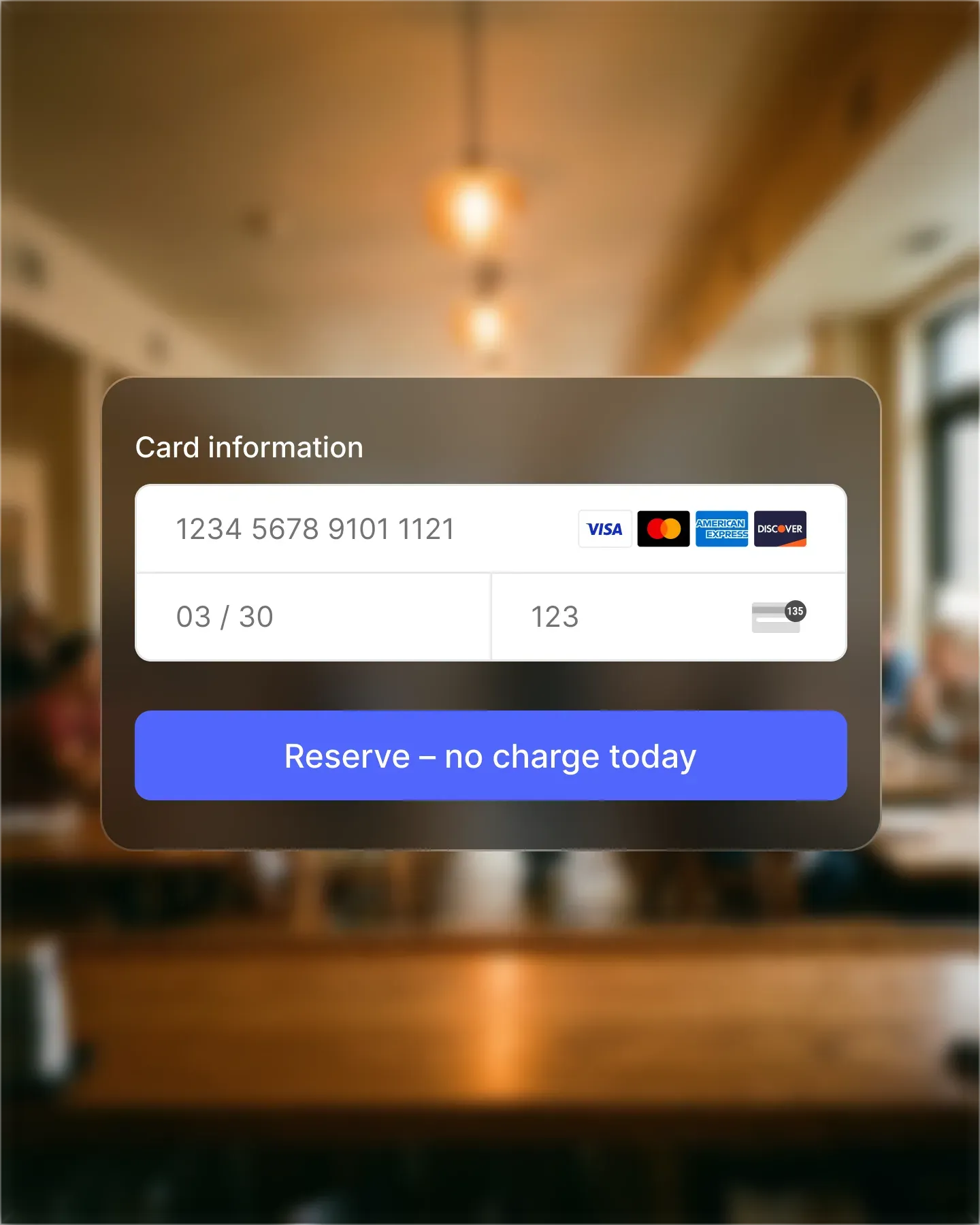
Guests authorise their card as part of the booking flow. Nothing is charged up front; Resos simply stores the details securely through Stripe so you can collect the fee later if the table goes empty. The friction is low for the guest and the commitment is real.
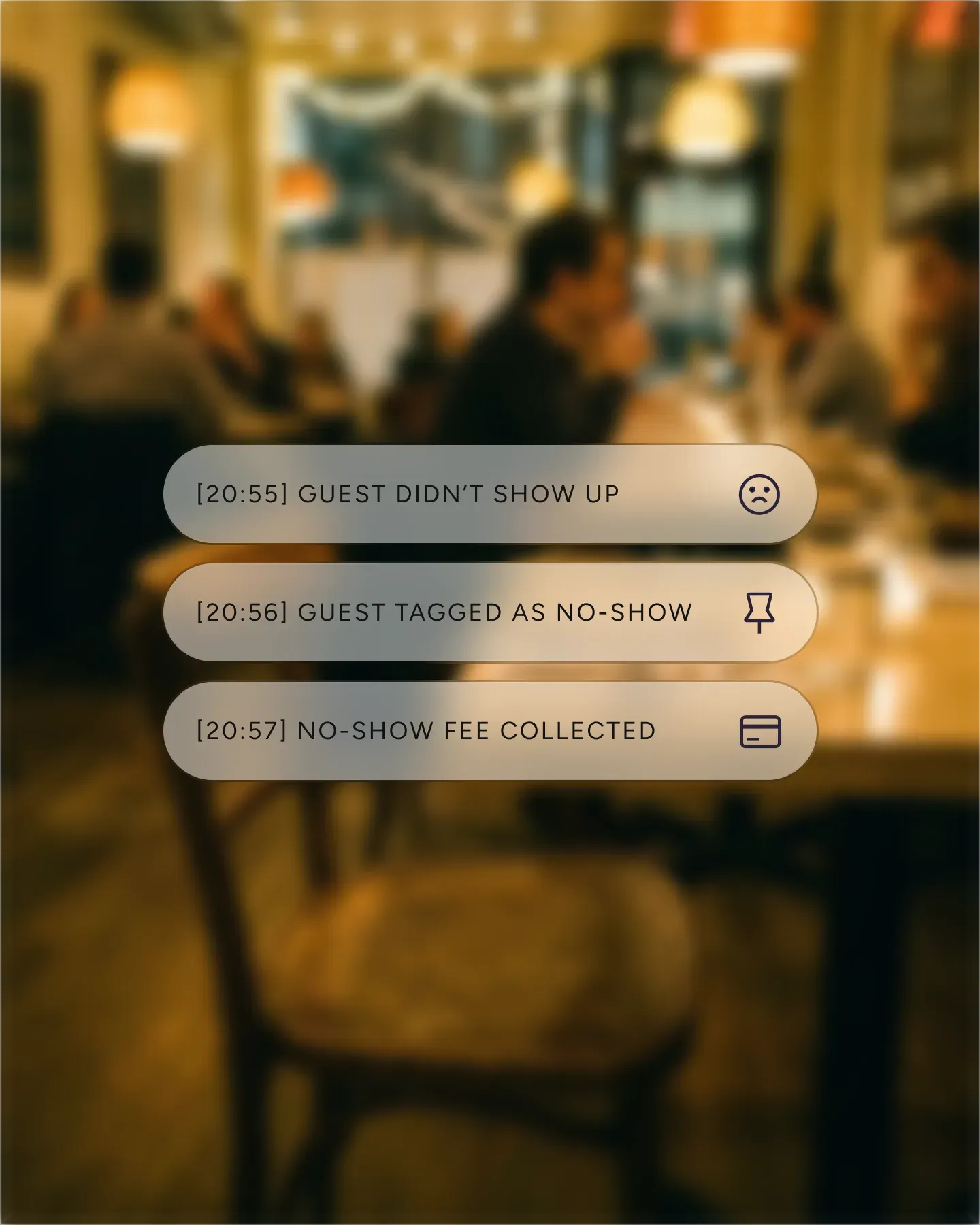
Flip the booking status to no-show and Resos checks whether the policy applies. If it does, the fee is charged to the stored card automatically. No invoicing, no chasing, no awkward emails. The system handles the recovery so the team can stay on the floor.
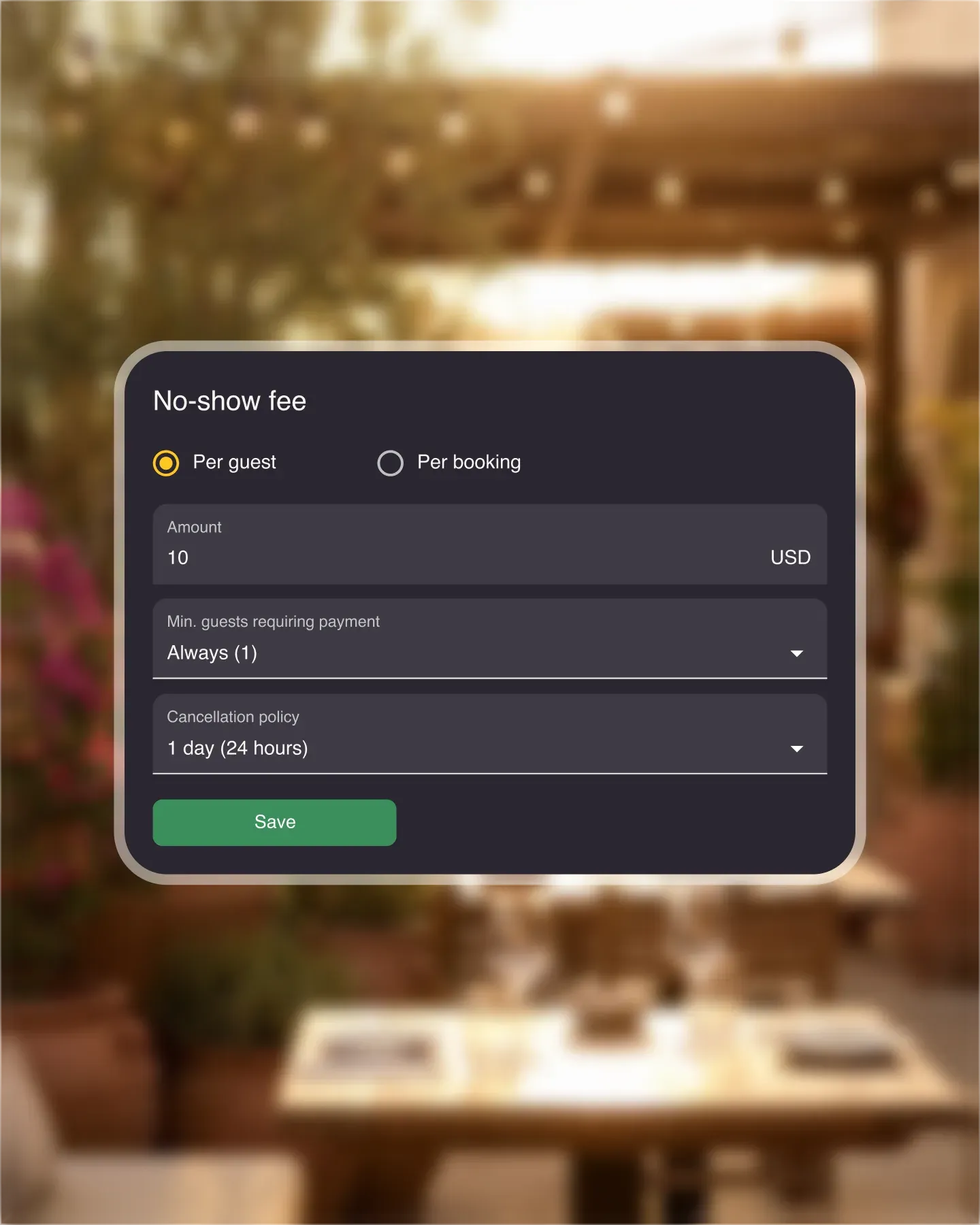
Apply the fee to the opening hours and areas you choose, set a minimum party size, or cover every booking across the board. Each opening hour gets its own amount and cancellation policy, so the fee matches how your venue actually fills up.
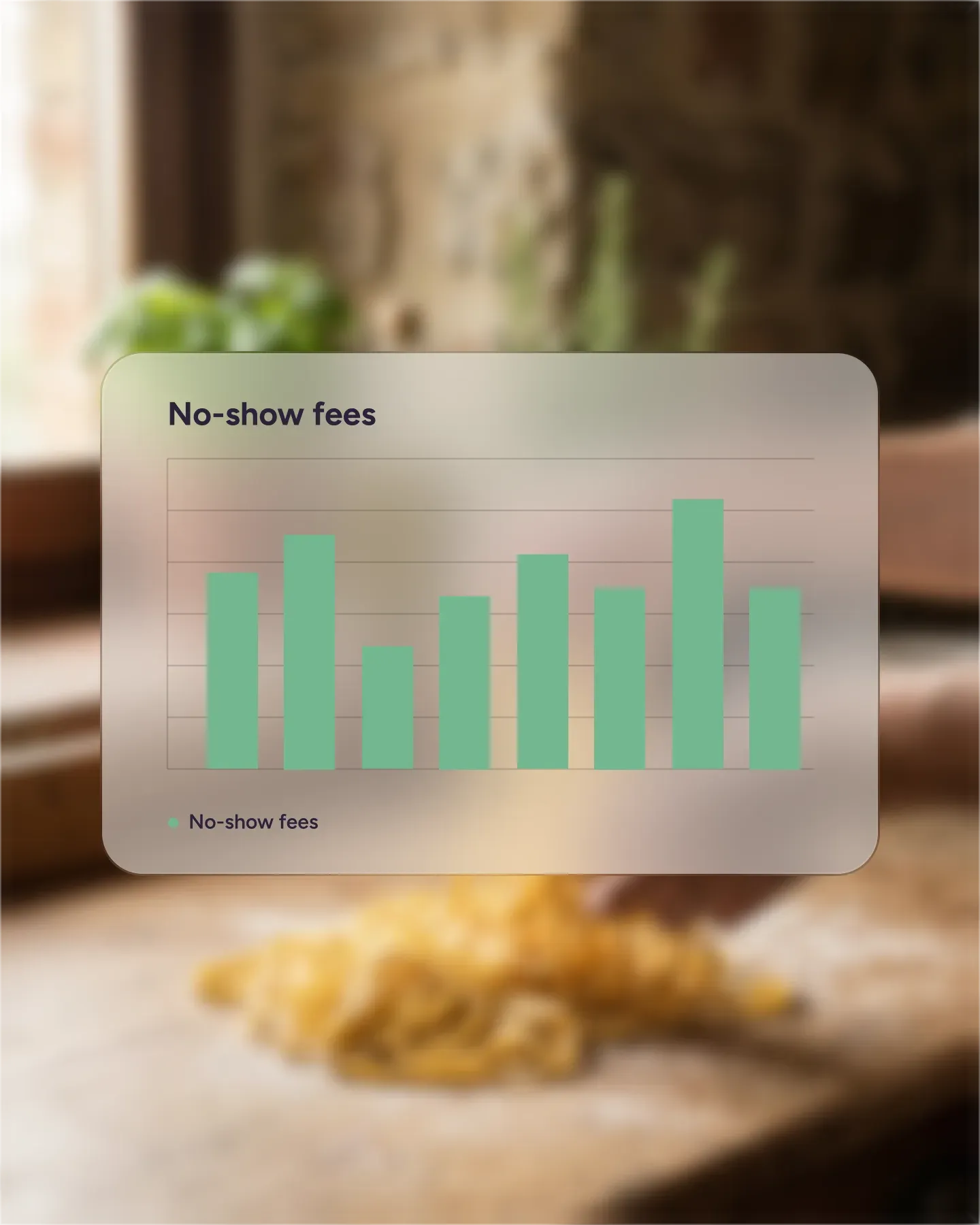
The tables that still go empty pay you back automatically instead of costing you the cover. Reports show the no-show fees collected for any period, so you can see what the policy is worth to your bottom line.

Create your account in seconds. No credit card required.

Add your opening hours, areas, and floor plan using our easy drag-and-drop editor.

Add your booking link to your website and social media. No coding required.
💡 The no-show fee feature helps you take control by requiring guests to add their credit card details when booking. If they don’t show up, you can charge them a fee.
⚙️ Customised settings: Choose when and where to apply no-show fees.
💸 Automatic fee collection: Mark a reservation as No-show and the system charges the guest automatically.
👉 How to set up no-show fees in Resos.
Set up a No-Show Fee policy and keep the card authorization connected to the reservation. Online payments explains the shared Stripe setup, pricing sources, and reporting flow behind the policy.
Some banks in Europe may block automatic charges because of Strong Customer Authentication (SCA) rules. In such cases, fees may not be collected automatically
See current Online payment pricing and processing terms before enabling no-show fees. Stripe fees vary by region, payment method, and Stripe account.
Watch a short walkthrough of connecting Stripe and turning on prepayments and no-show fees in Resos:
Stop letting no-shows hurt your business. With Resos, you can protect your revenue and run a smoother operation.
Need to recognize a guest who has missed a reservation before? Repeat no-show guest alerts keep that history on the guest profile. They are separate from the payment policy described on this page.
 For Restaurants
  For Cafés
  For Bars
  For Pubs
 Since we started using Resos, we have found the flexibility of the product and customer support incredible. It's very user friendly and easy to manage in-house which is a huge plus!
We have been using Resos as the booking platform for our cheese & wine bar in Helsinki, Finland, for over six months, and we are really impressed by it!

Once set up properly, Resos will run the whole booking seamlessly. Been trying many softwares and none has reached the level of customization and speed as Resos. And great support too!

The floor view is working very nicely, you can see everything at the same time. Also, it was a very huge upgrade for us, that the guests can easily cancel their booking – it saved us from a lot of no-shows.

Easy integration into our website and Google page.

Resos makes reservations so much easier. It's straightforward, flexible, and perfect for small businesses like ours. We're so happy with it!

What sets Resos.com apart is not just its ease of use, but also the proactive approach of the Resos team. They continuously work hard to introduce new features and add value to their product.

Simplicity when booking for the customer and easily accessible through our website, Facebook and Google.

When we started our search for a booking system, Resos was the obvious choice. Not only is it affordable for us as a small business, but also offers so many features that make our jobs easier.

Being able to make a reservation without too much hassle goes a long way! Resos keeps the process intuitive and simple.

We take pride in offering industry leading fast, free and friendly customer service that takes the time needed to understand and help you.