Since we started using Resos, we have found the flexibility of the product and customer support incredible. It's very user friendly and easy to manage in-house which is a huge plus!

Mark a guest after a missed reservation and Resos warns your team if their details match a future booking. The alert appears with the booking, giving staff useful context before they confirm the reservation or prepare for service. Your team sees the history and decides what to do next.
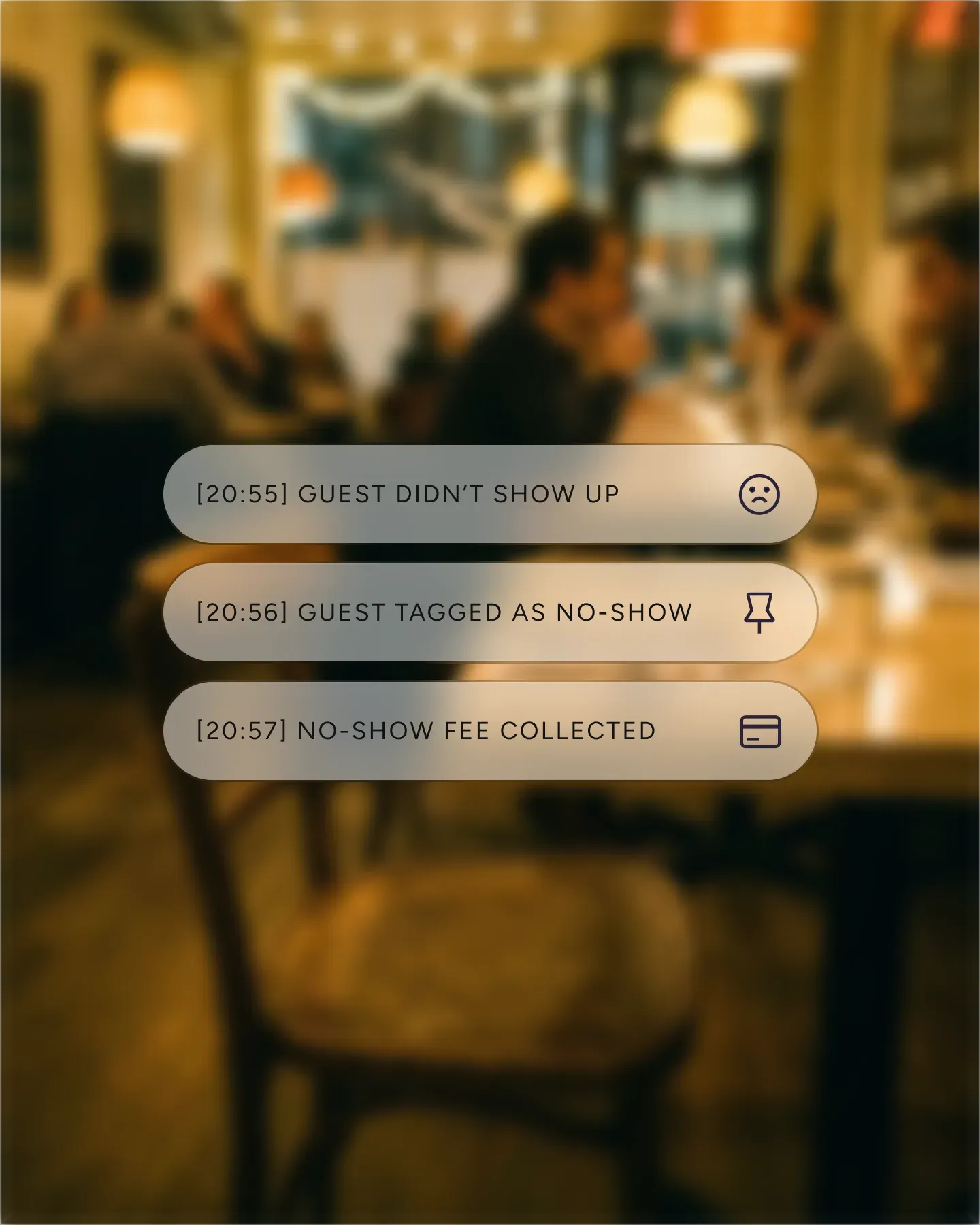












Flag a guest from the booking or customer profile after they do not arrive. The history stays connected to the guest record, so the information does not disappear when the service ends or a different team member takes over.
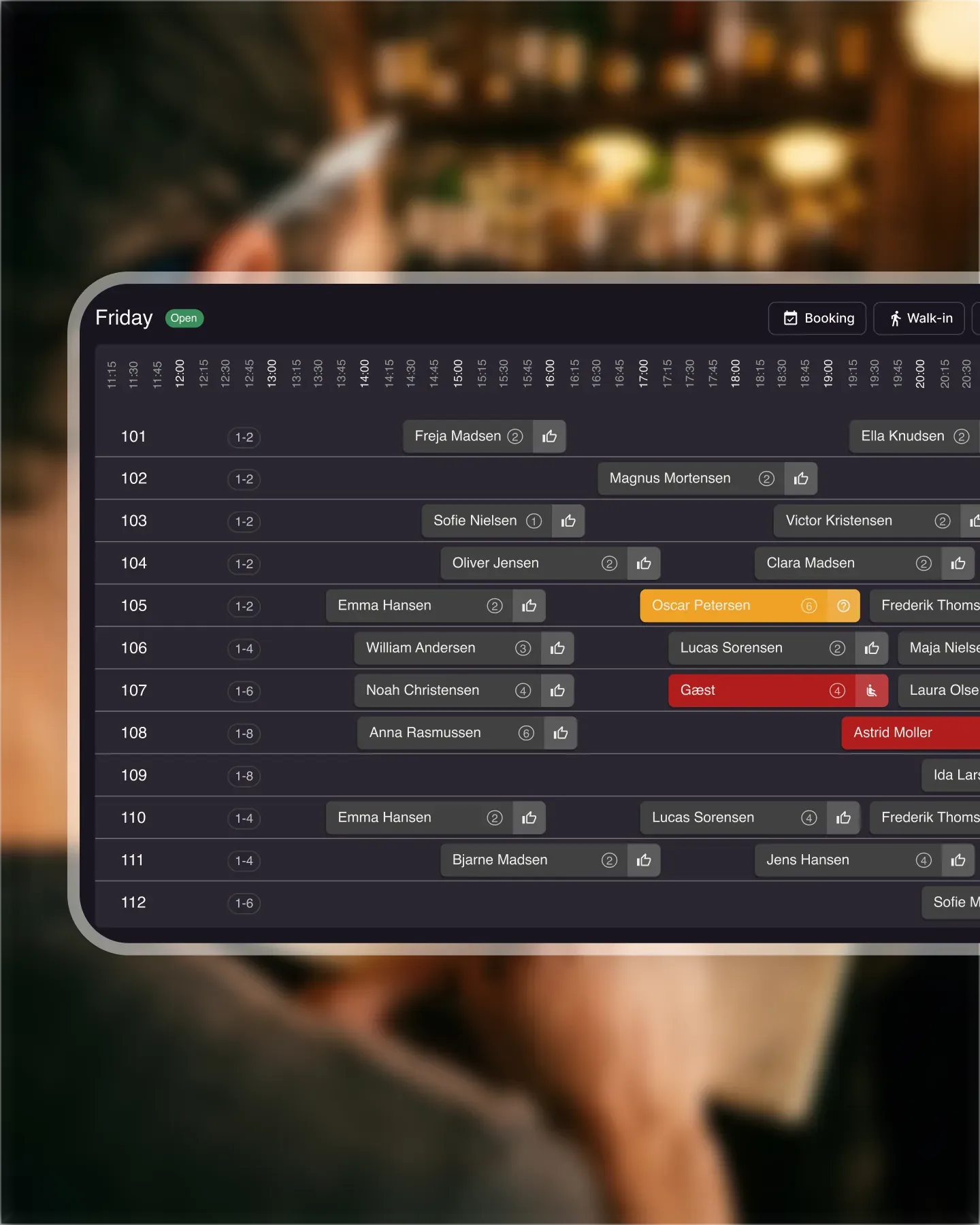
When a new booking matches information on a flagged guest profile, Resos adds a warning to the reservation. Staff get the context without searching old services or relying on someone remembering a name.
The warning appears on the booking and in the overview your team already uses. Hosts can spot it while reviewing the service, then check the guest profile before deciding whether the booking needs follow-up.
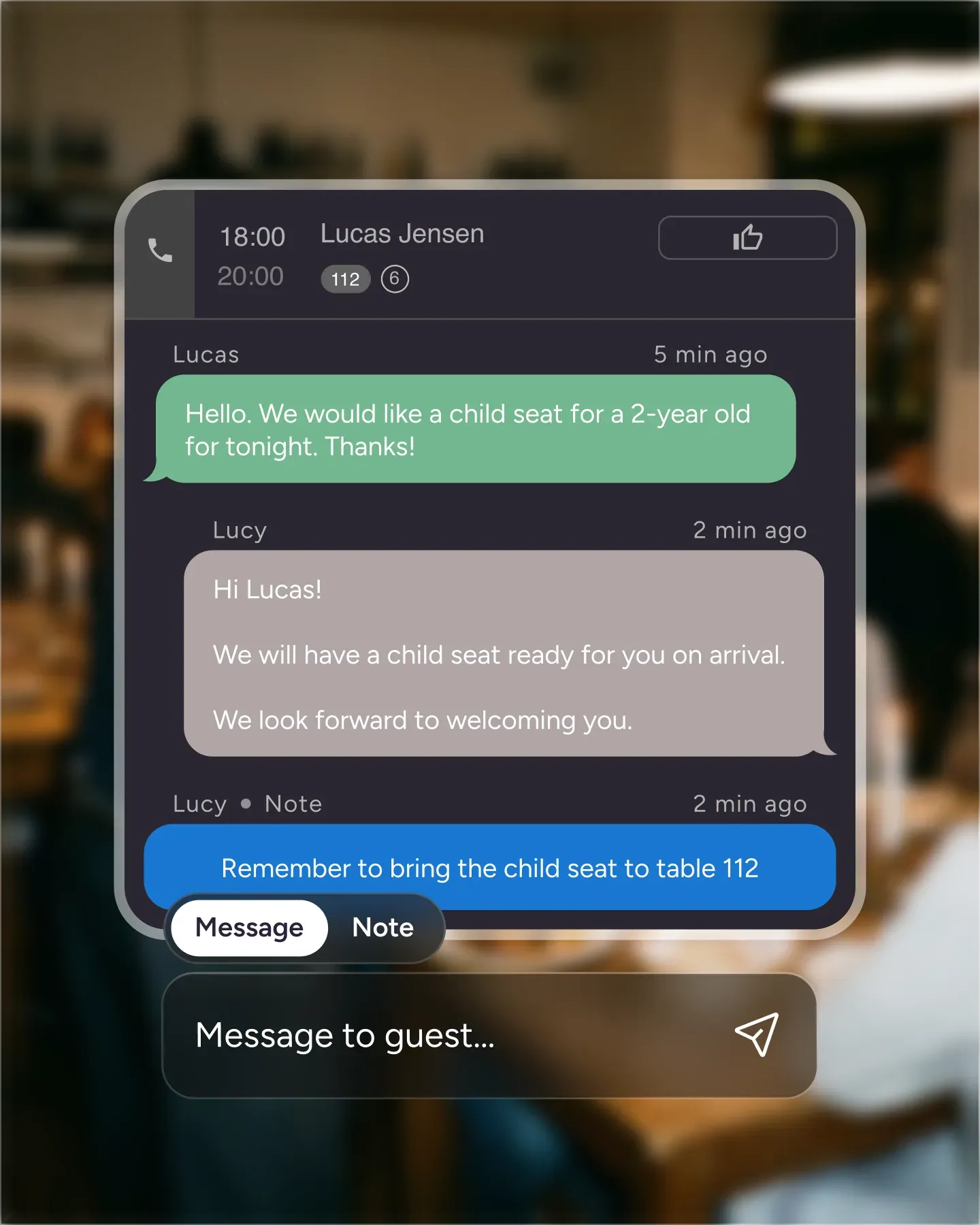
The alert supplies context, not an automatic verdict. Your team can contact the guest, request confirmation, use a separate fee policy where appropriate, or accept the booking as normal.

Create your account in seconds. No credit card required.

Add your opening hours, areas, and floor plan using our easy drag-and-drop editor.

Add your booking link to your website and social media. No coding required.
Wondering how your venue compares? The Resos No-Show Index benchmarks recorded no-show rates across 3.77 million reservations, by country, party size, day, and booking lead time.

You can flag a guest from the missed booking or from their customer profile. That record gives the next person on shift the same context as the person who handled the original reservation.
Follow the setup guide for flagging guests to enable the feature and see both ways to add or remove a flag.
When a new reservation matches information on a flagged guest profile, Resos adds an alert to the booking. The warning also appears in the booking overview, so staff can see it while preparing for service.
The alert gives your team relevant history. It does not automatically reject the booking or decide how the guest should be handled.
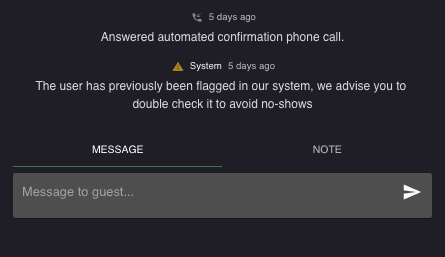
Your staff can contact the guest, ask them to reconfirm, or accept the reservation as normal. Other Resos features cover different parts of no-show prevention:
This page covers guest history and repeat-booking warnings. If you want to require card authorization and charge for a missed reservation, see the dedicated no-show fee feature. Online payments explains the shared Stripe setup behind fees and deposits.
Flag a test guest, create a matching booking, and see how the warning fits your team’s workflow. If you need help setting it up, contact us at hi@resos.com.
 For Restaurants
  For Cafés
  For Bars
  For Pubs
 Since we started using Resos, we have found the flexibility of the product and customer support incredible. It's very user friendly and easy to manage in-house which is a huge plus!
We have been using Resos as the booking platform for our cheese & wine bar in Helsinki, Finland, for over six months, and we are really impressed by it!
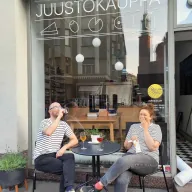
Once set up properly, Resos will run the whole booking seamlessly. Been trying many softwares and none has reached the level of customization and speed as Resos. And great support too!

The floor view is working very nicely, you can see everything at the same time. Also, it was a very huge upgrade for us, that the guests can easily cancel their booking – it saved us from a lot of no-shows.

Easy integration into our website and Google page.

Resos makes reservations so much easier. It's straightforward, flexible, and perfect for small businesses like ours. We're so happy with it!

What sets Resos.com apart is not just its ease of use, but also the proactive approach of the Resos team. They continuously work hard to introduce new features and add value to their product.

Simplicity when booking for the customer and easily accessible through our website, Facebook and Google.

When we started our search for a booking system, Resos was the obvious choice. Not only is it affordable for us as a small business, but also offers so many features that make our jobs easier.

Being able to make a reservation without too much hassle goes a long way! Resos keeps the process intuitive and simple.

We take pride in offering industry leading fast, free and friendly customer service that takes the time needed to understand and help you.