In this article
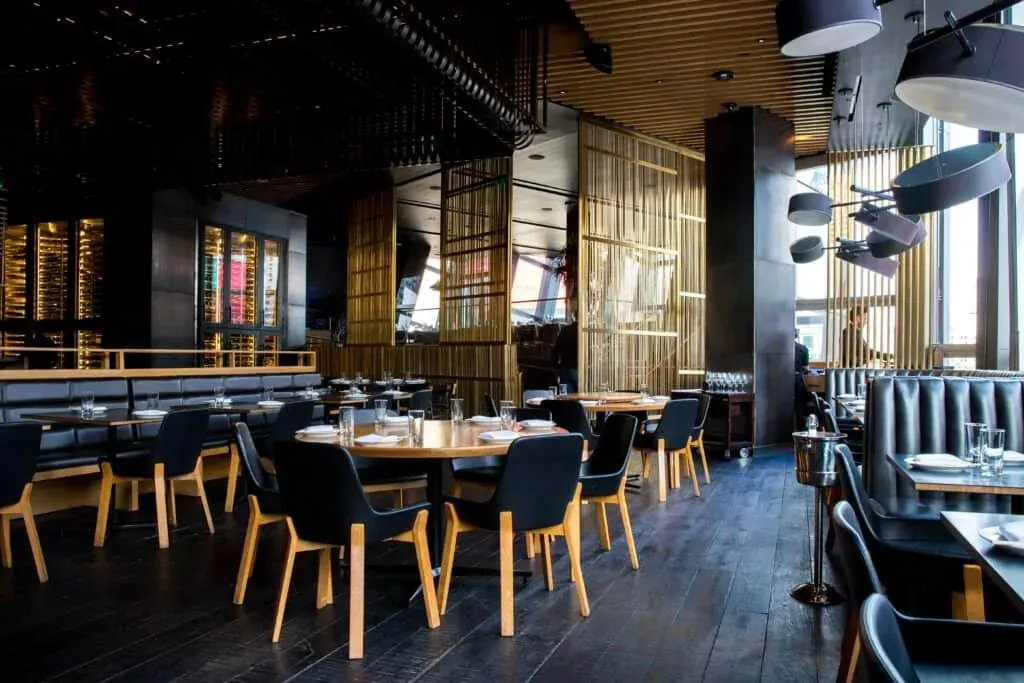
High-end restaurants aim for something else. They don’t want to simply serve food, they want to give an experience. To give a great guest experience, everything needs to run smoothly from the beginning.
So when everything in the restaurant is ready, tables are made and the hostess is awaiting guests, what happens if guests do not show up? It has happened with every single restaurant.
A single no-show can lead to a negative impact on the restaurant’s setup, resulting in thousands of pounds lost. So, how to avoid no-shows at your high-end restaurant? In this article, we will share some tips on how to prevent no-shows and how you can use Resos as your booking system for high-end restaurants, so keep reading.
“We are what we repeatedly do. Excellence then is not a single act, but a habit”.
- Aristotle
So how does your high-end restaurant avoid no-shows?
There are many reasons why guests cannot show up, it can be illness, a change of plans, or even bad weather. In the best scenario, guests cancel a booking, but sometimes they do not, which leads to a negative impact on your high-end restaurant. Here are 5 tips that can help you avoid no-shows:
1. Use a booking system to remind guests about a reservation
It is not necessarily people’s intention to not show up at your venue, sometimes it happens simply because people forget about reservations. Understandably, your staff can not contact each guest and remind them about their booking, but luckily, Resos can do that for you.
You can choose either to send a reminder through email or SMS or both. Additionally, you can also set up how far in advance you want to send that reminder.
Read more about the table booking reminders feature 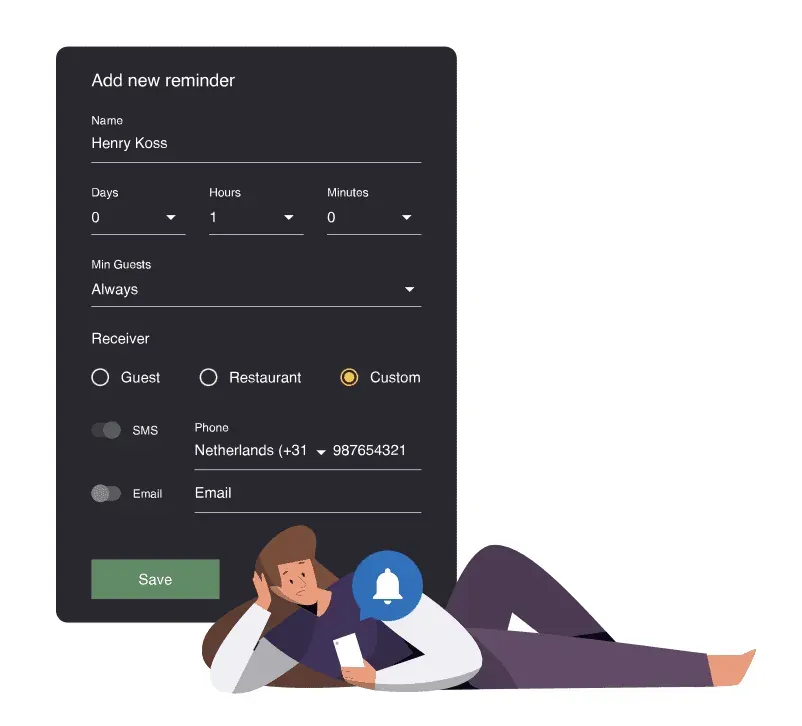
“It does not matter if you are using a mobile phone, tablet, or computer, either way, it works without any issues and it is super easy! It’s important for us to be able to send a notification directly to the customer so that they know right away that they have a table booked.”
Georgios, Basilico restaurant owner
Check out this case story about Basilico and their experience with Resos’ booking system.
2. Set up a no-show fee
Probably the most important advice we can give is to charge a no-show fee. It is more likely that guests will show up or cancel their reservation in time if they know that there are financial consequences for not doing so.
You can determine your no-show policy yourself in Resos booking system. You can decide how much in advance guests should cancel their reservation, and if the fee should be charged per person or booking.
Read more about the no-show management feature here 
3. Flag guests who do not show up
So when you set up a no-show fee and guests still do not show up it is a good idea to keep an eye on these guests. Each time you receive a new booking, the system will automatically review the information the guest has entered in the booking to see if it matches a previously flagged guest.
Therefore, it will be worth double-checking the booking with a guest by giving them a call. Read more about this feature here.

4. Ask for the deposit
Since booking a table is free for guests, some can create bookings without intending to commit, or they can simply create bookings in several places to keep their options open and forget to cancel them in time.
Adopting the deposit feature will substantially lower no-shows since there is a financial commitment from the guests’ side, and it is in human nature to not want to lose a deposit once it is made.
Guests will have to cancel in time, in order to get a refund. Additionally, it will be a financial safety for your restaurant as fine dining requires a lot of preparation.
Read more about the deposit feature here 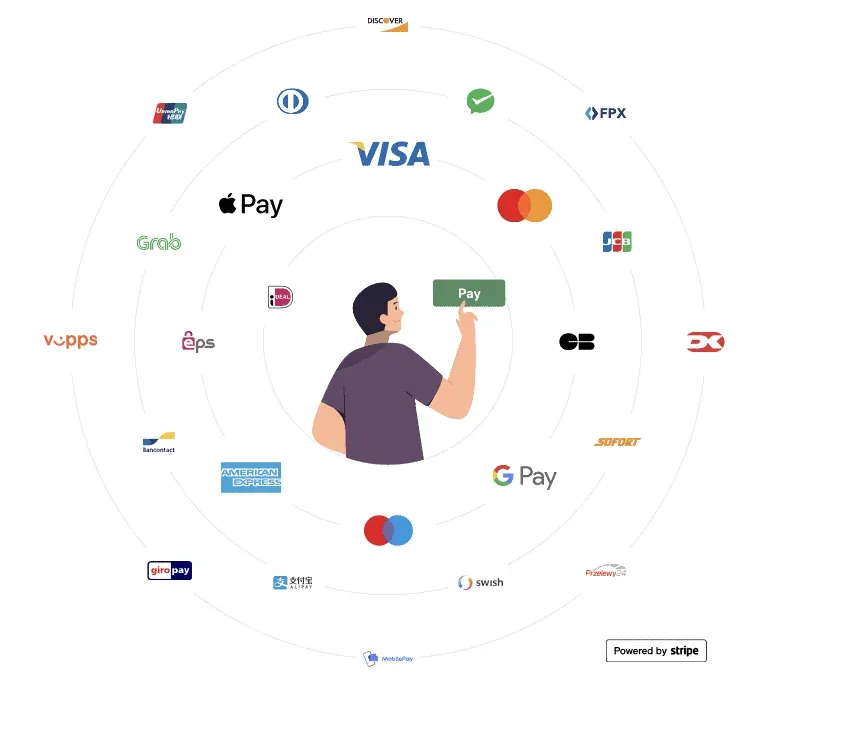
5. Waitlist
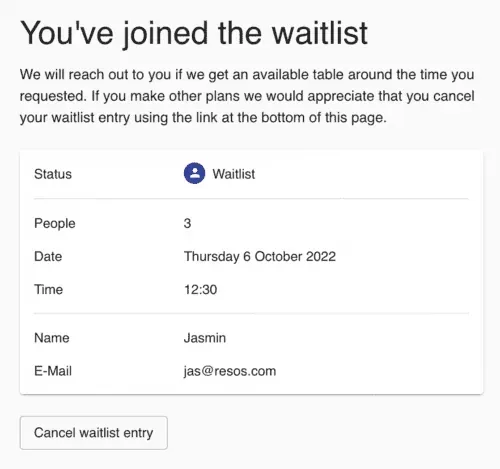
The waitlist feature does not really help you to fight no-shows, but it will definitely help you to fill tables when someone doesn’t show up at all. With the waitlist feature, you can allow guests to sign up themselves for the waitlist or your staff can add guests as well.
Read more about the waitlist feature here 
You can also read a guide here for how to get started with the waitlist feature.
Resos booking system for high-end restaurants
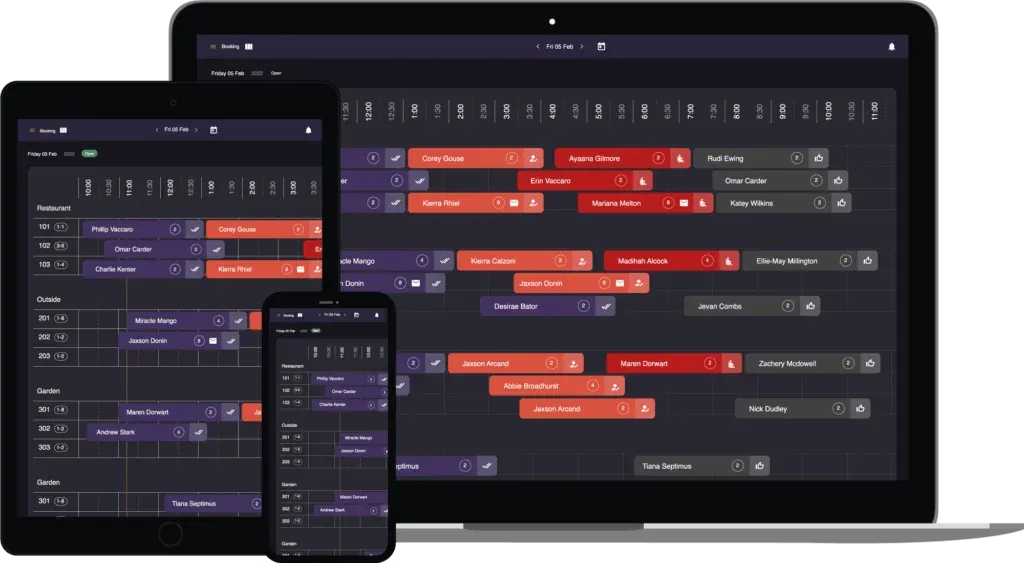
Resos has all the necessary tools to minimize no-shows for any restaurant business. The booking system for high-end restaurants is flexible and user-friendly. Additionally, the booking system is functional and intuitive, so it quickly becomes part of your daily routine in the restaurant.
With Resos, you get a better structure and an overview of your tables and guests, so you have more time for what really matters: giving your guests a wonderful experience.
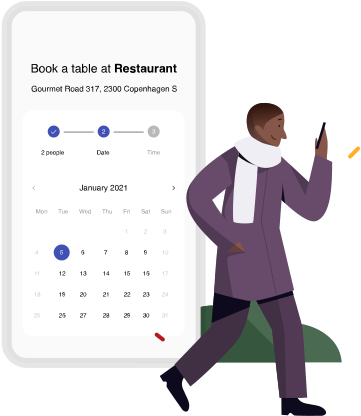
The look, style, and layout of the booking page must represent your restaurant. We have decided to keep a simple and clear layout of the booking form, in order to be accessible and elegant at the same time.
Interested to try out Resos? Start free today!
Are you ready to try out our tips about how to minimize no-shows? Do you have any further questions about the booking system for high-end restaurants? Just contact us at hi@resos.com and we will get back to you as soon as possible.
You can also press the green button below to try the booking system for your restaurant for free.