In this article
Quandoo has closed. New bookings stopped at 11.59pm on 30 September 2026. From 1 October, restaurants can no longer make or receive bookings through it. Export help lasts until 31 December 2026, when it goes offline. Resos is a Quandoo alternative.
Key dates: when Quandoo stopped and what still works
| Date | What it means for your restaurant |
|---|---|
| 24 March 2026 | Quandoo announced the closure. It called the decision a “business decision” after a “strategic portfolio review”. |
| 30 September 2026 | New bookings could be made until 11.59pm. |
| 1 October 2026 | Restaurants can no longer make or receive bookings through Quandoo. |
| 31 December 2026 | Export support ends, and the website and app are taken offline. |
Sources, checked 29 Oct 2026: The Straits Times, 26 March 2026 and Verdict Foodservice, 26 March 2026. The closure applies in every country where Quandoo operated, with the same dates worldwide. Australia, Switzerland and Italy are named in that report. Germany and Austria are covered by “all countries”, not by a separate local announcement. The UK partner site says “Quandoo is closing down” and “This website is no longer active.”
What do “quandoo closing” and “quandoo shutting down” refer to?
The dates in the table. The sources call it a business decision after a strategic portfolio review. They do not call it an insolvency.
What to do before 31 December 2026
- Ask Quandoo for your data now, in writing. Ask for upcoming reservations and your guest list. Its support team assists with exports until 31 December 2026 (The Straits Times; Verdict Foodservice). In the UK, the partner address on the imprint is support.uk@quandoo.com. In other markets, use the partner contact Quandoo already gave your restaurant.
- Ask for CSV files and store them safely. A bookings file needs a date, a time, the number of people and the guest name. See how to import bookings. Keep the files before you cancel anything (switching to Resos from another booking system).
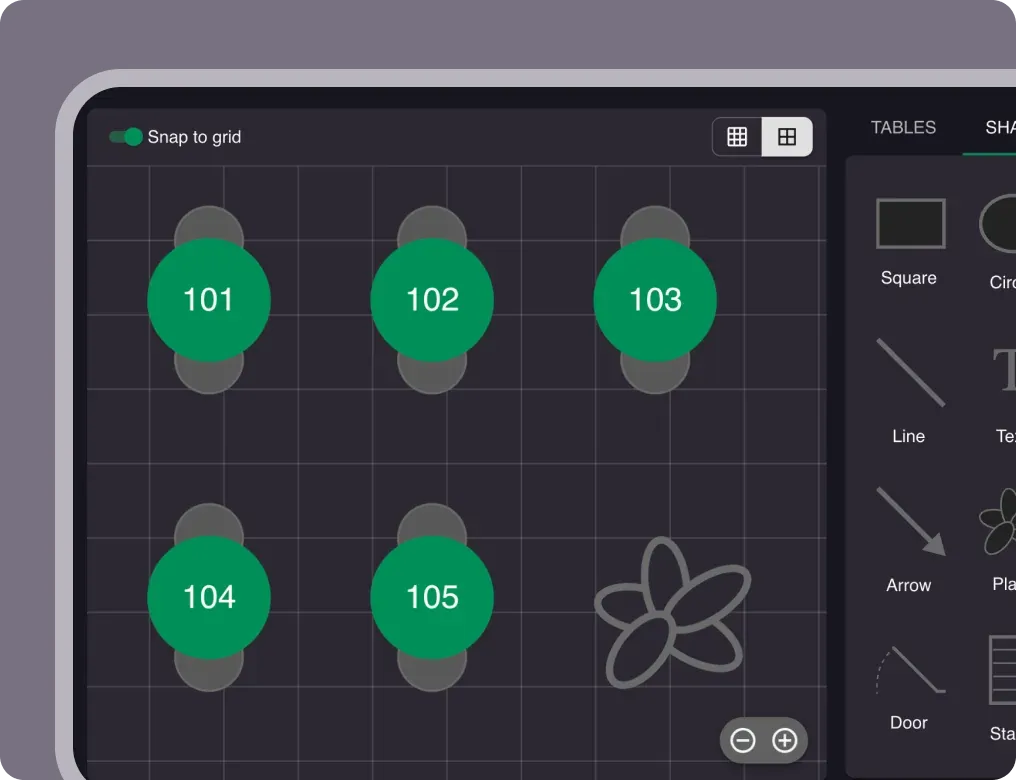
- Set up opening hours, tables and areas in Resos. Tables and areas are not imported, so you set them up by hand. The guide is how to add and manage tables and areas.
- Bring your bookings and guest list into Resos. The self-serve CSV import is under Menu → Settings & add-ons → Advanced (how to import customers). On the Free plan, imported bookings count towards your monthly booking limit. Email hi@resos.com before a large import, so it does not lock you out.
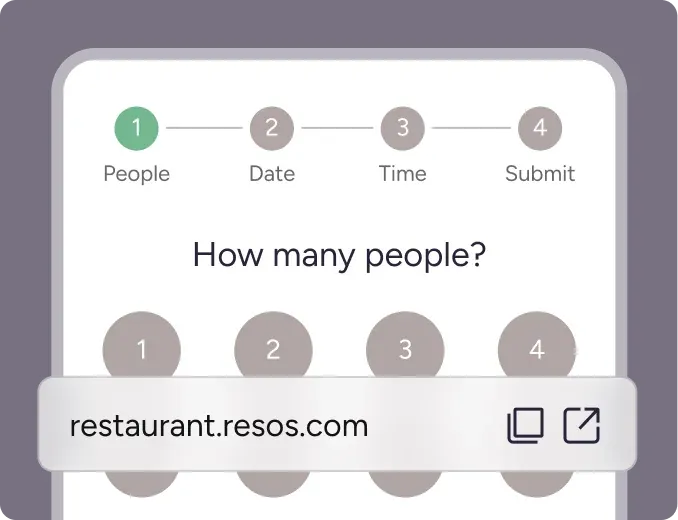
- Remove every Quandoo widget, button and link from your website, Google Business Profile, Facebook and Instagram, and put your new booking link there. Quandoo asked restaurants to remove the widget (The Straits Times). The Resos link and widget are under Menu → Settings & add-ons → General → Link & widget.
- Google. Add your Resos booking link to your Google Business Profile. A Reserve with Google button is separate: it is a paid add-on at €7.99, £6.99 or $7.99 a month, and it is not included in any plan (pricing).
- Make a test booking as a guest and check that the confirmation arrives. That is step 7 of the switching guide.
- Tell regulars and staff about the new booking link.
Moving from Quandoo to Resos
Moving from Quandoo? We help you import your bookings and guests, with 1:1 onboarding.
- Export your bookings and guest list from Quandoo while export support is still open.
- Import your bookings and guests from the CSV files.
- Set up your tables and areas in Resos. They are not imported.
- Swap the Quandoo links for your Resos booking link on your website, Google Business Profile and social profiles.
Resos is a restaurant booking system you run yourself. On Quandoo vs Resos, guests book with you, not through a diner marketplace.
Restaurants in Australia and Singapore
Quandoo closing in Australia and Singapore uses the same dates as every other Quandoo country. Australia is named in The Straits Times report of 26 March 2026. Singapore is not named on its own, only by “all countries”. Resos lists monthly prices in Australian dollars on the pricing page: Free $0, Basic $79, Plus $149 and Unlimited $229 (checked 29 Oct 2026). There is no Singapore dollar price. For a Quandoo alternative in Australia, use those figures or the euro, pound and US dollar prices below. Reserve with Google stays a paid add-on, not part of any plan.
What Resos costs
Monthly prices from the pricing page, checked 29 Oct 2026. Add-ons are not available on the Free plan. On Basic, Plus and Unlimited, paid add-ons are free for 30 days, then billed separately.
| Plan | EUR | GBP | USD |
|---|---|---|---|
| Free | €0 | £0 | $0 |
| Basic | €45 | £39 | $47 |
| Plus | €85 | £79 | $98 |
| Unlimited | €125 | £119 | $149 |
Reserve with Google is a paid add-on at €7.99, £6.99 or $7.99 a month. It is not included in any plan. You can still add your Resos booking link to your Google Business Profile without that add-on.
Resos never charges per booking, per cover, or any commission. You pay a flat monthly fee for your plan. Paid plans include a 90-day money back guarantee. You can pay by card, or by SEPA Direct Debit in EUR, Bacs Direct Debit in GBP or ACH Direct Debit in USD, where checkout offers that method.
The Free plan is free to start, with no credit card. It does not move you onto a paid plan by itself.
What changes when you leave a marketplace
Resos has no diner marketplace. Guests book through your website, Google and your social channels. That is the practical difference once a marketplace has closed: the booking link has to live on channels you control. Compare other systems on the alternatives page.
Frequently asked questions
Is Quandoo closing?
Yes. Quandoo stopped taking new bookings on 30 September 2026, and from 1 October 2026 restaurants can no longer make or receive bookings through it. Its support team helps restaurants export their data until 31 December 2026, when the platform is taken offline. Sources: The Straits Times and Verdict Foodservice, checked 29 Oct 2026.
What is the best Quandoo alternative for restaurants?
Resos is a commission-free restaurant booking system with a free plan and paid plans from €45, £39 or $47 a month, with no cover fees. Sources: the Resos pricing page, checked 29 Oct 2026.
Can I move my Quandoo data to Resos?
Yes, once you have your export from Quandoo. We help you import your bookings and guests, with 1:1 onboarding. Tables and areas are not imported, so you set those up in Resos. Quandoo’s support team helps with exports until 31 December 2026, per The Straits Times. On the Free plan, imported bookings count towards your monthly booking limit. Email hi@resos.com before a large import, so it does not lock you out.
What do I need to do before 31 December 2026?
Ask Quandoo support for your upcoming reservations and guest list, store the files, set up your new booking system, and replace every Quandoo widget or link on your website, Google Business Profile and social profiles. Sources: The Straits Times, and the Resos guide to switching from another booking system.
Does Resos include Reserve with Google?
Reserve with Google is a paid add-on for Resos at €7.99, £6.99 or $7.99 a month. It is not included in any plan. You can also add your Resos booking link to your Google Business Profile at no extra cost. Sources: the Resos pricing page and the switching guide, checked 29 Oct 2026.
Does Resos charge commission?
No. Resos never charges per booking, per cover, or any commission. You pay a flat monthly fee for your plan. Source: the Resos pricing page, checked 29 Oct 2026.
Start free, no credit card
The Free plan needs no credit card, and you move to a paid plan only if you choose to.