Since we started using Resos, we have found the flexibility of the product and customer support incredible. It's very user friendly and easy to manage in-house which is a huge plus!

Resos runs in 16 languages on both the guest booking widget and the staff dashboard. Guests pick the language they want, or the widget detects it from their browser. Each team member picks their own dashboard language, so the host on the floor can work in Spanish while the manager in the office reads everything in English. Same data, every interface in a language the user actually thinks in.
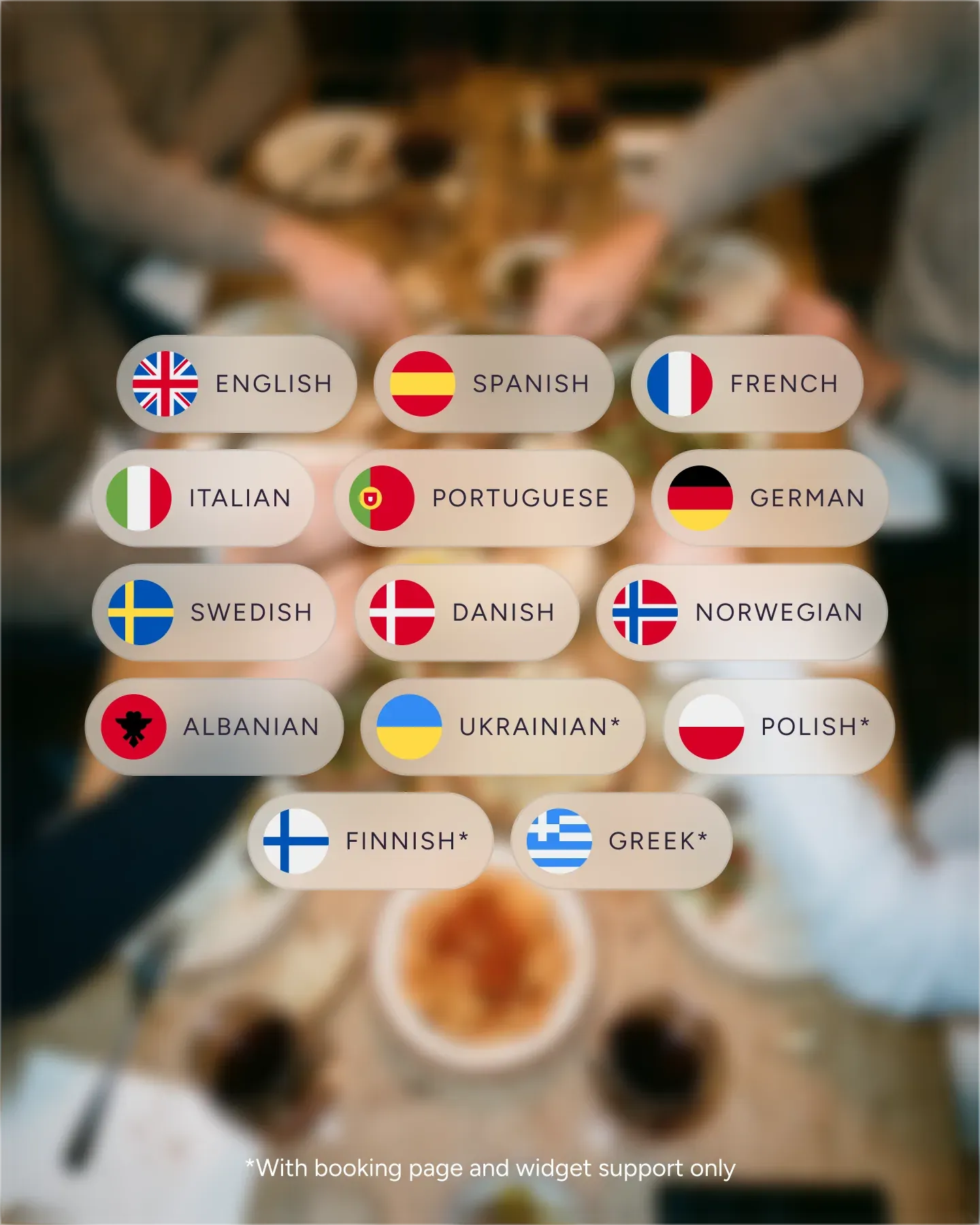












English, Danish, German, Spanish, French, Italian, Dutch, Norwegian, Polish, Portuguese, Finnish, Swedish, Greek, Ukrainian, Catalan, and Albanian. The widget auto-detects from the browser or lets guests pick, and confirmations and reminders go out in the same language they booked in.
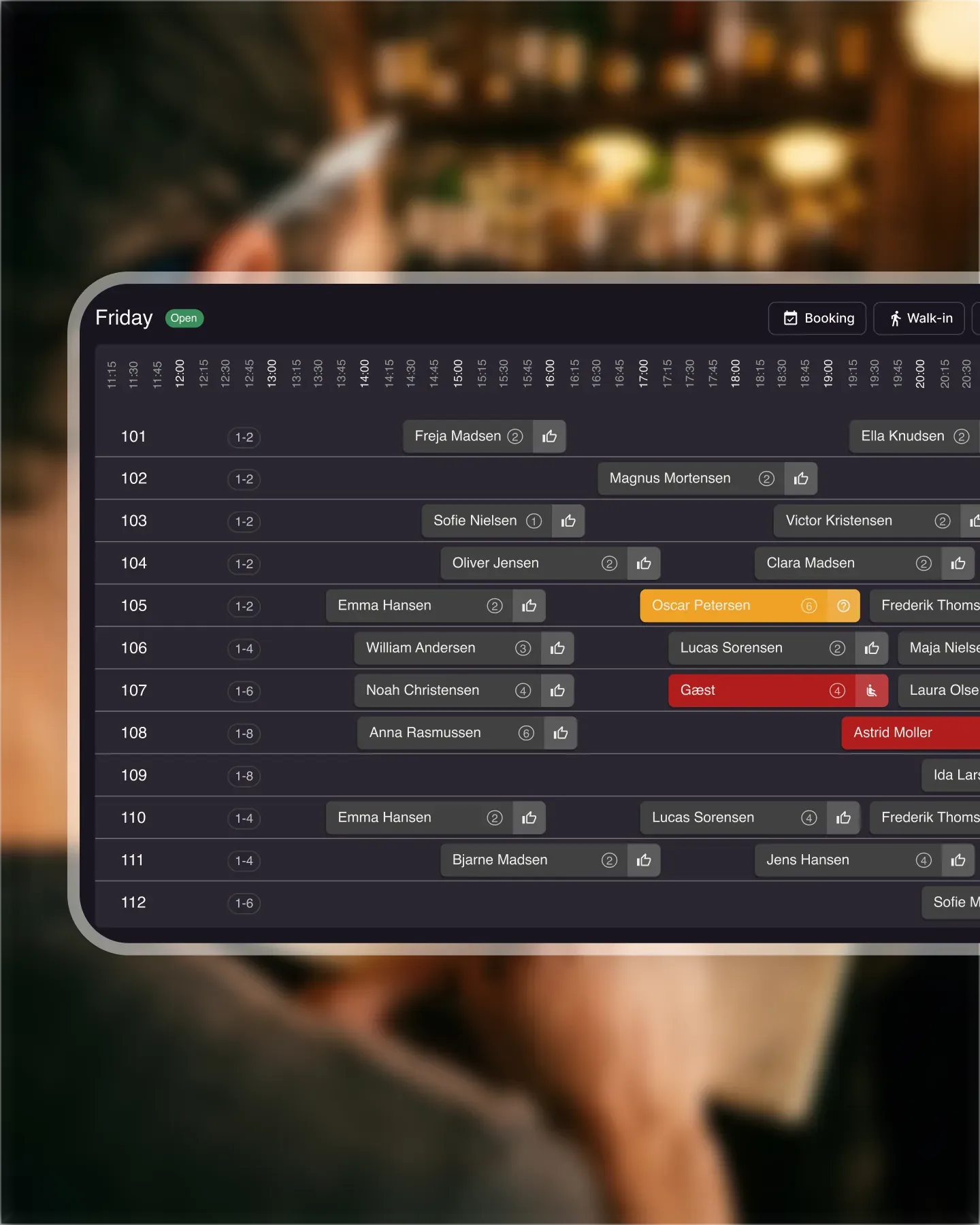
Your floor host reads the booking list in Polish while the manager reviews reports in English. Same data, two interfaces. New hires get up to speed faster when the system speaks the language they already know.
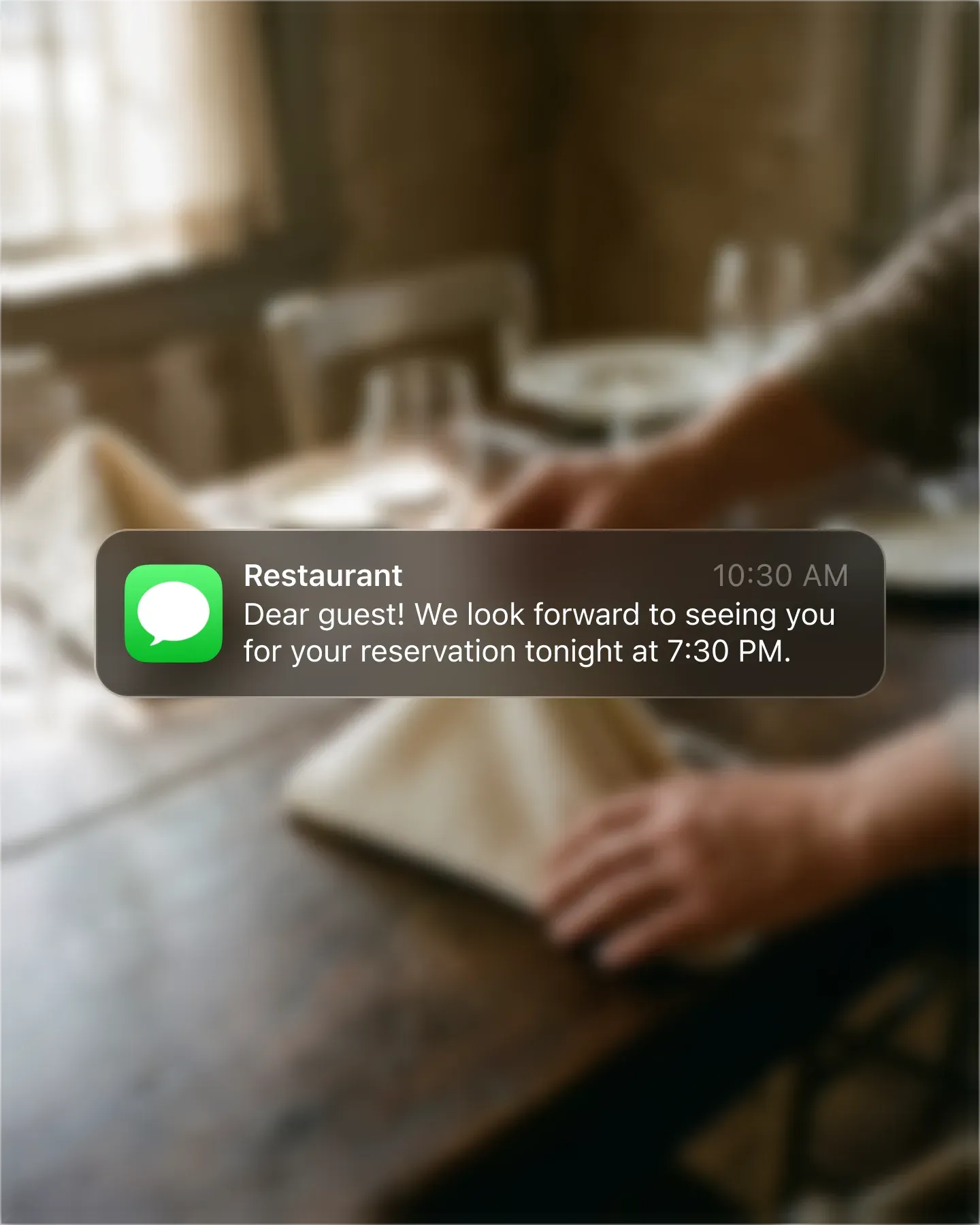
When a guest books in French, every automated message you send them stays in French. No mixed-language confirmations, no awkward English reminders to a guest who picked Dutch on the booking page. The experience stays consistent end to end.
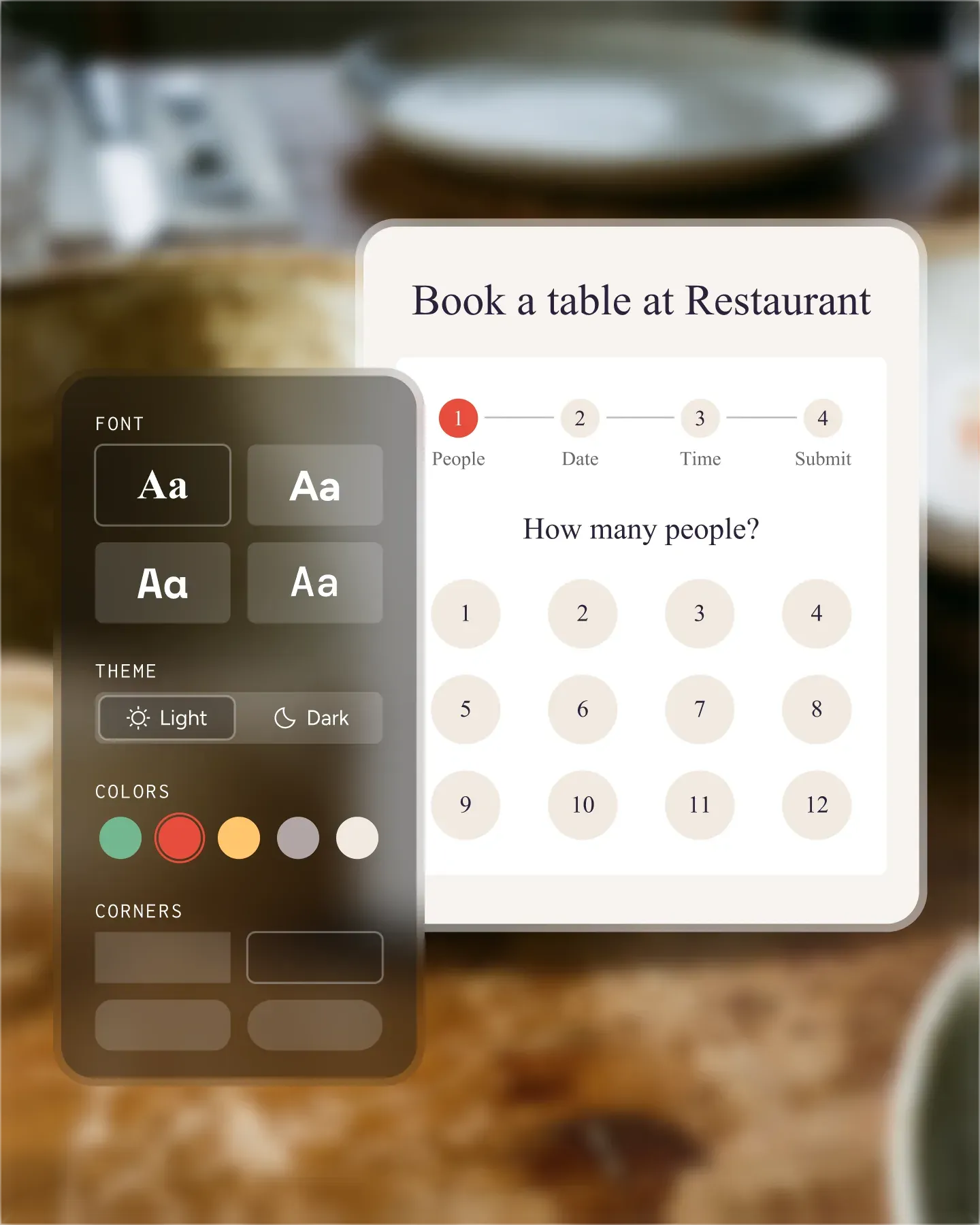
A booking page in the guest's own language removes the last bit of friction between intent and confirmed cover. Tourists, expats, and locals alike finish the flow instead of bouncing, and your restaurant feels welcoming before they even arrive.

Create your account in seconds. No credit card required.

Add your opening hours, areas, and floor plan using our easy drag-and-drop editor.

Add your booking link to your website and social media. No coding required.
At Resos, we make managing bookings simple for restaurants all over the world. The system runs in 16 languages: guests pick the language they want on the booking widget, and every staff user picks their own language for the dashboard.
✔️ Manage tables and bookings in your preferred language.
✔️ Guests can book in any of the 16 supported languages.
✔️ Staff dashboard runs in the same 16 languages - each user picks their own.
✔️ Increase bookings by making the process simple and welcoming for everyone.
The full set, available on both the booking widget and the staff dashboard:
The multilingual features are designed to make life easier for both your team and your guests:
The Resos dashboard supports all 16 languages, and each user picks their own preference. The host on the floor can read everything in Spanish; the manager in the office reads everything in English - same data, two interfaces.
This means:
Learn more about setting up the Multilanguage feature.
The booking widget supports the same 16 languages. Guests pick the one they want from the language selector, or the widget picks it up automatically from their browser.
Benefits for your guests:
With Resos, your team works in a language they know well, whether they’re taking bookings or managing tables. Everyone operates better, with no confusion caused by language barriers.
Offering 16 languages on the booking page makes it easier for guests from anywhere in the world to book with confidence. This helps you:
When guests feel comfortable booking in their own language, they’re more likely to complete the reservation and recommend your restaurant.
Need help setting up Resos’ booking system? Contact our friendly support team at hi@resos.com and we’ll guide you every step of the way.
Want to learn more? Read about our custom booking widget here.
 For Restaurants
  For Cafés
  For Bars
  For Pubs
 Since we started using Resos, we have found the flexibility of the product and customer support incredible. It's very user friendly and easy to manage in-house which is a huge plus!
We have been using Resos as the booking platform for our cheese & wine bar in Helsinki, Finland, for over six months, and we are really impressed by it!

Once set up properly, Resos will run the whole booking seamlessly. Been trying many softwares and none has reached the level of customization and speed as Resos. And great support too!

The floor view is working very nicely, you can see everything at the same time. Also, it was a very huge upgrade for us, that the guests can easily cancel their booking – it saved us from a lot of no-shows.

Easy integration into our website and Google page.

Resos makes reservations so much easier. It's straightforward, flexible, and perfect for small businesses like ours. We're so happy with it!

What sets Resos.com apart is not just its ease of use, but also the proactive approach of the Resos team. They continuously work hard to introduce new features and add value to their product.

Simplicity when booking for the customer and easily accessible through our website, Facebook and Google.

When we started our search for a booking system, Resos was the obvious choice. Not only is it affordable for us as a small business, but also offers so many features that make our jobs easier.

Being able to make a reservation without too much hassle goes a long way! Resos keeps the process intuitive and simple.

Fast, free and friendly support from real people who take the time to understand your restaurant.