In this article
This page compares Resos with Superb, the Danish guest experience platform at superbexperience.com, for restaurants weighing up the two. Both handle table reservations, guest profiles, waitlists, and no-show prevention. The real difference is architectural: Superb is an all-in-one platform that expects to be your point of sale and payment processor too, while Resos is a reservation system that sits alongside whatever POS you already run.
Where Superb shines
Let’s be fair, because Superb is a strong product and their central idea is a good one.
Because reservations, POS, and payments are built as one system, a booking flows straight through to the table in your POS with no integration to configure and nothing to break. Anyone who has spent an afternoon debugging a connector between two vendors knows exactly how much that’s worth. If you want one platform and one bill for the whole floor, that’s a genuine advantage, and it isn’t something Resos offers.
Their no-show tooling is native rather than bolted on. Prepayments and card-guarantee holds can be configured by party size or by day, so you can require a card for a table of eight on a Saturday and leave a Tuesday two-cover alone. That’s a well-judged piece of design.
They also have real credibility in demanding rooms. Named fine-dining and chef-led restaurants across Copenhagen, Aarhus, Oslo, Stavanger, Stockholm, and Gothenburg use them, and the platform processes around a million bookings a month. Their guest booking flow runs in 18 languages, both published plans show a zero-month contract period, and their free Go tier is a permanent plan rather than a trial.
To be clear about one thing: Superb serves independent restaurants across the spectrum, from casual neighbourhood places and a bakery through to fine dining. Anyone telling you they’re only for big groups is wrong.
What makes Resos different
Three things, and the first is the one restaurants notice while shopping.
You can see our price. Superb publishes two plans: Go at €0, which is POS and payments only and does not include reservations, and Plus, which does include reservations but has no published price at all. To find out what reservations cost, you go through a quote flow and talk to someone. Resos publishes every price: free for 25 bookings a month, then €45 a month for 350, €85 for 750, and €125 for unlimited, with 20% off annual billing. You can compare us against anyone without booking a call.
You keep your POS. Superb’s reservation-to-table advantage exists because you also run their POS and take payments through them. That’s a fair trade if you’re opening a new site or already unhappy with your current setup. It’s a much bigger decision if your POS works fine and you only wanted to fix reservations. Resos changes one system, not three.
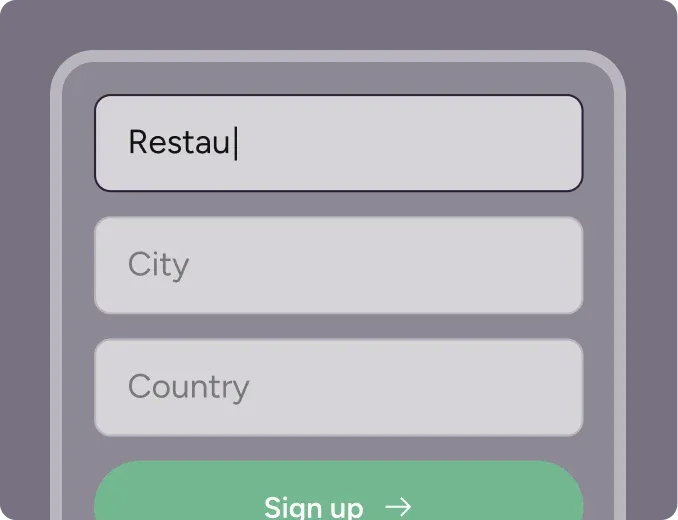
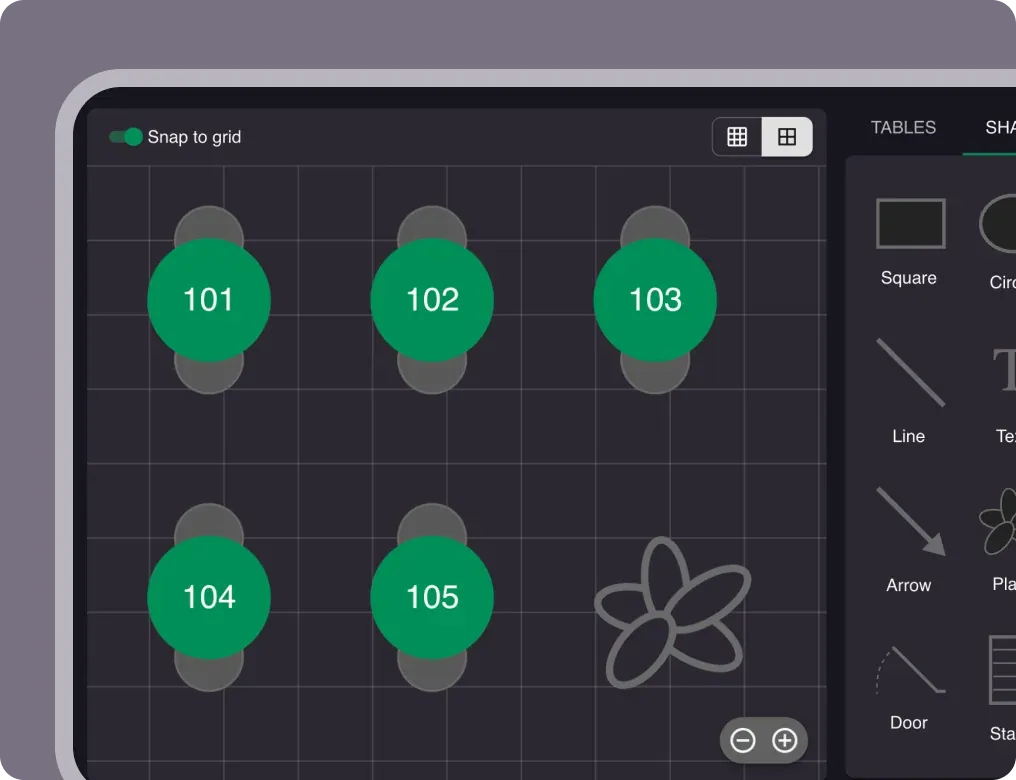
You can start tonight. Sign up, build your floor plan, and take a real booking on the free plan without talking to anyone. There’s no contract and no binding period, so trying us costs you nothing but an hour.
How Resos and Superb compare
| Feature | Resos | Superb |
|---|---|---|
| Published price for reservations | Yes – free plan, then €45/month (€36 annually) | No – reservations are in the custom-quoted Plus plan |
| Free plan including reservations | Yes, 25 bookings/month | No – the free Go plan is POS and payments only |
| Requires their POS | No – works alongside your existing POS | Reservation-to-table sync requires Superb POS and payments |
| Requires their payment processing | No | Card processing is part of the platform |
| Self-serve signup | Yes, minutes, no sales call | Quote flow for the plan with reservations |
| Minimum contract | None – pause or cancel anytime | Zero months on both published plans |
| Cover fees and commissions | None on any plan | No per-cover fee found; card processing from 0.75% |
| Deposits and card guarantees | Add-on with a 30-day free trial | Included and configurable by party size and day |
| Point of sale | Not offered | Included, a core part of the platform |
| Languages | 17 | 18 in the guest booking flow |
When Resos might be the better fit
Resos tends to work well for restaurants that:
- Want to know the price before speaking to a salesperson
- Are happy with their existing POS and don’t want to replace it
- Need reservations fixed now, without a platform migration
- Want a free plan that actually includes reservations
- Prefer to add capabilities as they need them rather than adopt a full stack up front
Superb is likely the better choice if you’re opening a new restaurant with nothing in place, or if you genuinely want reservations, POS, and payments from one supplier and are prepared to move all three. That’s a real scenario and we won’t pretend otherwise.
Switching is easier than you think
Worried about losing your booking history and guest data? Our import tool brings your existing reservations and guest information across, so your regulars keep their profiles, notes, and preferences and your team keeps the context it needs.
Switching from an all-in-one platform needs one extra bit of planning: decide first whether you’re moving only reservations or the POS and payments as well. Most restaurants move reservations to Resos and leave their POS where it is, which keeps the change small and reversible. Our support team will talk it through with you at no charge.
Most migrations finish in a single session.
Try both and see what fits
The honest way to choose is to run them. Resos has a free plan with 25 bookings a month, so you can set up your floor plan and take live bookings without paying or committing. With Superb you’ll need to go through their quote process first to price the plan that includes reservations, so it’s worth starting both conversations at once and comparing the real numbers.
New restaurants currently get 50% off paid monthly plans for the first month.
Frequently asked questions about switching from Superb
How much does Superb cost compared to Resos?
Superb publishes a free Go plan covering POS and payments, which does not include reservations, and a Plus plan that does include reservations but carries no published price. You have to request a quote. Resos publishes all prices: a free plan for 25 bookings a month, then €45, €85, and €125 per month by booking volume, with 20% off annual billing and 50% off monthly plans for a new restaurant’s first month.
Do I have to change my POS to use Resos?
No. Resos is a reservation and guest management system and works alongside whatever POS you already use. That’s the main structural difference from an all-in-one platform.
Can I import my bookings and guest data from Superb?
Yes. Our import tool brings over existing reservations and guest information so you keep your booking history and guest profiles.
Does Resos charge commission or per-cover fees?
No. Resos never charges commission or per-cover fees on any plan. You pay a flat monthly subscription based on booking volume.
Can I take deposits and card guarantees with Resos?
Yes. Prepayments and deposits are a paid add-on on paid plans, with a 30-day free trial, alongside automated email and SMS reminders. Superb includes prepayments and card holds in its platform and lets you configure them by party size and day, which is a genuine strength of theirs worth comparing against your own needs.
Am I locked into a contract with Resos?
No. No binding period and no minimum term. Pause or cancel at any time.
Is Resos suitable for fine dining?
Yes. Guest profiles with notes, allergies and preferences, deposits and prepayments, table and section management, and party-size rules all support higher-end service. Superb has strong named fine-dining references in the Nordics, so if peer reference matters to you, weigh that too.
Does Resos do point of sale or payment processing?
No. Resos handles reservations, tables, and guests. Prepayments and deposits for bookings are supported through an add-on, but Resos is not a POS and does not process your in-restaurant card payments.
Is Resos available in Danish, Norwegian, and Swedish?
Yes. Resos supports 17 languages including Danish, Norwegian, and Swedish, in both the back office and the guest booking flow.
How quickly can I be live?
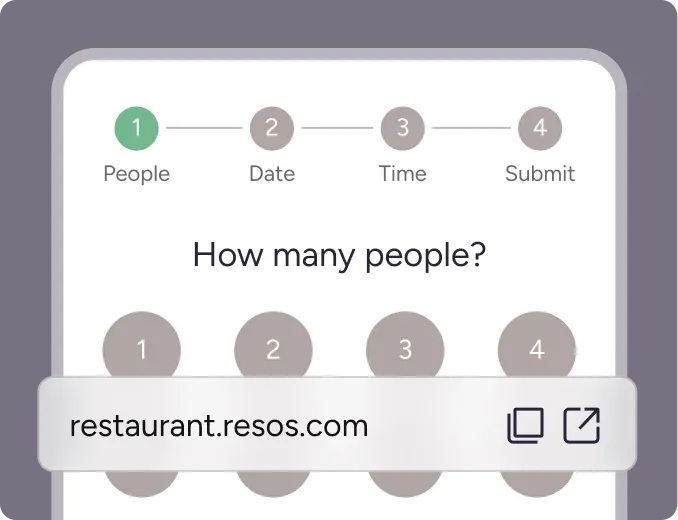
Most restaurants are running within an hour: add tables and a floor plan, set booking rules, and embed the widget on your site. No sales call required.
How do I get started?
Sign up at resos.com and add your first tables. A few minutes, and no credit card on the free plan.