Since we started using Resos, we have found the flexibility of the product and customer support incredible. It's very user friendly and easy to manage in-house which is a huge plus!

Bookings, prepayments, no-shows, guests, opening hours, tables, and feedback all sit in one reports section in Resos. Filter by any date range, any booking status, any source. Spot the busiest service, the highest-converting channel, the table combinations that fill up first, and the small fixes that lift guest ratings. Run the restaurant on signal, not memory.












Pick a custom date range, choose which booking statuses to include, and filter by source. Compare last summer to this one, look at only confirmed bookings, or include cancellations to see how often plans fall through. The reports adapt to the question you are asking instead of forcing you into a fixed view.
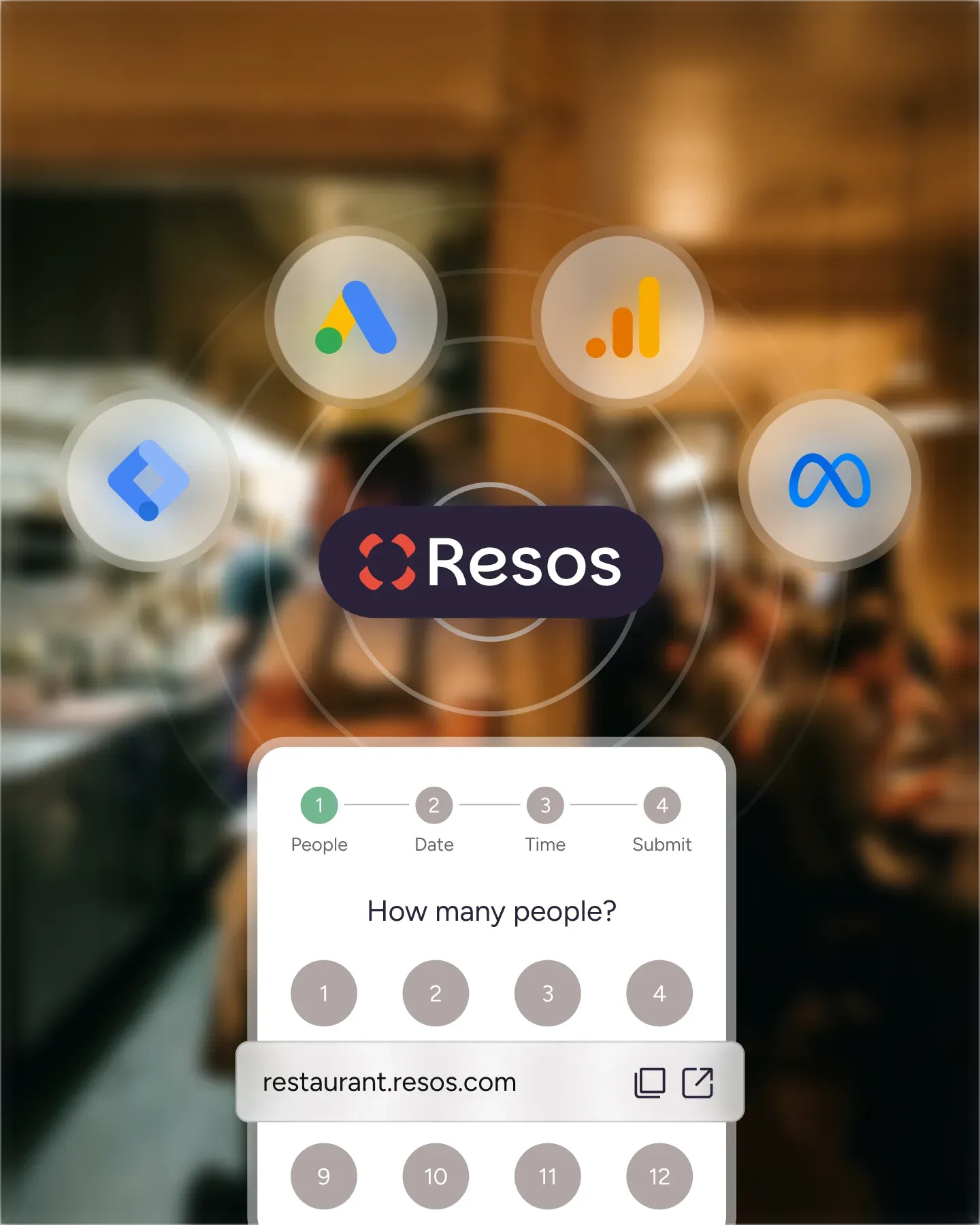
Reports break covers down by channel so you can see how much of your service is coming from your website, walk-ins, Reserve with Google, Facebook, or Instagram. The mix tells you where to spend more on marketing and where to ease off. Decisions about ad budget stop being guesses and start being grounded.
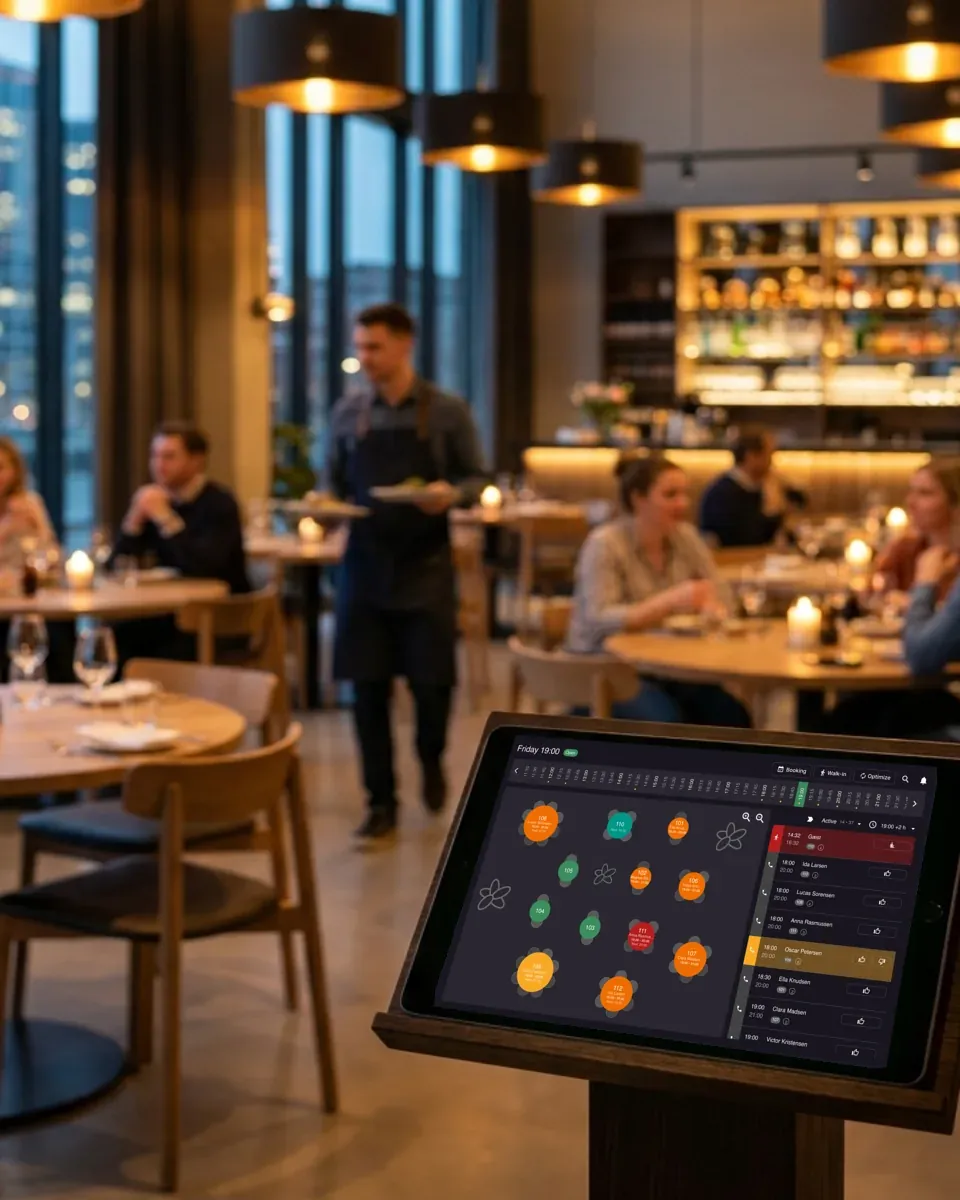
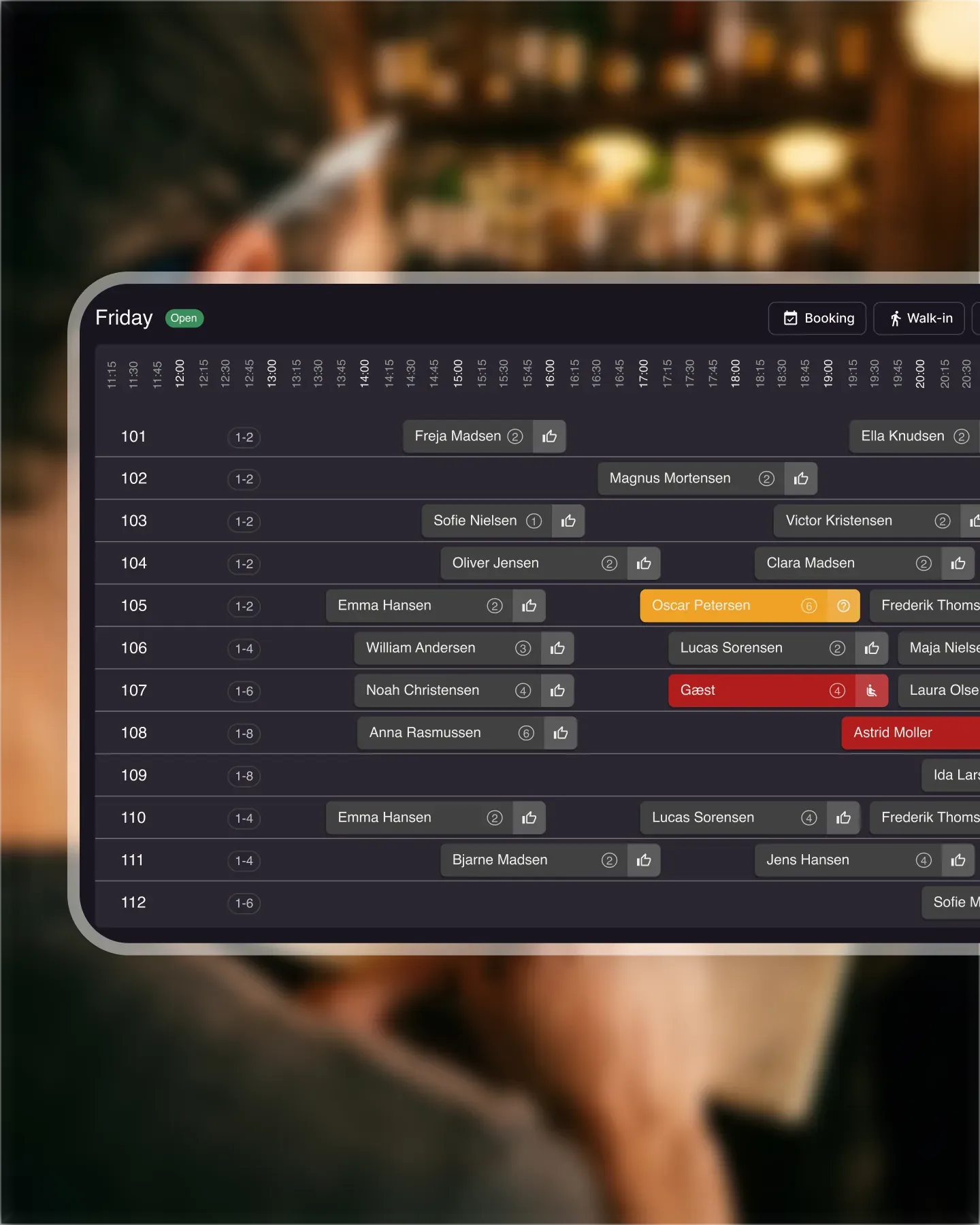
See which tables and seating areas get the most use, which combinations fill up first, which opening hours pull the most covers, and which day of the week is genuinely your busiest. Use the data to rethink layout, adjust service hours, or staff smarter for the shifts that actually need the extra hands.
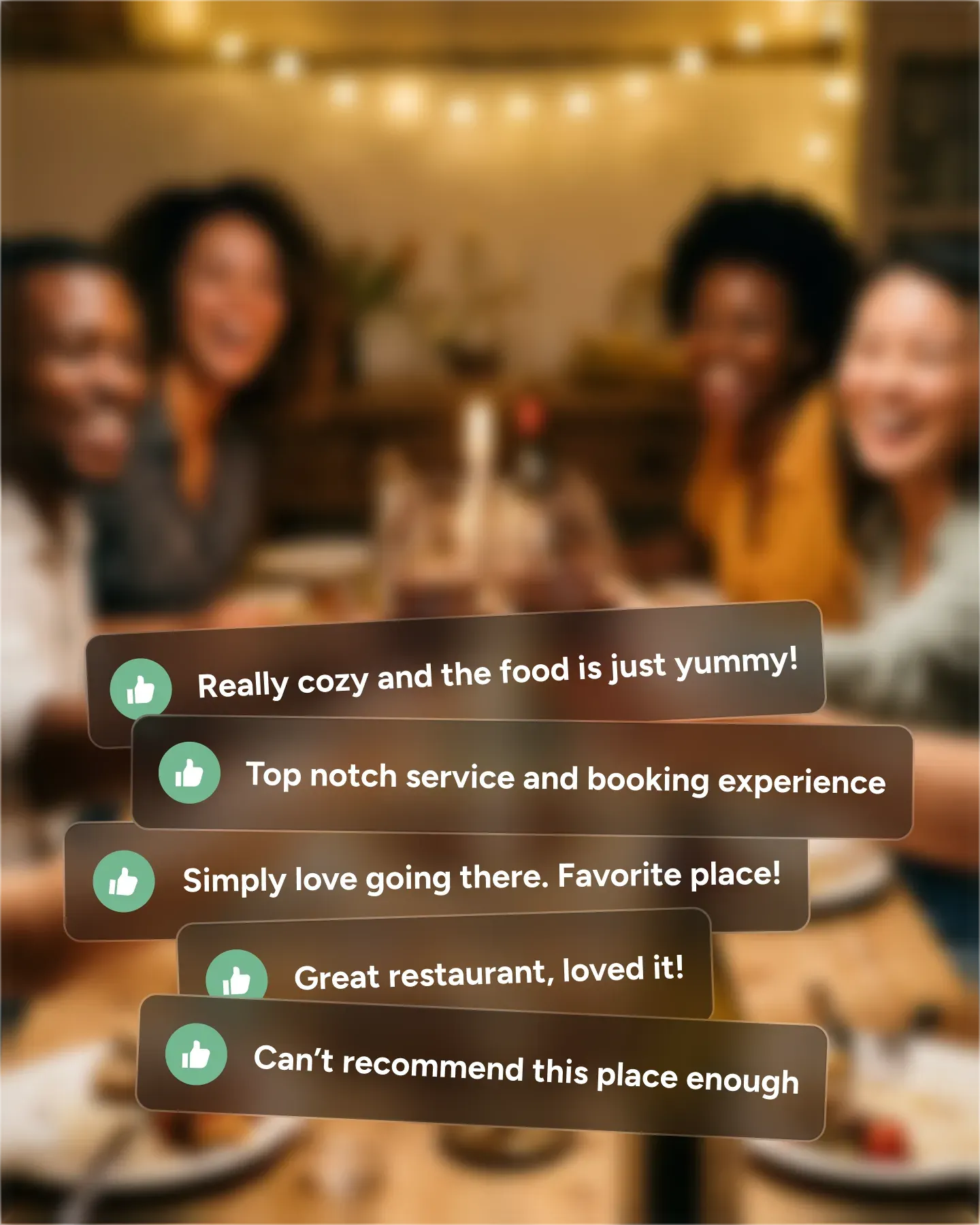
Average ratings for food, service, atmosphere, and value for money show up in reports across any time window. Spot trends as they form, catch the dish that keeps getting praised, and surface the small issue that keeps coming up in comments. The feedback turns into a list of concrete changes for the team.

Create your account in seconds. No credit card required.

Add your opening hours, areas, and floor plan using our easy drag-and-drop editor.

Add your booking link to your website and social media. No coding required.
Get valuable insights about multiple aspects of your business with extensive reports. As a restaurant owner who are using Resos to handle online table reservations you can access data reports from aspects such as bookings, prepayments, no-shows, guests, opening hours, tables, and feedback.
To provide your business with the most relevant and valuable data, we have added the flexibility to choose a custom date range. In this way you can filter to see only the data that is relevant to your business at the time. An example could be the ‘Bookings’ report section. Here you can choose the time period you want to see how many bookings you got, which could be ‘last 3 months’ to get insight into e.g. how the busy summer season went. You can also choose custom ‘from’ and ‘to’ dates. Another cool option here is choosing what booking status you want to see the data for, e.g. is it relevant to have cancelled bookings included in this data overview?
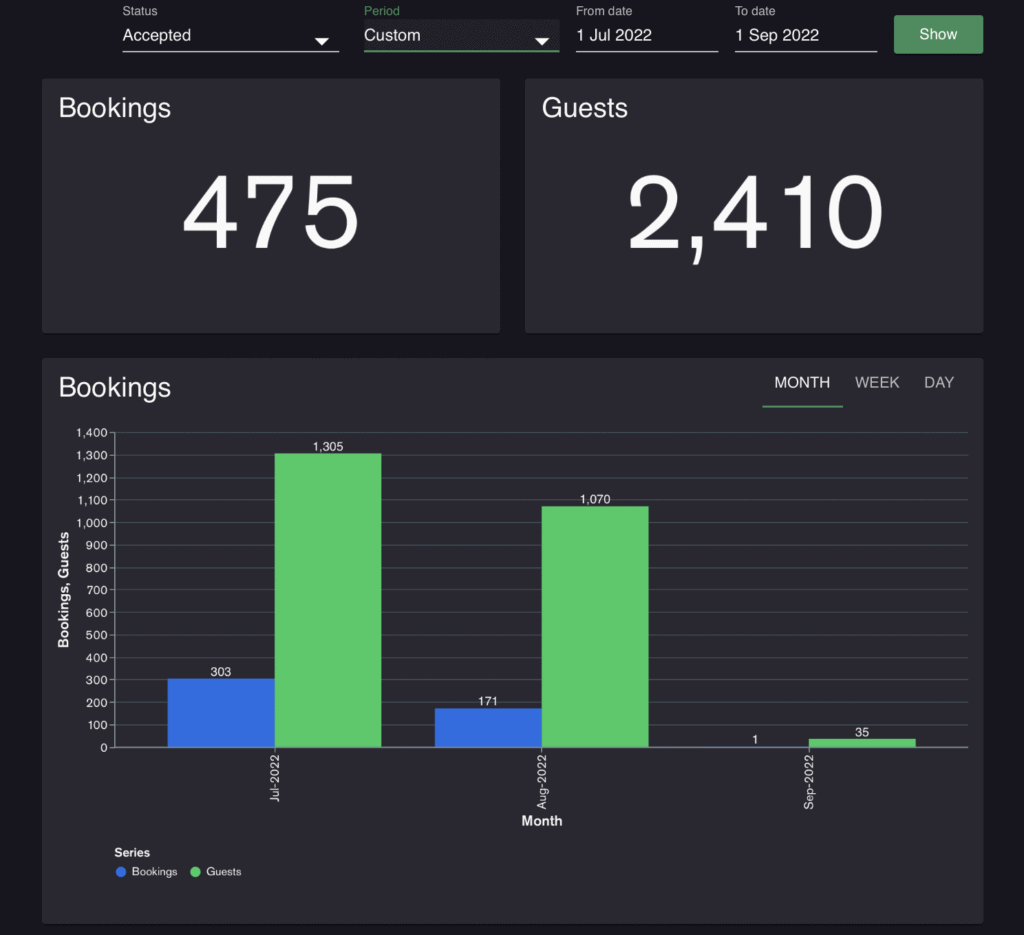
The reports section provides you with a bunch of different data points that can help you answer questions about aspects of your restaurant business. You can access data reports from aspects such as bookings, prepayments, no-shows, guests, opening hours, tables, and feedback.
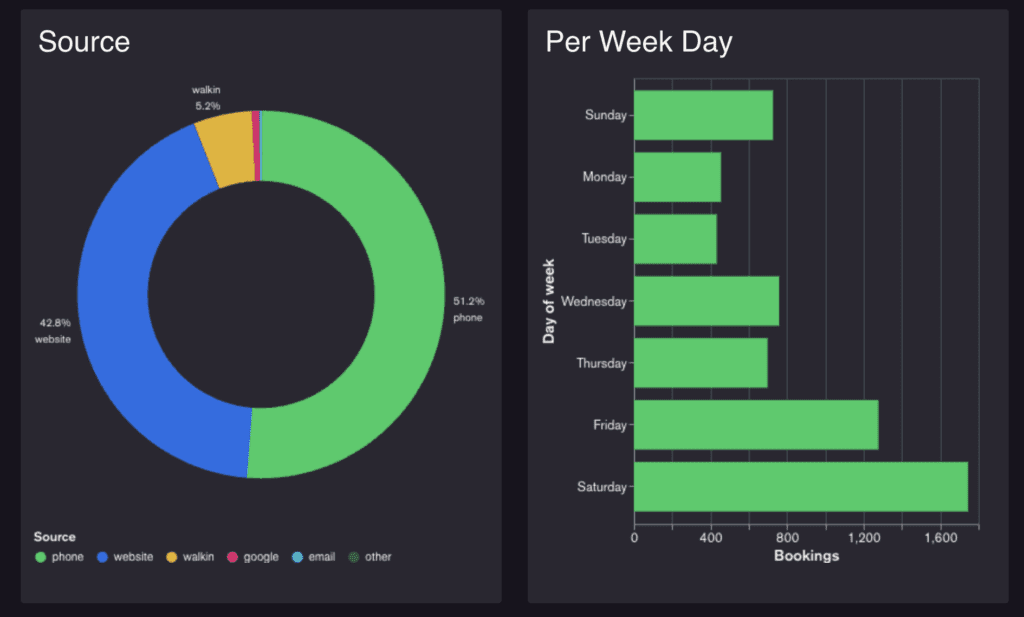
These above mentioned questions are just a few of the questions that you should be able to find the answer to when you dig into the reports section. This data can help you improve aspects of your business and even spark new ideas or changes to your business.
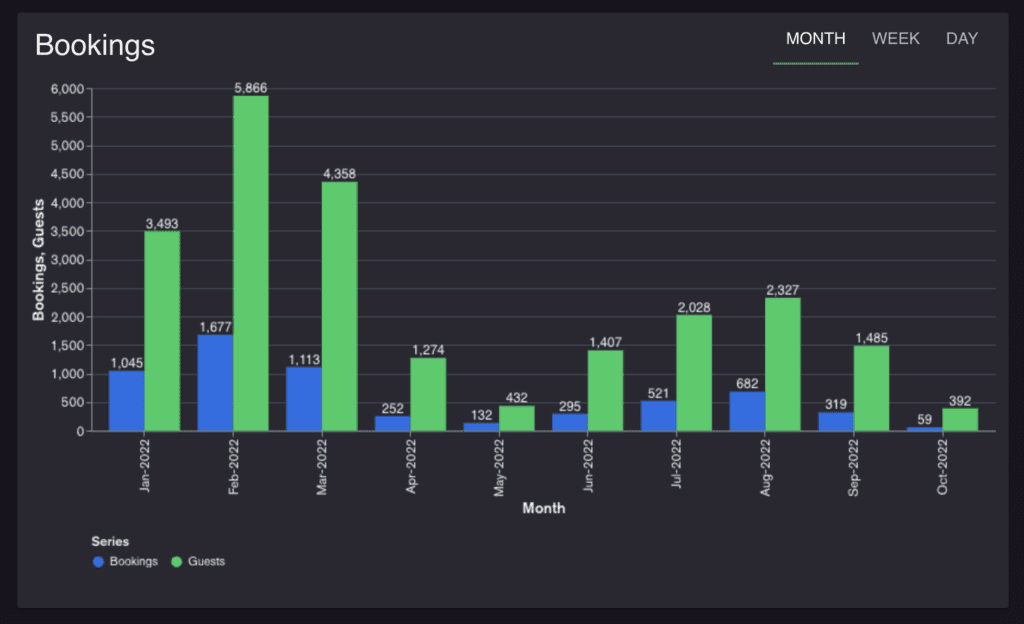
The reports section provides data for many different aspects of a restaurant business. We continuously work to further improve the reports section to keep providing you with valuable insights that you can use to improve your business. Do not hesitate to contact us and let us know if there are any data that you are missing in the reports, and we will look into the possibility of providing this data.
Read also about the waitlist feature and how it can help you avoid last minute empty tables 
Do you have any questions about the reports or other Resos features? You can always contact us at hi@resos.com. The super fast and friendly support team will do their best to help you with any questions you may have. We look forward to hearing from you.
 For Restaurants
  For Cafés
  For Bars
  For Pubs
 Since we started using Resos, we have found the flexibility of the product and customer support incredible. It's very user friendly and easy to manage in-house which is a huge plus!
We have been using Resos as the booking platform for our cheese & wine bar in Helsinki, Finland, for over six months, and we are really impressed by it!

Once set up properly, Resos will run the whole booking seamlessly. Been trying many softwares and none has reached the level of customization and speed as Resos. And great support too!

The floor view is working very nicely, you can see everything at the same time. Also, it was a very huge upgrade for us, that the guests can easily cancel their booking – it saved us from a lot of no-shows.

Easy integration into our website and Google page.

Resos makes reservations so much easier. It's straightforward, flexible, and perfect for small businesses like ours. We're so happy with it!

What sets Resos.com apart is not just its ease of use, but also the proactive approach of the Resos team. They continuously work hard to introduce new features and add value to their product.

Simplicity when booking for the customer and easily accessible through our website, Facebook and Google.

When we started our search for a booking system, Resos was the obvious choice. Not only is it affordable for us as a small business, but also offers so many features that make our jobs easier.

Being able to make a reservation without too much hassle goes a long way! Resos keeps the process intuitive and simple.

Fast, free and friendly support from real people who take the time to understand your restaurant.