In this article
Like DinnerBooking, we handle table reservations, guest profiles, waitlists, and no-show prevention. The fundamental difference is the business model. DinnerBooking runs a consumer booking portal that sends diners to restaurants and charges a fee per guest when it does. Resos charges a flat monthly subscription and doesn’t sit between you and your guests at all.
Which is better depends entirely on whether you want covers bought for you, and that’s worth thinking about honestly rather than being sold one answer.
Where DinnerBooking shines
They have something we deliberately don’t: a real consumer demand engine.
DinnerBooking reaches more than 935,000 guests a month through channels they own, including around 190,000 email subscribers, a blog with roughly 30,000 monthly readers, and about 20,000 social followers. Their Danish portal is a recognised consumer destination. If your dining room has empty Tuesdays and you want someone actively marketing you to diners who haven’t heard of you, that is genuine value, and no flat-fee reservation system provides it. Resos doesn’t.
Their fee structure for that service is also fairer than the category norm. You pay per completed guest, not for views or clicks, and their own documentation states you don’t pay for no-shows or for guests placed on a waiting list. Compared with platforms that charge per cover on bookings you generated yourself, that’s a reasonable deal.
They’re also deeply established. Over 22 years in operation, more than 1,400 active restaurants in Denmark, long-tenured Danish-language support, and prepaid Chef Table packages built specifically for ticketed tasting-menu service. For a Danish fine-dining restaurant managing deposits on expensive seatings, that’s purpose-built.
What makes Resos different
Every booking is yours, at no extra cost. With Resos there is no per-guest fee of any kind, ever. Guests book through your own website, your Google listing, or your social channels, and you pay the same flat monthly price whether you take 50 bookings or 500. DinnerBooking charges a promoted booking fee per guest for reservations that arrive through its own marketing channels, on top of the subscription. That fee isn’t published, so you’ll need to ask them what it is for your restaurant.
You can see our price before you talk to anyone. DinnerBooking’s plan pages end in “Book a demo” rather than a number, in any currency. Resos publishes everything: free for 25 bookings a month, then €45 a month for 350, €85 for 750, and €125 for unlimited, with 20% off annual billing. No commission, no cover fees.
One monthly line, not a quarterly bundle. DinnerBooking bills quarterly, with the subscription, guest-database overages, promoted booking fees, SMS, and admin charges arriving together. That makes it harder to see what’s actually driving your cost. Resos is a single predictable monthly subscription.
No contract. Pause or cancel whenever you want.
How Resos and DinnerBooking compare
| Feature | Resos | DinnerBooking |
|---|---|---|
| Published pricing | Yes – free plan, then €45/month (€36 annually) | No – plan pages end in “Book a demo” |
| Billing cadence | Monthly | Quarterly |
| Per-guest fees | None, ever | Promoted booking fee per guest via their marketing channels; amount not published |
| Cover fees on your own bookings | None | Not charged for direct bookings |
| Guest marketplace | No – guests book through your own channels | Yes – consumer portal reaching 935,000+ guests/month |
| Minimum contract | None – pause or cancel anytime | Not published |
| Guest database limits | Based on booking volume | 1,000 unique guest registrations included, then overage |
| Setup and onboarding | Self-serve in minutes, no sales call | Demo and sales process |
| Languages | 17 | 10+ |
When Resos might be the better fit
Resos tends to work well for restaurants that:
- Already fill their tables and don’t need a marketplace buying covers
- Want a single predictable monthly cost with no per-guest component
- Would rather compare prices on a website than sit through a demo
- Prefer monthly billing they can read at a glance
- Want to own the guest relationship end to end
DinnerBooking is likely the better choice if filling seats is your actual problem and you’re happy to pay per guest for help doing it. That’s a legitimate strategy, particularly in Denmark where their consumer brand is strongest. If you’re paying per-guest fees on bookings you suspect would have come to you anyway, that’s the number worth interrogating.
Switching is easier than you think
Worried about losing your booking history and guest data? Our import tool brings your existing reservations and guest information across, so your regulars keep their profiles, notes, and preferences.
Two things to check before you move. First, ask DinnerBooking about your notice period and contract end date, since neither is published and it usually determines the cleanest time to switch. Second, if a meaningful share of your covers currently arrives through their portal, work out what that traffic is really worth to you before you turn it off. We’d rather you make that decision with real numbers than switch and be surprised.
Most migrations finish in a single session, and our support team will help you plan it at no extra charge.
Try both and see what fits
Resos has a free plan with 25 bookings a month, so you can build your floor plan and take live bookings alongside your current system before deciding anything. Running both for a few weeks tells you what a marketplace is actually contributing, which is difficult to judge from the inside.
Frequently asked questions about switching from DinnerBooking
Does DinnerBooking charge per-guest fees?
Yes, for bookings that come through its own marketing channels. DinnerBooking’s support documentation describes a “promoted booking fee” charged per guest when a reservation is made and completed via its portal, email list, blog, or social channels, invoiced quarterly. Their materials state you don’t pay for no-shows or waitlisted guests. The amount isn’t published, so ask them directly.
Does Resos charge commission or per-cover fees?
No. Resos never charges commission or per-cover fees on any plan, on any booking, from any source. You pay a flat monthly subscription based on booking volume.
How much does Resos cost?
There’s a free plan for up to 25 bookings a month. Basic is €45 per month for 350 bookings, Plus is €85 for 750, and Unlimited is €125. Annual billing saves 20%, bringing Basic to €36 a month.
Will I lose bookings if I leave DinnerBooking’s portal?
You would lose whatever covers their consumer channels currently send you, and that’s a real consideration rather than a marketing point. Look at how many bookings genuinely originate there versus your own website and Google listing. Many restaurants find most reservations already come direct, but you should check rather than assume.
Can I import my bookings and guest data from DinnerBooking?
Yes. Our import tool brings over your existing reservations and guest information so you keep your history and guest profiles.
Is there a limit on how many guests I can store in Resos?
Your plan is based on monthly booking volume rather than a separate cap on guest records, so there’s no separate overage charge for growing your guest database.
Am I locked into a contract with Resos?
No. No binding period and no minimum term. Pause or cancel at any time.
Is Resos available in Danish?
Yes. Resos supports 17 languages including Danish, Norwegian, and Swedish, across the back office and the guest-facing booking flow.
Can I take deposits for tasting menus and large parties?
Yes. Prepayments and deposits are available as a paid add-on on paid plans, with a 30-day free trial, and you can combine them with automated reminders to protect high-value seatings.
How does billing work?
A single monthly subscription, billed monthly, or annually for a 20% saving. No quarterly bundling of separate fee types.
How quickly can I be live?
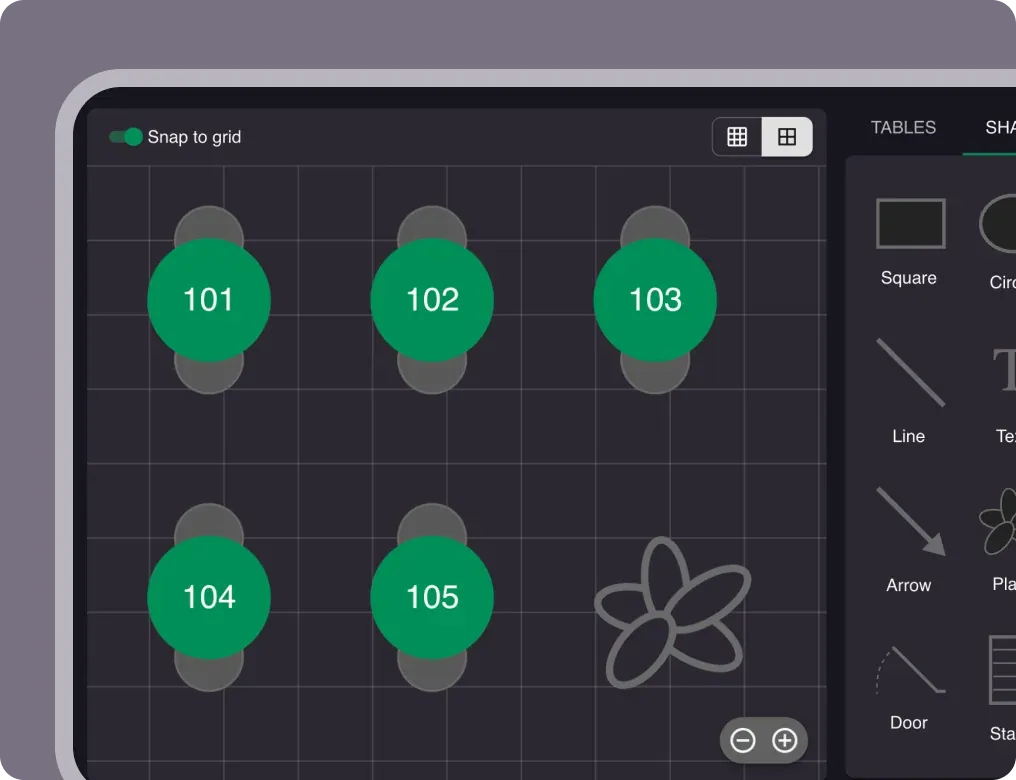
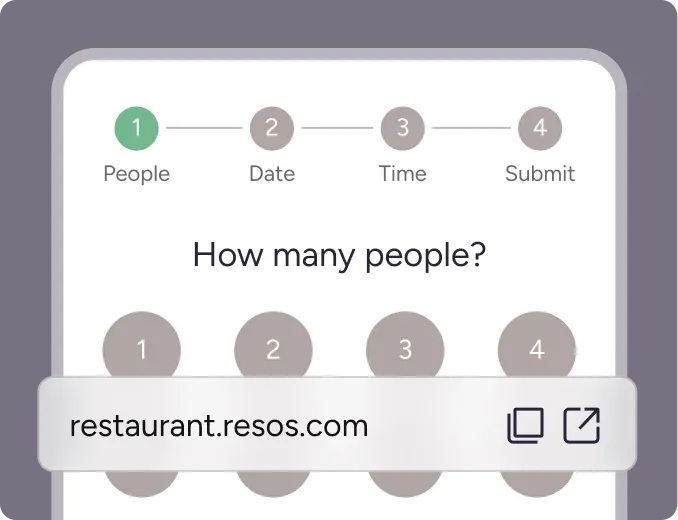
Most restaurants are running within an hour: add tables and a floor plan, set booking rules, and embed the widget on your website. No sales call needed.
How do I get started?
Sign up at resos.com and add your first tables. A few minutes, no credit card on the free plan.