Since we started using Resos, we have found the flexibility of the product and customer support incredible. It's very user friendly and easy to manage in-house which is a huge plus!

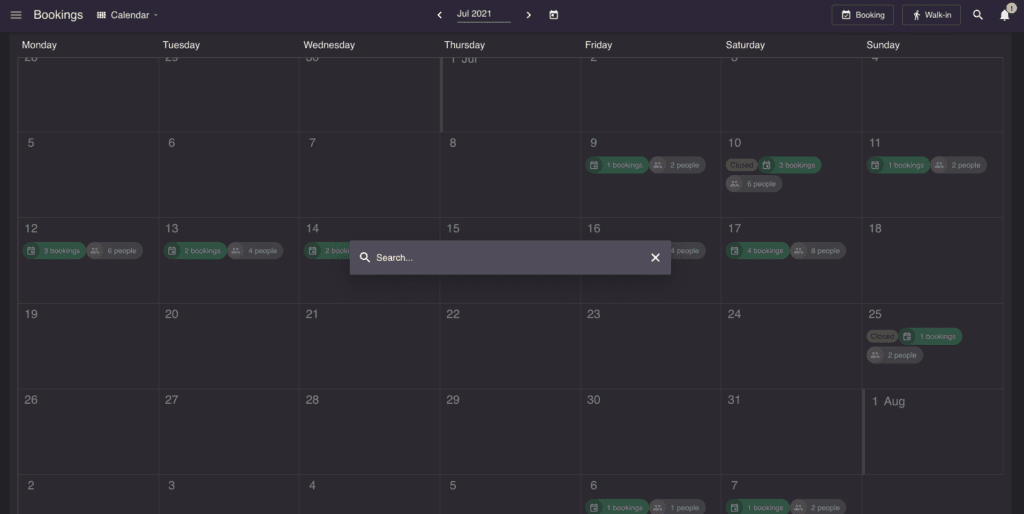
A busy floor does not wait for menus and tabs. Hit Cmd or Ctrl plus F anywhere in Resos and the search bar opens dead centre. Type a name, email, or phone number and every matching guest and booking surfaces instantly, with previous visits, comments, and conversations one click away. No digging through lists while a guest waits on the line.
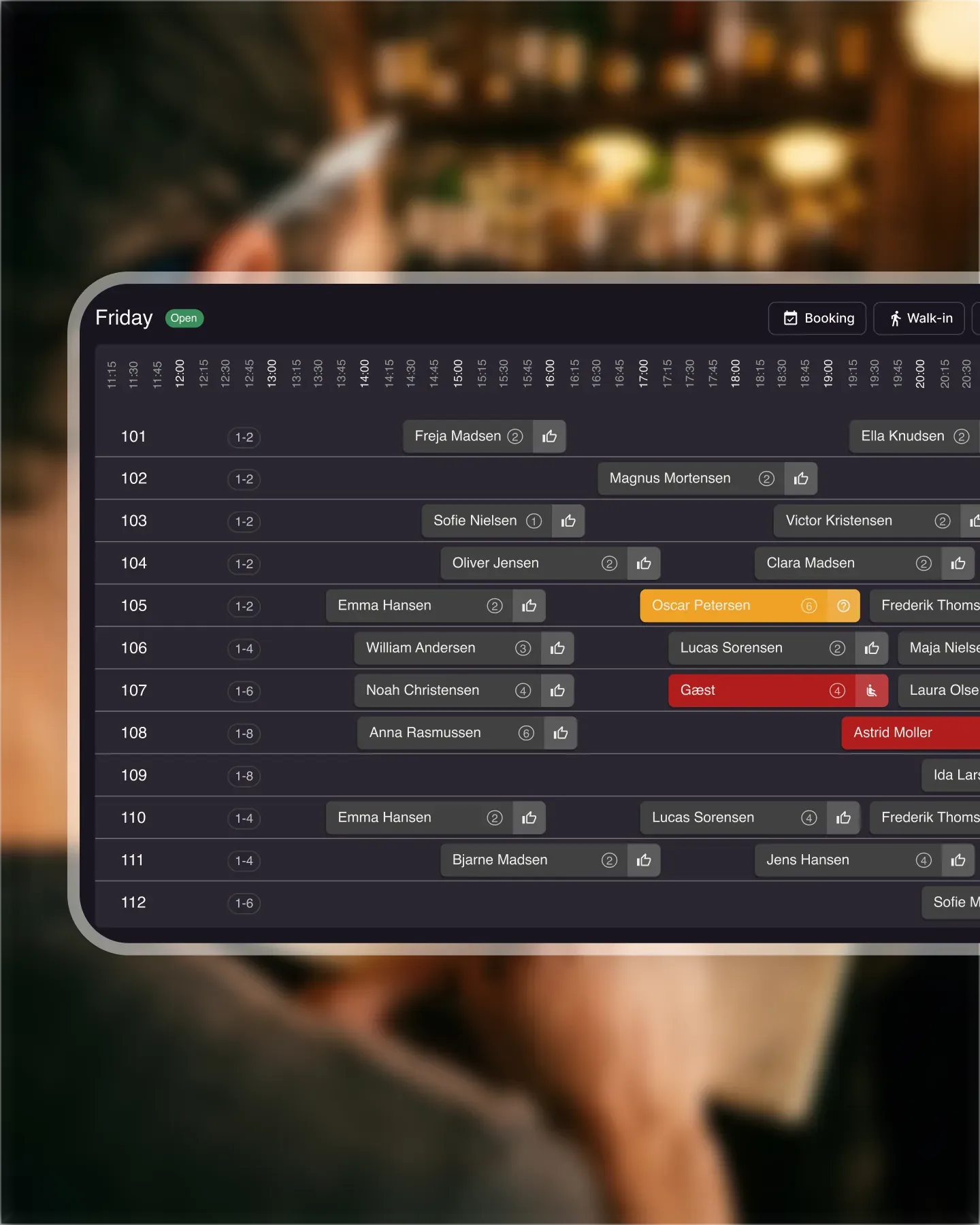












Search by name, email, or phone number and the bar pulls back every matching guest profile and reservation at the same time. Hosts answering the phone find the right booking before the third ring, without bouncing between tabs.
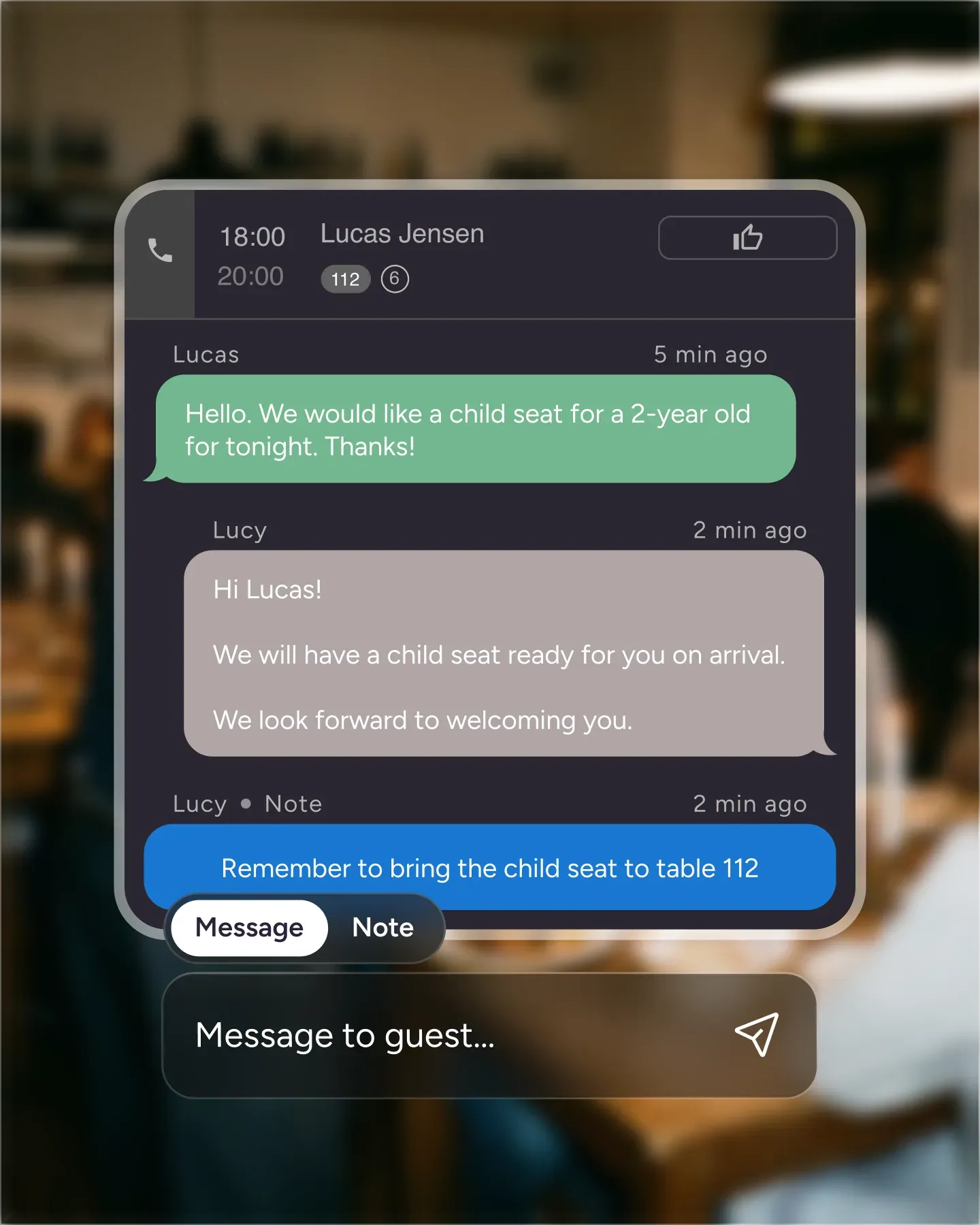
Jump from a search result straight into the guest profile to see past bookings, internal comments, dietary notes, and earlier conversations on specific reservations. Your team walks into every interaction already knowing the guest.
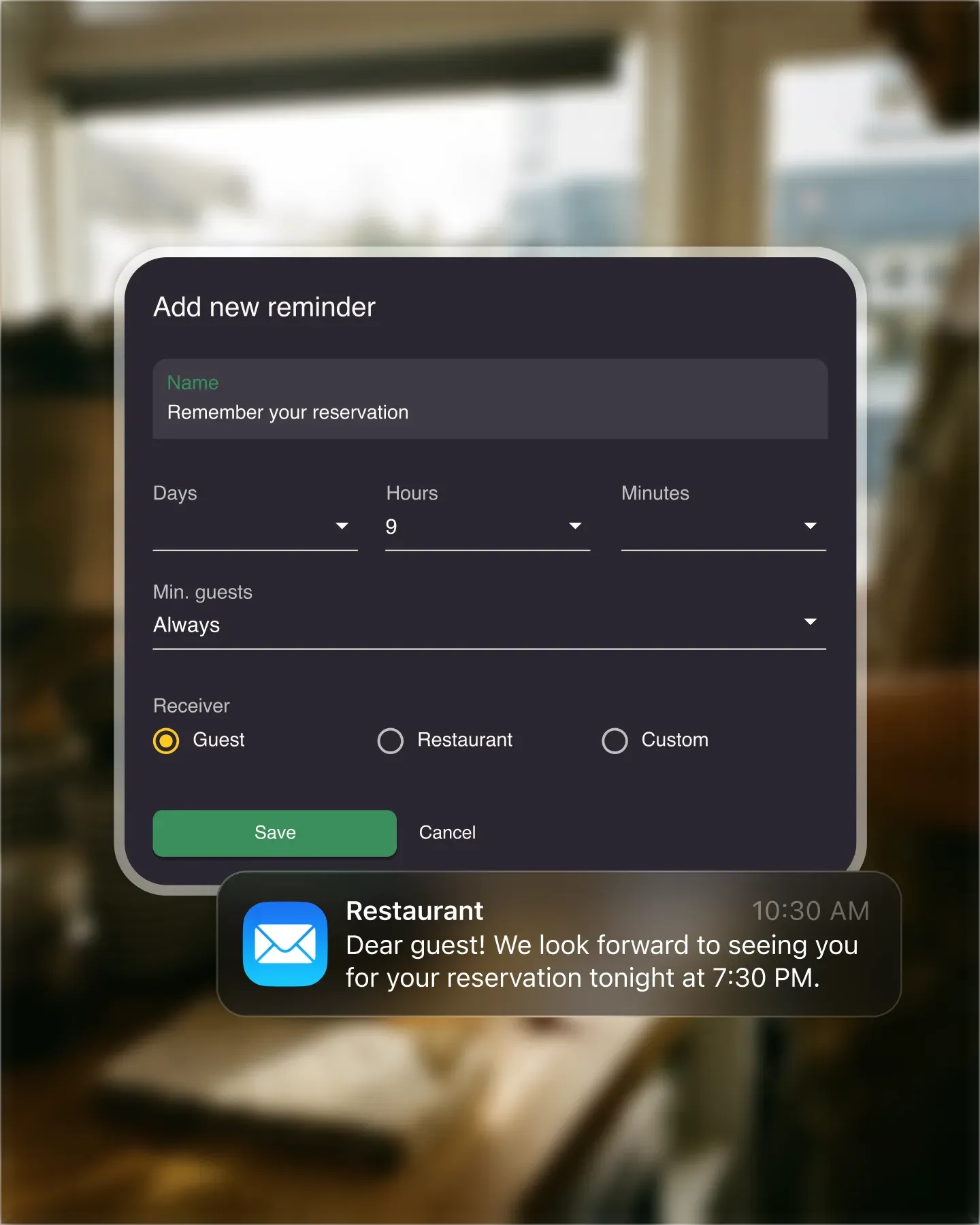
The shortcut works on every page in Resos, so the team never has to leave the floor plan or list view to look something up. One key combination, full overview, no clicks wasted during service.
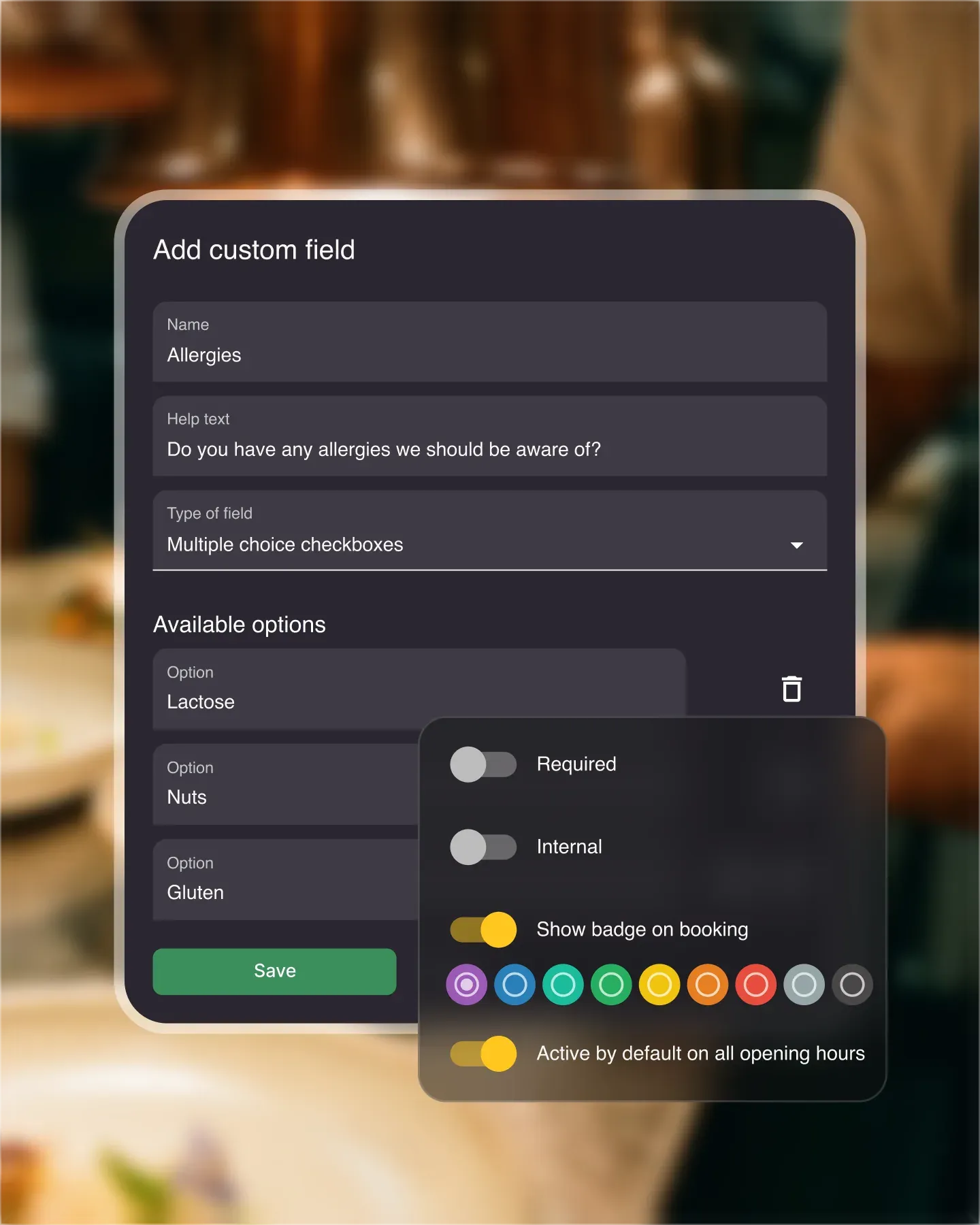
Search access respects the rights you set under Settings and Users. Staff without guest-data rights see bookings but not guest profiles, so sensitive information stays with the people who need it while the search tool stays useful for everyone.

Create your account in seconds. No credit card required.

Add your opening hours, areas, and floor plan using our easy drag-and-drop editor.

Add your booking link to your website and social media. No coding required.
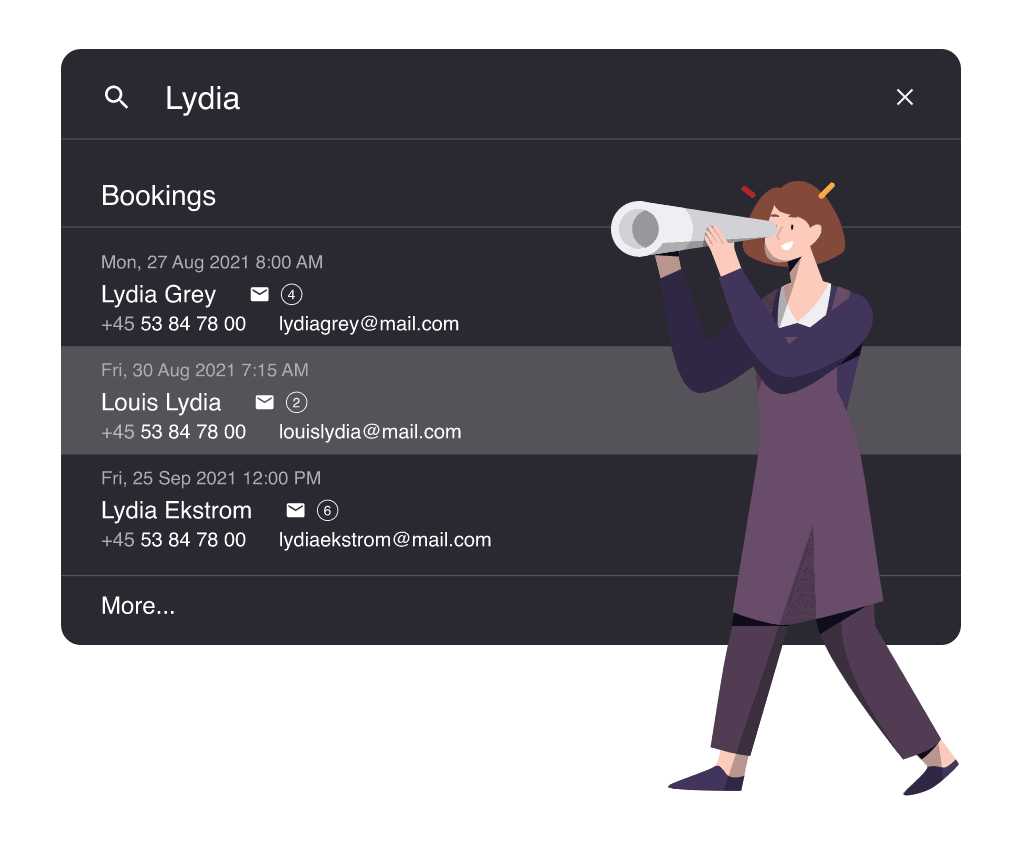
Managing a busy restaurant can be a stressful job. You need to juggle walk-ins and guests arriving for their reservations, while also answering the phone to take new bookings. So, wouldn’t it be nice if all the information you need was already available? With Resos’ in-app search, it is.
The in-app search is one of the features that helps you effectively manage bookings. You can quickly search for the information you need, so you and your team can seat guests faster.
And a quick tip: Try pressing Ctrl + F or Cmd + F to open the search tool even faster. The search bar appears right in the middle of the screen.
The information you reach for most often is usually guests and bookings. The search bar surfaces both - search by name, email, or phone number and the results come back instantly.
When you search, you’ll see all the guests and bookings that match. From there you can jump straight to a guest profile to see their details, any previously added comments, previous bookings, previous conversations on specific bookings, and more.
Read also about our automatic guest profiles feature.
This makes it both easier and faster to find a guest and create or update their booking. Useful when a guest calls to change a booking, or asks about an email they got - just search for the number they’re calling from and you have everything you need on screen.
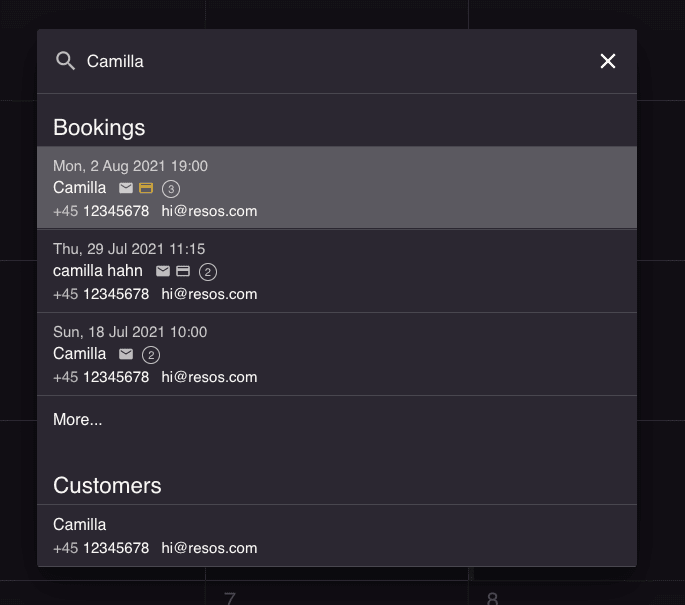
Whether you want everyone at your restaurant to access everything or just a selected few to have the full overview, search access follows your user rights. Everyone has the search tool available; what they see in the results depends on the rights you’ve granted. If an employee doesn’t have guest-data rights, the system won’t show guests in their search results. You can adjust this anytime under Settings → Users.
Do you have any questions about this feature? Do not hesitate to contact us at hi@resos.com.
Would you like to learn more about the many cool Resos features? Check out the cool visual restaurant table planner feature here.
 For Restaurants
  For Cafés
  For Bars
  For Pubs
 Since we started using Resos, we have found the flexibility of the product and customer support incredible. It's very user friendly and easy to manage in-house which is a huge plus!
We have been using Resos as the booking platform for our cheese & wine bar in Helsinki, Finland, for over six months, and we are really impressed by it!

Once set up properly, Resos will run the whole booking seamlessly. Been trying many softwares and none has reached the level of customization and speed as Resos. And great support too!

The floor view is working very nicely, you can see everything at the same time. Also, it was a very huge upgrade for us, that the guests can easily cancel their booking – it saved us from a lot of no-shows.

Easy integration into our website and Google page.

Resos makes reservations so much easier. It's straightforward, flexible, and perfect for small businesses like ours. We're so happy with it!

What sets Resos.com apart is not just its ease of use, but also the proactive approach of the Resos team. They continuously work hard to introduce new features and add value to their product.

Simplicity when booking for the customer and easily accessible through our website, Facebook and Google.

When we started our search for a booking system, Resos was the obvious choice. Not only is it affordable for us as a small business, but also offers so many features that make our jobs easier.

Being able to make a reservation without too much hassle goes a long way! Resos keeps the process intuitive and simple.

Fast, free and friendly support from real people who take the time to understand your restaurant.