


Since we started using Resos, we have found the flexibility of the product and customer support incredible. It's very user friendly and easy to manage in-house which is a huge plus!

Add your own fields to the booking form so guests can tell you what matters before they arrive. Allergies, anniversaries, wheelchair access, dietary restrictions, number of kids. The information lands on the booking, the team sees it at a glance, and the back-and-forth stops.
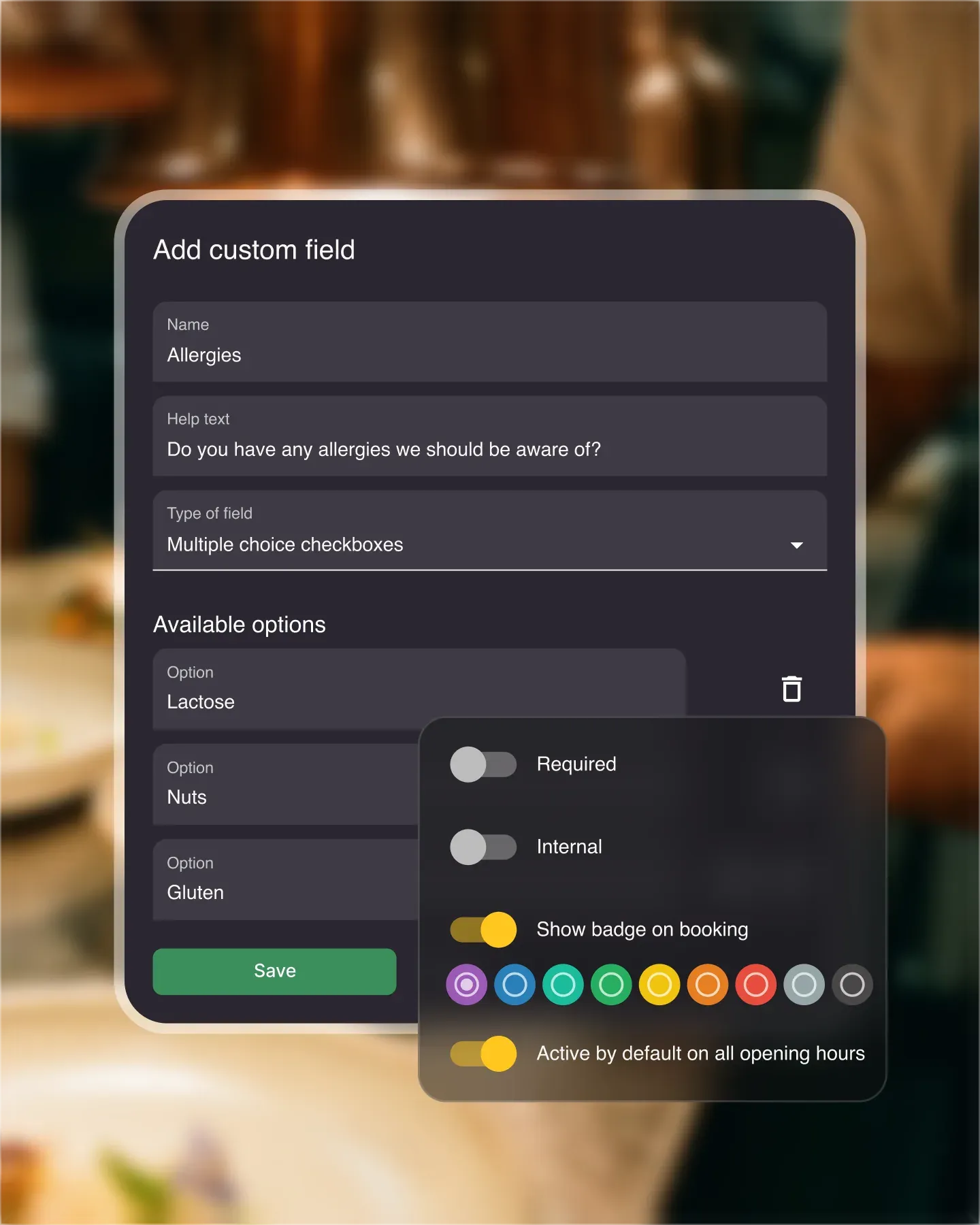












Resos supports every standard input – short text, long text, numbers, dropdowns, radio buttons, multi-choice checkboxes. Mark fields required or optional. Limit them to specific opening hours or apply them across the board. Tune the booking form to your actual service, not the other way around.
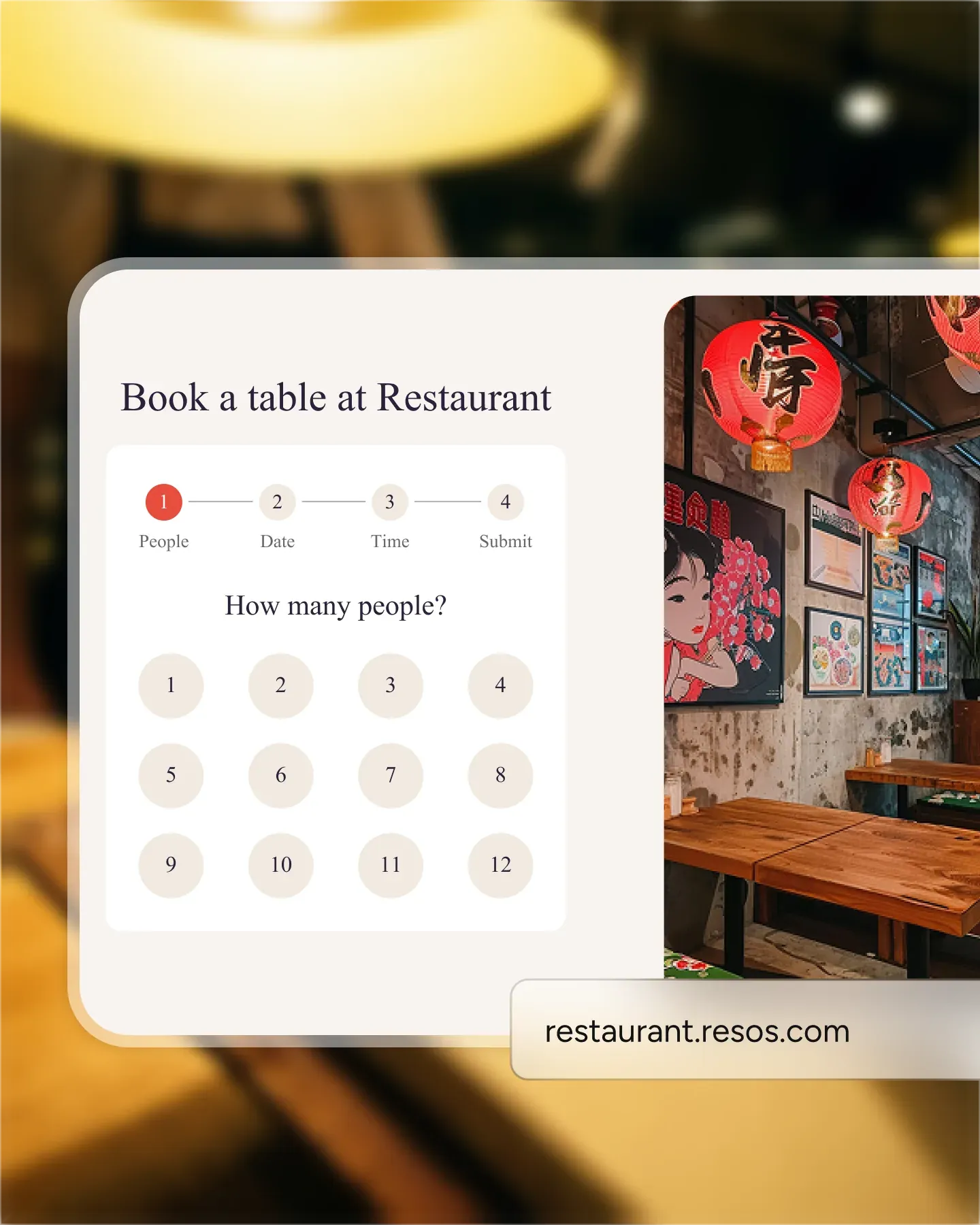
Special occasions, allergens, high chair requests, dress code questions. Guests answer once at booking time and your team has the context before they walk in. No more callbacks to confirm a wheelchair-accessible table or whether the kids' menu is available.
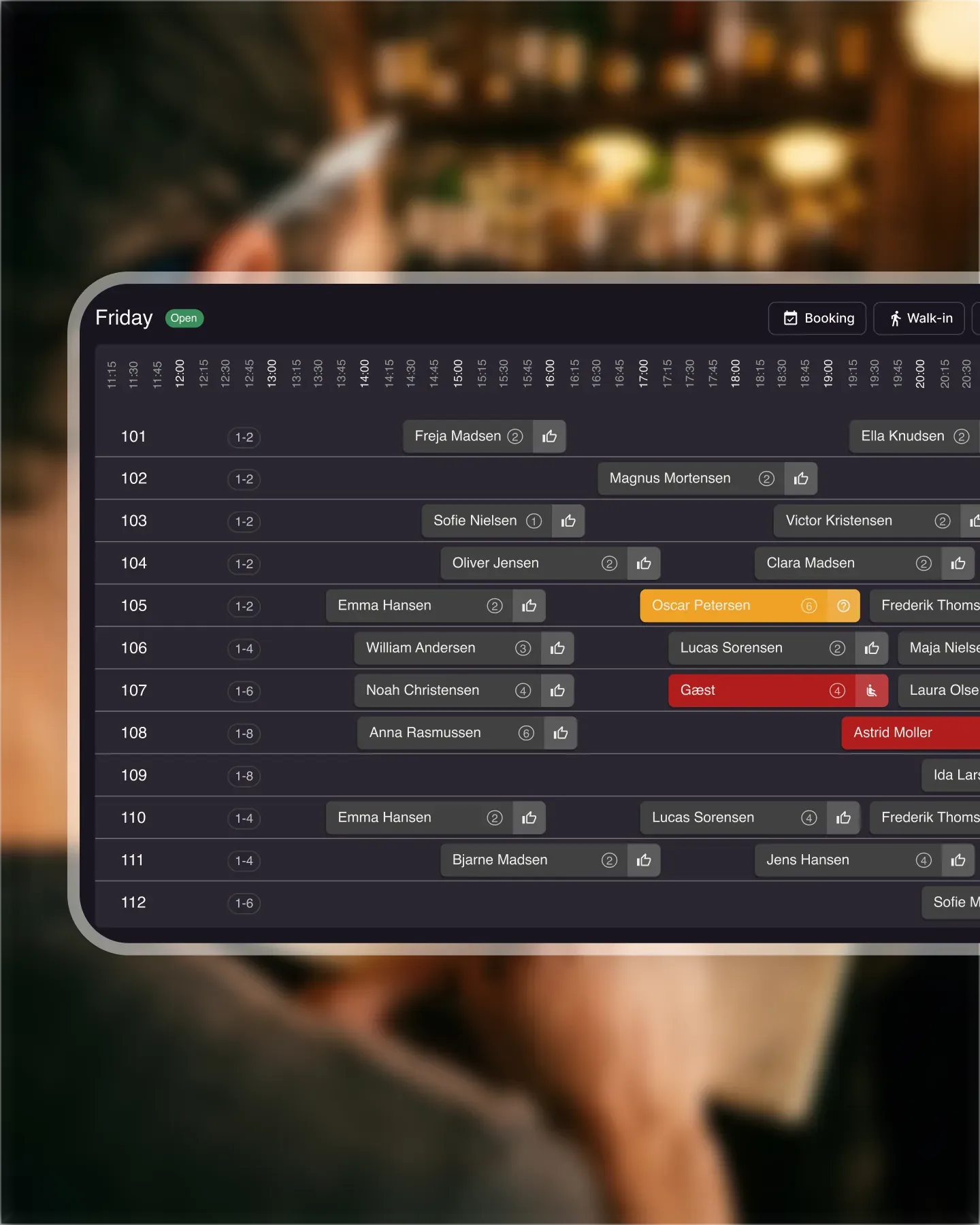
Bookings with custom field input get a color badge in the list. Allergies, celebrations, kids, accessibility – each shows up as a quick visual flag. The host pulling up the day sees who needs what without opening every booking one by one.
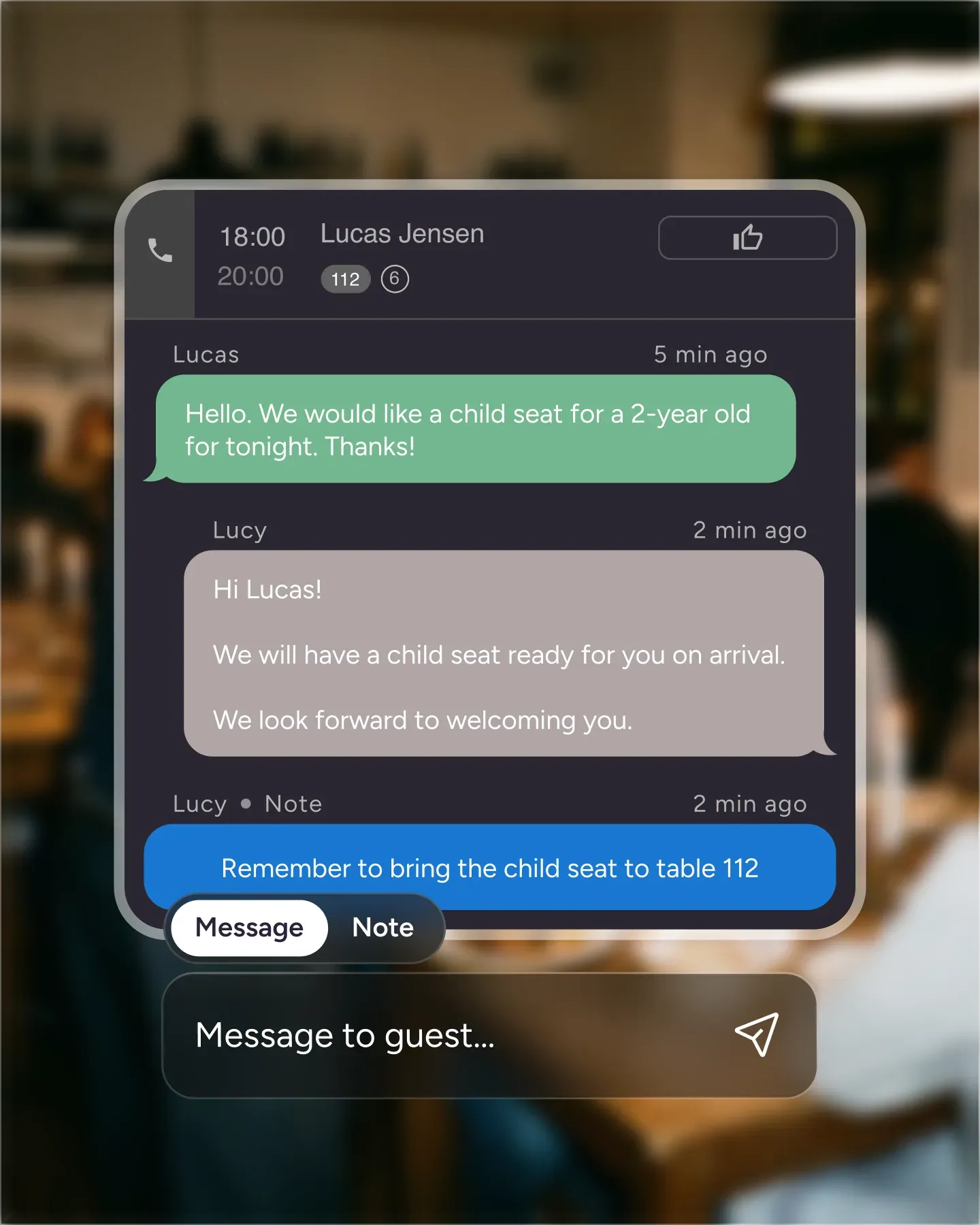
When a regular calls in, your host can add the same custom fields manually. Walk-ins, phone bookings, in-person reservations – the data structure stays the same across every channel. Same fields, same badges, same searchable history for that guest.
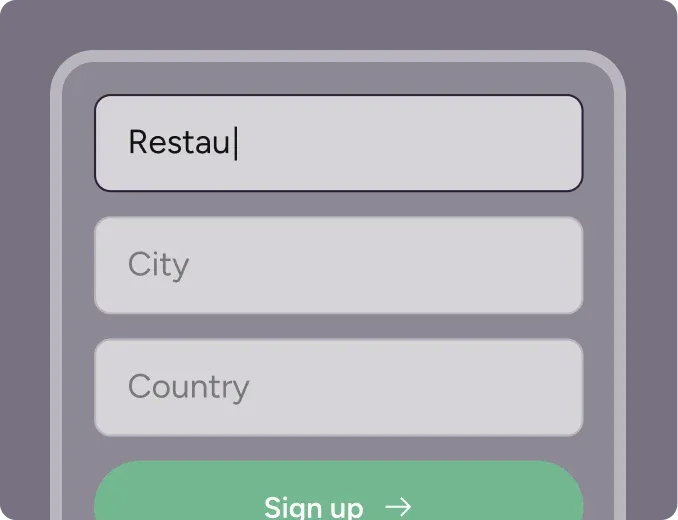
Create your account in seconds. No credit card required.
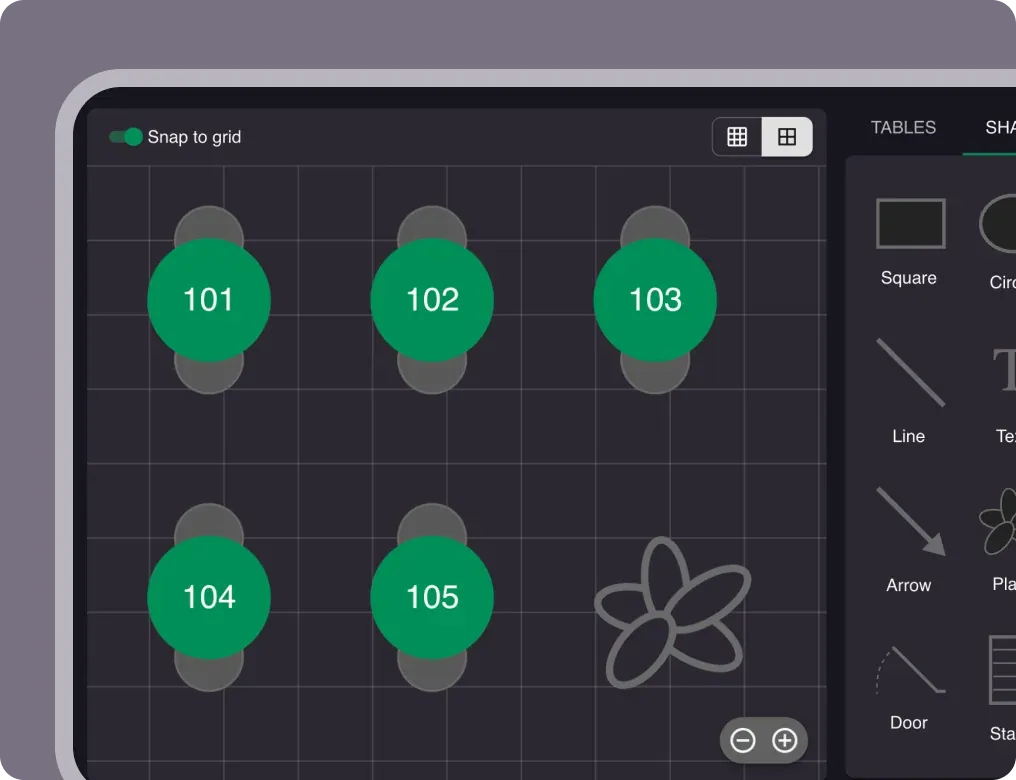
Add your opening hours, areas, and floor plan using our easy drag-and-drop editor.
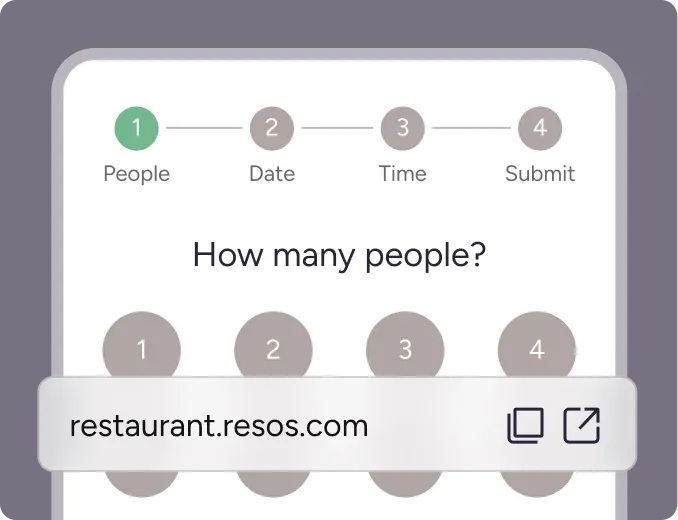
Add your booking link to your website and social media. No coding required.

The custom fields feature helps restaurants collect valuable information that can help the restaurant with being prepared for the guests arrival, while also ensuring that the guest’s requests are met when they arrive for their reservation. An example could be a request for a table that can fit a wheelchair. With custom fields, guests can add a request for such a table while they make their reservation, which allows the restaurant to assign the guests a suitable table. In this way, the restaurant is prepared, and the guests are happy.
Collect important information about guests such as allergens, special occasions, number of children, and much more. With custom fields in the booking form, restaurants can save time on communication, as they avoid having to communicate back and forth via messaging and/or calling about these special requests. The information you collect with custom fields allows you to be prepared the best way possible for when your guests arrive.
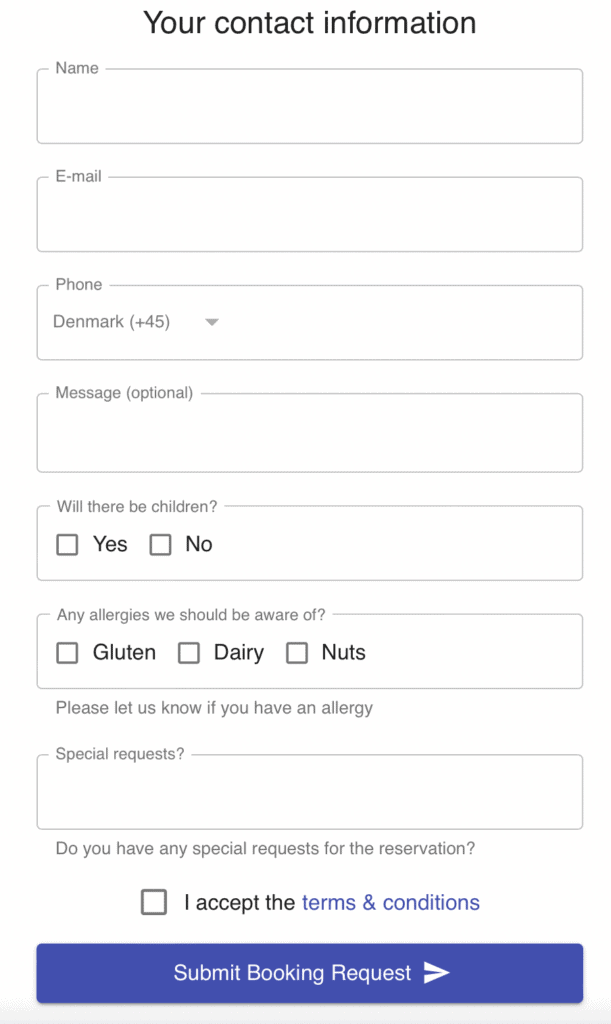
Resos supports all standard form input fields including text and number fields, drop-downs, radio buttons, as well as multiple choice checkboxes. Restaurants can choose if the custom fields should be required or optional in the booking form. Also you can choose if the individual custom fields should be shown on only specific opening hours or if they should be added to all opening hours. All custom fields are shown and can be edited directly in the Resos app as shown in the picture below.
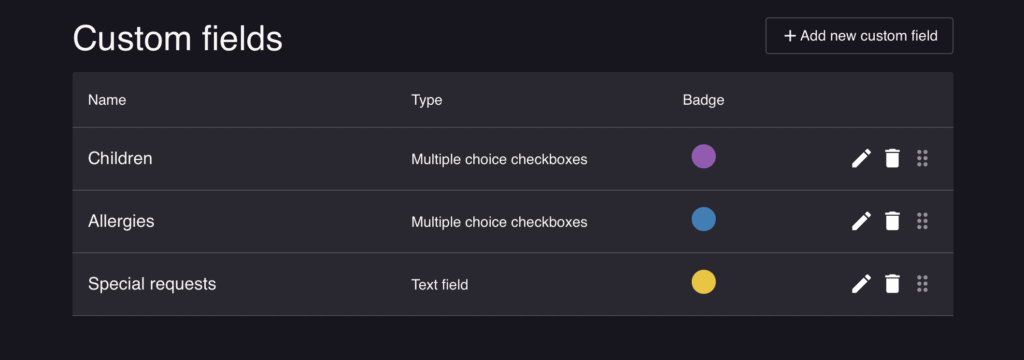
Check out also the ‘Automatic customer profiles’ feature here.
To give restaurants a simple overview of special requests on bookings, the feature shows as colored badges on bookings that have some kind of requests or information from the guests that was added via the custom fields in the booking flow. The image below shows an example of reservations that have colored badges on them, which means that these reservations have custom fields requests that the restaurant should be aware of before the guest’s arrival. These badges could e.g. indicate that the guest has an allergy, that there are babies that need highchairs, a special celebration, and much more. These badges will be visible when the staff opens the booking directly in the app.
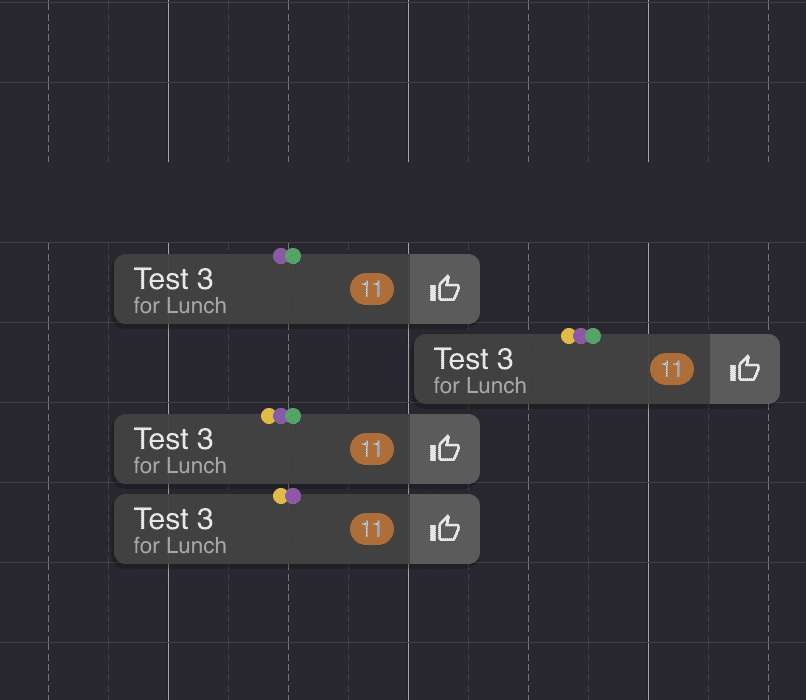
Many restaurants receive table reservations via phone calls. It is therefore also possible for the staff to add custom fields manually when they add bookings to the system. The badges can also be added by the staff on manually created bookings like walk-ins and bookings received on phone. The feature can also be used to collect valuable data about the guest that can be stored and used for another time the guest books a table.
Read also about how you can keep track of tables with the visual table planner 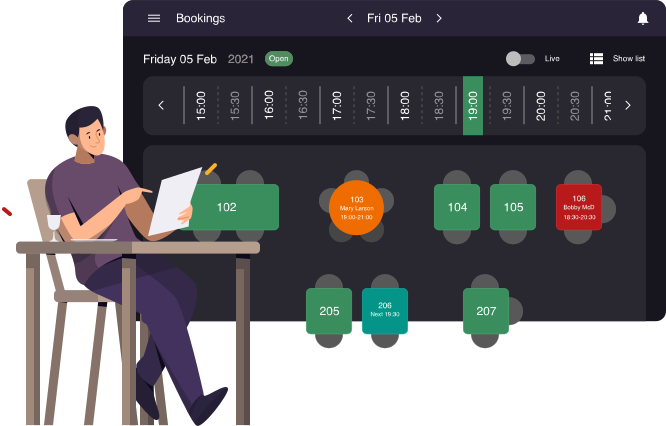
We recommend you check out this feature and experience how it can help you give your guests an even better experience at your restaurant. Do not hesitate with contacting us if you need any help or have questions about the feature. You can reach us at hi@resos.com. We look forward to hearing from you.
 For Restaurants
  For Cafés
  For Bars
  For Pubs
 Since we started using Resos, we have found the flexibility of the product and customer support incredible. It's very user friendly and easy to manage in-house which is a huge plus!
We have been using Resos as the booking platform for our cheese & wine bar in Helsinki, Finland, for over six months, and we are really impressed by it!
Once set up properly, Resos will run the whole booking seamlessly. Been trying many softwares and none has reached the level of customization and speed as Resos. And great support too!

The floor view is working very nicely, you can see everything at the same time. Also, it was a very huge upgrade for us, that the guests can easily cancel their booking – it saved us from a lot of no-shows.

Easy integration into our website and Google page.
Resos makes reservations so much easier. It's straightforward, flexible, and perfect for small businesses like ours. We're so happy with it!

What sets Resos.com apart is not just its ease of use, but also the proactive approach of the Resos team. They continuously work hard to introduce new features and add value to their product.
Simplicity when booking for the customer and easily accessible through our website, Facebook and Google.

When we started our search for a booking system, Resos was the obvious choice. Not only is it affordable for us as a small business, but also offers so many features that make our jobs easier.

Being able to make a reservation without too much hassle goes a long way! Resos keeps the process intuitive and simple.

Fast, free and friendly support from real people who take the time to understand your restaurant.


