


Since we started using Resos, we have found the flexibility of the product and customer support incredible. It's very user friendly and easy to manage in-house which is a huge plus!
Let guests reserve a table while they are already thinking about your restaurant. Embed the Resos booking widget directly on your website, or share your hosted booking link anywhere people find you. Both routes use the same live availability and send every reservation into one schedule for your team.
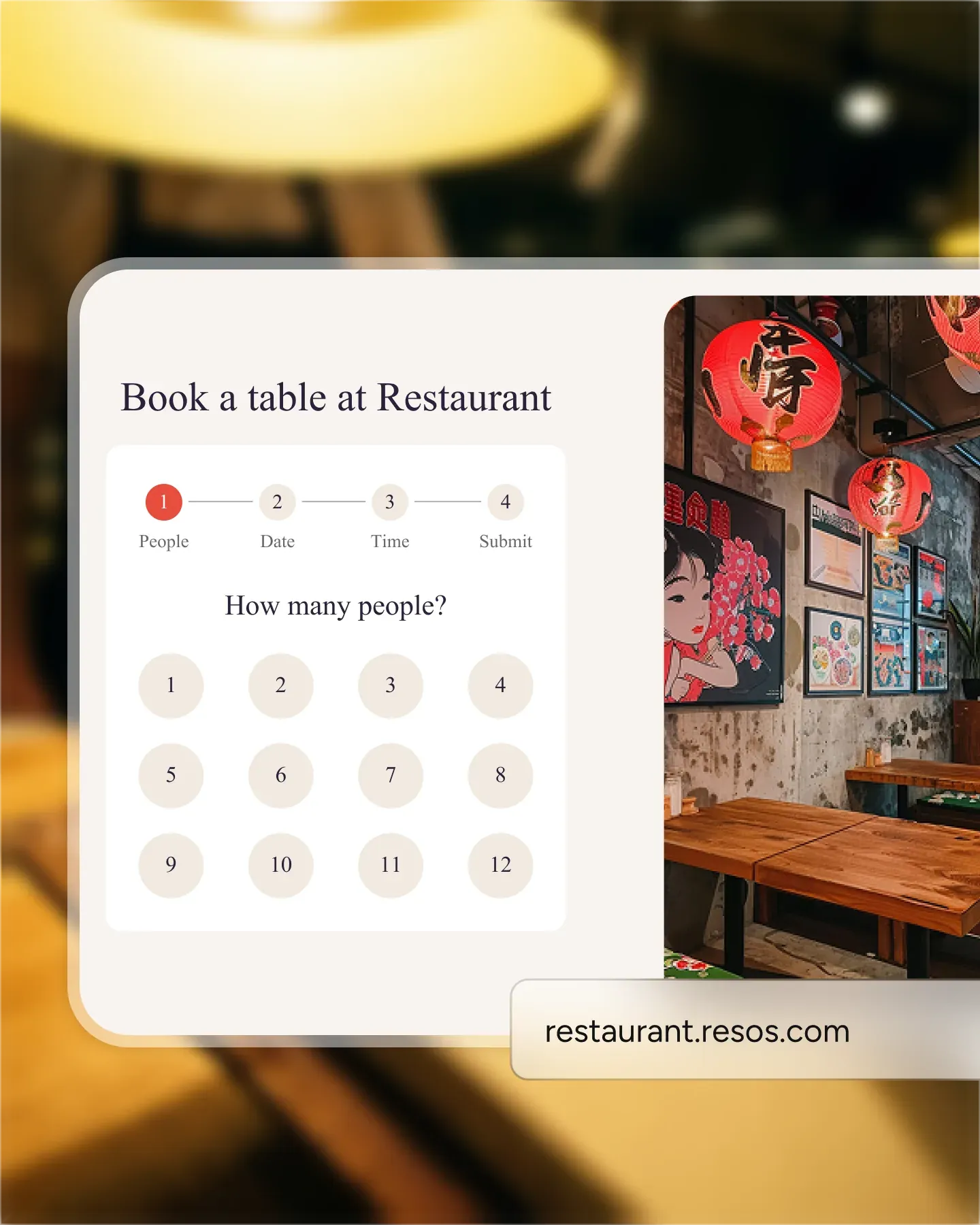












Copy the widget code from Resos and add it to the page where you want guests to book. The reservation flow loads inside your website, so people can choose a party size, date, and available time without being sent to a marketplace or another restaurant listing.
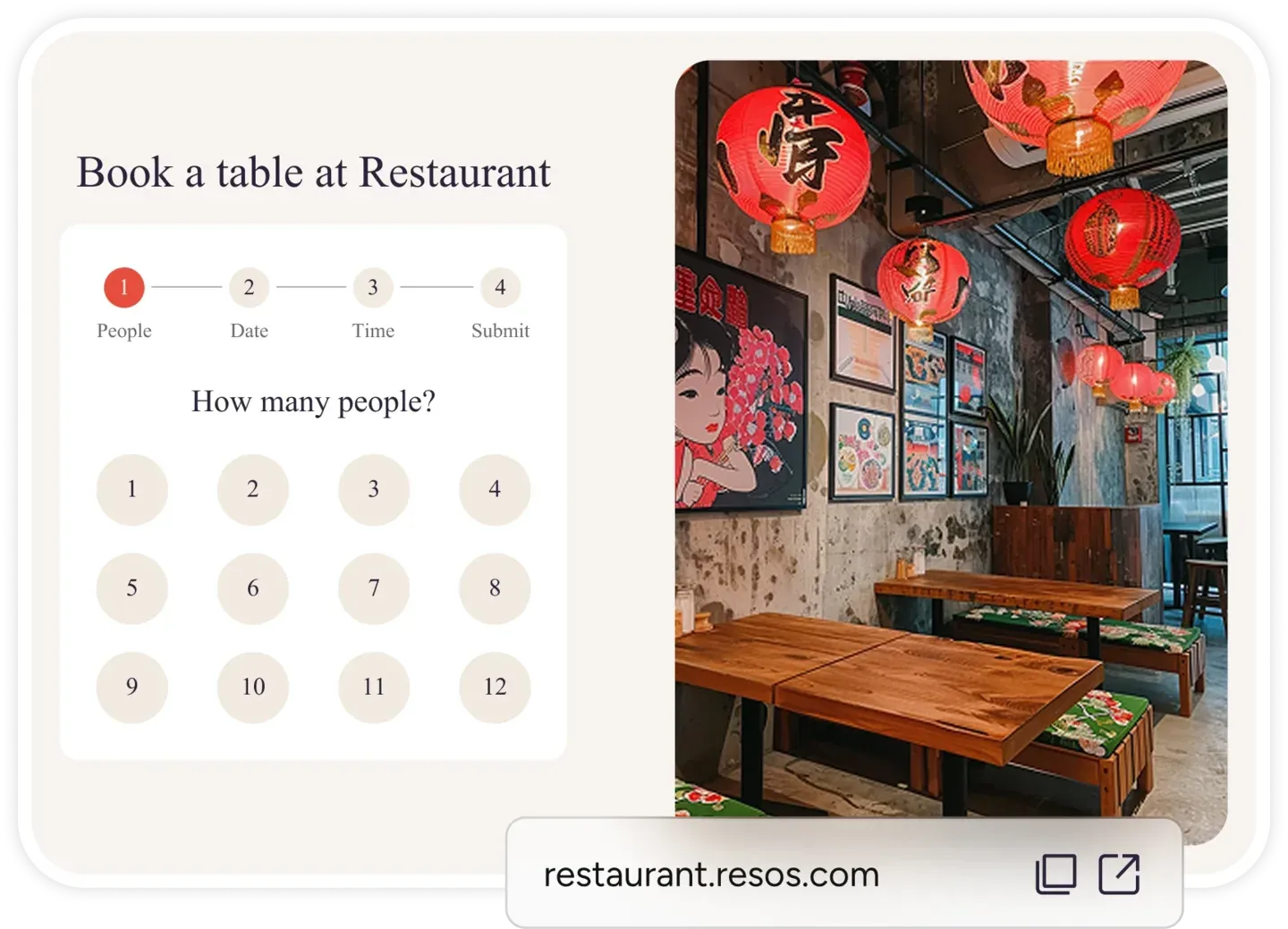
Every restaurant gets a hosted booking page with a direct link. Add it to your website menu, Instagram bio, Facebook page, email campaigns, or messages. Guests tap the link and go straight to your booking flow, with no app download and no account required.
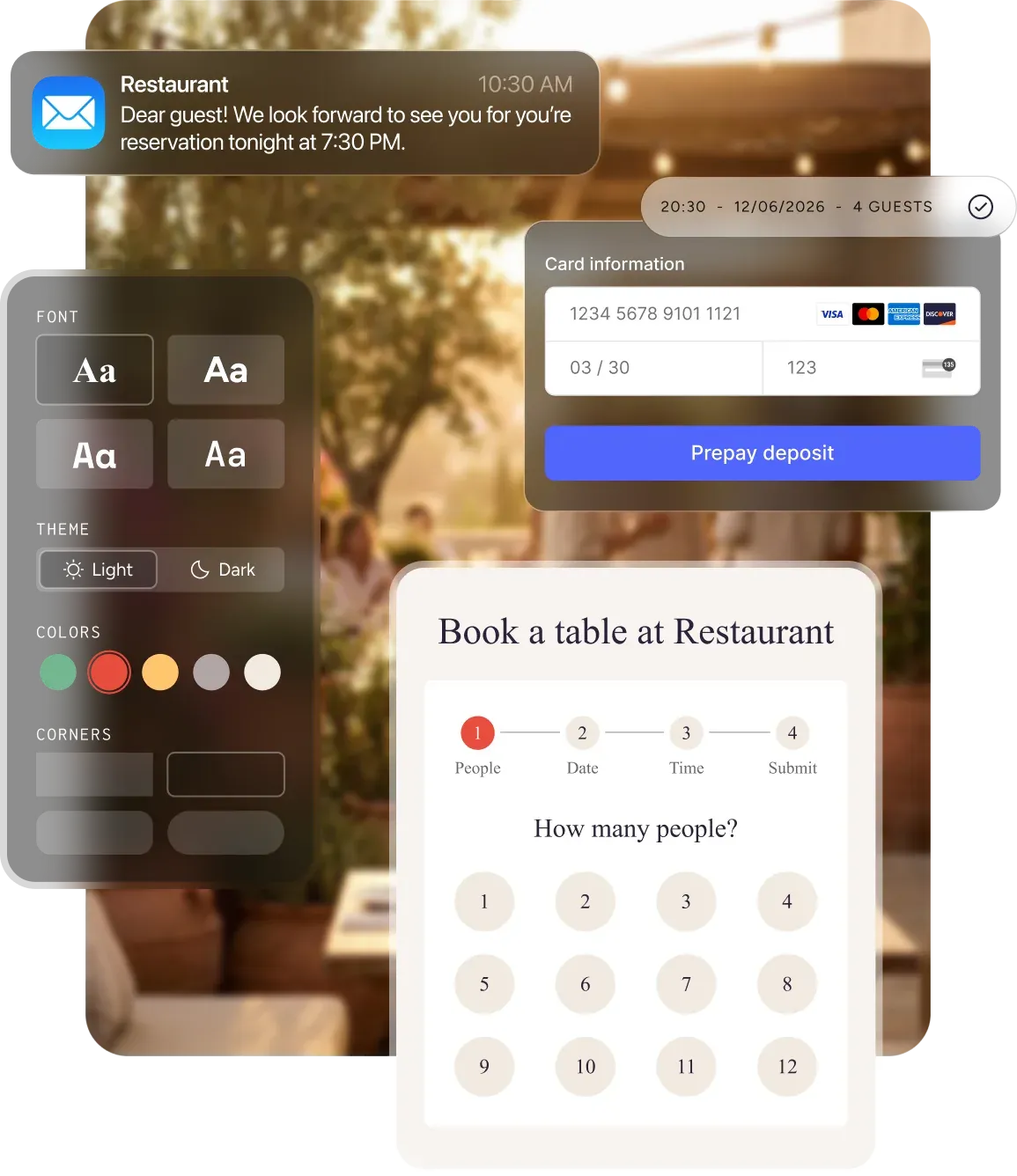
The booking flow adapts to phones, tablets, and desktop screens. Guests can check availability and finish a reservation without pinching, zooming, or installing anything. You use the same widget code and booking link across devices.
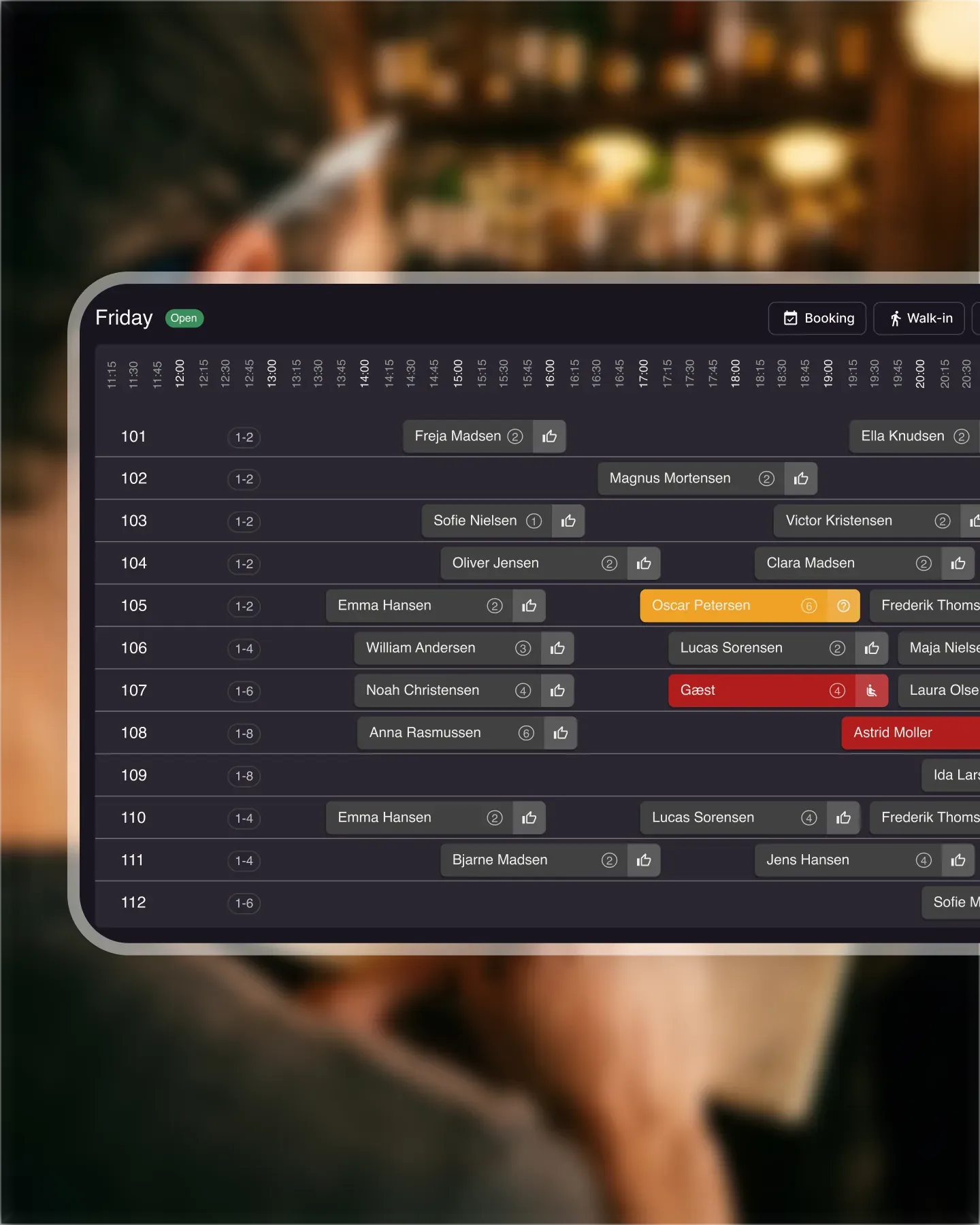
A booking from your widget and a booking from your direct link follow the same rules and land in the same Resos schedule. Your team sees the guest details, booking source, time, party size, and requests without copying information between systems.
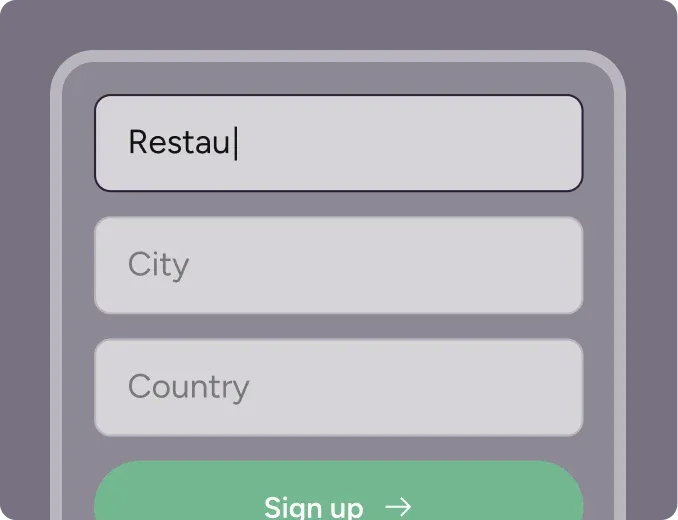
Create your account in seconds. No credit card required.
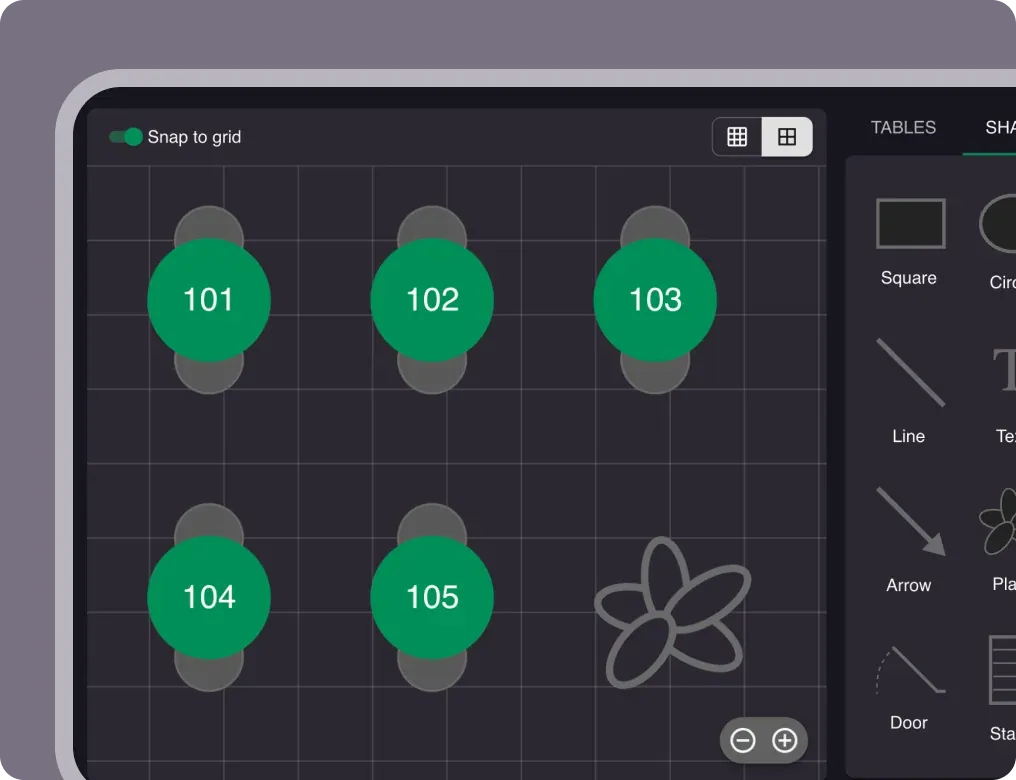
Add your opening hours, areas, and floor plan using our easy drag-and-drop editor.
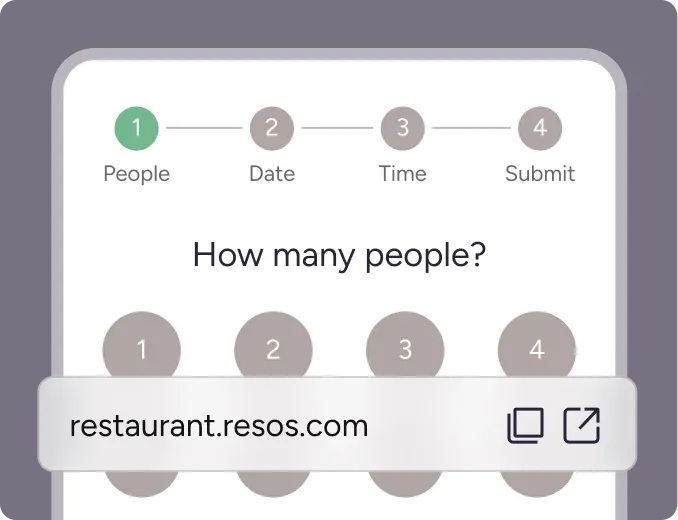
Add your booking link to your website and social media. No coding required.
A restaurant website should do more than show a menu and opening hours. It should help a guest act on the decision to visit. The Resos restaurant booking widget adds a complete table reservation flow to your website, while the direct booking link gives you a fast option for every other channel.
Both options connect to the same Resos profile. You decide when guests can book, how many people you can accept, which areas are available, and what information the booking form should collect. Guests see the times you make available, and your team receives the reservation in the same place as every other booking.
The widget and the booking link solve two different jobs. Most restaurants use both.
The booking widget keeps the reservation flow inside your own website. A guest can move from your menu, gallery, or contact page straight into a table booking without leaving the site.
Resos gives you a widget code for your restaurant. Add the code to the page where you want the form to appear, and the booking flow loads there automatically. The same approach works with WordPress, Wix, Squarespace, and custom-built websites that allow embedded code.
You do not have to build a reservation form, connect it to a database, or maintain availability in two places. Resos supplies the booking flow and keeps it connected to your restaurant settings.
The direct booking link opens a hosted booking page for your restaurant. It is useful when you do not have a website, when a platform only accepts a URL, or when you want to send guests straight to a booking from an email or message.
Use the link in places such as:
The booking link and the embedded widget use the same flow. You can start with the link today and add the widget later without changing how your team manages reservations.
The booking widget is not a separate calendar. It reads the availability you configure in Resos.
Your opening hours, seatings, booking intervals, party-size limits, areas, and table capacity determine which choices a guest sees. If you close a service, change a limit, or block online bookings, the booking flow follows those settings. You do not have to update your website each time the restaurant schedule changes.
That connection also keeps the guest experience clear. Instead of submitting a generic contact request and waiting for a reply, guests choose from the times you have made bookable. Depending on your booking settings, Resos can accept the reservation automatically or let your team review the request.
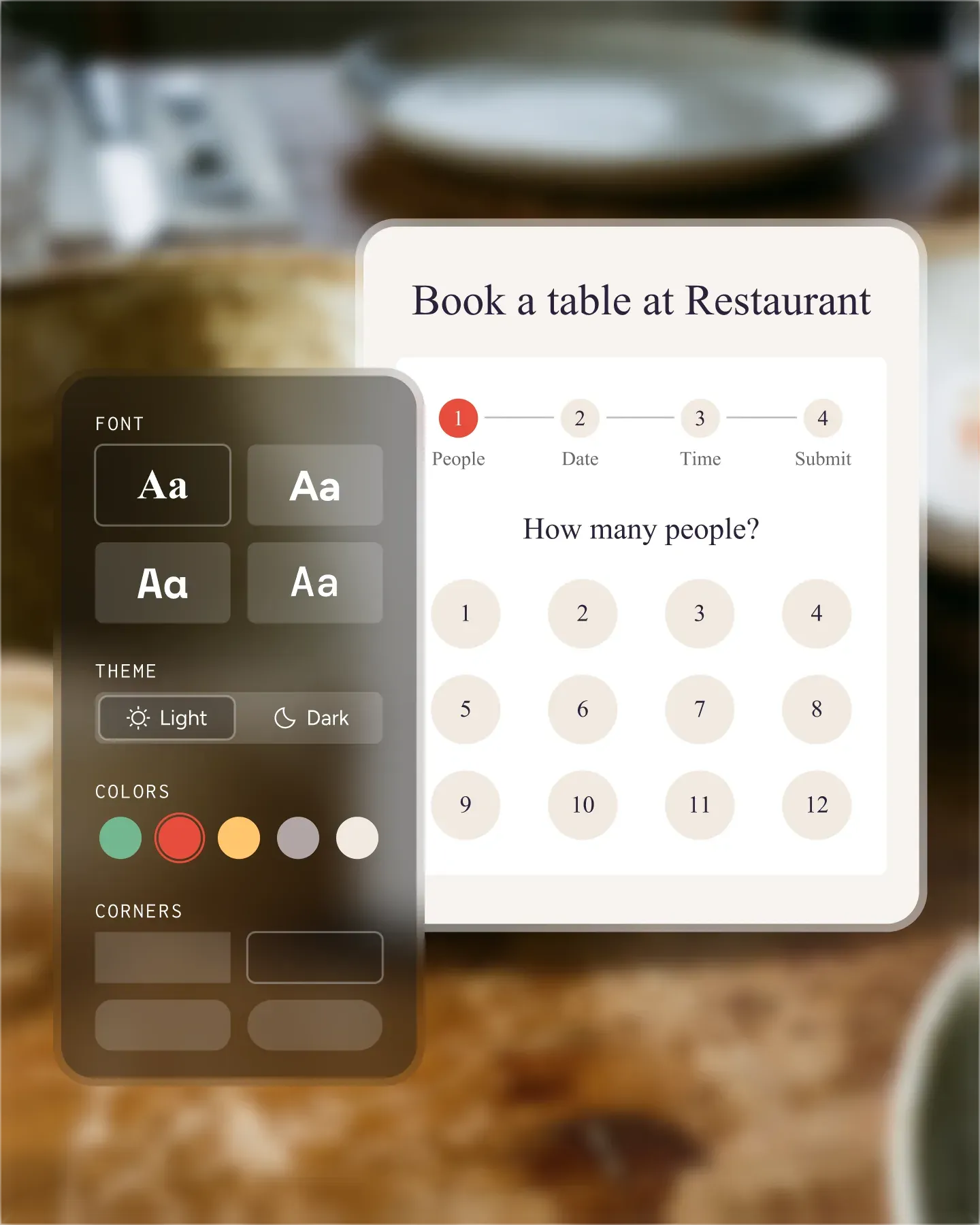
The standard booking flow is ready to use as soon as your restaurant profile is set up. If you want it to match the rest of your website, the Custom design add-on lets you change colors, fonts, images, layout, and guest-facing text.
Branding matters most when the widget sits next to the rest of your website. A matching design makes the booking step feel like a continuation of the page instead of a third-party form added at the end. The same design choices can carry through to confirmations and reminders, giving guests a consistent experience after they reserve.
Restaurants serving international guests can also use the multilingual booking flow. Guests choose their preferred language, or the widget can follow their browser language, while staff members keep using the dashboard language that works for them.
The booking flow gathers the basic information required to create a reservation, including the guest’s contact details, party size, date, and time. You can use custom booking form fields when you need additional information such as allergies, accessibility needs, celebrations, or seating preferences.
Those details stay attached to the booking. Your team can review them in the Resos schedule, communicate with the guest, assign a table, and prepare for special requests before the party arrives.
Once a guest completes the widget or booking page, the reservation becomes part of your normal Resos workflow.
The result is one path from website visit to seated guest. The guest gets a quick way to reserve, and the restaurant gets structured booking information without phone calls, copied emails, or a separate website inbox.
You can find both options under Menu → Settings & add-ons → General → Link & widget in Resos.
Copy the booking link when you need a URL. Copy the widget code when you want to embed the reservation flow on your website. If someone else manages your site, send them the code and the URL of the page where the widget should appear.
For the complete installation steps, mobile and desktop examples, and instructions for disabling the widget, follow the guide to add the booking widget to your website.
Need another booking channel? You can also let guests reserve with Google or add booking actions to Facebook and Instagram, with reservations still flowing into Resos.
 For Restaurants
  For Cafés
  For Bars
  For Pubs
 Since we started using Resos, we have found the flexibility of the product and customer support incredible. It's very user friendly and easy to manage in-house which is a huge plus!
We have been using Resos as the booking platform for our cheese & wine bar in Helsinki, Finland, for over six months, and we are really impressed by it!
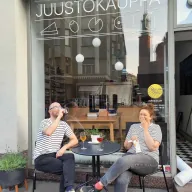
Once set up properly, Resos will run the whole booking seamlessly. Been trying many softwares and none has reached the level of customization and speed as Resos. And great support too!

The floor view is working very nicely, you can see everything at the same time. Also, it was a very huge upgrade for us, that the guests can easily cancel their booking – it saved us from a lot of no-shows.

Easy integration into our website and Google page.
Resos makes reservations so much easier. It's straightforward, flexible, and perfect for small businesses like ours. We're so happy with it!
What sets Resos.com apart is not just its ease of use, but also the proactive approach of the Resos team. They continuously work hard to introduce new features and add value to their product.
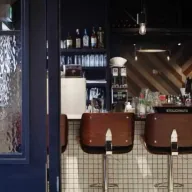
Simplicity when booking for the customer and easily accessible through our website, Facebook and Google.
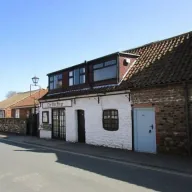
When we started our search for a booking system, Resos was the obvious choice. Not only is it affordable for us as a small business, but also offers so many features that make our jobs easier.

Being able to make a reservation without too much hassle goes a long way! Resos keeps the process intuitive and simple.

Fast, free and friendly support from real people who take the time to understand your restaurant.


