
In this article
- What is a POS system for a restaurant?
- What are the benefits of a restaurant POS system?
- What types of POS systems are there?
- Which features should a restaurant POS have?
- How do you choose the right POS system?
- Which POS systems are best for restaurants?
- How do you set up and run a restaurant POS system?
What is a POS system for a restaurant?
A Point of Sale (POS) system is more than a fancy cash register. It’s the backbone of your restaurant’s operations: the place where sales, inventory, and guest management all come together.
In a competitive restaurant market, a modern POS system does more than ring up sales. It ties your front of house, kitchen, and back office together so service runs faster and guests get a smoother experience.
From turning tables faster to remembering a regular’s usual order, the right system is what keeps a busy night running smoothly instead of descending into chaos.
👉 Read more about the comparison of CRM restaurant systems here.
We are also building our own: see what a restaurant POS system built into your bookings changes, and join the waitlist for early access.
What are the benefits of a restaurant POS system?
-
Efficient checkout process: Speed up the transaction process and reduce human errors.
-
Inventory management: Keep track of what’s in stock and what needs reordering.
-
Data analytics: Make data-driven business decisions based on real-time sales and inventory data.
-
Improve guest experience: Offer loyalty programs, gift cards, and personalized experiences.
-
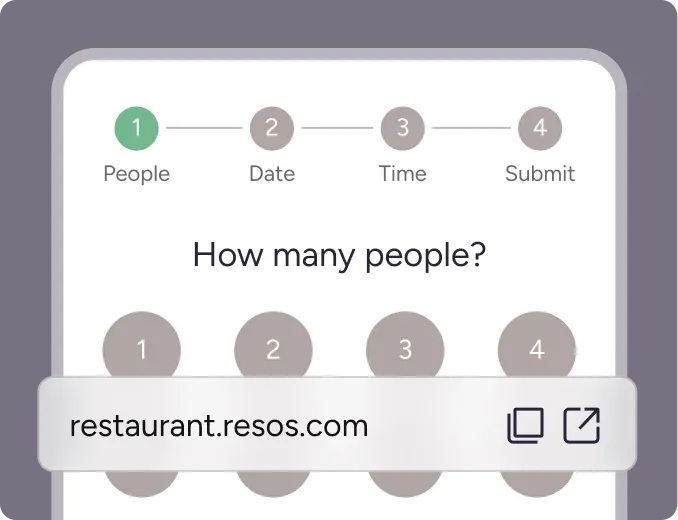
Online booking integration: With platforms like resos.com, you can manage online bookings directly through your POS, so reservations and tables stay in sync for both you and your guests.
What types of POS systems are there?
Overview of the main POS types
There are mainly three types of POS systems you can consider:
-
Traditional POS systems: These are the legacy systems that have been around for years, often bulky and expensive.
-
Cloud-based POS systems: These are hosted on the cloud, allowing for real-time data analytics and remote management.
-
Mobile POS systems: Operate on mobile devices like tablets and smartphones, offering flexibility and mobility.
Cloud-based vs. traditional POS systems
Cloud-based systems offer the advantage of real-time data analytics and are generally more affordable. Traditional systems, while reliable, lack the flexibility and real-time capabilities of their modern counterparts.
Mobile POS solutions and their advantages
Mobile POS systems offer the utmost flexibility. Servers can take orders directly at the table, speeding up the service and improving server productivity.
Which features should a restaurant POS have?
Inventory management and tracking capabilities
A good POS system should offer strong inventory management features. This includes tracking stock levels and providing alerts when it’s time to reorder.
Integrated payment processing and credit card acceptance
Your POS should integrate cleanly with various payment gateways and accept multiple forms of payment, including credit cards and mobile payments.
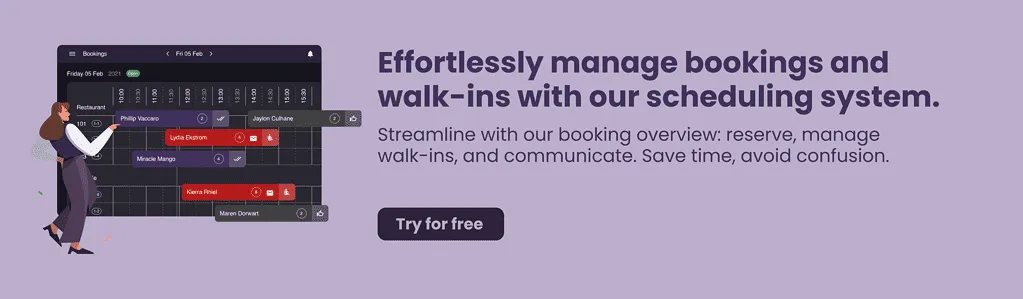
Table management and reservation features
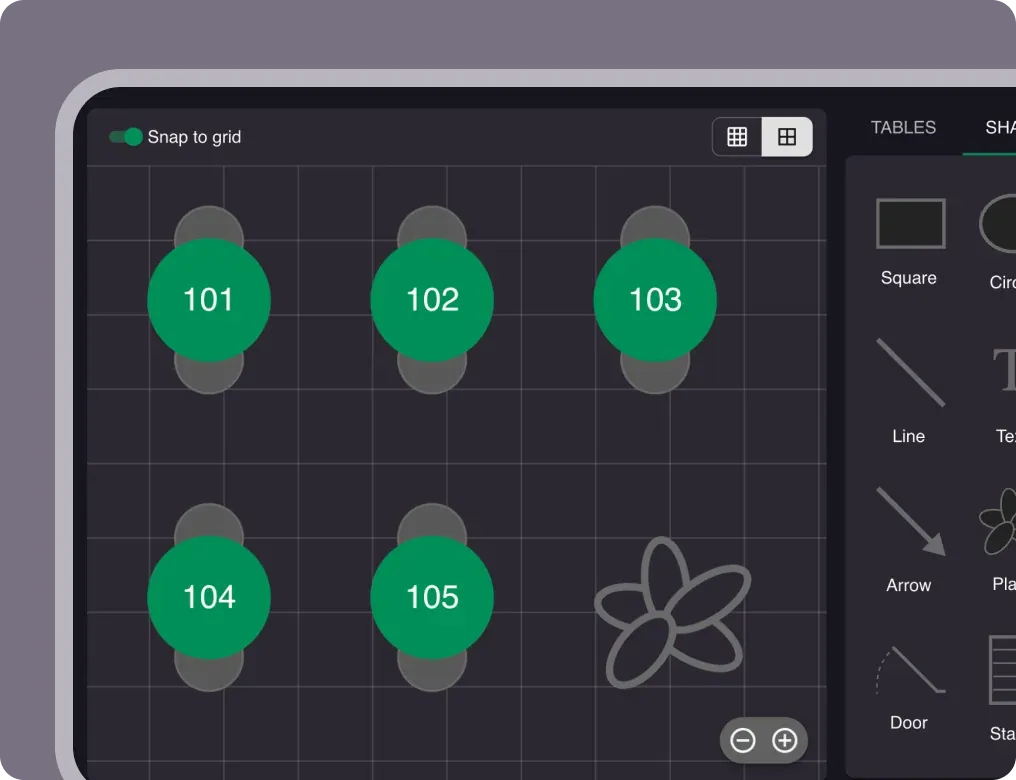
Look for a POS system that offers table management features, including reservations, table assignment, and waitlist management.
Menu management and customization options
The ability to easily update and customize your menu, including seasonal items or daily specials, is crucial.
👉 Read more about how to customize your booking system design here.
Reporting and analytics functionalities
Your POS should offer comprehensive reporting features, including sales trends, employee performance, and customer preferences.
How do you choose the right POS system?
Cost and pricing models
The cost of a POS system can vary widely. Make sure to consider both the upfront costs and ongoing fees.
Hardware requirements and compatibility
Ensure that the POS system you choose is compatible with the hardware you either already have or plan to purchase.
Customer support and training options
Good customer support can be a lifesaver, especially during peak times. Make sure your provider offers strong support and training options. For instance, Resos stands out for exceptional customer service. Whether you’re facing a technical issue or need guidance on maximizing the system’s capabilities, our team is always ready to assist.
If you’re interested in a POS system with integrated online booking features, consider partnering with Resos. Resos POS is coming in 2027. You can either register for the free booking system here or reach out for support at hi@resos.com. With Resos, you get a team that wants your restaurant to do well, not just another service to sign up for.
Scalability and future growth considerations
Your POS system should be able to grow with your business. Look for systems that offer easy scalability.
Integration with other software and platforms
The ability to integrate with other systems, like accounting software or an email marketing service, can make your operations much more efficient.
Which POS systems are best for restaurants?
There’s no single best POS; the right one depends on your service style and budget. Here’s how three of the most popular options compare, and where Resos fits alongside them.
Toast
Best for full-service restaurants. Toast is built specifically for hospitality, with restaurant-ready hardware, kitchen display screens, and online ordering. Pricing follows a pay-as-you-go starter tier, with paid software plans from around $69/month per location plus payment-processing fees. Pro: restaurant-specific features work out of the box. Con: hardware and add-ons get expensive as you grow, and the contracts can run multiple years. Toast runs payments and orders; pair it with Resos to own your reservations and guest data instead of renting them.
Square for Restaurants
Best for small eateries, cafes, and food trucks. Square is the quickest to set up, with a free plan at $0/month and paid plans from around $69/month per location, plus per-transaction processing fees. Pro: easy to learn and cheap to start. Con: thinner on the advanced features that complex, multi-room full-service venues need. Square covers point of sale and payments; Resos adds the online booking and table management Square doesn’t focus on.
Clover
Best for restaurants that want flexible hardware. Clover offers a range of countertop and handheld devices with software plans that scale by tier, typically from around $15/month plus hardware costs. Pro: modular hardware and a large app marketplace. Con: pricing and processing rates vary by reseller, so the real cost is harder to pin down upfront. Clover runs the register; Resos runs the reservations and waitlist on top.
Across all three, Resos handles what a POS doesn’t: online bookings, reservation management, table assignments, and guest communication, with no commission and no per-cover fees. Many restaurants run a POS for payments and Resos for the front-of-house booking flow.
How do you set up and run a restaurant POS system?
Steps to successfully implement a POS system in a restaurant
- Planning: Identify your specific needs and budget.
- Installation: Work with the vendor for a smooth installation process.
- Training: Train your staff thoroughly to make the most out of your new system.
Tips for maximizing the benefits of a POS system
- Regularly update the system
- Make use of all the features available
- Regularly review analytics and reports
Troubleshooting common issues and challenges
- System crashes
- Payment gateway issues
- Hardware malfunctions
Picking the right POS system can make or break your restaurant business. From streamlining operations to enhancing guest experience, the benefits are numerous. Make sure to consider all the factors outlined in this guide to make an informed decision.