In this article
Moving from a paper reservation book to a digital restaurant booking system takes about an hour to set up and pays for itself the first busy weekend. A paper diary only works when someone is standing at it with a pen. A digital system takes bookings around the clock, reminds guests so they show up, and keeps every guest detail in one place. This guide walks through exactly how to make the switch without losing a booking.
Plenty of good restaurants still run on a paper diary, and it feels safe because it never crashes. But the hidden costs add up fast: missed calls during service, no-shows you could have prevented, and a guest history that lives in one person’s memory. Going digital is not about chasing technology. It is about getting those hours and those covers back.
Key takeaways
- A paper diary only takes bookings when someone is at it. A digital system takes them 24/7, from your website, Google, and social media.
- The switch takes about an hour, and you can run both side by side for a week so nothing falls through the cracks.
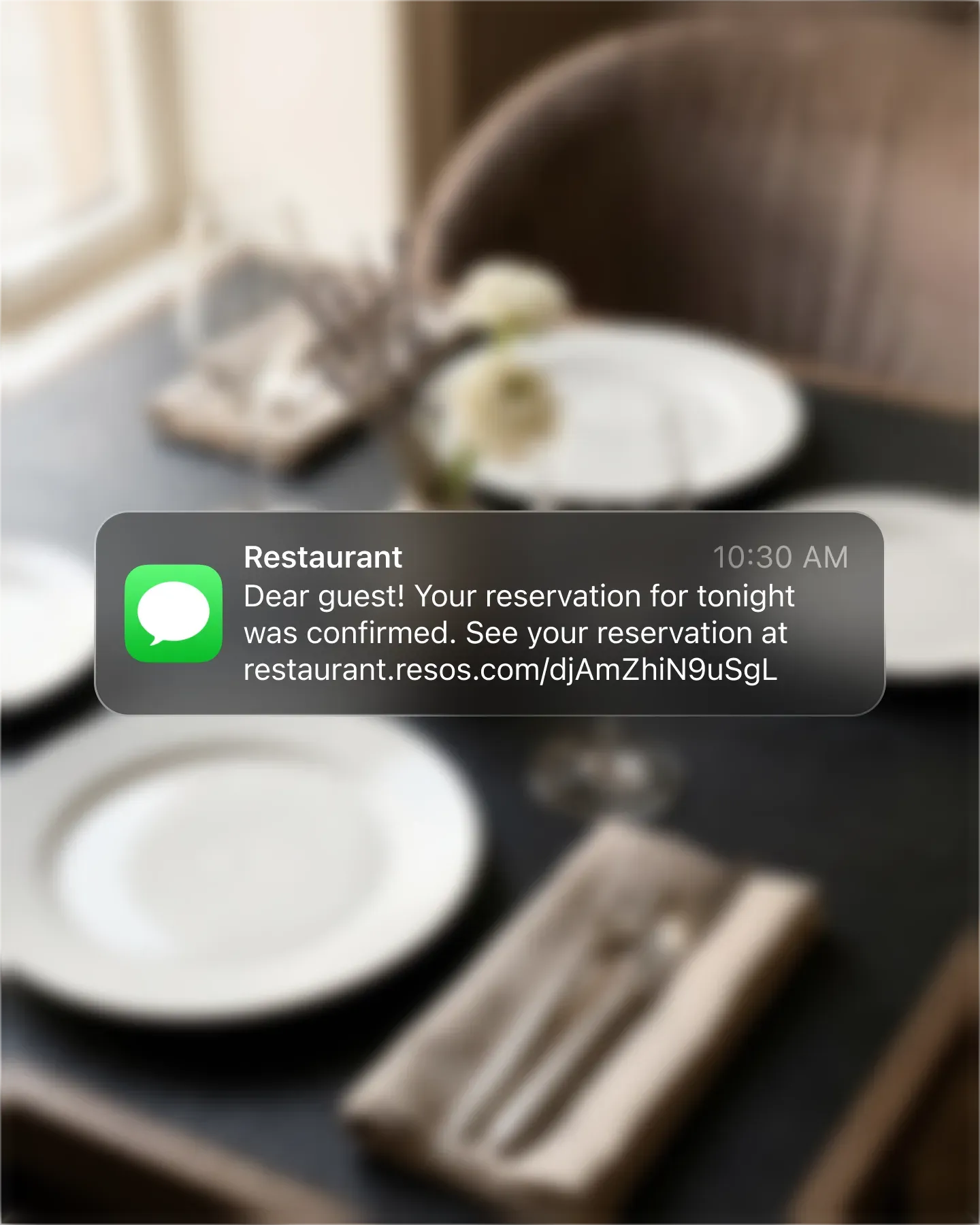
- Reminders are the big win. Automated SMS and email confirmations cut no-shows, which a paper book can do nothing about.
- Your guest history becomes an asset, not a memory. Notes, allergies, and visit counts stay with each guest forever.
What a paper diary actually costs you
A paper diary has three quiet costs that never show up on an invoice.
First, it only works in person. Every booking has to come through a phone call or a walk-in, during hours when someone is free to pick up. Most diners now book online, often outside opening hours, so a paper-only restaurant simply misses them.
Second, it cannot prevent no-shows. There is no reminder, no deposit, no card on file. When a table does not show, the diary just has an empty line. Automated reminders are the single biggest lever on no-shows, and paper has none.
Third, your guest knowledge is trapped. The regular who always wants the corner table, the nut allergy, the anniversary: it all lives in one person’s head or in shorthand only they can read. The day they are off, it is gone.
What you gain by going digital
A digital booking system fixes all three at once. Guests book themselves online, day or night, straight from your website, Google, and social media. Automated reminders go out before every booking, so guests show up or cancel in time for you to refill the table. And every guest detail, from allergies to visit history, is saved to a profile your whole team can see.
You also get a real view of your service: how full each shift is, where bookings come from, and which times need a push. None of that is possible with a pen.
How to switch, step by step
You can move from paper to digital in an afternoon. Here is the order that keeps it painless.
Pick a system and create your account. Choose a booking system that fits your size and budget. Resos has a free plan you can start on today with no card required, so you can set everything up before you commit a cent.
Build your restaurant in the settings. Add your opening hours, your tables, and your seatings. This is where you tell the system how your room actually works, lunch and dinner services, table durations, and how many covers you want online versus saved for walk-ins.
Add your upcoming bookings from the diary. Type in the reservations you already have on paper for the next couple of weeks. It takes a few minutes and means nothing is lost on day one.
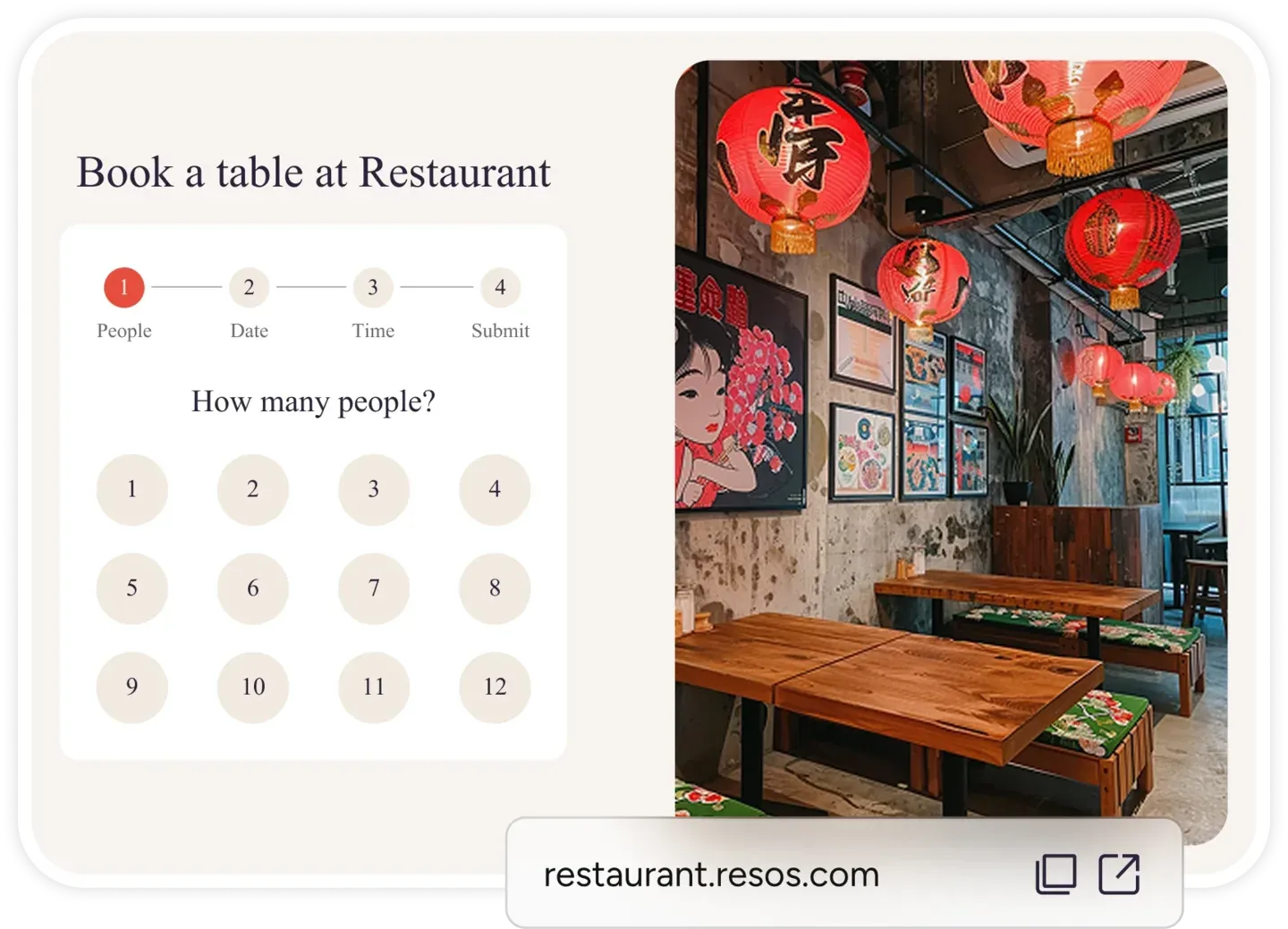
Put the booking link everywhere guests find you. Add the booking widget to your website, connect Reserve with Google so guests can book straight from Search and Maps, and add the link to your Instagram and Facebook. This is the moment online bookings start arriving on their own.
Run both for a week, then retire the paper. Keep the diary open as a safety net for the first week while your team gets comfortable. Once everyone trusts the screen, close the book for good.
What to look for in a system
Not every booking system is built for a restaurant moving off paper. Look for one that is genuinely easy for a mixed-age team to learn, takes bookings from Google and social media, sends automated reminders, and does not charge per cover. A free plan to start is the safest way to try before you buy.
If you want a deeper checklist, see our guide to must-have features in a restaurant booking system.
Frequently asked questions
Will I lose my existing bookings when I switch from paper to digital?
No. Before you go live, type your upcoming paper reservations into the new system, then run both side by side for about a week. Nothing falls through the cracks, and you retire the paper diary only once your team trusts the digital one.
How long does it take to set up a digital booking system?
About an hour for the core setup: create an account, add your opening hours, tables, and seatings, and place the booking link on your website and Google. You can take your first online booking the same day.
Is a digital booking system hard for older staff to learn?
No. A good system is built for a mixed-age team and takes minutes to learn for everyday tasks like adding, moving, or cancelling a booking. Running the paper diary alongside it for the first week makes the transition comfortable.
Do I need to pay to move off paper?
No. Resos has a genuine free plan with no credit card required, so you can move your restaurant off paper and take real online bookings before paying anything. You only upgrade if your booking volume grows.
Bottom line
A paper diary feels safe, but it costs you missed bookings, preventable no-shows, and the guest knowledge that should be building your business. Moving to a digital restaurant booking system takes about an hour, and you can do it on a free plan without risking a single booking. Set it up, run both for a week, and let the system take bookings while you run the floor.
Related: Must-have features in a restaurant booking system | Build vs buy a restaurant booking system | Restaurant booking system