
In this article
- Restaurant waitlist software checklist
- How to fill an opening after a cancellation
- How the Resos waitlist works
- How much does restaurant waitlist software cost?
- What should you measure after switching?
- When is a paper waitlist enough?
- Can guests join without downloading an app?
- Does a digital waitlist guarantee fewer walk-aways?
- Try your busiest-service scenario
Restaurant waitlist software keeps waiting parties in a shared list so staff can offer them suitable openings. When choosing a tool, test the whole process: how a guest joins, how the host contacts them, and how the accepted table becomes a booking in your reservation calendar.
Start with the workflow you need. A queue for walk-ins tonight and a list for a fully booked future service may need different rules. Confirm that the product supports your use case before comparing prices.
Restaurant waitlist software checklist
| Check | What to ask the provider | What to test |
|---|---|---|
| Guest access | Can guests join online without an app? | Join from a phone when the desired time is full |
| Staff access | Can hosts add walk-ins and share notes? | Add a party, then find it on a second staff device |
| Table assignment | Does staff choose the party or does software assign it? | Match a party to a table with a limited seating window |
| Guest contact | Is an opening offered before a booking is confirmed? | Follow the actual guest notification and response path |
| Booking integration | Does the entry become a reservation with its details? | Check party size, notes and the resulting confirmation |
| Queue limits | Can you control when and how many guests join? | Test a full service and a queue you have closed |
| Total cost | Which plan, add-ons and messages are charged? | Price your likely monthly usage, including SMS |
| Reporting | Which waiting and seating outcomes can you export? | Ask to see the report you would use after service |
A feature list is useful, but the demonstration should show your host’s next action at every step. If a provider offers automatic seating or automatic offers, check exactly when a table becomes committed and how staff can intervene.
How to fill an opening after a cancellation
Use this process alongside your restaurant cancellation policy:
- Confirm the opening. Check the canceled booking, party size and available time. A table free until the next reservation is not available for an unrestricted seating.
- Find a suitable waiting party. Review party size, requested time and notes. The first name on the list may not fit the opening.
- Check the guest is still available. Contact them through your supported channel before committing the table. Make the arrival time and seating window clear.
- Create the replacement booking. Once the guest accepts, convert or enter the reservation according to your system’s workflow. Check that the original slot has not been taken in the meantime.
- Confirm and record the outcome. Send the booking details, update the waitlist and record whether the party was seated. A contacted guest is not yet a filled table.
The Resos No-Show Index shows why cancellation timing matters, but it does not measure how many canceled tables were filled again. Track that outcome in your own restaurant before attributing recovered seats to a waitlist tool.
How the Resos waitlist works
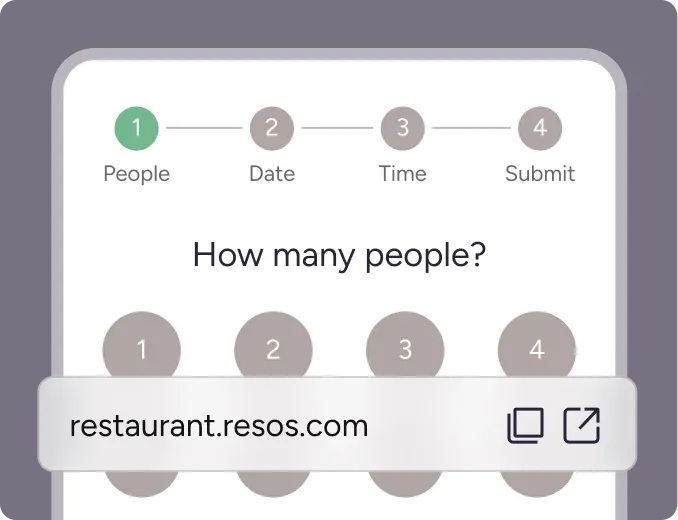
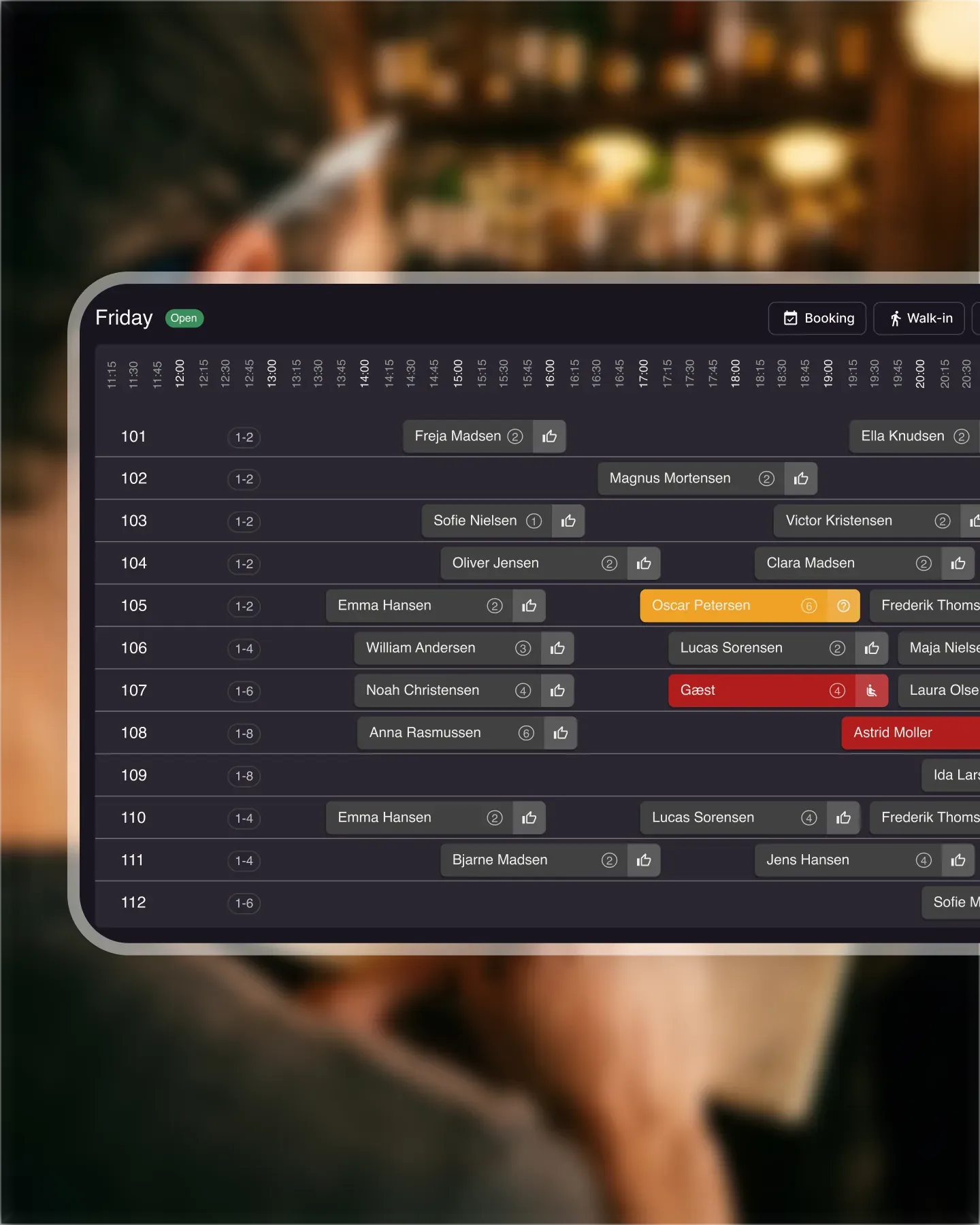
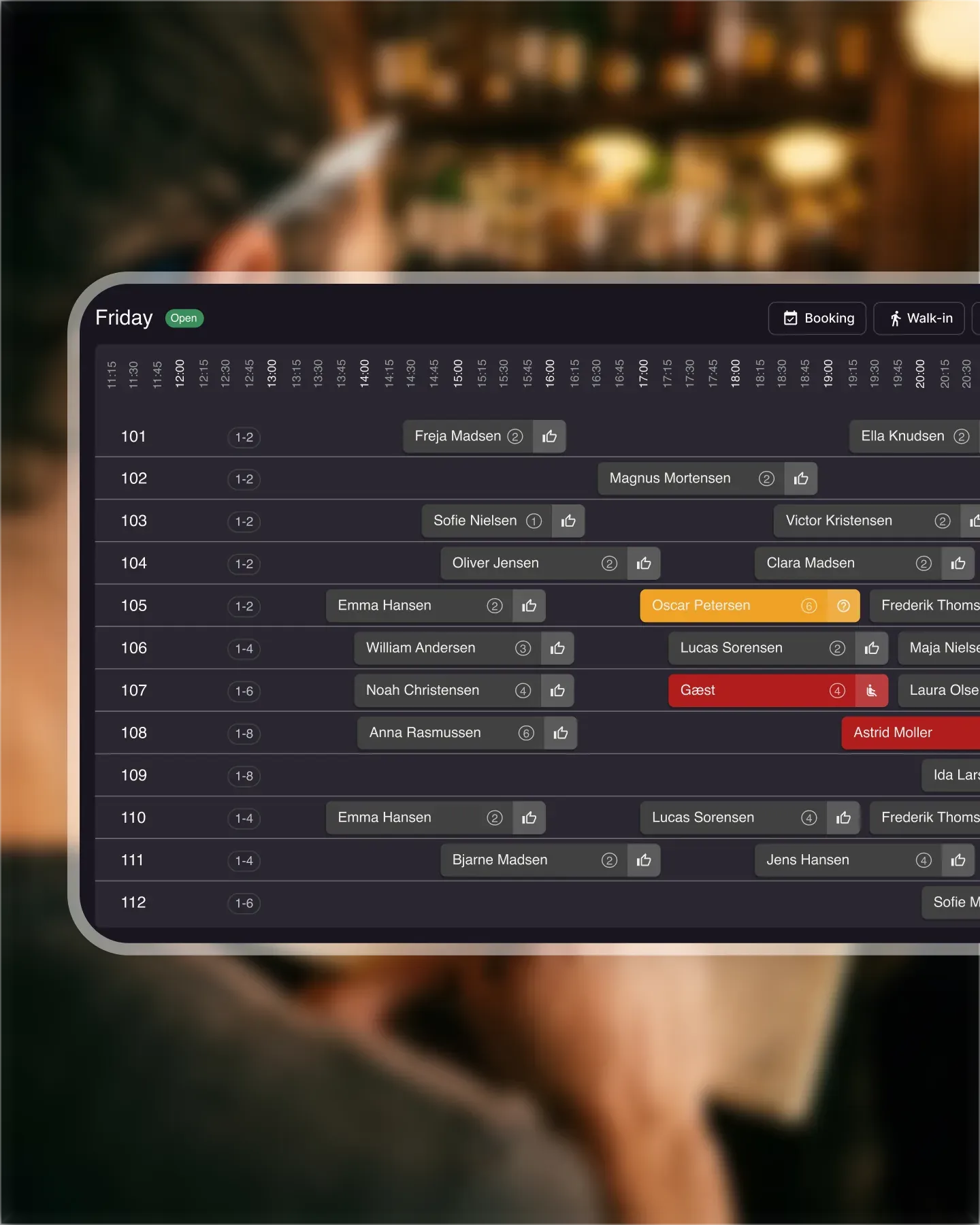
With the Resos restaurant waitlist, guests can join through your booking page or widget when their requested time is full. Staff can also add walk-ins manually. Waitlist entries appear alongside your bookings.
Your team chooses which party gets an opening and converts the entry into a booking. Resos carries the party details into the booking and sends a confirmation through the notification channels you have enabled. It does not automatically choose the next guest for you.
Use the waitlist setup guide when you are ready to configure it. For the messages guests receive after acceptance, use our booking confirmation templates.
How much does restaurant waitlist software cost?
Compare the total cost of the plan you need, the waitlist itself and any usage charges. A low starting price may cover a standalone queue while your restaurant also needs reservation management.
Resos offers the waitlist as a paid add-on on a paid plan, with a 30-day add-on trial before its charge starts. It cannot be added to the Free plan. Check Resos pricing for the current plan and add-on costs and any separate SMS charges.
Before choosing, ask whether the quote includes the number of locations, staff access and notification channels you intend to use. Keep setup and migration costs separate from recurring charges when comparing options.
What should you measure after switching?
Use comparable services before and after a change. Record outcomes consistently, including guests who leave without being seated.
| Measure | Definition | Why it helps |
|---|---|---|
| Walk-away rate | Parties recorded as leaving before seating divided by parties who joined | Shows how often the queue loses guests |
| Waitlist seating rate | Parties seated from the list divided by parties who joined | Distinguishes a booking conversion from an actual visit |
| Time to contact | Time from an opening becoming available to staff contacting a suitable party | Helps locate delays in the handoff |
| Replacement seating | Canceled slots subsequently occupied by an accepted waiting party | Checks whether your process fills openings |
Record unresolved entries separately. If your system does not expose these measures, keep a simple shift log rather than assuming a missing status means the guest left. Compare similar demand, party sizes and service periods; a change in results alone does not prove the software caused it.
When is a paper waitlist enough?
A paper list can work when one host manages a small, predictable queue and can reliably contact each party. Shared software becomes more useful when several hosts work across devices, guests want to join remotely, or you need to manage bookings and waiting guests together.
Can guests join without downloading an app?
Yes, with Resos they can join through the restaurant’s booking page or widget when a time is full. Check other providers’ guest journey directly: an app requirement can change the experience you are buying.
Does a digital waitlist guarantee fewer walk-aways?
No. It can make joining and managing the queue easier, but guests may still leave because of timing, availability or a change of plans. Set realistic expectations and measure actual seating outcomes.
Try your busiest-service scenario
Choose a recent service with a canceled booking and a waiting party. Work through it in the product: add the party, identify the opening, confirm their availability, make the booking and check the guest message. If the host can complete that process clearly, you have a stronger basis for choosing than a long list of features.