


Since we started using Resos, we have found the flexibility of the product and customer support incredible. It's very user friendly and easy to manage in-house which is a huge plus!

Resos plugs straight into Facebook Pixel so every page view on your booking flow is tracked back to the ad that drove it. See which campaigns produce real reservations, retarget visitors who almost booked, and build lookalike audiences from your best guests. Your ad spend gets sharper because the data behind it gets sharper.













Grab your Pixel ID from Facebook Business Manager, paste it into the Integrations section of your Resos dashboard, and the connection is live. Every visit to your booking page starts firing events to Pixel from that moment on. No code changes, no developer, no separate tracking script to maintain.
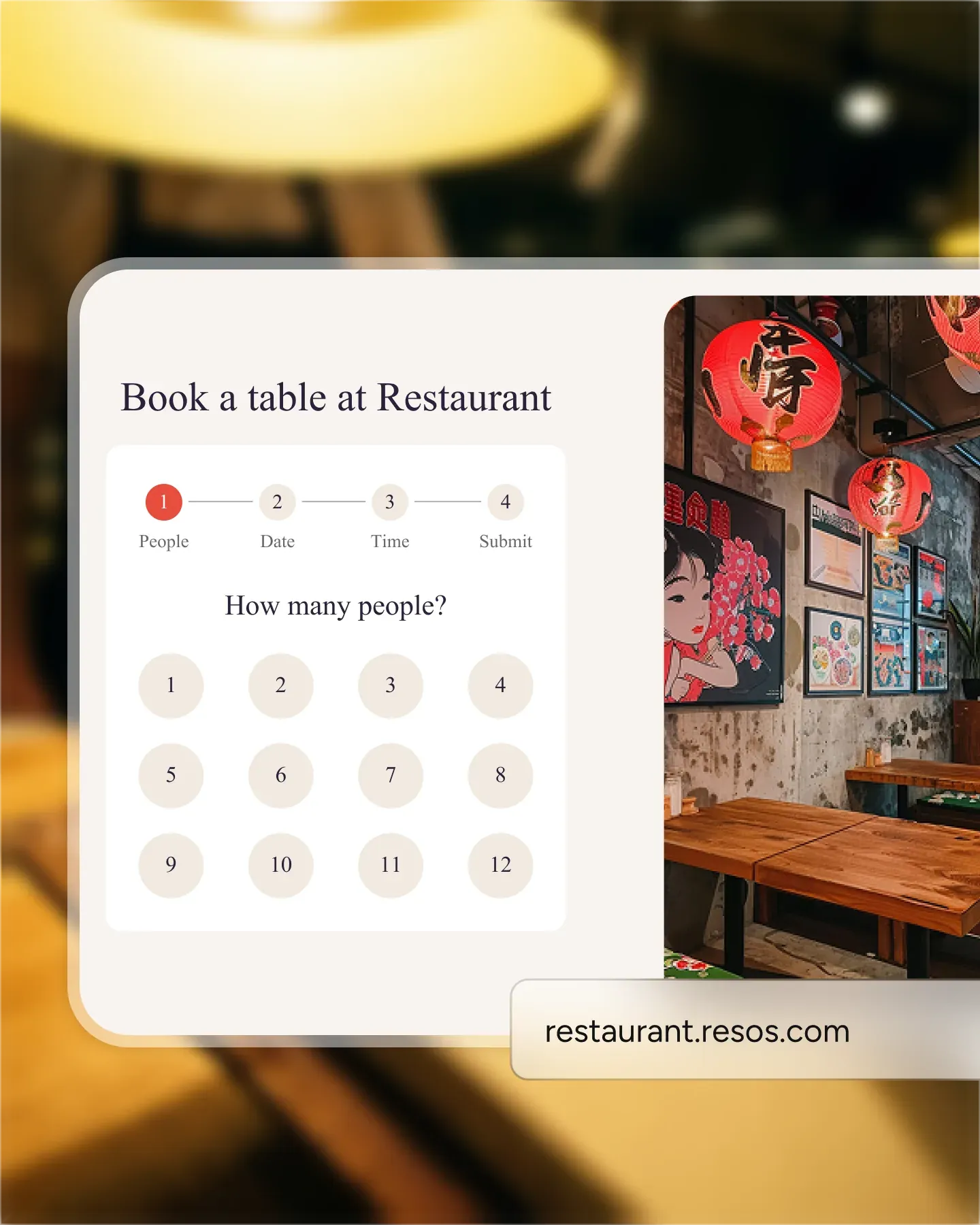
Page views, button clicks, and completed bookings all post back to Facebook with the campaign that sent the visitor. Reports show which creative, which audience, and which placement is producing real reservations instead of just clicks. The ads that work get more budget, the ones that do not get cut.
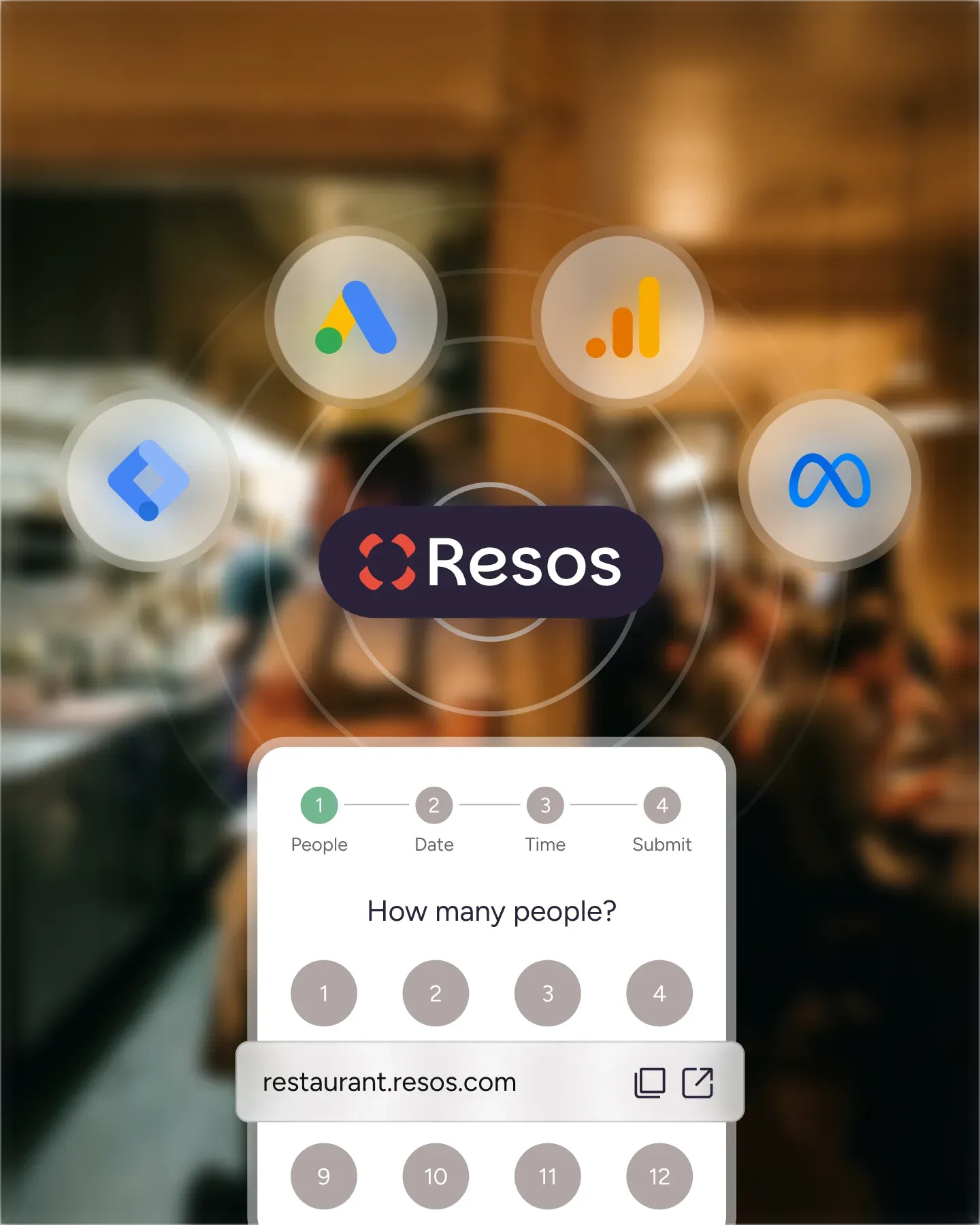
Build custom audiences from people who visited your booking page but did not complete the reservation. Show them a follow-up ad with a brunch special, a weekend menu, or a reminder of the event they were eyeing. The warm visitors who already showed interest are the ones cheapest to convert.
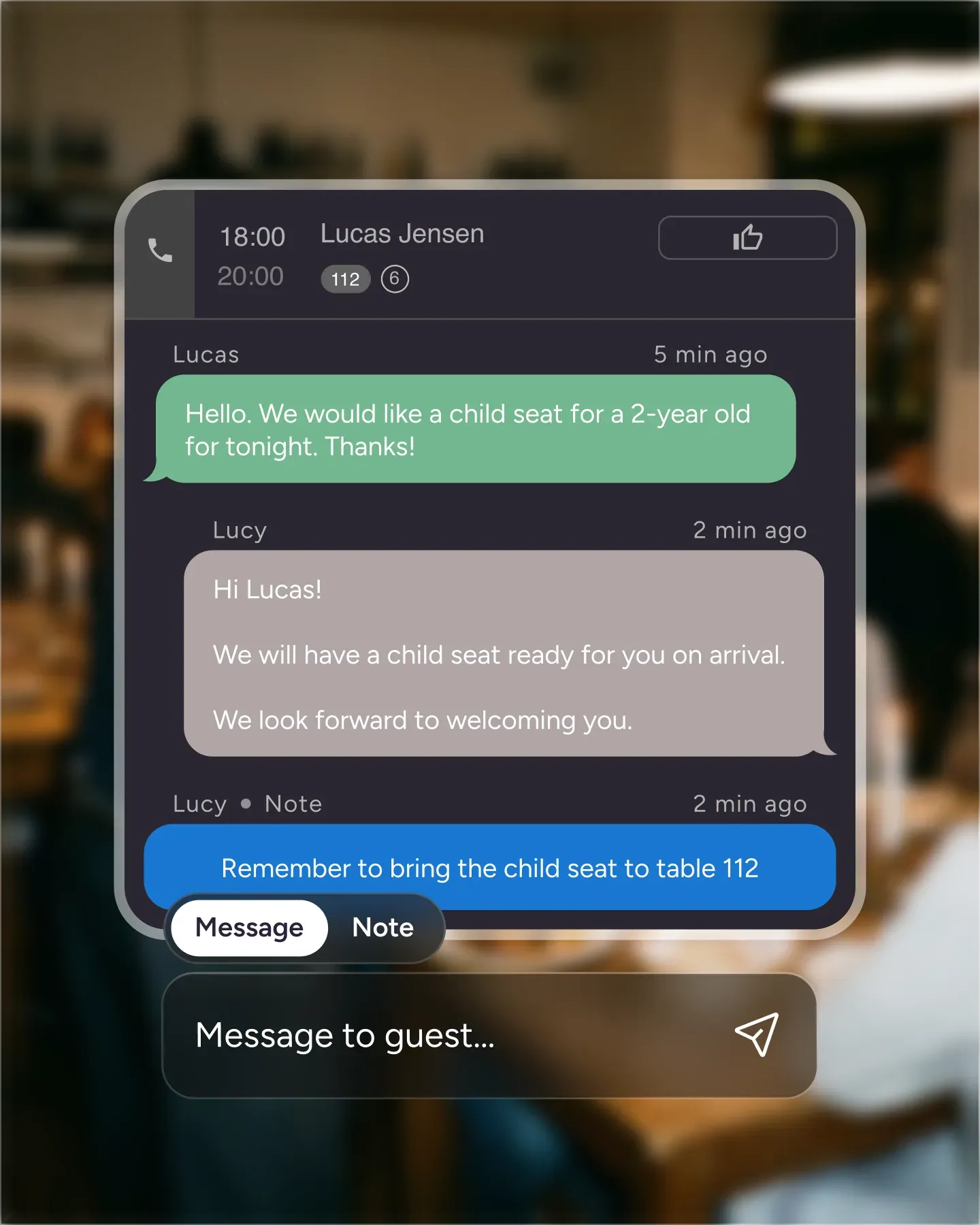
Use your booking page traffic and confirmed reservations as the seed for Facebook lookalike audiences. The platform finds new people who behave like your existing guests, so each new campaign starts with a sharper target list rather than a broad guess at who might be hungry.
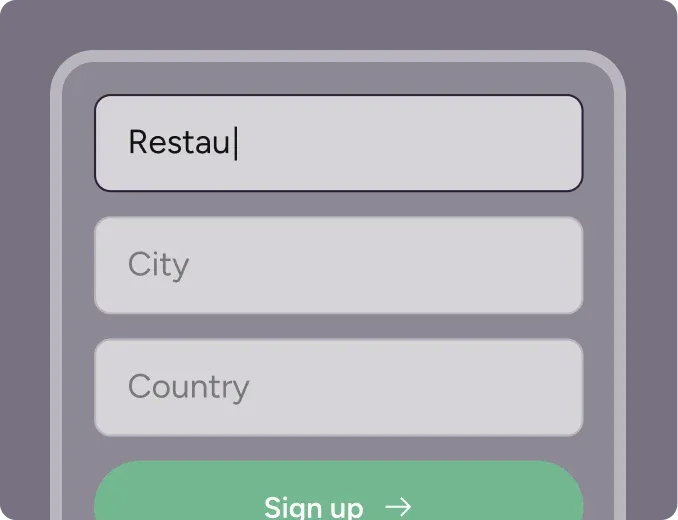
Create your account in seconds. No credit card required.
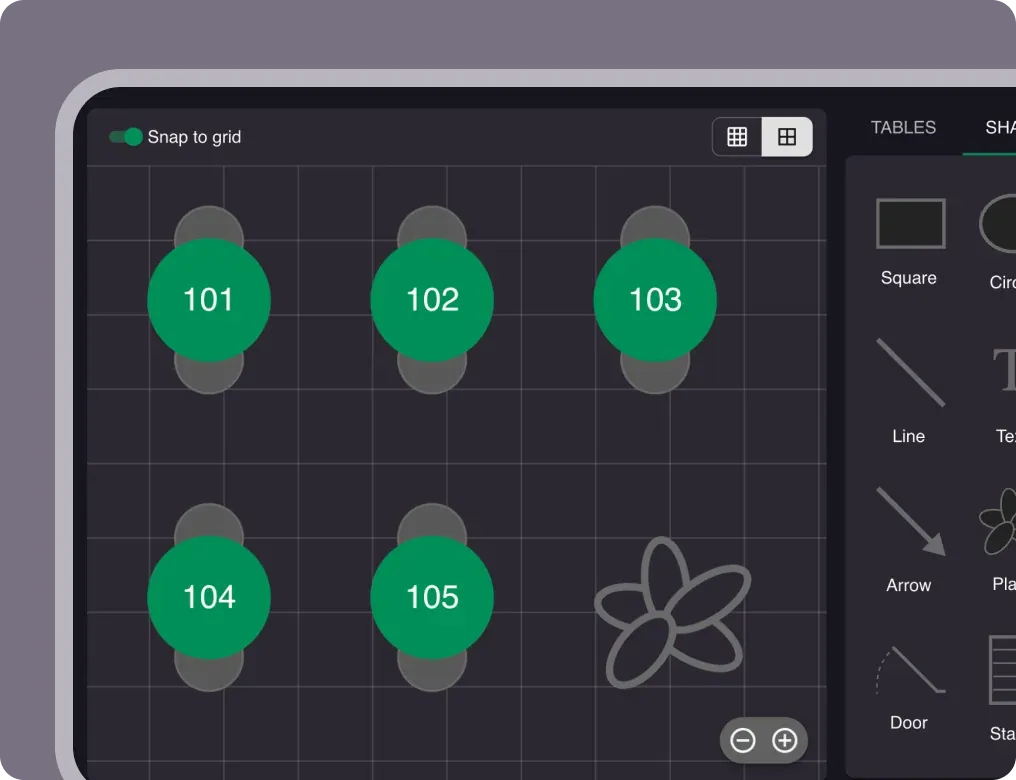
Add your opening hours, areas, and floor plan using our easy drag-and-drop editor.
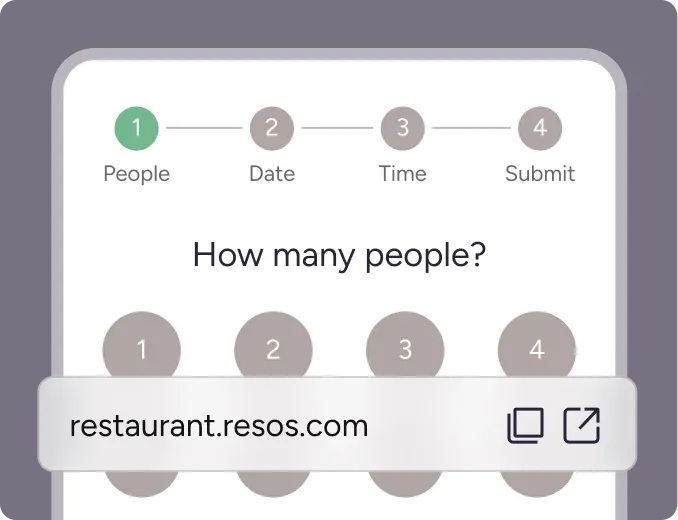
Add your booking link to your website and social media. No coding required.
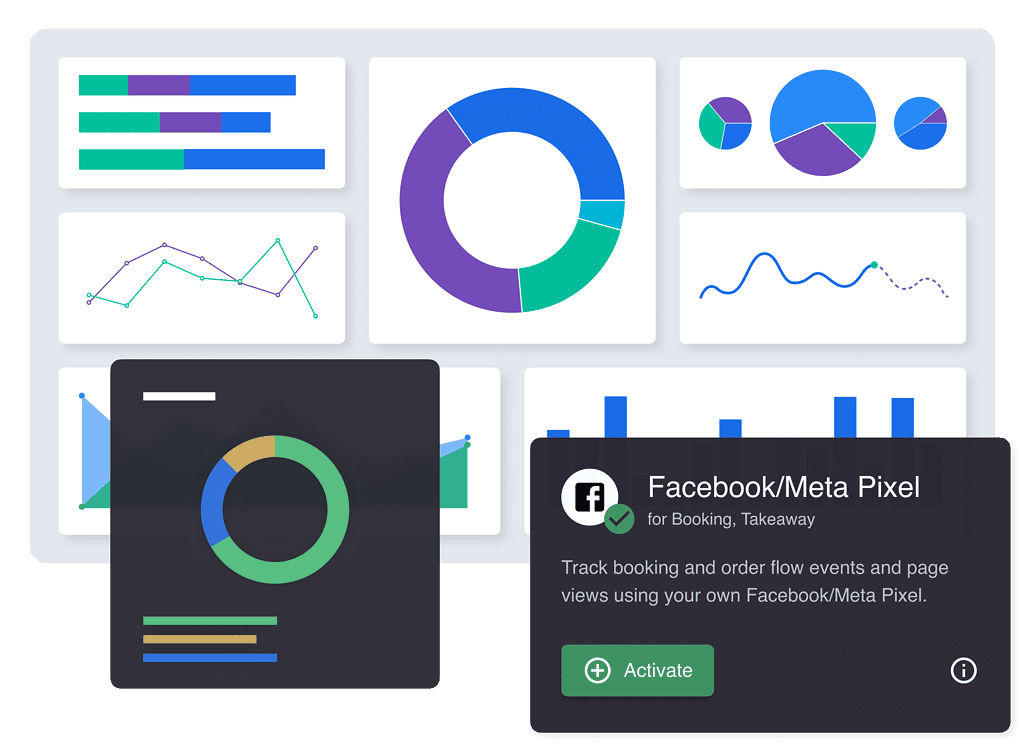
Facebook Pixel is a tracking tool that collects data on booking-page visitor behavior so you can target ads at people likely to book and measure which campaigns actually produced reservations.
Understanding how guests move through your booking flow is key to making your ad spend work harder. Resos integrates with Facebook Pixel so you can track user interactions on the Resos booking page and measure the actions people take after they arrive from one of your ads.
Set up Facebook Pixel: Create a Facebook Pixel through your Facebook Business Manager account. If you don’t already have a Pixel, Facebook provides straightforward instructions to get you started.
Integrate with Resos: Copy your Pixel ID from Facebook and paste it into the designated field in your Resos dashboard under the ‘Integrations’ section.
Start tracking: With the integration complete, Resos will automatically start sending page view events to Facebook Pixel. You can customize your Pixel to track specific actions on your booking page, such as Book now button clicks.
It may sound complicated, but it is easy to install. Follow our simple guide to adding Facebook Pixel on Resos. If you have not registered your restaurant on Resos, you can register here or contact us at hi@resos.com.
 For Restaurants
  For Cafés
  For Bars
  For Pubs
 Since we started using Resos, we have found the flexibility of the product and customer support incredible. It's very user friendly and easy to manage in-house which is a huge plus!
We have been using Resos as the booking platform for our cheese & wine bar in Helsinki, Finland, for over six months, and we are really impressed by it!

Once set up properly, Resos will run the whole booking seamlessly. Been trying many softwares and none has reached the level of customization and speed as Resos. And great support too!

The floor view is working very nicely, you can see everything at the same time. Also, it was a very huge upgrade for us, that the guests can easily cancel their booking – it saved us from a lot of no-shows.

Easy integration into our website and Google page.

Resos makes reservations so much easier. It's straightforward, flexible, and perfect for small businesses like ours. We're so happy with it!

What sets Resos.com apart is not just its ease of use, but also the proactive approach of the Resos team. They continuously work hard to introduce new features and add value to their product.

Simplicity when booking for the customer and easily accessible through our website, Facebook and Google.

When we started our search for a booking system, Resos was the obvious choice. Not only is it affordable for us as a small business, but also offers so many features that make our jobs easier.

Being able to make a reservation without too much hassle goes a long way! Resos keeps the process intuitive and simple.

Fast, free and friendly support from real people who take the time to understand your restaurant.


