


What's new: Experiences waitlist & All-Access bundle
A fresh resos.com and presentation video, an Experiences walkthrough plus new waitlist, the All-Access bundle, table assignment control, and yearly-plan pause.
In this article
Plenty to share this round. We gave resos.com a fresh look with a new presentation video, made a walkthrough for Experiences, and shipped four product updates.
Brand new resos.com
We rebuilt resos.com from the ground up and put together a short video to match. Watch the presentation to see what Resos is all about.
Know another restaurant owner still stuck with a clunky booking system? Share Resos with them, tell us who you referred, and you get a month free once they sign up and make their first payment.
Experiences, now with a waitlist
Experiences lets you create and sell events like wine tastings, set menus, and private dinners right inside your booking flow. Here is a quick walkthrough:
New this round: guests can join a waitlist when an Experience is fully booked, so you capture demand on sold-out nights instead of losing it. Turn it on in the experience setup under Advanced. Requires the waitlist add-on.
All-Access bundle
Want every add-on without the per-feature math? The new All-Access bundle is an annual plan that unlocks all paid add-ons for a full year. Switch features on and off whenever you like, with no extra charges along the way. One price, everything included.
Choose how tables are assigned
Now you decide how Resos assigns tables to bookings. Keep the default, where each party lands on the best-fitting table, or switch to priority order, where bookings fill your tables in the order you have set. Find it in Settings > Booking, under table management. Perfect if you like to seat certain areas before others.
Pause your yearly plan
Taking the off-season off? You can now pause a yearly plan, not just monthly. Choose how long you are closed and your renewal date shifts out by the same amount, so none of your prepaid year goes to waste. Hit Pause subscription on your billing page. You can pause once every 12 months, for up to 10 months at a time.
Take more bookings, run smoother service.
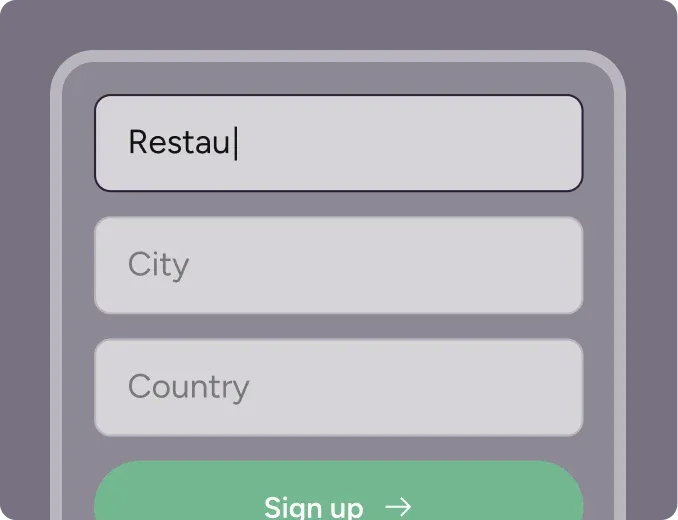
Sign up for free
Create your account in seconds. No credit card required.
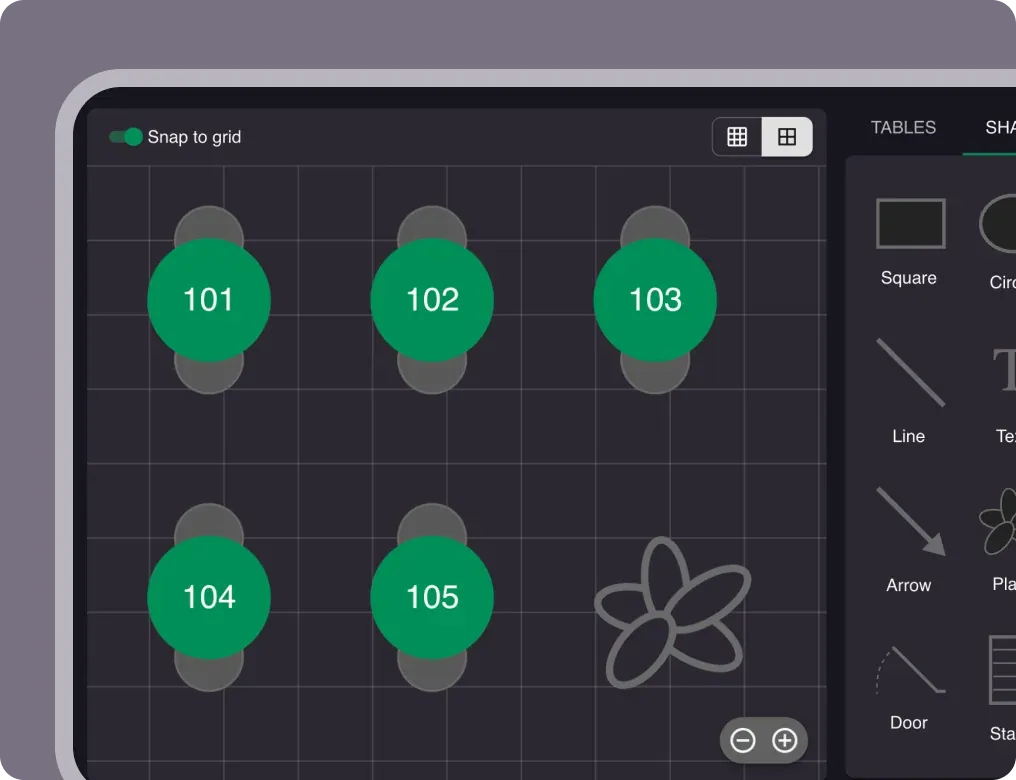
Set up your restaurant
Add your opening hours, areas, and floor plan using our easy drag-and-drop editor.
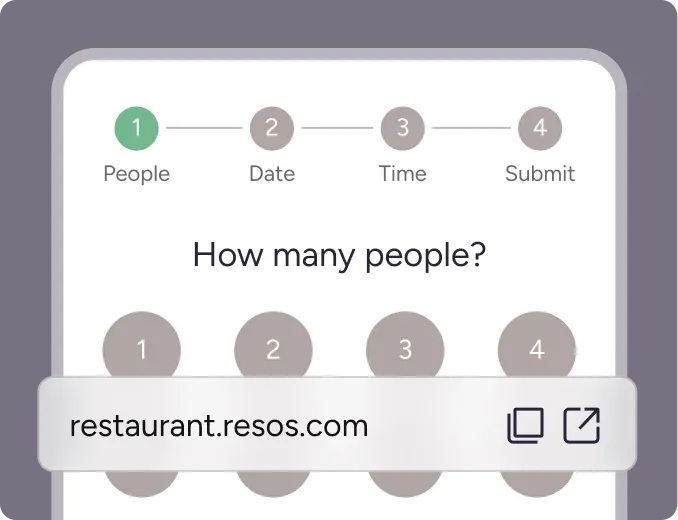
Take your first booking
Add your booking link to your website and social media. No coding required.