


What's new: Reach more diners with Book It Please
Book It Please for UK restaurants, complete guest exports, clearer deposits, and more reliable booking availability.
In this article
This time, we are introducing Book It Please for UK restaurants and sharing practical improvements to exports, deposits and booking availability.
Reach more diners with Book It Please
Put your restaurant in front of people already planning to visit.
Book It Please connects diners with your city’s events, hotels and attractions, helping you attract more customers exactly when they’re deciding where to eat.
Join today and turn visitors into diners.
Book It Please is currently available to restaurants in the United Kingdom. Find it under Settings > Apps > BookItPlease to add your restaurant details, upload photos and choose when you want to be listed.
Export your complete guest list
Customer exports now include all guest records by default. The export limit has increased from 5,000 to 25,000 records, and addresses, email addresses, phone numbers and tags are formatted cleanly in the CSV.
Find it under Settings > Export.
Clearer deposit totals
If you charge a deposit per guest, guests now see both the amount per guest and the full amount for their party before payment. Prices also follow the correct local number format.
More accurate availability
We have improved how Resos handles special opening hours and booking availability. Date-range opening hours now appear correctly, supplementary hours are added to regular hours, and Experience-only dates stay out of the regular booking calendar.
Days without opening hours show as Closed again, and bookings waiting for guest confirmation now count towards your configured booking limits.
Take more bookings, run smoother service.
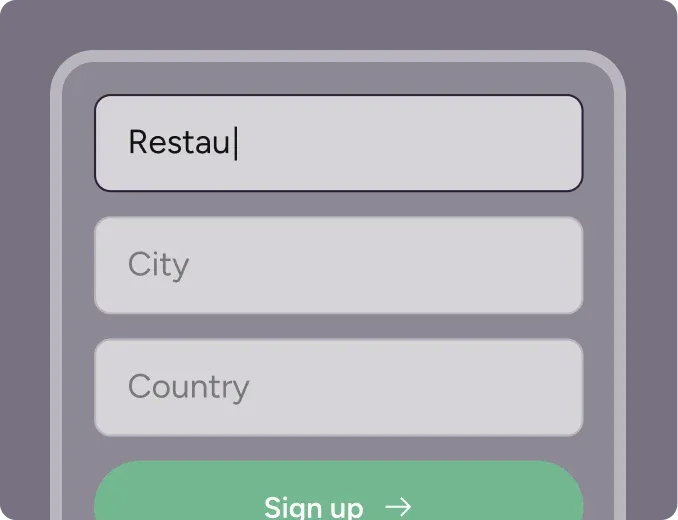
Sign up for free
Create your account in seconds. No credit card required.
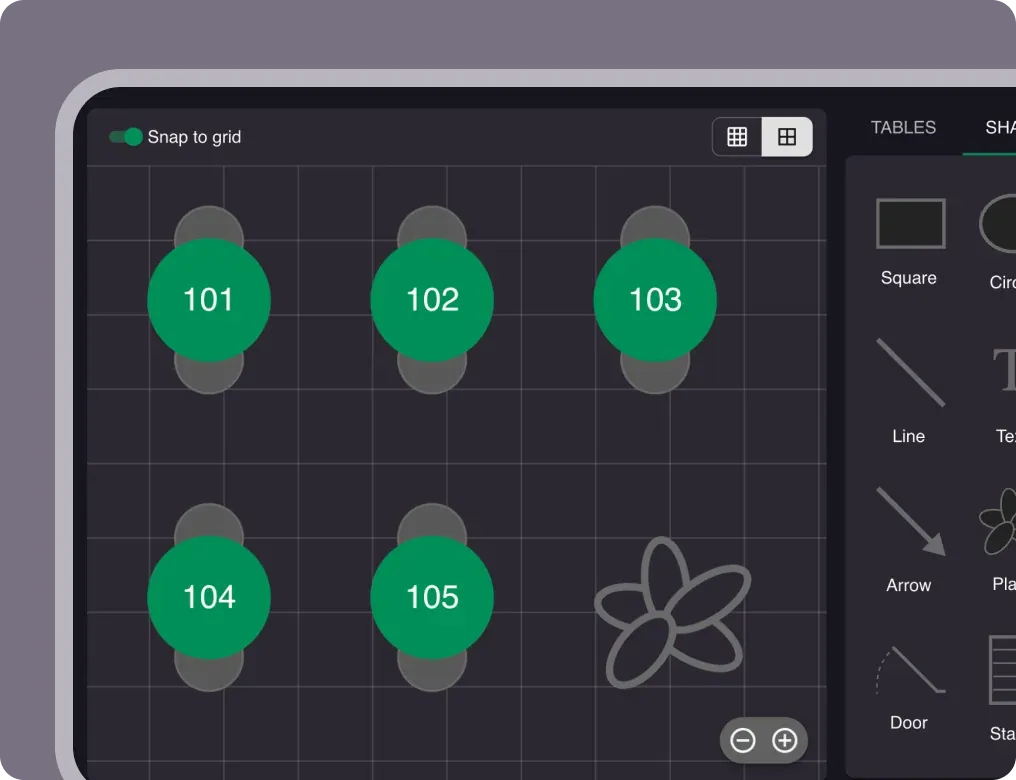
Set up your restaurant
Add your opening hours, areas, and floor plan using our easy drag-and-drop editor.
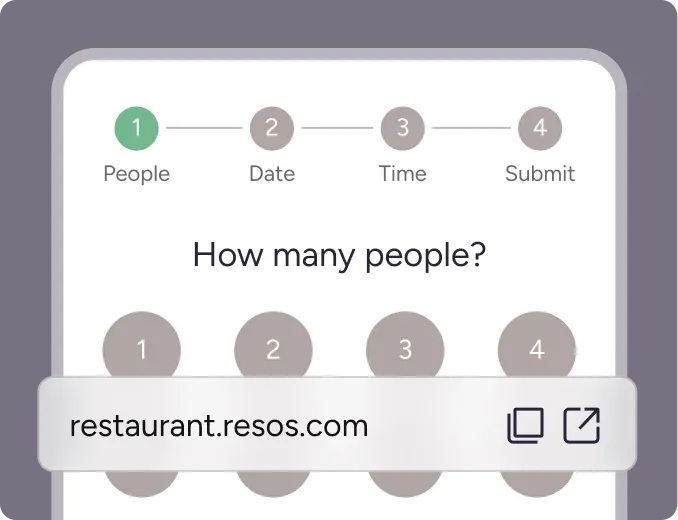
Take your first booking
Add your booking link to your website and social media. No coding required.