


What's new: Guests change their own bookings
Let guests change the date, time and party size of their booking themselves, and keep areas free when you optimize tables.
In this article
Fewer “can we move our table to 8?” calls. Guests can now change their own booking, and table optimization lets you keep an area free.
Guests change their own bookings
A guest who needs to come an hour later, or bring two more friends, no longer has to call you. From the booking page in their confirmation, they tap Change booking and pick a new date, time or party size.
A change follows the same rules as a new booking: your opening hours, minimum notice and party size limits. If you use tables, it only goes through when a table is free at the new time. You and the guest both get a message about the change, and it shows in the booking’s activity.
It is off until you turn it on. Go to Settings & add-ons > Managing bookings and switch on Allow online changes.
Keep areas free when you optimize tables
Optimize now has an Avoid areas filter. Pick the areas you want to keep free, like the terrace on a cold night or the back room for a private party, and Resos only suggests moves into your other areas.
You decide what happens to bookings already in those areas: keep them where they are, or have Resos suggest moving them out. Nothing moves until you hit Apply changes.
Also in this release
- More accurate guest history. Visit counts, latest booking and tags on your guests now stay correct after cancellations, date changes and edits. A guest who has never actually visited shows as new, not as a returning guest.
- Longer conversations on a booking. A booking now holds up to 50 messages between you and the guest, up from 25.
- Next month in the booking calendar. At the end of a month, the calendar now shows the first days of next month and opens on the first month with free times, so guests no longer think you are closed.
- Reserve with Facebook & Instagram follows your durations. These bookings used to come in at 2 hours whatever you had set. Now they follow your own duration rules.
- Texts reach guests in Spain, Finland and Ireland. Local networks refused texts sent under a restaurant name, so these now go out from a phone number instead.
- No double bookings from the booking status page. The button to book a table is hidden there while the guest already has a booking.
- Required fields stay required. Guests can no longer skip a required custom field on your booking page.
Take more bookings, run smoother service.
Sign up for free
Create your account in seconds. No credit card required.
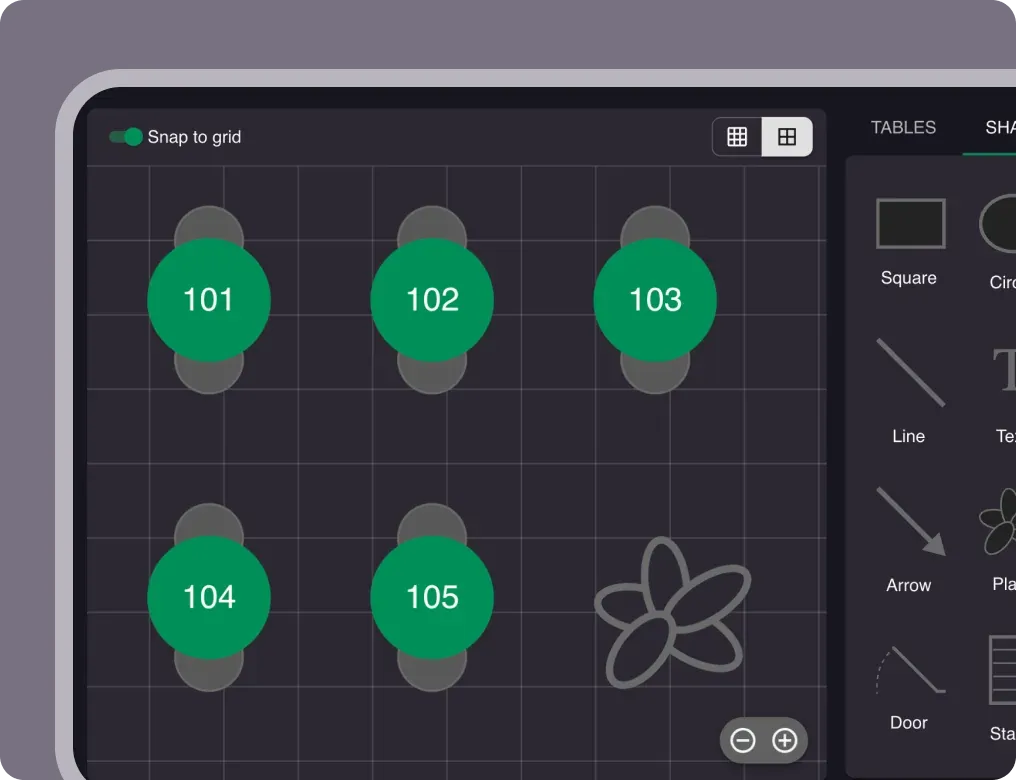
Set up your restaurant
Add your opening hours, areas, and floor plan using our easy drag-and-drop editor.
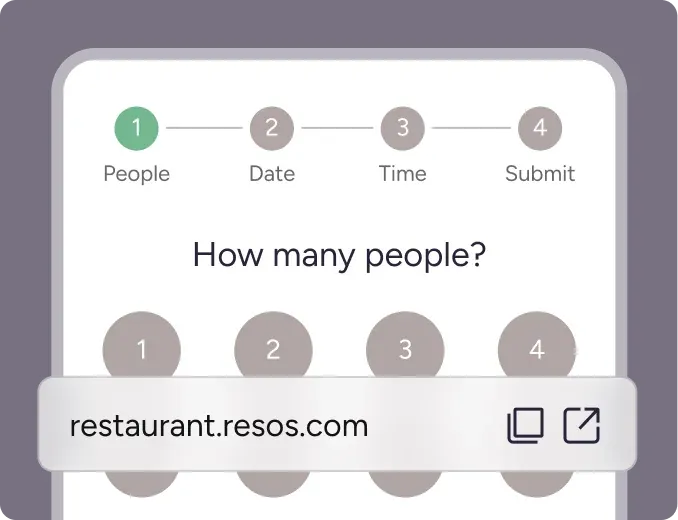
Take your first booking
Add your booking link to your website and social media. No coding required.