


What's new: Close tables & Custom booking texts
Block tables for specific time periods, customize text on your booking page, and a fresh round of floor plan polish.
In this article
A focused round of updates this month – with two changes that we think will save you time every shift, plus a long-requested polish pass on the floor plan.
Close tables for specific times
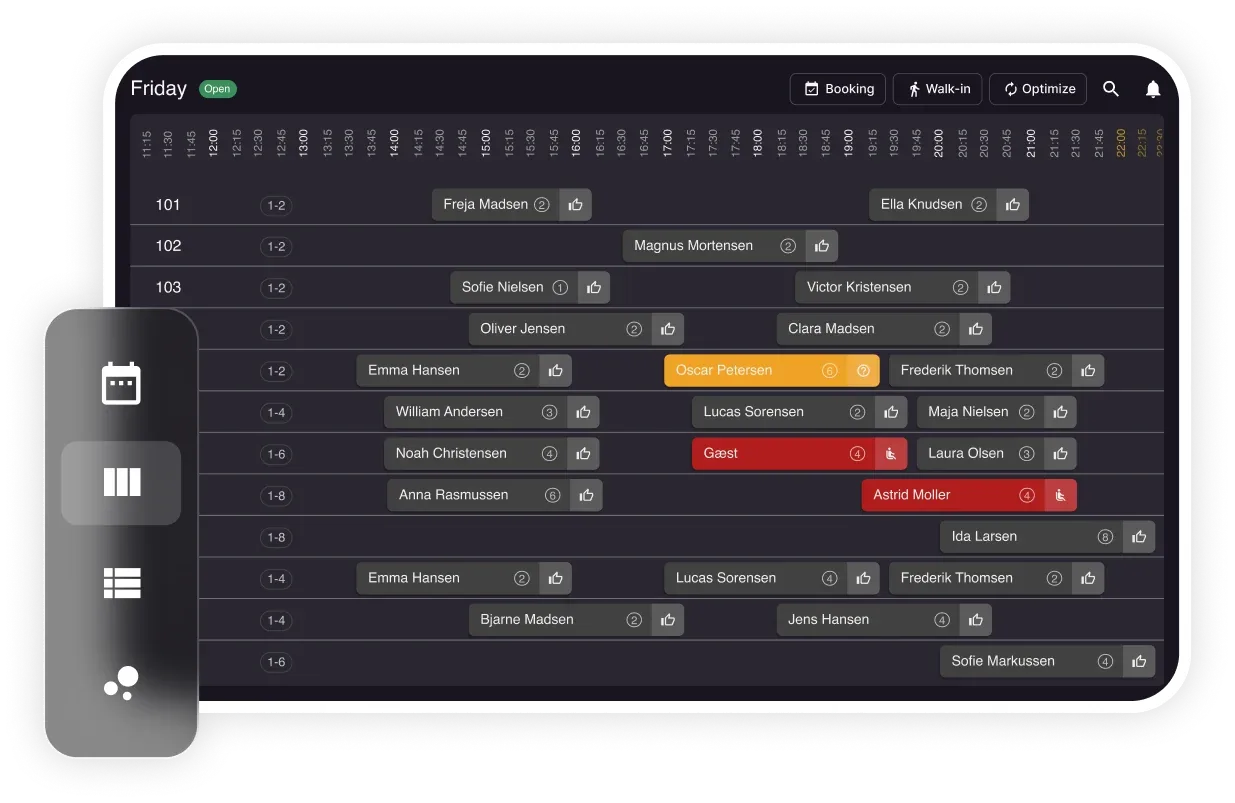
Need to block a table for a couple of hours? You can now close any table for a specific time period – no fake booking needed. Just hit Close Table from the status menu (or Shift+Click on the schedule), set the time, and done. Closed tables won’t count towards your booking limits.
Custom texts on your booking page
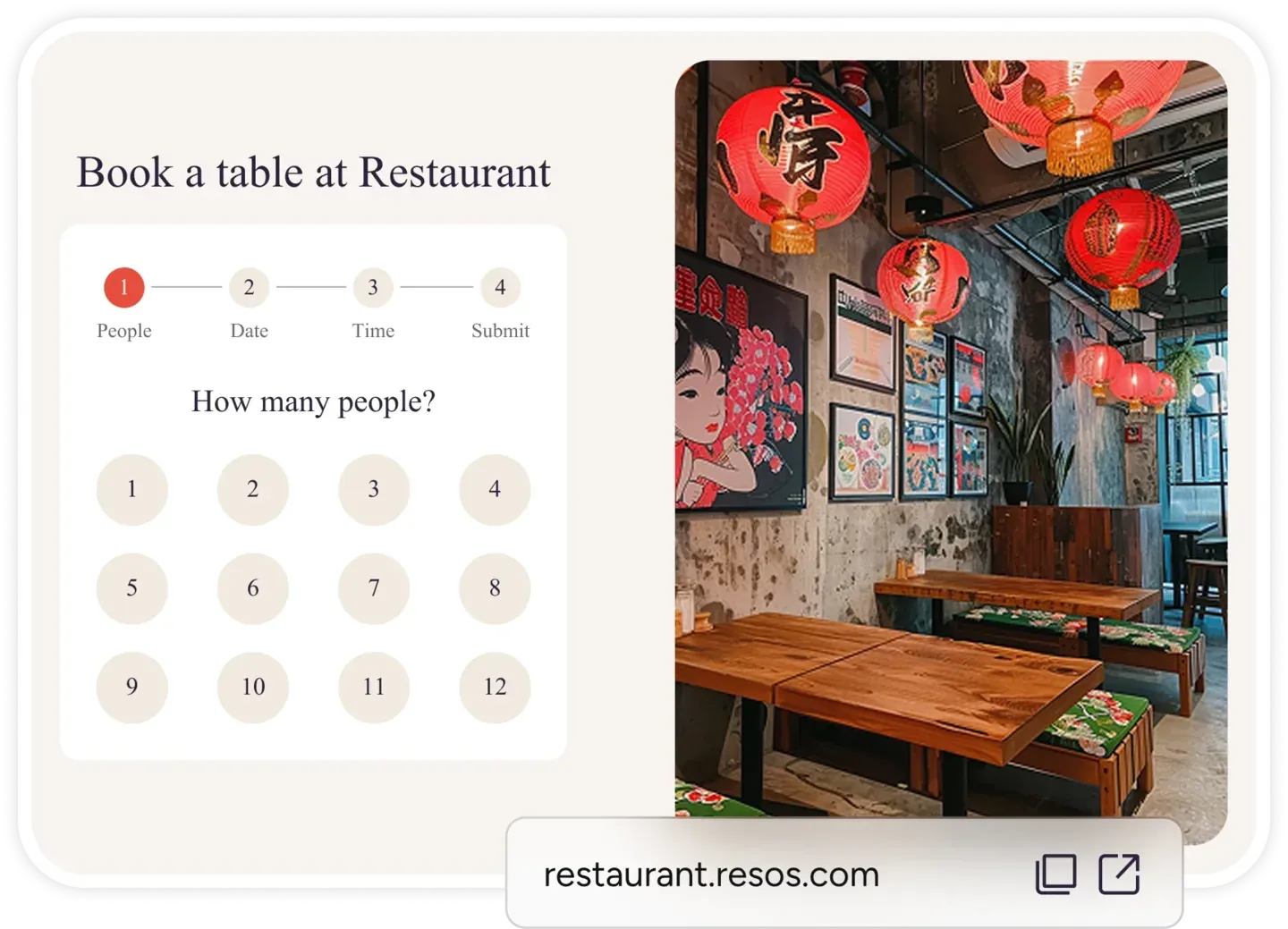
If you have the design add-on, you can now customize most of the text on your booking page – headlines, buttons, payment messages. Preview your changes before publishing, and everything falls back to the default translations if you leave a field blank.
Floor plan improvements
The floor plan viewer and editor both got a fresh round of polish. The timeline now starts at your first booking (not 19:00), shows dots for each reservation, and the live view toggle only appears when you’re looking at today. The editor got a new toolbar layout and context menu for easier editing on both desktop and mobile.
Last bookable time made clearer
We’ve updated the opening hours view to make the last bookable time easier to understand.
See it in action
Watch a quick walkthrough of the new close-tables flow and custom booking texts:
Take more bookings, run smoother service.

Sign up for free
Create your account in seconds. No credit card required.

Set up your restaurant
Add your opening hours, areas, and floor plan using our easy drag-and-drop editor.

Take your first booking
Add your booking link to your website and social media. No coding required.