


What's new
Set up your preferred payment methods
Apple Pay, Google Pay, and local providers like MobilePay can now be enabled per venue, not just globally.
In this article
If you’ve ever wanted to offer Apple Pay at one venue and not another, you can now configure payment methods per venue rather than across your whole account. Local providers like MobilePay (DK), Vipps (NO), and Swish (SE) are included.
What you can configure
- Card networks (Visa, Mastercard, Amex)
- Wallets (Apple Pay, Google Pay)
- Local providers per region
- A default fallback if a method is unavailable
The booking page reads from the venue’s configuration automatically and falls back to your global default for any unset value.
How to get started
Take more bookings, run smoother service.
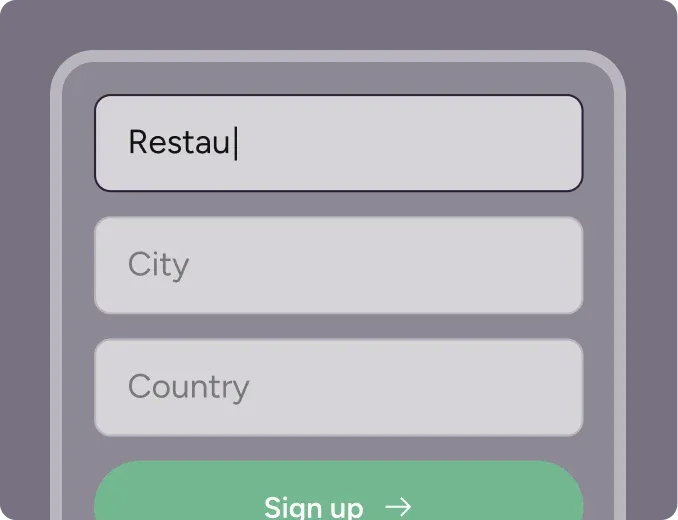
Step 1
Sign up for free
Create your account in seconds. No credit card required.
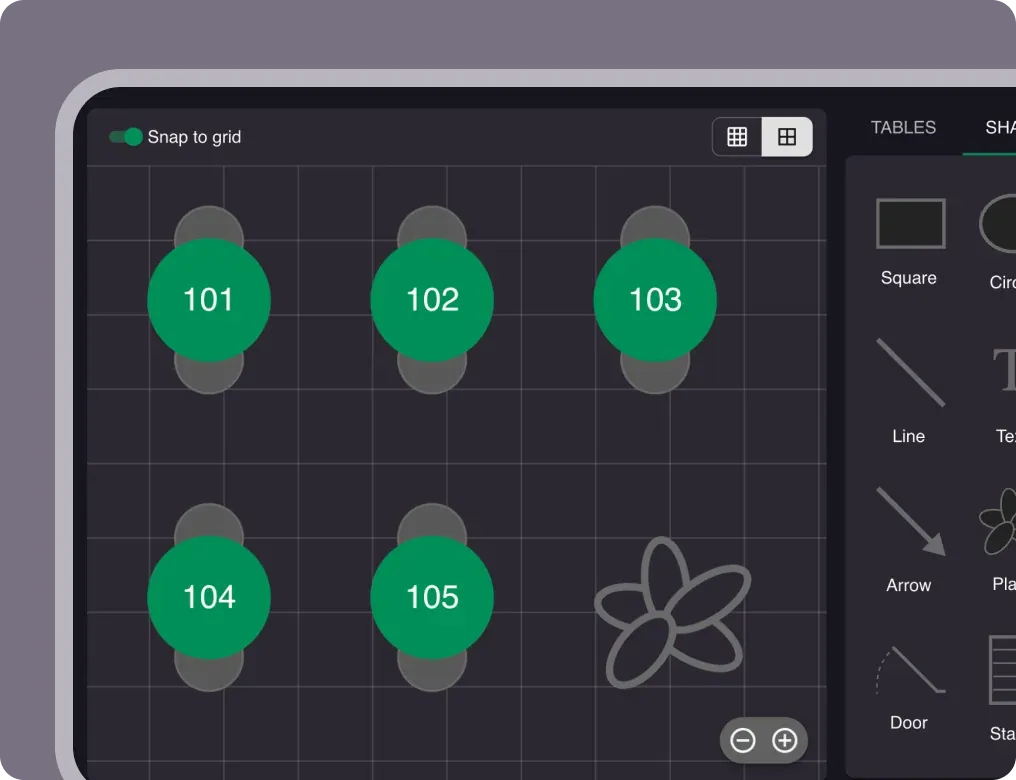
Step 2
Set up your restaurant
Add your opening hours, areas, and floor plan using our easy drag-and-drop editor.
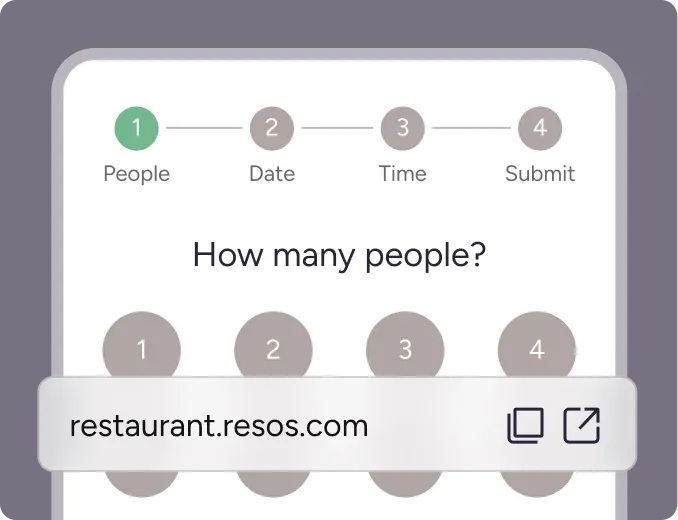
Step 3
Take your first booking
Add your booking link to your website and social media. No coding required.