


What's new
Find all features in Settings
All features now live under Settings. The separate Apps section is gone, so activating and adjusting features is in one consistent place.
You can now access, activate, or disable all your features in the Settings section. We’ve removed the Apps section to simplify navigation and avoid confusion.
For example, to set your booking limits, select Settings from the menu, then go to the Booking section where you can adjust the limits.
How to get started
Take more bookings, run smoother service.
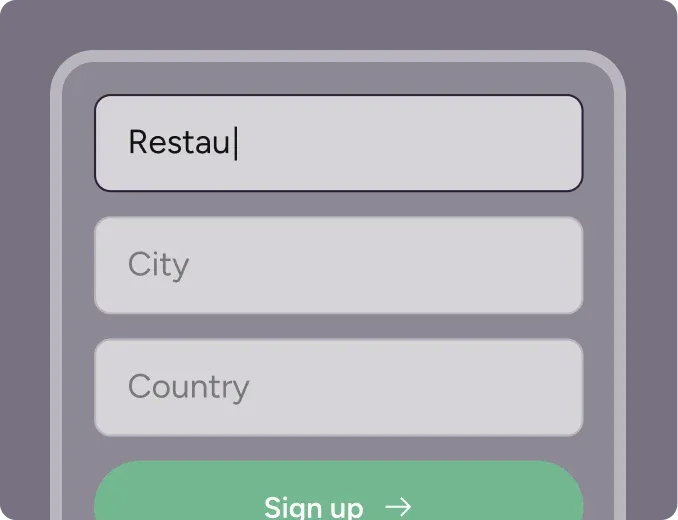
Step 1
Sign up for free
Create your account in seconds. No credit card required.
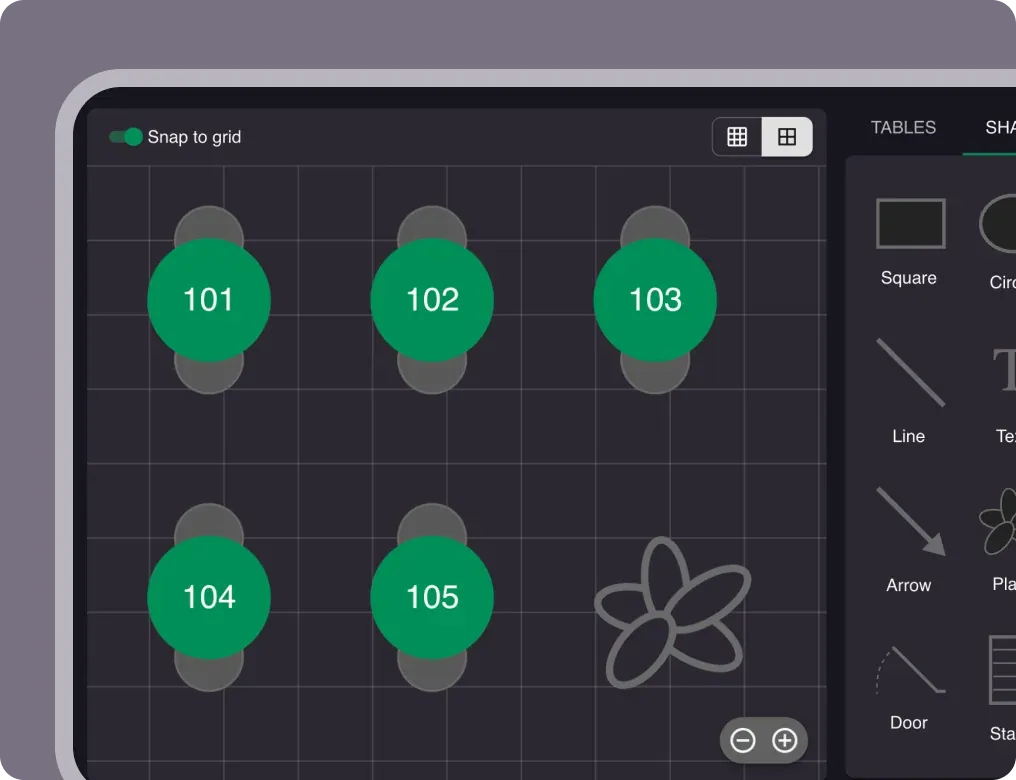
Step 2
Set up your restaurant
Add your opening hours, areas, and floor plan using our easy drag-and-drop editor.
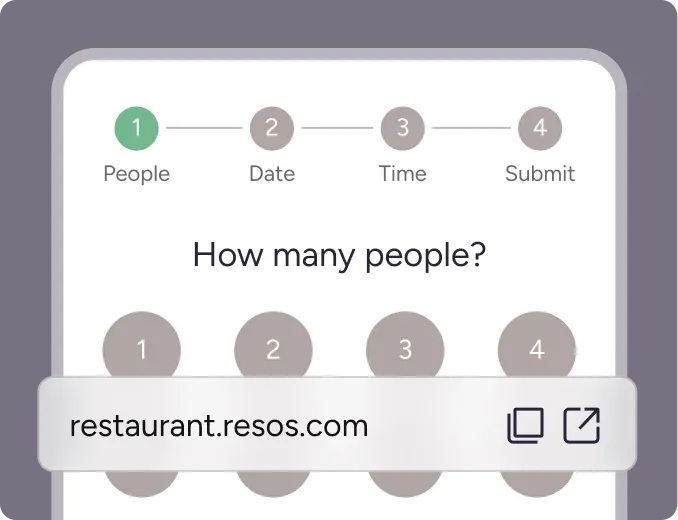
Step 3
Take your first booking
Add your booking link to your website and social media. No coding required.